Recommended AI Tools
5We've analyzed the market. These tools offer specific features for create explainer videos.
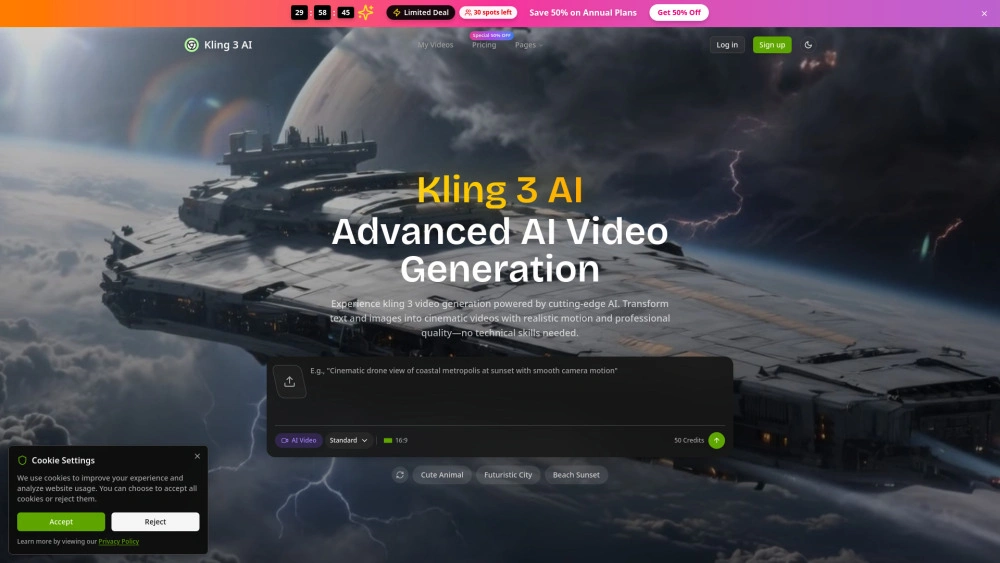
Kling 3 AI
Fast, cinematic video from text—AI-powered generator for marketers and creators.
- Ultra-High Definition Output: 4K cinematic video quality
- Advanced Motion Control: precise, physics-accurate movement
- Intuitive Text-to-Video Generation: convert prompts into scenes quickly
AI Analysis
Why use this AI Kling 3 AI for Create Explainer Videos?
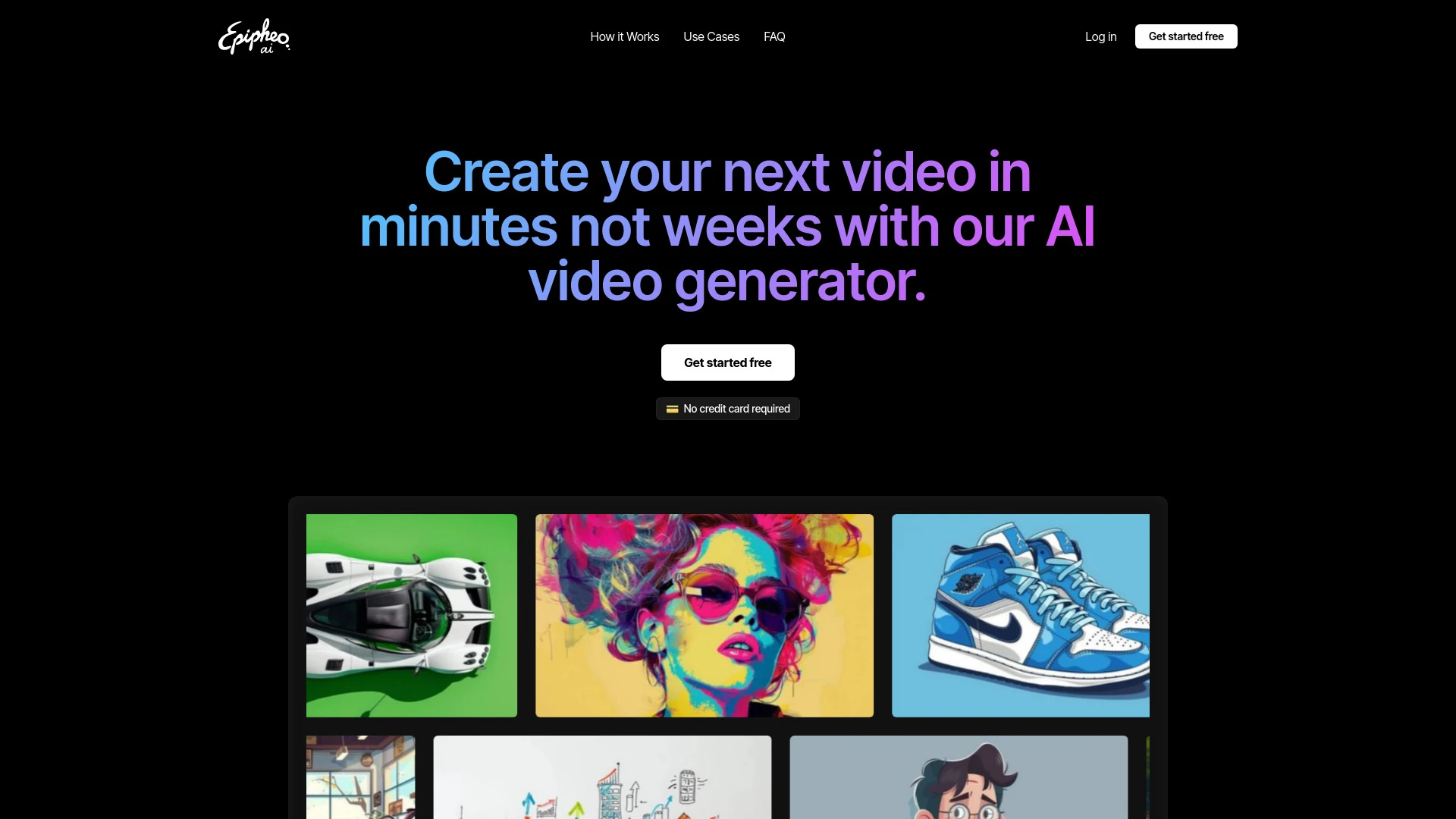
Epipheo AI
Epipheo AI is an advanced tool designed for generating engaging explainer videos effortlessly using AI technologies.
- AI-generated dynamic visuals
- Professional voiceovers
- Customization options
AI Analysis
Why use this AI Epipheo AI for Create Explainer Videos?
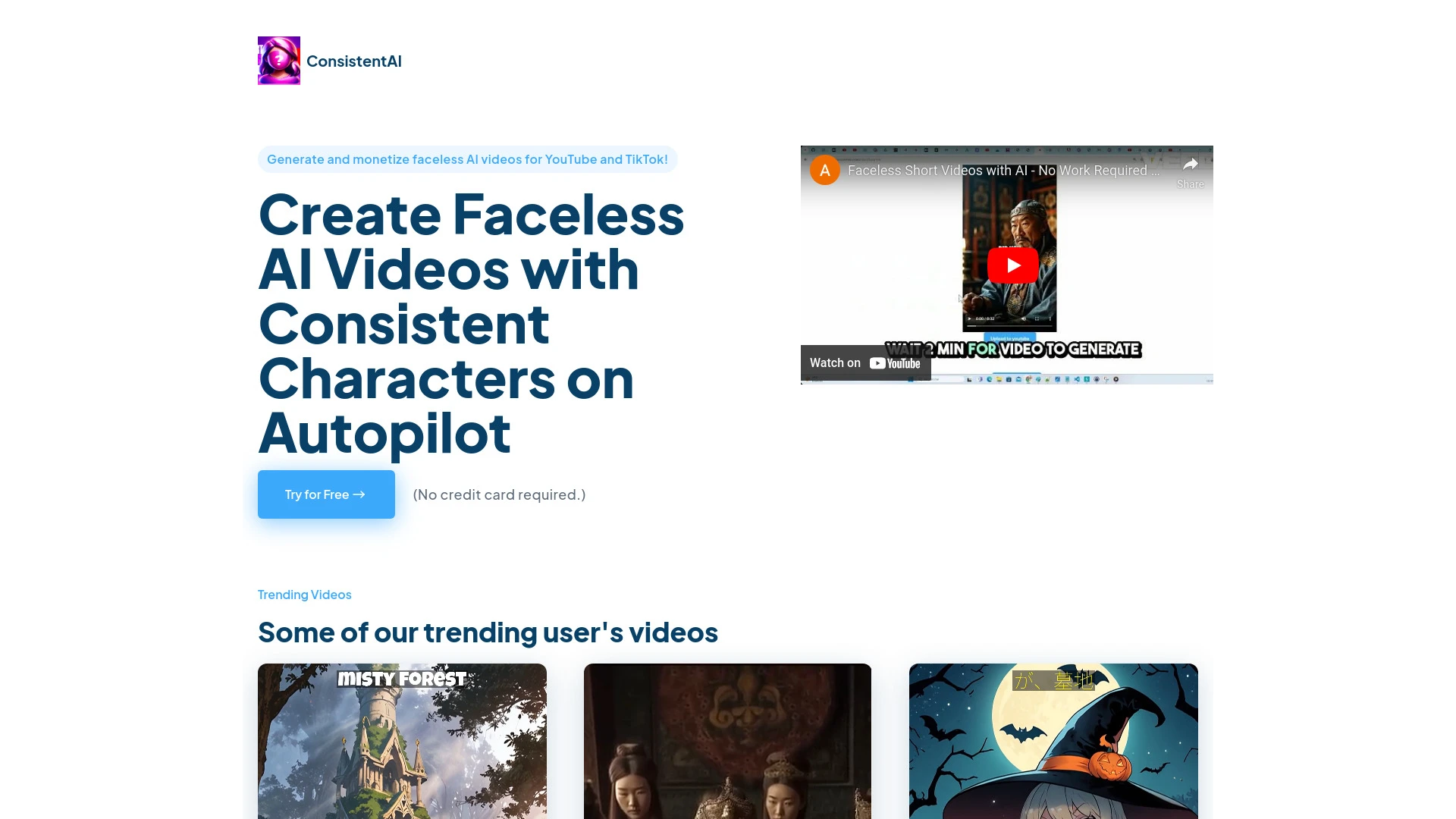
AI Video Generator Hub is a platform for creating tailored AI videos for YouTube Shorts, allowing users to personalize characters, motions, and voiceo...
- AI-powered storytelling
- personalized character and motion selection
- customizable voiceover options
AI Analysis
Why use this AI AI Video Generator Hub for Create Explainer Videos?
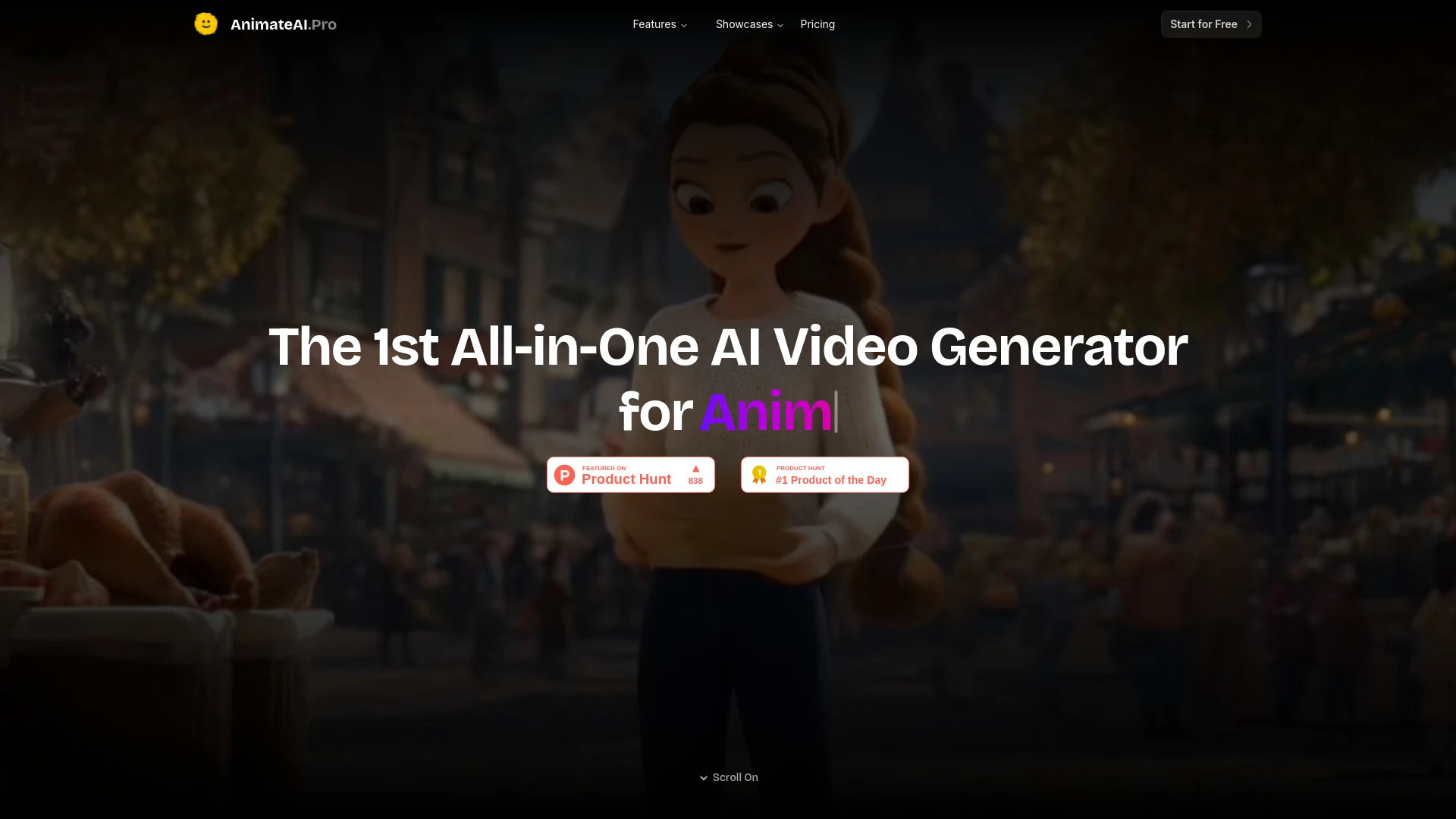
AnimateAI
AnimateAI is an innovative AI video generator that creates animated videos for diverse applications like storytelling and trailers.
- All-in-one AI video generator for animation
- Automatic publishing to major platforms
- Integrated script writing and voiceover
AI Analysis
Why use this AI AnimateAI for Create Explainer Videos?
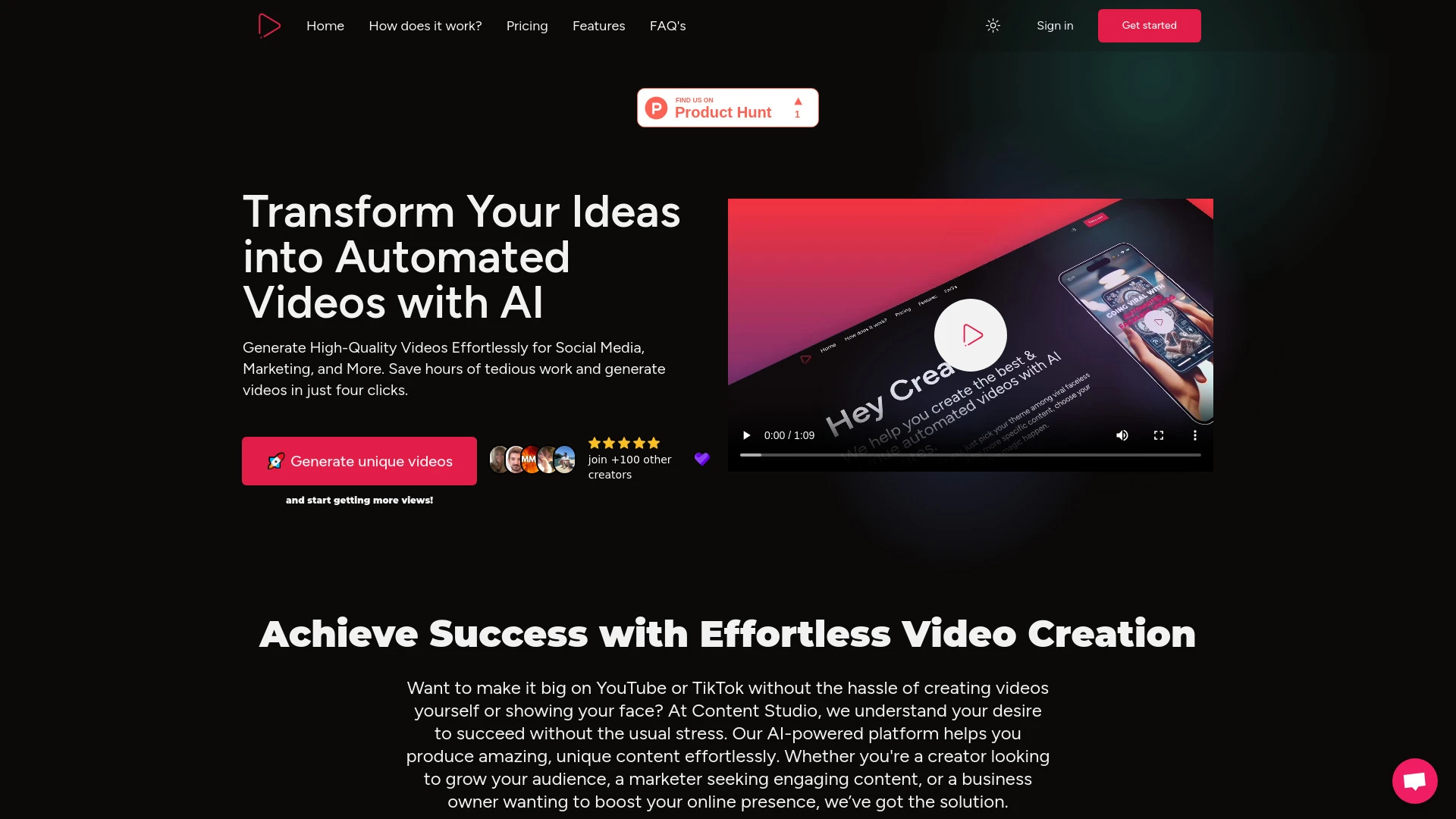
Content Studio AI streamlines video creation with personalized scripts and social media integration.
- Automated video creation
- Script customization
- Social media integration
AI Analysis
Why use this AI Content Studio AI for Create Explainer Videos?
Practical Workflows
Don't just buy tools—build a system. Here are 3 proven ways to integrate AI into your create explainer videos process.
Workflow 1: First successful Create Explainer Videos task for complete beginners
- Define a simple 60–90 second explainer topic and outline 3 core messages.
- Use an AI storyboard tool to generate a scene-by-scene visual plan and auto-suggested voiceover scripts.
- Import assets, apply a template, and render a sample video with AI-assisted timing and captions.
- Review, iterate on one pass, and publish a finished explainer within a few hours.
Workflow 2: Regular user to optimize daily Create Explainer Videos work
- Create a reusable project template for your explainer series including branding, fonts, and voice style.
- Set up AI-generated scripts and visuals with batch processing for 5–10 videos per week.
- Automate revision rules (tone, length, CTA) and run quick quality checks with AI feedback.
- Schedule auto-export, captioning, and distribution to your platforms.
Workflow 3: Power user aiming for full Create Explainer Videos automation
- Define a data-driven brief library (topics, audiences, KPIs) for automated content generation.
- Leverage AI for script, storyboard, animation, VO, and music in a single pipeline with version control.
- Implement end-to-end QA: lip-sync, visual consistency, accessibility checks, and brand compliance.
- Trigger continuous deployment: publish new explainers weekly with performance analytics dashboards.
Effective Prompts for Create Explainer Videos
Copy and customize these proven prompts to get better results from your AI tools.
Beginner
Create a 60-second explainer video script about our onboarding process for new customers. Include a clear problem, our solution, three key benefits, and a strong call to action. Provide a voiceover-ready script with simple language and on-brand tone.Advanced
Act as a video producer. Role: AI video assistant. Context: Build a 90-second animated explainer for a SaaS feature launch. Constraints: maintain brand guidelines, use a friendly but authoritative voice, add 2 visual metaphors, include captions, deliver in 1080p, and output storyboard with scene-by-scene cues.Analysis
Evaluate three explainer video drafts for clarity, pacing, and engagement. Compare scripts, visuals, and VO alignment. Recommend one revision plan with exact changes to scenes, timing, and CTA optimization.
What is Create Explainer Videos AI
Create Explainer Videos AI defines tools and platforms that automate the production of short, engaging explainers. These systems typically assist with script generation, storyboard creation, animated visuals, AI voiceovers, and automated editing, making it easier for teams to communicate complex ideas clearly and quickly. This approach is ideal for marketing teams, product education, and onboarding programs seeking scalable video output.
Benefits of Using AI for Create Explainer Videos
- Faster production cycles and shorter time-to-publish for explainer videos.
- Consistent brand voice, style, and pacing across multiple videos.
- Cost savings from reducing manual animation and editing hours.
- Scalable creation to support campaigns, onboarding, and training.
- Accessibility improvements through auto-captioning and localization options.
How to Choose the Best AI Tools for Create Explainer Videos
- Evaluate scripting, storyboarding, and animation capabilities in one platform versus integrations.
- Check output quality for lip-sync, motion, and scene transitions relevant to explainers.
- Assess collaboration features, revisions, and workflow automation.
- Review pricing, usage limits, and support for 2026 with frequent updates.
- Test with a trial or starter plan focusing on your most common explainer formats.
Best Practices for Implementing Create Explainer Videos AI
- Define a clear brief for each explainer: audience, problem, solution, CTA.
- Use AI for initial drafts, then human edit for storytelling nuance and brand tone.
- Maintain accessibility with captions, transcripts, and high-contrast visuals.
- Set up templates for consistency and faster production across series.
- Regularly review analytics to optimize length, messaging, and engagement.
AI for Create Explainer Videos: Key Statistics
AI-enabled explainer video production time reduced by 48% on average in 2025–2026 trials.
78% of marketing teams using Create Explainer Videos AI reported faster onboarding content delivery.
97% of teams saw improved consistency in brand voice across explainer videos.
Average cost per explainer video decreased by 33% after adopting AI-assisted workflows.
80% of creators leverage AI for scriptwriting, 72% for storyboard generation, 65% for auto-voiceover.
By 2026, 62% of explainer video projects are initiated and edited through AI-driven pipelines.
Frequently Asked Questions
Get answers to the most common questions about using AI tools for create explainer videos .
Create Explainer Videos AI refers to software and tools that use artificial intelligence to script, storyboard, animate, voiceover, and render short explainer videos. It enables teams to produce clear, concise explainers for marketing, onboarding, or training with reduced manual effort.
Start by defining your goal and audience, select an AI tool that offers scripting, storyboarding, and animation features, input your key messages, and iteratively refine the visuals and VO until the explainer conveys your idea clearly.
AI tools excel at speed, consistency, and scalability, while human editors provide nuanced storytelling and brand personality. A hybrid approach—AI for drafts and human refinement for final polish—often yields the best results for explainers.
Common issues include misaligned messaging, awkward pacing, or poor audio. Revisit the brief, adjust the script and visuals for clarity, improve VO sync, and run accessibility checks. Ensure assets meet brand guidelines and test across devices.
Related AI Tool Categories
Explore other AI tool categories similar to Create Explainer Videos that might interest you.
AI Video Generator
AI Video Generators utilize algorithms to create videos from text, images, or audio, enhancing content creation. Applica...
AI Personalized Video Generator
The AI Personalized Video Generator leverages AI algorithms to create tailored video content for users, analyzing prefer...
AI User-Generated Content Video Generator
The AI User-Generated Content Video Generator leverages artificial intelligence to automate video creation from user inp...
AI Music Video Generator
AI Music Video Generators leverage machine learning to create visuals that sync with music, enhancing creativity and acc...
Text to Video
'Text to Video' in AI transforms written content into dynamic visual narratives. By utilizing natural language processin...
AI Short Clips Generator
The AI Short Clips Generator leverages machine learning to automatically create concise video segments from longer conte...