Recommended AI Tools
6We've analyzed the market. These tools offer specific features for design accessibility audits.
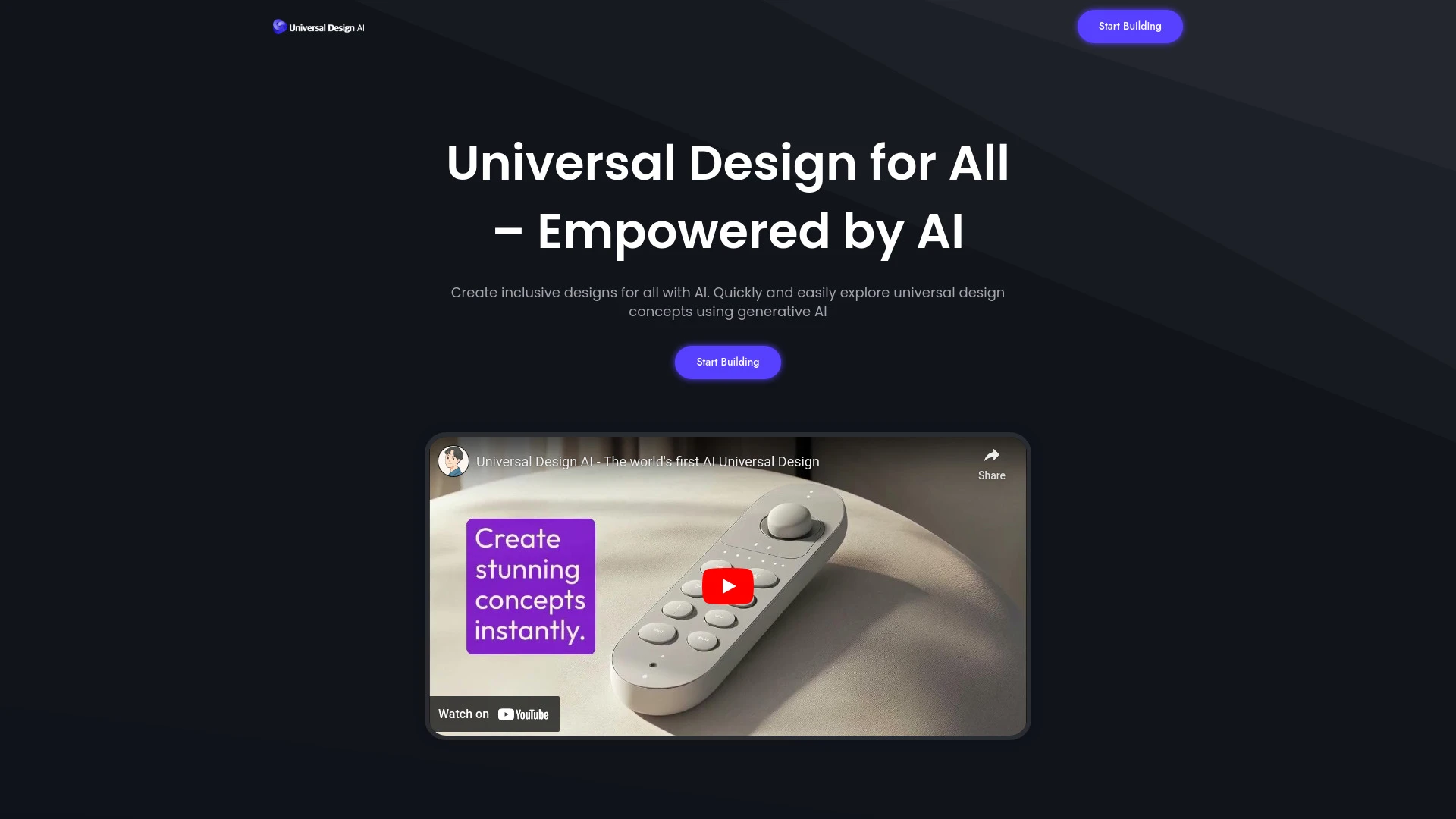
Universal Design AI enables the quick creation of inclusive and accessible design solutions for various products using AI technology.
- AI-generated designs from text prompts
- Support for 12 diverse product categories
- User-friendly tools suitable for both designers and non-designers
AI Analysis
Why use this AI Universal Design AI for Design Accessibility Audits?
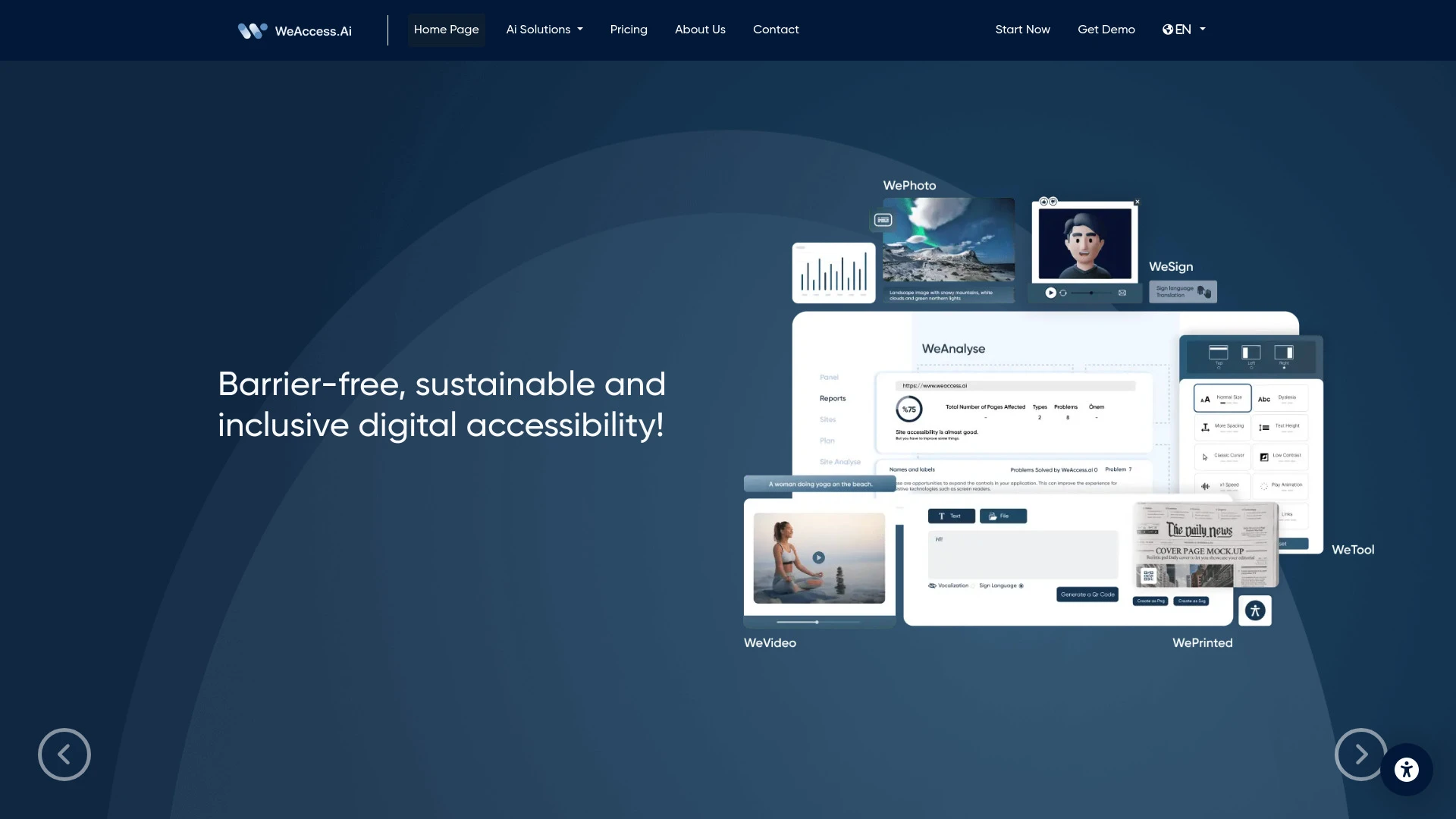
WeAccess.ai
WeAccess.ai offers AI-supported digital accessibility solutions ensuring websites are compliant with WCAG standards, enabling access for users with va...
- WCAG compliance
- Artificial intelligence support
- Accessibility tools for various disability groups
AI Analysis
Why use this AI WeAccess.ai for Design Accessibility Audits?

Designly AI
Designly AI is an intelligent web design idea generator that streamlines the creation of unique website designs.
- AI-driven website design creation
- Customizable design templates
- Effortless generation of unique concepts
AI Analysis
Why use this AI Designly AI for Design Accessibility Audits?
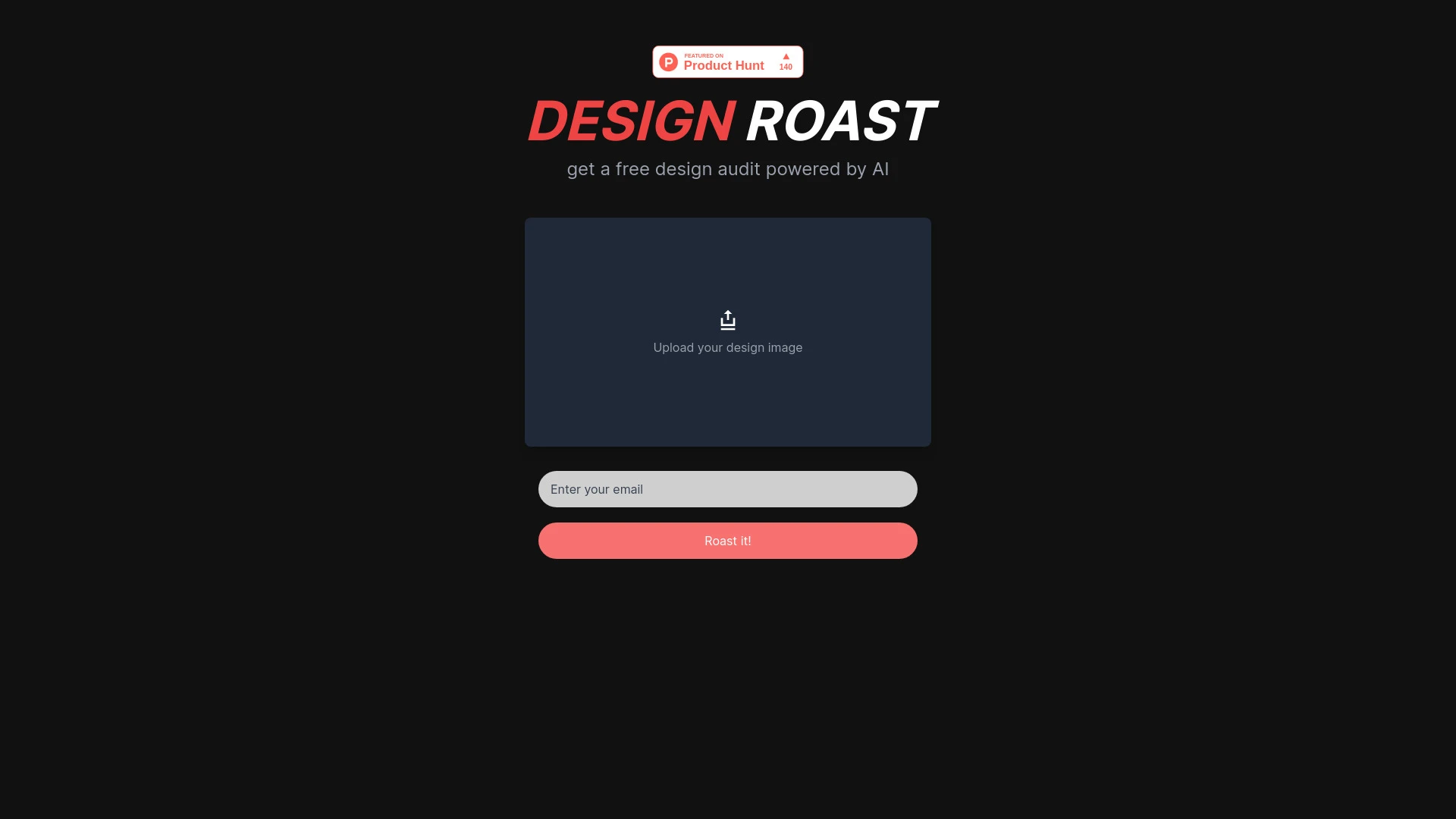
Roast My Design
AI-driven website design evaluation tool that scores aesthetics, copywriting, UI design, and consistency, offering detailed recommendations for enhanc...
- AI-powered design analysis
- Detailed recommendations for improvement
- Aesthetic scoring
AI Analysis
Why use this AI Roast My Design for Design Accessibility Audits?
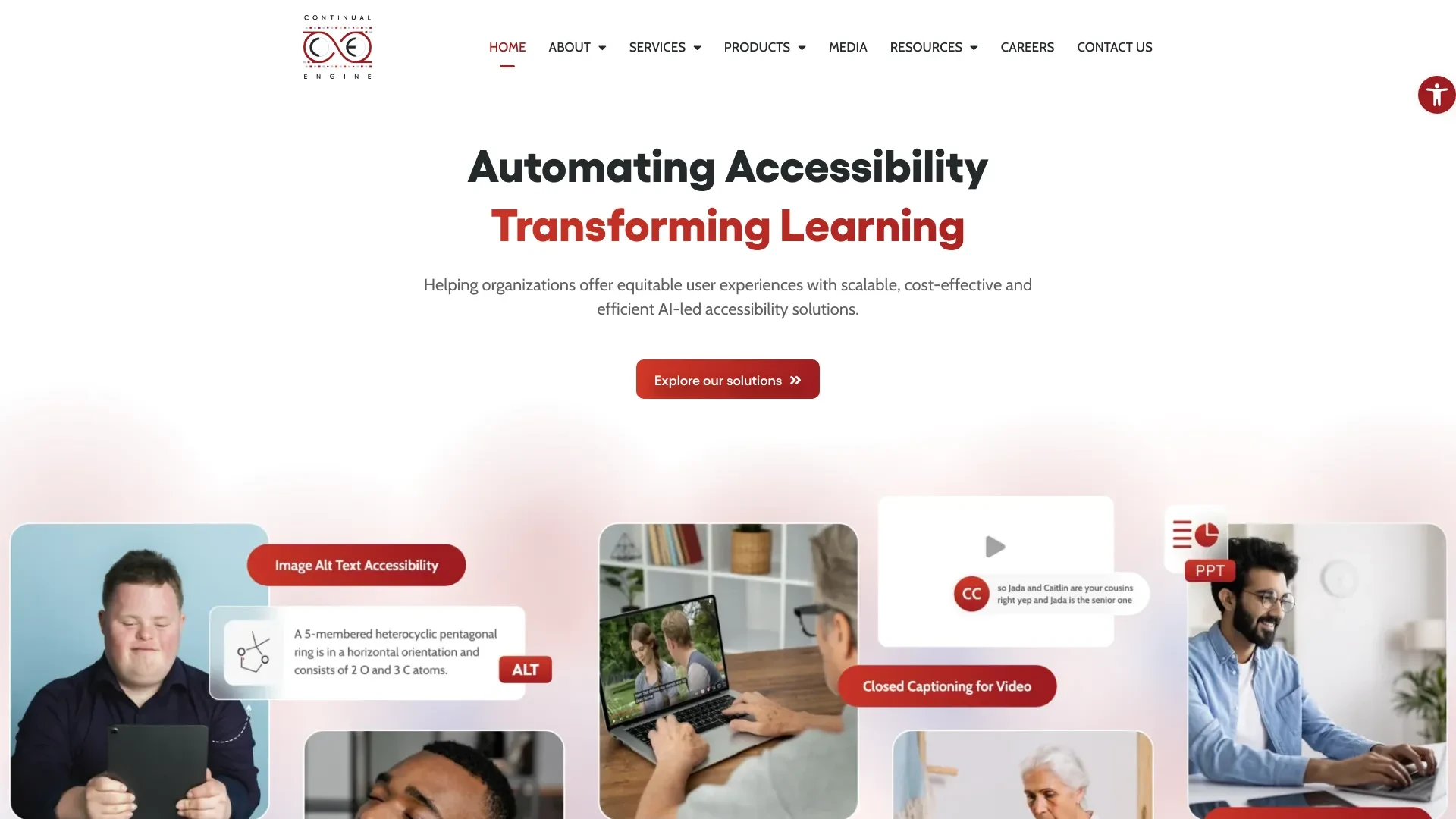
Continual Engine
Continual Engine offers AI-driven accessibility solutions, making digital content accessible through automated processes.
- Automated image alt-text generation
- Automated PPT accessibility
- Automated video closed captioning
AI Analysis
Why use this AI Continual Engine for Design Accessibility Audits?
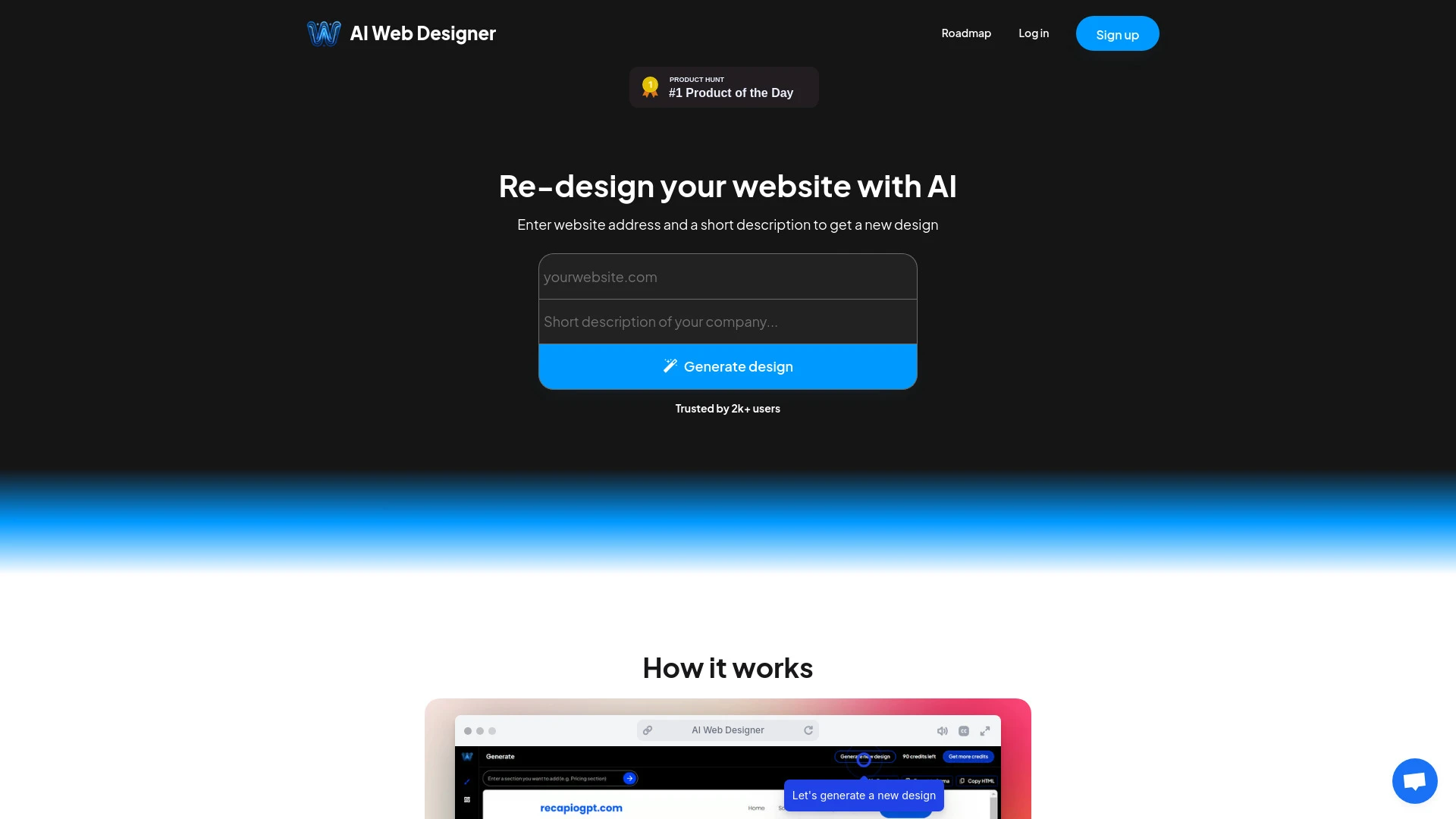
AI Web Designer
AI Web Designer is an advanced AI tool that transforms website redesign into a quick and efficient process, making it simpler for users to create and...
- Instant website redesign
- Easy editing options
- One-click export to website builders
AI Analysis
Why use this AI AI Web Designer for Design Accessibility Audits?
Practical Workflows
Don't just buy tools—build a system. Here are 3 proven ways to integrate AI into your design accessibility audits process.
Workflow 1: Quick First Accessible Audit for Complete Beginner
- Define the page or component to audit and select the relevant accessibility standard (WCAG 2.1/2.2, ARIA roles) in the AI tool.
- Upload or link the design asset (wireframe, prototype, or design file) and run an automated scan for contrast, keyboard navigation, and semantic structure.
- Review AI-generated issues with clear guidance on fixes, then implement corrections in the design file and re-run the audit to confirm pass.
Workflow 2: Daily Optimization for Regular Users
- Create a reusable audit template with preferred WCAG success criteria and accessibility checks specific to your product type (web, mobile, or app).
- Schedule automated scans after each design iteration and compare results against prior runs to identify regression trends.
- Produce a concise remediation log, assign owners, and track resolution status within your design system or project management tool.
Workflow 3: Full Automation for Power Users
- Set up end-to-end design-to-audit pipelines: design export → automated accessibility checks → policy-compliant fixes → post-fix verification.
- Configure AI to surface priority issues with impact and remediation estimates, then auto-suggest implementation snippets or ARIA improvements.
- Generate a quarterly accessibility report summarizing pass rates, critical blockers, and recommended roadmap changes for stakeholders.
Effective Prompts for Design Accessibility Audits
Copy and customize these proven prompts to get better results from your AI tools.
Beginner: Simple audit task
You are an AI accessibility assistant. Given a web page prototype, run a basic WCAG 2.1 AA audit focusing on color contrast, logical heading order, and keyboard navigation. Output a brief list of issues with clear remediation actions and the exact line in the design where changes are needed.Advanced: Role + context + constraints + format
Act as Design Accessibility Audits AI consultant. For a mobile app prototype, evaluate contrast, tap target sizes, focus management, and ARIA labeling. Provide a prioritized, annotated report with: issue title, WCAG criterion, impact level, recommended design fix, and code snippets or component props where applicable. Deliver in a structured JSON ready for design-system integration.Analysis: Evaluate/compare/optimize outputs
Compare two AI audit reports for the same design: one from Tool A and one from Tool B. Identify overlapping issues, unique blockers, and remediation gaps. Recommend which tool to adopt for ongoing Design Accessibility Audits and propose optimization steps to unify output formats and severity ratings.
What is Design Accessibility Audits AI?
Design Accessibility Audits AI is a set of tools and workflows that automatically assess design assets and interfaces for accessibility compliance. It helps teams identify color contrast issues, missing semantic structure, keyboard navigation gaps, and ARIA labeling, aligning with WCAG criteria. This approach is suitable for designers, product managers, and developers aiming to deliver inclusive experiences.
Benefits of Using AI for Design Accessibility Audits
- Faster detection of accessibility issues across web and mobile designs
- Consistent application of WCAG criteria across projects
- Actionable remediation recommendations with implementation guidance
- Early feedback during design rounds reduces rework and costs
- Scalability for large design systems and frequent iterations
How to Choose Design Accessibility Audits AI Tools
- Coverage: Ensure WCAG criteria, ARIA compliance, and keyboard/screen reader checks
- Integration: Check compatibility with your design tools and workflow (Figma, Sketch, InVision, etc.)
- Automation capabilities: Look for batch scans, customizable rules, and API access
- Output quality: Verify clear remediation steps and actionable code snippets
- Pricing and support: Consider free tiers and enterprise support for teams
Best Practices for Implementing Design Accessibility Audits AI
- Do: Integrate audits into early design reviews and design-system governance.
- Do: Use consistent criteria across projects and maintain a living checklist.
- Do: Combine automated checks with human review for nuanced accessibility aspects.
- Don't: Rely solely on automated results; verify with real user testing and assistive tech demos.
- Don't: Overload teams with too many rules; tune thresholds to balance coverage and noise.
AI for Design Accessibility Audits: Key Statistics
In 2026, 72% of mid-market products use at least one AI-assisted Design Accessibility Audit tool.
Organizations reporting a 34% faster issue-to-fix cycle after integrating Design Accessibility Audits AI workflows.
Color contrast and keyboard navigation are the top 2 accessibility checks detected by AI in 88% of audits.
Free or low-cost AI options account for 41% of initial trials among new Design Accessibility Audits adopters.
Teams employing end-to-end automation in audits reduce design-review meetings by 28% per release cycle.
90% of users see measurable pass-rate improvements within the first three audit iterations.
Frequently Asked Questions
Get answers to the most common questions about using AI tools for design accessibility audits .
Design Accessibility Audits AI refers to software and AI-powered workflows that automatically evaluate designs, prototypes, and live interfaces for accessibility conformance, typically against WCAG criteria, and provide actionable remediation suggestions for designers and developers.
Begin by selecting a design asset or prototype, choosing the accessibility standards to check (e.g., WCAG 2.1), and running an automated audit. Review AI-generated issues, apply fixes in the design, and re-run until the pass criteria are met. Consider building reusable templates for recurring tasks.
Standalone Design Accessibility Audits AI tools often offer deeper, focused accessibility checks, while integrated design suites provide seamless workflows within your existing stack. The best choice depends on your team's tooling, needs for automation, and desired scope (quick checks vs. end-to-end automation).
Causes include inadequate scope (missing standards), misconfigured rules, dynamic content not rendered in the audit, or limitations of automated checks for nuanced usability aspects. Ensure up-to-date criteria, validate with human review for edge cases, and expand checks to cover keyboard, screen reader, and color contrast scenarios.
Related AI Tool Categories
Explore other AI tool categories similar to Design Accessibility Audits that might interest you.
AI Website Designer
AI Website Designers leverage machine learning and algorithms to automate web development, enabling users to create webs...
AI Design Generator
The AI Design Generator leverages advanced algorithms to automate and optimize design processes. By analyzing vast datas...
AI Website Builder
AI Website Builders leverage artificial intelligence to automate website creation, design, and optimization. By utilizin...
AI Content Detector
AI Content Detectors analyze text to identify whether it was generated by AI or a human, enhancing content authenticity....
AI Content Generator
AI Content Generators leverage machine learning to create text, images, and videos, transforming content creation by imp...
AI Graphic Design
AI graphic design leverages algorithms to assist in creating visuals, automating tasks like layout generation and color...