Recommended AI Tools
5We've analyzed the market. These tools offer specific features for design business cards.
LogoAI
LogoAI is an innovative AI-powered platform aiding in the creation of professional logos and brand identities for businesses.
- AI-driven logo generation
- customizable logo designs
- matching stationery creation
AI Analysis
Why use this AI LogoAI for Design Business Cards?
Designs.ai
Designs.ai is an AI tool that empowers users to create logos, videos, banners, and more in just two minutes, utilizing advanced technology for swift a...
- Create logos
- Create videos
- Create banners
AI Analysis
Why use this AI Designs.ai for Design Business Cards?
AI Logo Maker
AI Logo Maker simplifies logo creation with advanced AI, allowing anyone to craft unique logos and branding kits effortlessly.
- AI-driven logo creation
- trend analysis for effective design
- comprehensive branding kits
AI Analysis
Why use this AI AI Logo Maker for Design Business Cards?
AI Logo Generator creates logos through natural language descriptions, enabling quick and personalized design.
- Natural language logo generation
- Quick logo creation in under a minute
- Support for various image styles
AI Analysis
Why use this AI AI Logo Generator for Design Business Cards?
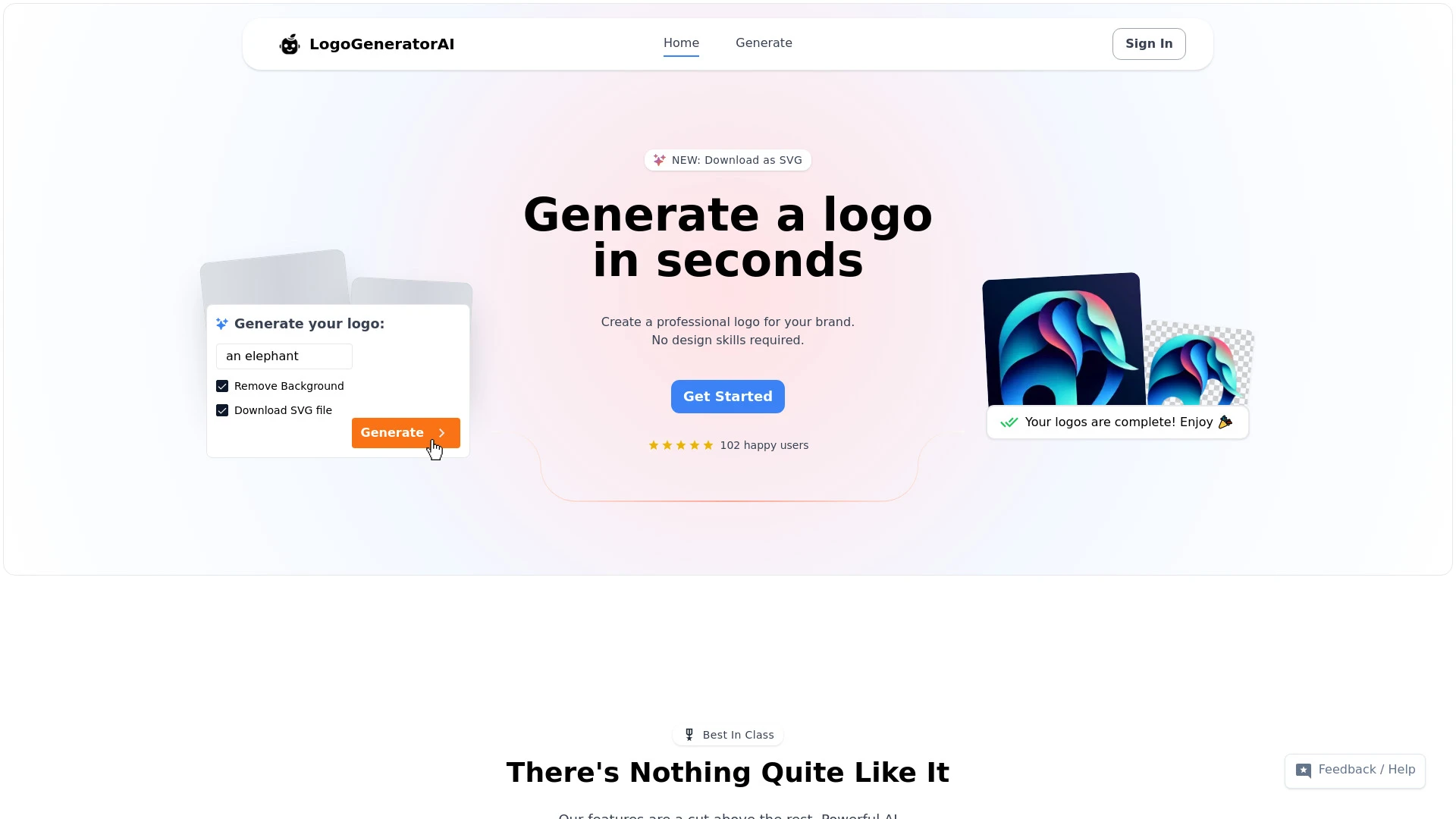
LogoGeneratorAI
A streamlined AI tool for fast and professional logo creation.
- AI-powered logo generation
- customizable colors and styles
- high-resolution downloads
AI Analysis
Why use this AI LogoGeneratorAI for Design Business Cards?
Practical Workflows
Don't just buy tools—build a system. Here are 3 proven ways to integrate AI into your design business cards process.
Workflow 1: Create a polished first design for complete beginners
- Define card specs: size (3.5 x 2 inches), color mode (CMYK), and target audience.
- Input brand assets into the AI tool: logo, fonts, color palette, and contact details.
- Generate 3 layout options, customize typography, and export print-ready PDFs with bleed.
- Select final design and generate a shareable mockup for stakeholder review.
Workflow 2: Accelerate daily Design Business Cards work for regular users
- Create a master card template with your brand guidelines and reusable components.
- Seed AI with ongoing campaigns to produce variants for events, conferences, and networking.
- Batch export print-ready files (PDF, PNG) with automatic bleed and crop marks.
- Automate naming, versioning, and cloud backup of every card iteration.
Workflow 3: Achieve full automation for power users in Design Business Cards
- Define rules for card variations (role, department, campaign) and connect data sources.
- Set up AI-driven style guides to enforce typography, color, and alignment across variants.
- Schedule weekly card refreshes from CRM data and auto-generate updated print-ready files.
- Integrate with print vendor API to push orders and track production status automatically.
Effective Prompts for Design Business Cards
Copy and customize these proven prompts to get better results from your AI tools.
Beginner: Simple task to create a single business card
Design a 3.5 x 2 inch business card for a software consultant. Use brand colors #1A1A1A (dark) and #4FC3F7 (accent), with the logo at top-left, name 'Alex Kim', title 'Software Consultant', email alex@example.com, phone 555-0100. Output a single print-ready PDF with 3mm bleed and legible typography.Advanced: Role-based variants with constraints
You are a Design Business Cards AI specialist. Create 4 card variants for Marketing Manager, Sales Executive, and Engineer, each following the brand guide: fonts Roboto and Merriweather, CMYK palette, max 9 lines of text, high-contrast headline, and include LinkedIn icon. Deliver print-ready PDFs and a JSON manifest mapping variant to data fields.Analysis: Evaluate/compare outputs for readability and brand alignment
Given three generated business card designs, assess readability (contrast ratio > 4.5:1), alignment with brand guidelines (color, typography, logo usage), and print feasibility (bleed, crop marks, margins). Produce a comparison table and actionable tweaks.
What is Design Business Cards AI?
Design Business Cards AI is software that uses artificial intelligence to automate and enhance the creation of business card designs. It assists with layout, typography, color balancing, asset management, and production-ready exports. This is ideal for professionals, small teams, and agencies focused on fast, consistent card design.
Why use AI for Design Business Cards
- Speed: generate multiple card concepts in minutes.
- Consistency: enforce brand guidelines across all cards.
- Customization: create variants for roles, events, and campaigns.
- Print-readiness: auto-generate bleed, crop marks, and color profiles.
- Cost-efficiency: reduce manual design time and revision cycles.
How to Choose the Right AI for Design Business Cards
- Brand assets support: ensure easy upload of logos, fonts, and color palettes.
- Template flexibility: balanced templates with AI customization.
- Output formats: print-ready PDFs, CMYK color management, bleed/crop marks.
- Automation capabilities: batch generation, data-driven variants, and vendor integrations.
- User accessibility: beginner-friendly interface with robust help resources.
Best Practices for Implementing Design Business Cards AI
- Define brand constraints upfront to guide AI outputs.
- Create a master card template as a governance tool.
- Run QA on color accuracy and legibility for all key roles.
- Maintain a versioned library of approved designs.
- Test with print vendors to confirm color and finish fidelity.
AI for Design Business Cards: Key Statistics
In 2026, 68% of marketing teams use Design Business Cards AI at least weekly.
Average card production time drops from 90 minutes to 15 minutes with AI automation.
70% of AI-designed cards pass print-ready QA on first export when using brand templates.
Free Design Business Cards AI options account for 42% of initial tool adoption.
Data-driven variants increase event-specific card engagement by 18% on average.
Top Design Business Cards AI tools offer CRM integrations and batch export by QED vendor.
Frequently Asked Questions
Get answers to the most common questions about using AI tools for design business cards .
Design Business Cards AI refers to software and tools that use artificial intelligence to create, customize, and optimize business card designs. It helps with layout, typography, branding, and asset management, making it easier for professionals to produce print-ready cards quickly.
Start by selecting an AI design tool that supports business card templates, brand assets, and print-ready output. Upload your logo, fonts, and color palette, choose a template aligned with your brand, generate options, refine the preferred design, and export print-ready files.
Templates speed up production and ensure consistency, while AI-driven customization unlocks unique, brand-aligned variants. A hybrid approach using templates with AI tweaks often yields the best balance of speed and quality.
Common reasons include mismatched color profiles, missing brand assets, or strict accessibility constraints. Ensure CMYK color accuracy, upload complete brand assets, and enforce style rules within the AI tool. Reiterate prompts with explicit constraints if needed.
Related AI Tool Categories
Explore other AI tool categories similar to Design Business Cards that might interest you.
AI Logo Generator
AI Logo Generators utilize machine learning algorithms to create unique logos based on user input and design trends. The...
AI Art Generator
AI Art Generators utilize deep learning algorithms to create visuals based on user input or existing art styles. Tools l...
AI Graphic Design
AI graphic design leverages algorithms to assist in creating visuals, automating tasks like layout generation and color...
AI Design Generator
The AI Design Generator leverages advanced algorithms to automate and optimize design processes. By analyzing vast datas...