Recommended AI Tools
5We've analyzed the market. These tools offer specific features for design flyers & brochures.
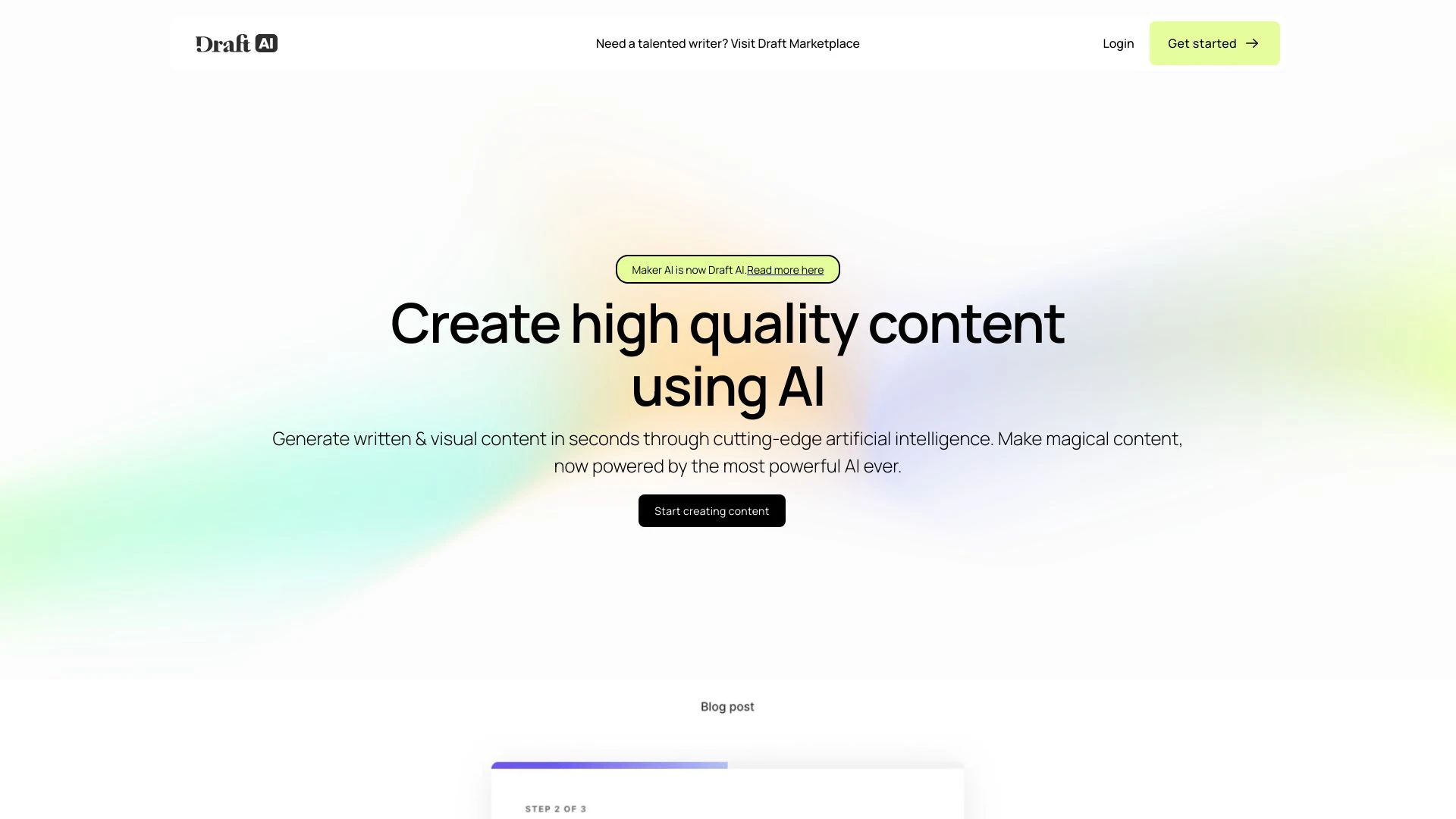
Draft AI
Draft AI swiftly generates written and visual content, enhancing creativity and productivity for various writing tasks.
- Generate written content instantly
- Create visual content with Draft Art
- Edit narratives effortlessly with AI suggestions
AI Analysis
Why use this AI Draft AI for Design Flyers & Brochures?
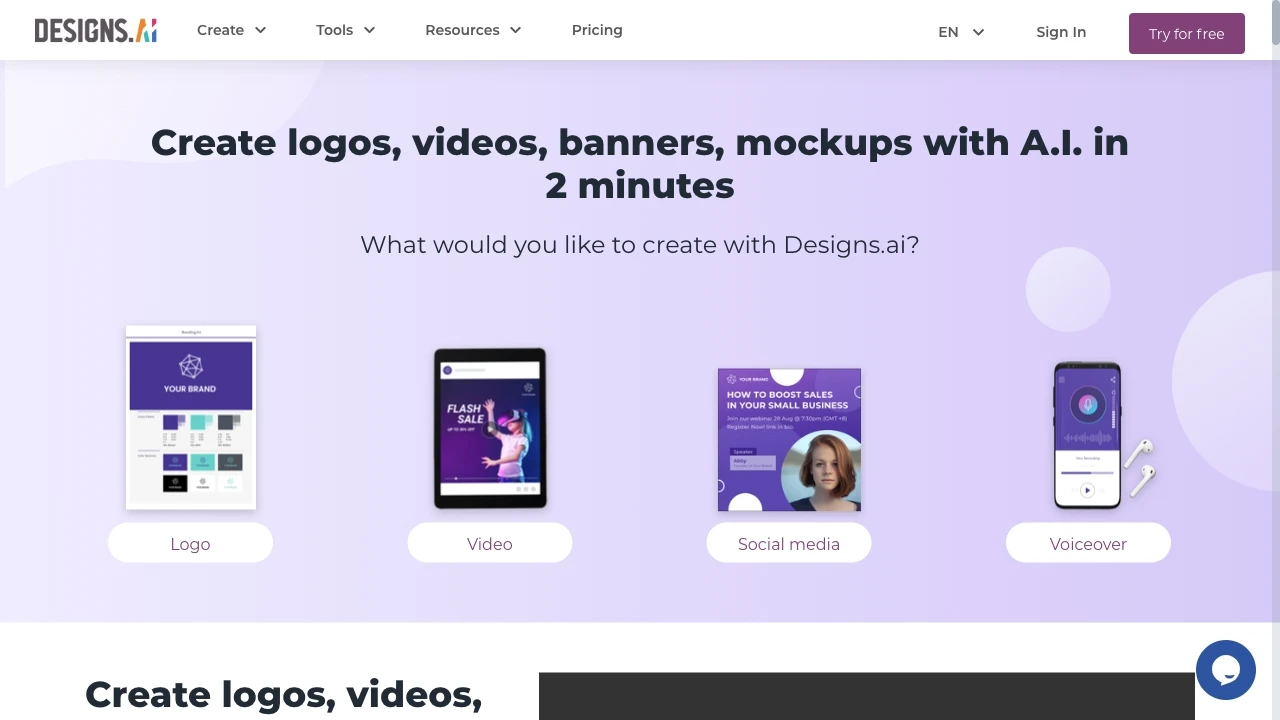
Designs.ai
Designs.ai is an AI tool that empowers users to create logos, videos, banners, and more in just two minutes, utilizing advanced technology for swift a...
- Create logos
- Create videos
- Create banners
AI Analysis
Why use this AI Designs.ai for Design Flyers & Brochures?

Designly AI
Designly AI is an intelligent web design idea generator that streamlines the creation of unique website designs.
- AI-driven website design creation
- Customizable design templates
- Effortless generation of unique concepts
AI Analysis
Why use this AI Designly AI for Design Flyers & Brochures?

img2.ai
Img2.ai is an AI-powered platform turning images into art and animated videos for creators.
- Image to Image AI: Style transform with subject consistency
- Image to Video AI: Animate photos into short clips
- Text to Image: Generate visuals from prompts
AI Analysis
Why use this AI img2.ai for Design Flyers & Brochures?
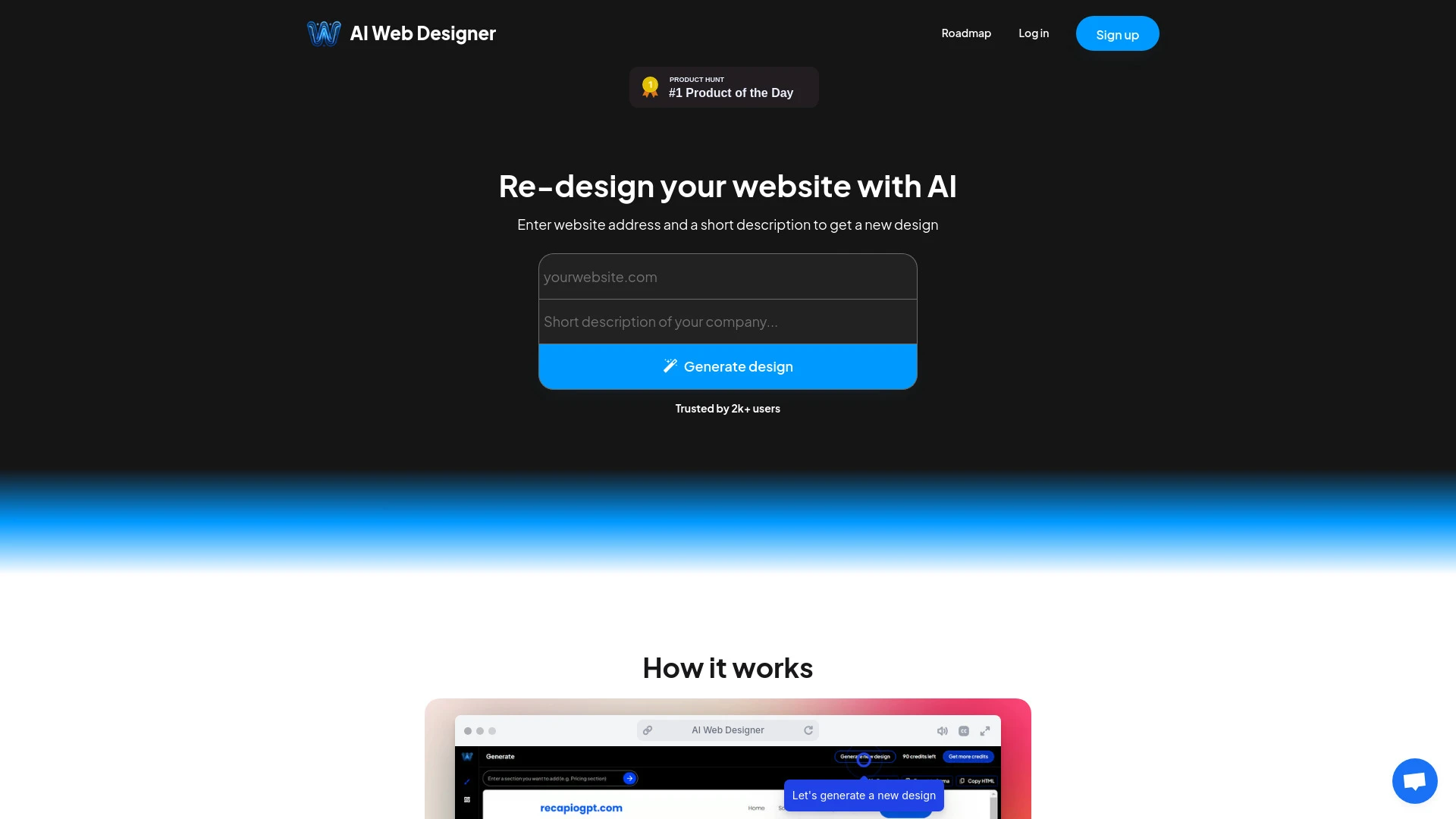
AI Web Designer
AI Web Designer is an advanced AI tool that transforms website redesign into a quick and efficient process, making it simpler for users to create and...
- Instant website redesign
- Easy editing options
- One-click export to website builders
AI Analysis
Why use this AI AI Web Designer for Design Flyers & Brochures?
Practical Workflows
Don't just buy tools—build a system. Here are 3 proven ways to integrate AI into your design flyers & brochures process.
Workflow 1: Create a complete flyer from concept to print-ready in minutes (Beginner)
- Define target audience and key message in a single-sentence brief using an AI prompt tailored for Design Flyers & Brochures.
- Choose a ready-made brochure/flyer template optimized for your industry and customize colors, typography, and images with AI-assisted auto-suggestions.
- Generate a cohesive layout by instructing the AI to align headline, supporting copy, and call-to-action; export print-ready PDFs with bleed and trim marks.
Workflow 2: Streamline daily flyer/brochure edits for regular users
- Create a reusable design system in the AI tool: typography scales, color tokens, and image style rules for consistent Design Flyers & Brochures.
- Automate content updates by feeding new product details; AI regenerates headlines and body copy while preserving layout integrity.
- Batch export variations (colors, languages, sizes) for multi-channel campaigns, then review with AI-powered visual checks for accessibility and contrast.
Workflow 3: Achieve end-to-end automation for power users
- Connect brand assets (logo, fonts, approved images) to an AI-driven Design Flyers & Brochures workspace.
- Set up rules for autonomous design generation: layout templates, image cropping, caption creation, and SEO-friendly alt text for digital versions.
- Schedule automated weekly redesigns with performance tracking, then push to print vendors and digital channels with one-click publishing.
Effective Prompts for Design Flyers & Brochures
Copy and customize these proven prompts to get better results from your AI tools.
Beginner Prompt
You are a Design Flyers & Brochures AI assistant. Create a single-page flyer for a local cafe promoting a 20% spring discount. Use brand colors #1a4d2e and #ffd166, a clean sans-serif font, high-contrast headline, 300dpi, CMYK. Include a 2-column layout, image on the right, and a bold call-to-action 'Visit Today'. Output as print-ready PDF-ready with bleed.Advanced Prompt
Act as a Design Flyers & Brochures AI strategist. For a 6-panel brochure for a yoga studio, define a cohesive layout system (grid, margins, typography scale), generate alternating panel copy for benefits, class schedule, and instructor bios, select royalty-free images in warm tones, ensure accessibility (contrast ratio > 4.5:1), export SVG/PDF with 3 variants (A4, US Letter, digital banner), and provide an asset manifest with font files and image licenses.Analysis Prompt
Evaluate three AI-generated Design Flyers & Brochures outputs for a tech conference expo: compare layout balance, headline clarity, image relevance, and color harmony. Rate each on a 1-10 scale, suggest improvements, and deliver a final combined version with suggested microcopy tweaks and print-ready specs.
What is Design Flyers & Brochures AI?
Design Flyers & Brochures AI is specialized software that uses artificial intelligence to automate layout, imagery, typography, and content creation for flyers and brochures. It targets professionals and teams who need fast iterations, brand-consistent outputs, and optimized designs for both print and digital distribution.
Who it's for: marketing teams, design studios, freelancers, and small businesses producing promotional materials with tight timelines.
Benefits of using AI for Design Flyers & Brochures
- Faster turnaround: generate layouts and copy in minutes rather than hours.
- Brand consistency: reusable design systems ensure uniform typography and color across campaigns.
- Automated asset management: AI suggests imagery, alt text, and format-appropriate assets.
- Multi-channel readiness: export print-ready PDFs and optimized digital variants in one step.
- Accessibility and compliance: built-in checks for contrast, legibility, and regulatory requirements.
How to choose the right Design Flyers & Brochures AI tool
- Template breadth vs. customization: ensure templates cover your industries and allow deep customization.
- Brand governance: look for centralized brand assets and styleguides within the tool.
- Output fidelity: confirm support for CMYK, bleed, trim, resolution, and font embedding.
- Collaboration features: review version history, commenting, and multi-user approvals.
- Integrations: verify compatibility with your CMS, CRM, and print vendors.
Best practices for implementing AI in Design Flyers & Brochures
- Start with a clear design brief and audience profile to guide AI prompts.
- Maintain a design system: define brand fonts, colors, and image styles for consistent outputs.
- Run iterative tests: A/B test headlines and layouts to maximize impact.
- Validate print specs early: ensure bleed, CMYK color, and resolution meet vendor requirements.
- Establish review gates: human checks for tone, compliance, and accessibility before final export.
AI for Design Flyers & Brochures: Key Statistics
2026: 62% of marketing teams use Design Flyers & Brochures AI tools for new campaigns within the first month of adoption.
Average time-to-first-pass design reduced by 48% using AI-assisted Design Flyers & Brochures workflows.
Top-rated AI tools for Design Flyers & Brochures report a 35% improvement in brand consistency.
Print-ready output success rate with AI tools reached 92% after automated bleed/trim checks.
Small businesses cutting design costs by up to 40% annually with Design Flyers & Brochures AI adoption.
AI-driven content generation for flyers/brochures improved click-through and form submissions by an average of 22%.
Frequently Asked Questions
Get answers to the most common questions about using AI tools for design flyers & brochures .
Design Flyers & Brochures AI refers to artificial intelligence tools tailored to create, customize, and optimize printed and digital flyers and brochures. These tools assist with layout, typography, imagery, copy, and formatting to produce cohesive, brand-consistent marketing collateral for campaigns.
Begin by defining your flyer or brochure goal, selecting a template aligned with your brand, and feeding AI a concise brief. Then iteratively refine headlines, visuals, and layout, export print-ready files, and test variations across channels to boost response rates.
Template-based AI is ideal for speed, consistency, and brand alignment, especially for recurring campaigns. Free-form AI offers flexibility for unique formats or experimental designs but may require more manual curation to ensure print readiness.
Output gaps often come from missing bleed/trim settings, insufficient contrast, or non-optimal font sizes. Ensure you specify print specs in prompts, enable accessibility checks, and export with correct bleed, color mode (CMYK), and resolution settings.
Related AI Tool Categories
Explore other AI tool categories similar to Design Flyers & Brochures that might interest you.
AI Ad Creative Assistant
The AI Ad Creative Assistant leverages machine learning to generate tailored ad content, optimizing messaging for target...
AI Website Designer
AI Website Designers leverage machine learning and algorithms to automate web development, enabling users to create webs...
AI Photo Enhancer
AI Photo Enhancers utilize machine learning algorithms to automatically improve image quality, clarity, and aesthetics....
AI Photo & Image Generator
AI Photo & Image Generators create visuals from text prompts or existing images using deep learning techniques. They enh...
AI Art Generator
AI Art Generators utilize deep learning algorithms to create visuals based on user input or existing art styles. Tools l...
AI Image Enhancer
AI Image Enhancers utilize algorithms to improve image quality, resolution, and aesthetics. Techniques like super-resolu...