Recommended AI Tools
5We've analyzed the market. These tools offer specific features for design icon sets.
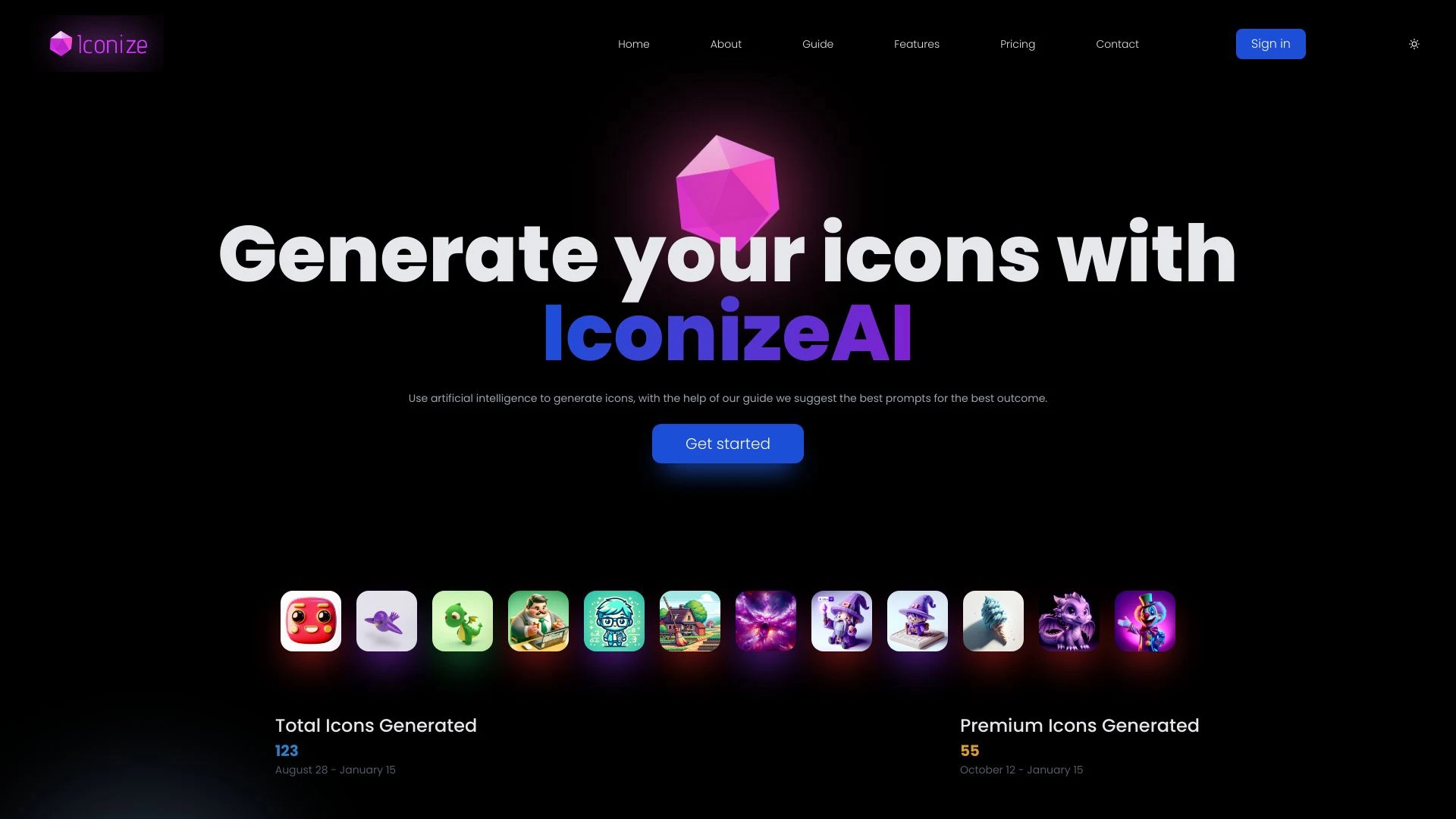
IconizeAI
IconizeAI is an AI-driven icon generation tool designed for designers looking to create stunning 3D art effortlessly.
- Diverse Icon Styles
- Color Customization
- AI-Driven Generation
AI Analysis
Why use this AI IconizeAI for Design Icon Sets?
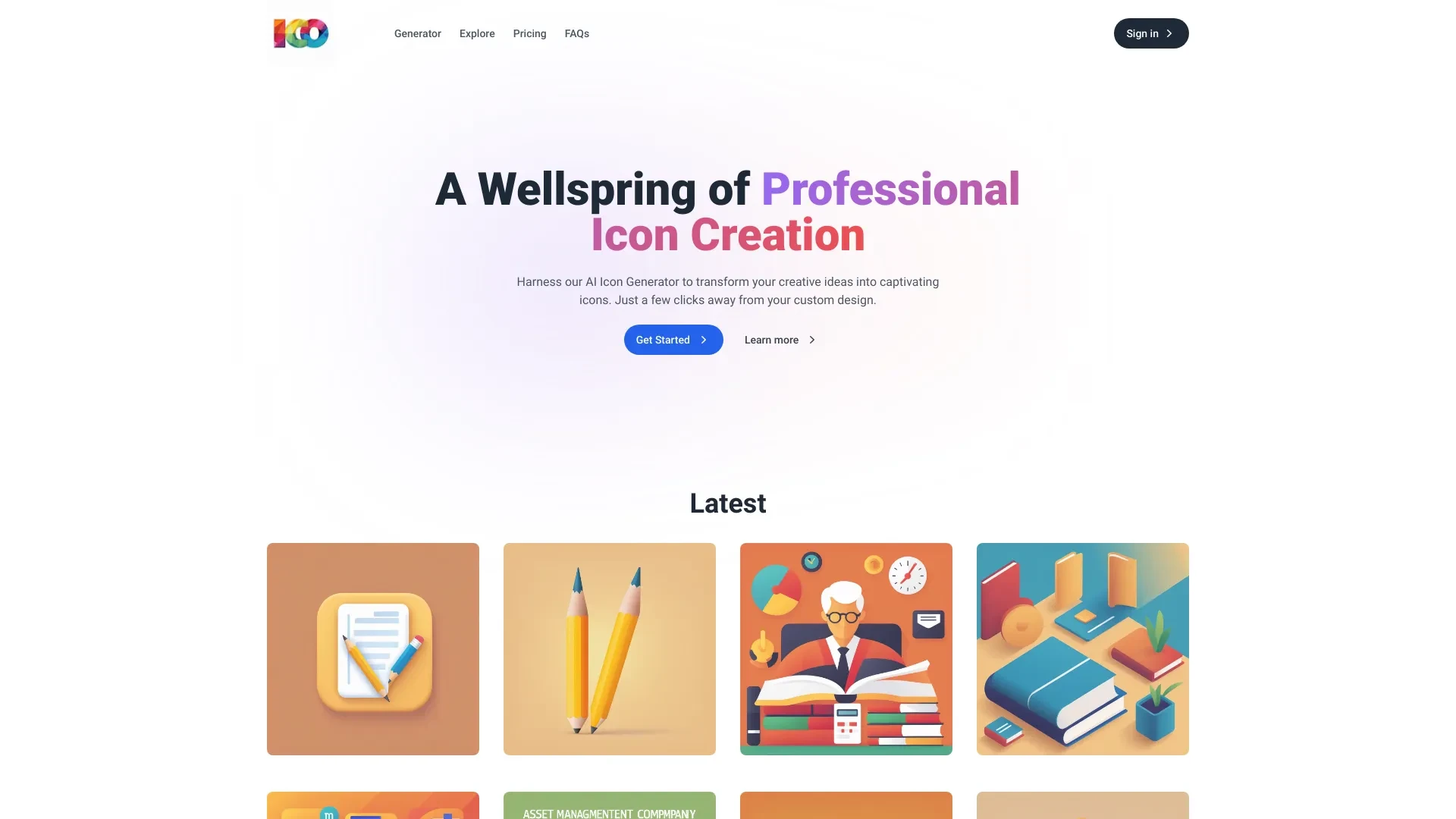
Easily create unique, scalable icons tailored to your brand in seconds with AI Icon Generator.
- Customizable icon design
- Scalable output for various applications
- Quick generation speed
AI Analysis
Why use this AI AI Icon Generator for Design Icon Sets?
IconAI
IconAI is an innovative AI-powered icon generator that leverages DALL-E technology to create personalized icons for various projects.
- DALL-E based icon generation
- ability to generate, store, and share icons
- archived inspiration gallery
AI Analysis
Why use this AI IconAI for Design Icon Sets?
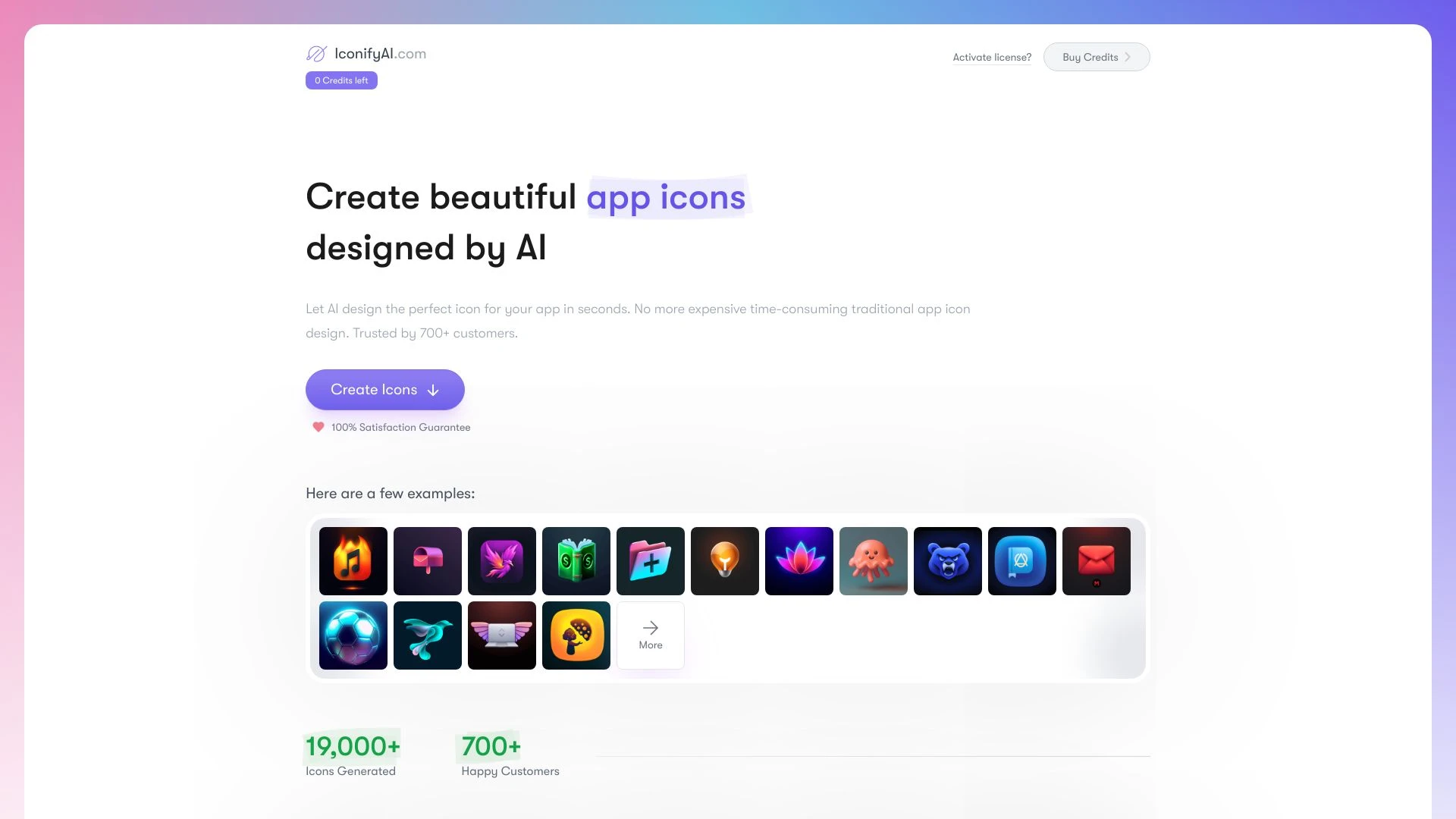
IconifyAI.com
IconifyAI.com is an AI-driven app icon generator that creates unique and professional app icons in seconds.
- AI-powered icon generation
- automated color palette creation
- high-definition icon preview and download
AI Analysis
Why use this AI IconifyAI.com for Design Icon Sets?
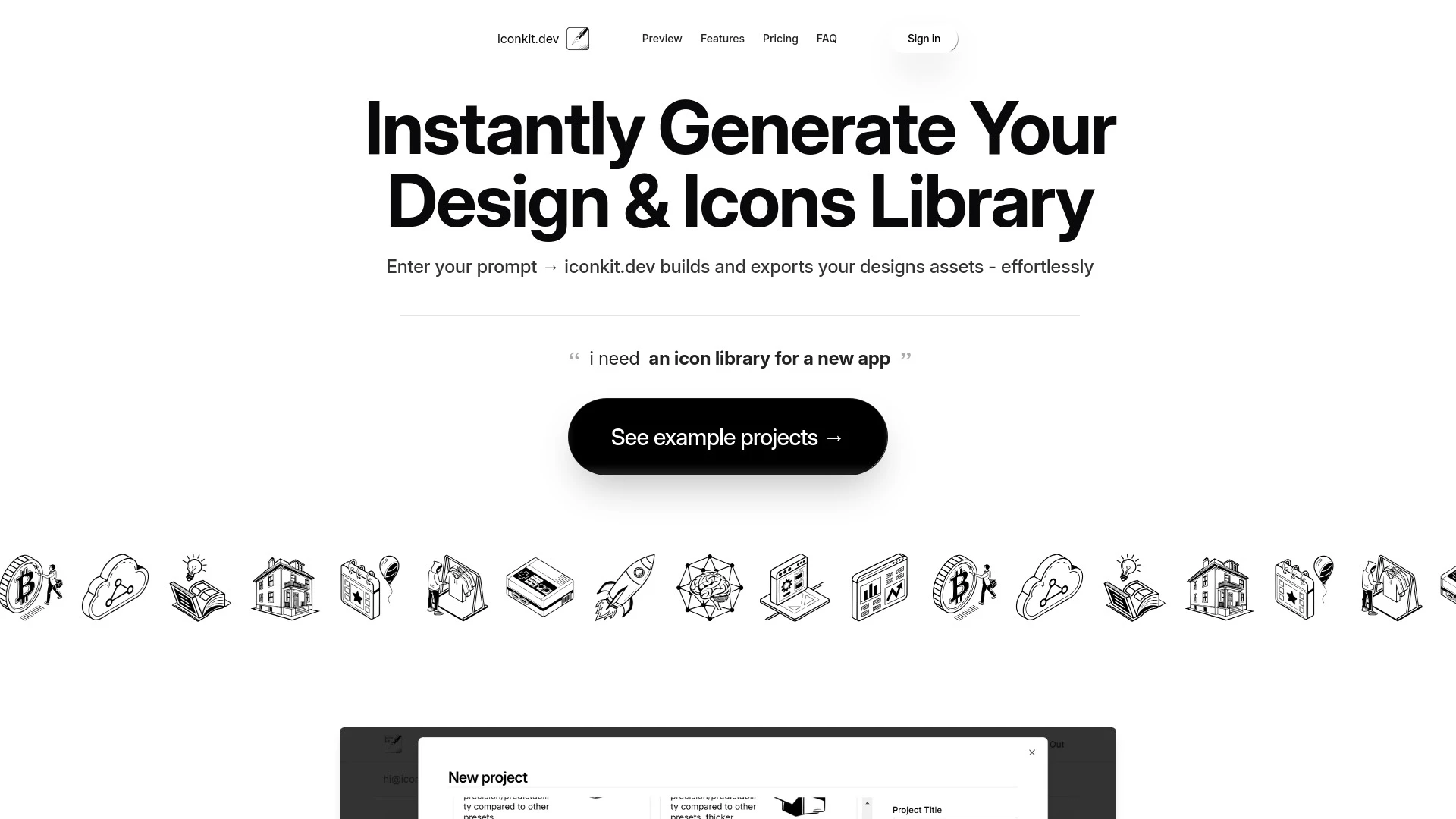
iconkit.dev
Iconkit.dev is an AI-driven tool that swiftly creates customizable icon libraries and design assets for various applications.
- Instant generation of design assets
- Support for SVG and PNG formats
- Version control for design libraries
AI Analysis
Why use this AI iconkit.dev for Design Icon Sets?
Practical Workflows
Don't just buy tools—build a system. Here are 3 proven ways to integrate AI into your design icon sets process.
Workflow 1: Create a complete starter Design Icon Sets pack from scratch
- Define icon themes and a consistent visual language (line weight, corner radius, and grid) for the icon set.
- Upload concept sketches or rough icons to the Design Icon Sets AI tool and generate 3-5 variants per icon.
- Curate a cohesive set by aligning stroke, fill, and grid rules; export in SVG/PNG with a shared color palette.
- Automate metadata: assign names, categories, and accessibility alt text for every icon.
Workflow 2: Automate daily Design Icon Sets tasks for regular users
- Create a reusable design system template for icons (size presets, grid, and spacing) in the AI tool.
- Set up a batch process: input a list of icon ideas; generate, review, and adjust variants in one pass.
- Use batch exports with consistent naming and asset formats (SVG, PNG, and web fonts) for delivery.
- Integrate with your design repo (Figma/Sketch) to push icon updates automatically.
Workflow 3: Full automation for power users in Design Icon Sets
- Define a parameterized icon model (stroke width, corner radius, corner treatment) and seed with 50 base icons.
- Run AI-driven variant exploration to expand to 500 icons while enforcing accessibility color and contrast constraints.
- Automatically generate icon documentation, usage examples, and inline CSS variables for frontend teams.
- Set up CI-ready export pipelines and versioning so icon sets update without breaking existing UI.
Effective Prompts for Design Icon Sets
Copy and customize these proven prompts to get better results from your AI tools.
Beginner: Create a 12-icon starter set with consistent style
You are an AI design assistant. Create 12 icons for a weather app (cloud, sun, rain, snow, wind, thunder, umbrella, thermometer, humidity, windmill, lightning bolt, fog) using a single stroke width of 2px, 24px grid, rounded corners, solid fills. Output SVGs with no extraneous metadata and a shared color palette of #111111 and #6C9BF5. Provide a short description for each icon.Advanced: Role-based design icon set expansion
Role: Icon designer for a fintech dashboard. Context: Expand the existing Design Icon Sets by 60 icons across categories: finance, security, analytics, and alerts. Constraints: maintain 2px stroke, 8px corner radius, 24px grid, accessible color contrast, export as SVG and CSS variables, include metadata: name, category, usage, and alt text. Deliver a JSON with icon metadata and a ZIP of assets.Analysis: Compare icon variants for consistency and accessibility
Take three alternative icon variants for each of 10 core icons. Compare stroke width, corner radius, and visual weight. Score each variant on visual consistency, readability at 16px, and color contrast compliance. Recommend the best variant per icon and provide a revised unified style sheet.
What is Design Icon Sets AI?
Design Icon Sets AI is software that automates the creation and management of icon libraries. It analyzes design language, generates consistent icons, enforces accessibility and branding rules, and exports assets in multiple formats. This solution is ideal for teams delivering scalable UI icon sets and brands around Design Icon Sets.
Benefits of Using AI for Design Icon Sets
- Consistency: uniform strokes, radii, and spacing across the icon set.
- Speed: rapid generation and variant exploration saves design time.
- Scalability: easily grow libraries as products expand.
- Accessibility: automated contrast checks and alt text for icons.
- Delivery: ready-to-use assets and documentation for developers.
How to Choose the Best Design Icon Sets AI software 2026
- Style alignment: ensure the tool can mirror your brand’s icon language.
- Workflow integration: check plugins for Figma, Sketch, or design system managers.
- Export formats: SVG, PNG, web fonts, and CSS variables.
- Automation depth: batch generation, metadata tagging, and versioning.
- Support and updates: reliable updates for new design tokens and accessibility rules.
Best Practices for Implementing Design Icon Sets AI
- Define a design system before AI work to guide generation.
- Seed a representative icon subset to anchor style.
- Validate outputs against accessibility and brand guidelines.
- Establish naming conventions and asset taxonomy for developers.
- Iterate with incremental batches to manage quality and scope.
AI for Design Icon Sets: Key Statistics
2026 market adoption: 68% of design teams include Design Icon Sets AI in their workflow within 12 months of adoption.
Average time to produce a 100-icon library reduced by 52% when using AI automation.
70% of teams report improved accessibility compliance after implementing AI-driven metadata and alt text.
Top Design Icon Sets AI tools now offer seamless Figma/Sketch integrations with one-click sync.
Monthly updates to icon libraries increase design-system consistency by 40%.
Smaller teams see a 3x speed boost in icon iteration cycles using AI-assisted generation and review.
Frequently Asked Questions
Get answers to the most common questions about using AI tools for design icon sets .
Design Icon Sets AI software 2026 refers to AI-powered tools and platforms that assist in creating, modifying, organizing, and delivering cohesive icon sets. They automate shape generation, style harmonization, metadata tagging, and asset export, helping designers scale icon libraries for interfaces and products.
For beginners, start with a clear icon language (size, stroke, corner style) and a small seed set. Use AI to generate variants, pick the best fits, and iteratively refine. Focus on export formats, accessibility (contrast and alt text), and naming conventions to integrate smoothly with your design system.
For most teams, a multi-tool suite that covers generation, refinement, asset management, and integration with design systems provides better long-term value. It ensures consistency across icon sets, faster updates, and easier handoff to developers.
Inconsistent results can occur due to ambiguous prompts, incompatible style seeds, or insufficient constraints. Improve by defining a strict style guide, providing representative seed icons, and using validation steps to enforce grid, stroke, and color rules before export.
Related AI Tool Categories
Explore other AI tool categories similar to Design Icon Sets that might interest you.
AI GIF Generator
AI GIF Generators leverage machine learning algorithms to create animated GIFs from images, videos, or text. They automa...
AI Logo Generator
AI Logo Generators utilize machine learning algorithms to create unique logos based on user input and design trends. The...
AI Art Generator
AI Art Generators utilize deep learning algorithms to create visuals based on user input or existing art styles. Tools l...
AI Graphic Design
AI graphic design leverages algorithms to assist in creating visuals, automating tasks like layout generation and color...
AI Icon Generator
The AI Icon Generator utilizes machine learning algorithms to create unique icons based on user inputs or design trends....
AI Design Generator
The AI Design Generator leverages advanced algorithms to automate and optimize design processes. By analyzing vast datas...