Recommended AI Tools
5We've analyzed the market. These tools offer specific features for design mind maps.
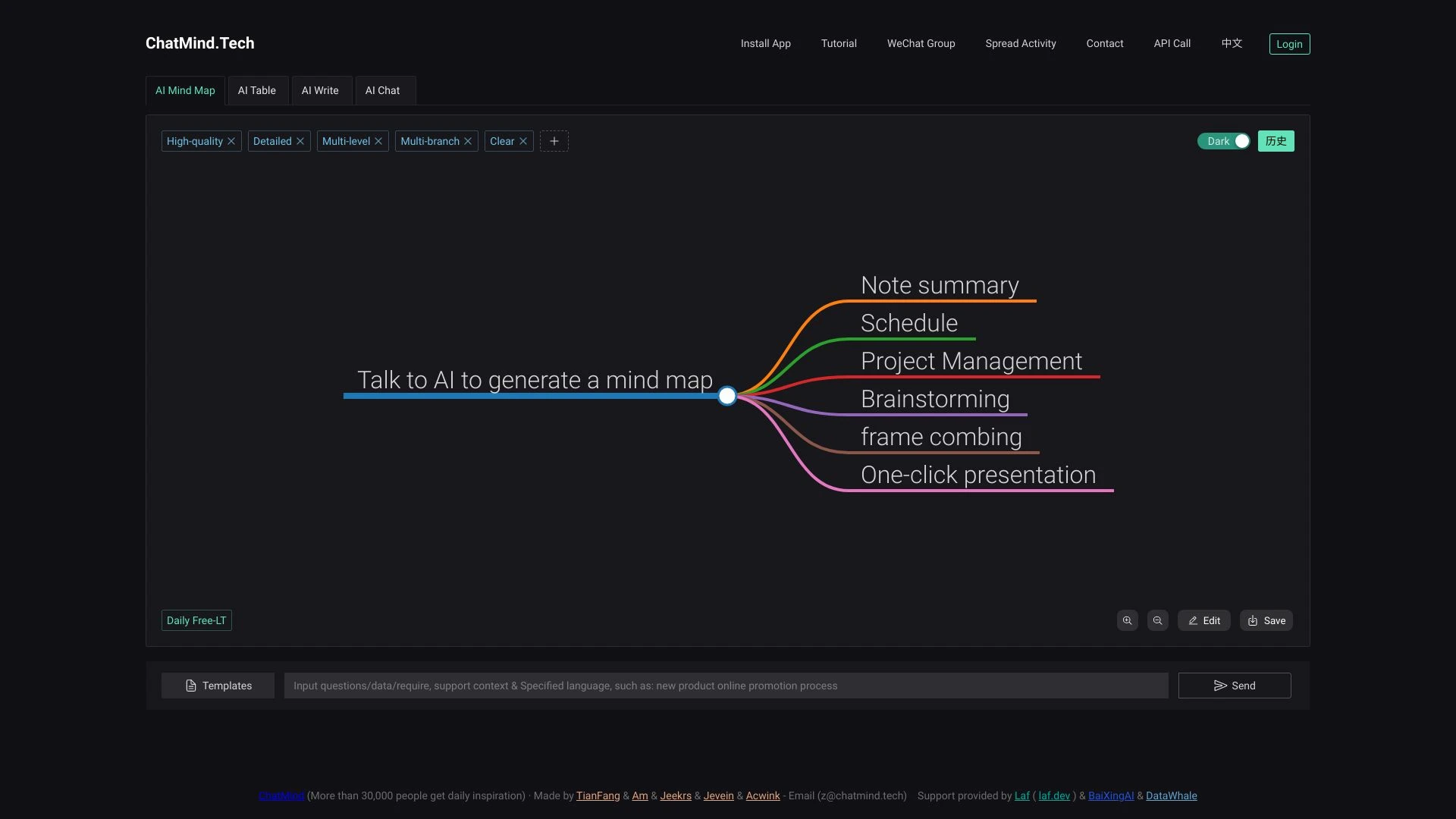
Chatmind is an AI-driven mind-mapping tool designed to transform your ideas into organized mind maps effortlessly, enhancing productivity and thought...
- AI-powered mind mapping
- user-friendly interface
- real-time visualization of ideas
AI Analysis
Why use this AI Chatmind AI Mind Mapping & Brainstorming for Design Mind Maps?
Xmind AI is an advanced mind mapping tool that leverages AI for collaborative brainstorming and presentation creation.
- AI-powered idea generation
- Real-time collaboration
- Effortless presentation creation
AI Analysis
Why use this AI Xmind AI: The Collaborative Mind Mapping Tool for Design Mind Maps?
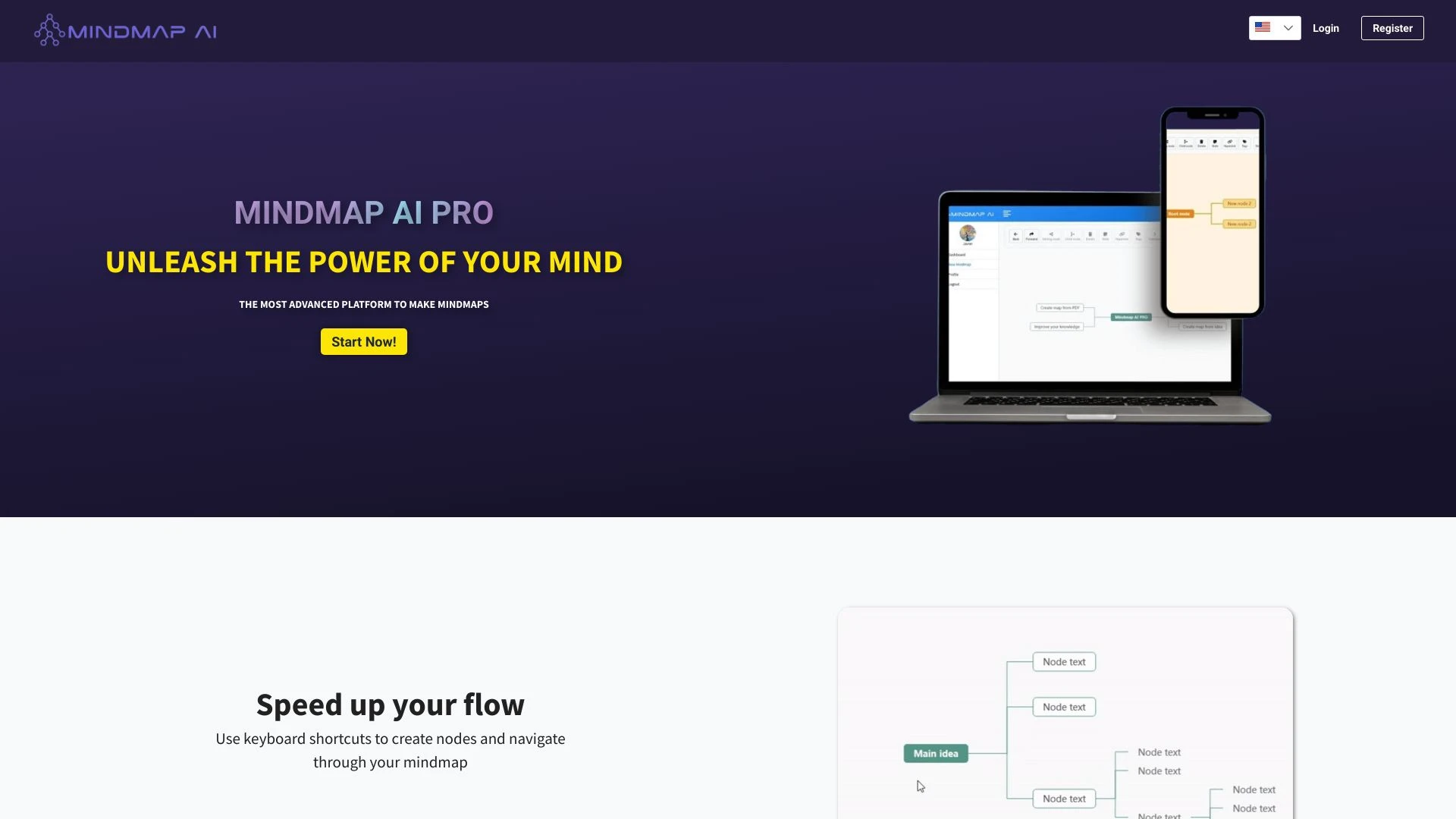
MindmapAI
MindmapAI is an AI-powered tool that helps users create and enhance mind maps easily.
- Create mind maps from scratch
- Generate mind maps from ideas
- Transform PDF summaries into mind maps
AI Analysis
Why use this AI MindmapAI for Design Mind Maps?
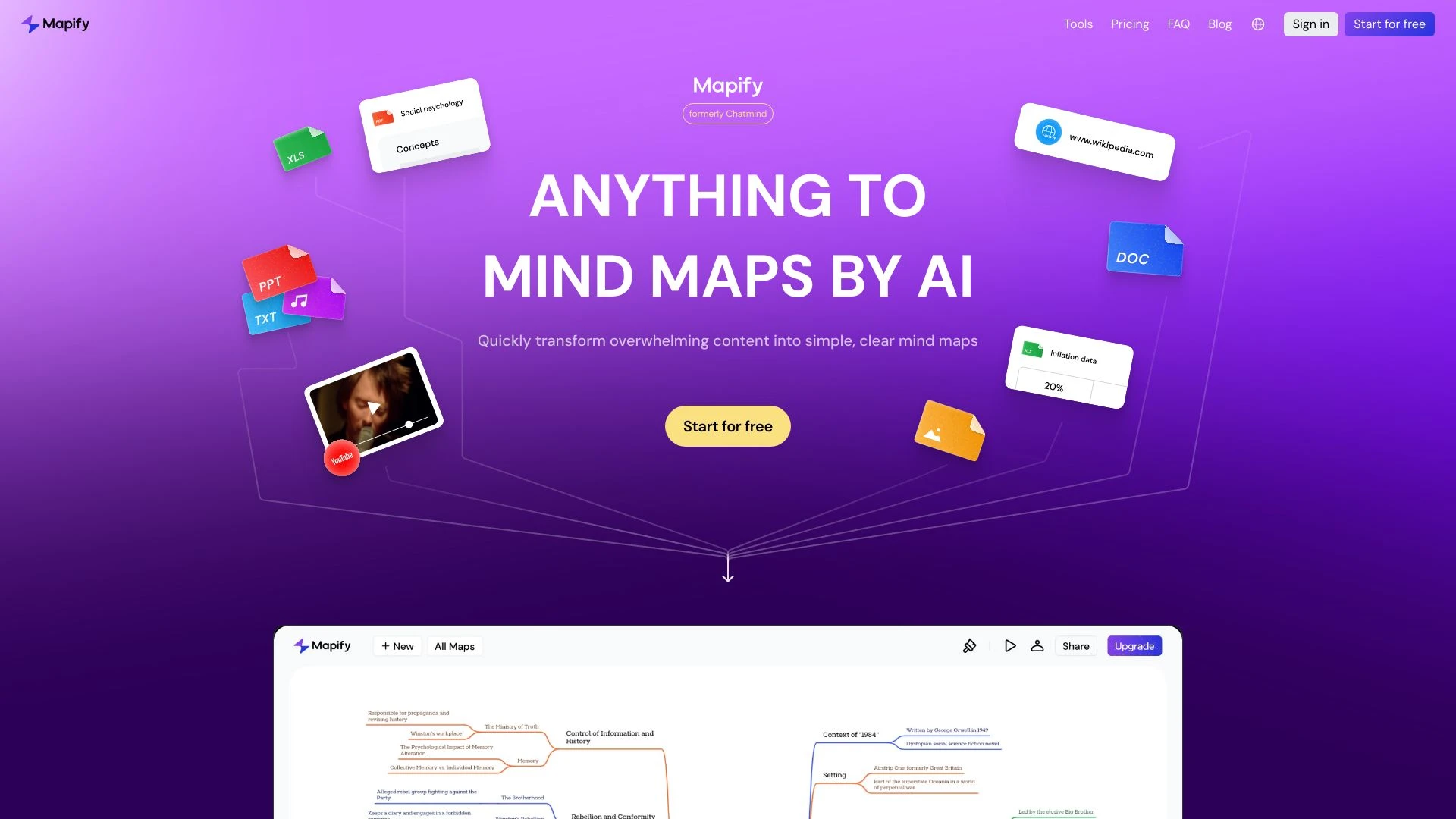
Mapify
Mapify is a free AI-driven tool that simplifies mind mapping and brainstorming tasks.
- AI-driven mind mapping
- rapid content summarization
- user-friendly interface
AI Analysis
Why use this AI Mapify for Design Mind Maps?
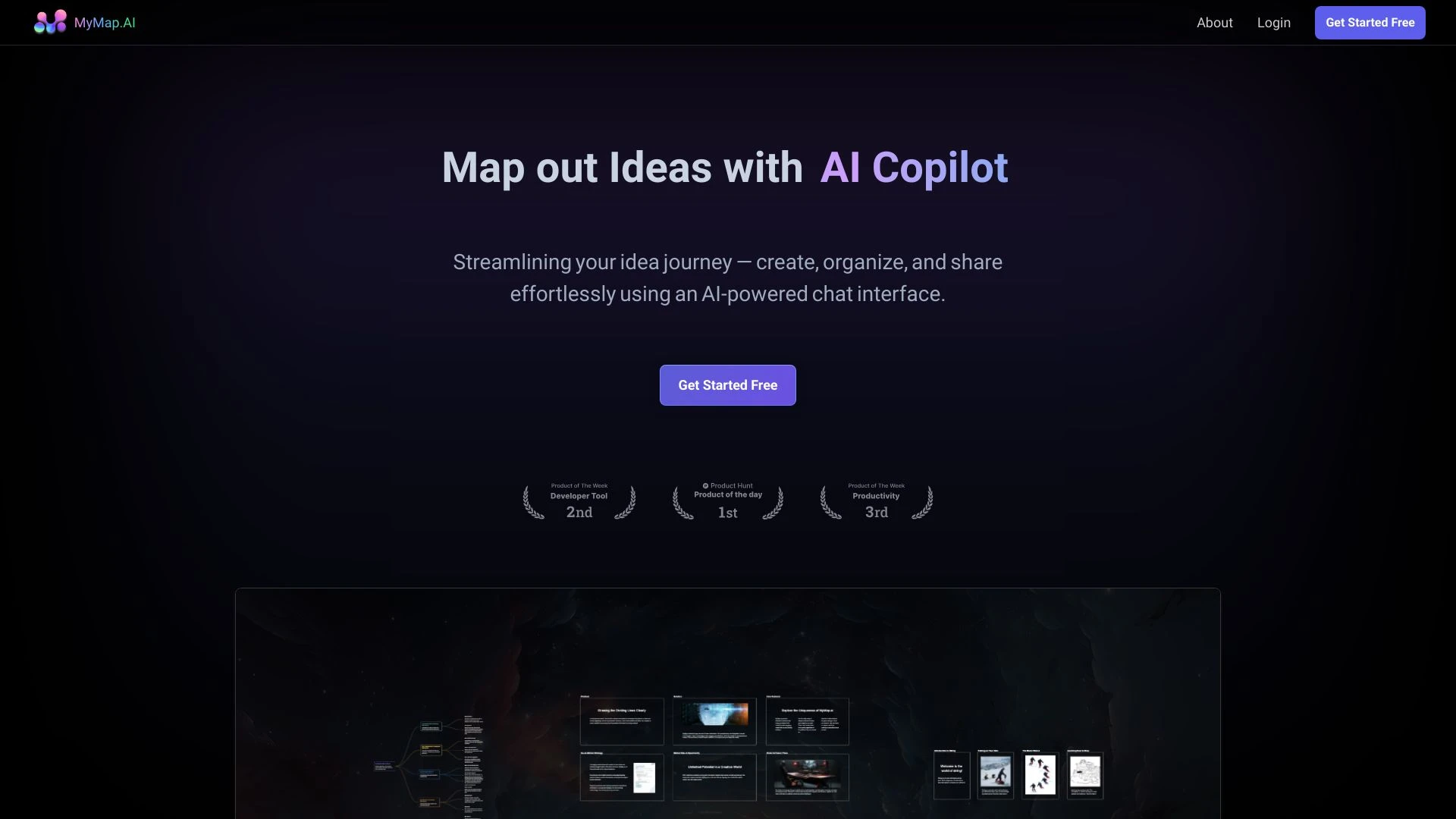
MyMap.AI
MyMap.AI turns your text ideas into engaging visual mind maps and presentations using an intuitive AI chat interface.
- AI-powered chat interaction
- conversion of text into mind maps and presentations
- easy editing and organizing
AI Analysis
Why use this AI MyMap.AI for Design Mind Maps?
Practical Workflows
Don't just buy tools—build a system. Here are 3 proven ways to integrate AI into your design mind maps process.
Workflow 1: From concept to first design mind map (Beginner)
- Define the core design problem in a single sentence and load it into the AI mind map tool.
- Input 3-5 design constraints (brand colors, typography, audience) and generate a central node.
- Run auto-layout to create 4 branches (User Needs, Features, Screens/Assets, Milestones) and tweak labels for clarity.
Workflow 2: Daily design mind map optimization (Regular user)
- Open a ongoing design project mind map and sync with your design brief updates.
- Use AI to auto-suggest branch refinements based on latest feedback and KPIs.
- Merge duplicate nodes, color-code priorities, and export a one-page briefing for stakeholders.
Workflow 3: Full automation of Design Mind Maps (Power user)
- Define a design sprint template with goals, constraints, and success criteria.
- Schedule AI to generate and update mind maps automatically as new inputs arrive (Research, Concepts, Evaluation).
- Set rules for auto-branch expansion, cross-linking related nodes, and publish a living map to the team hub.
Effective Prompts for Design Mind Maps
Copy and customize these proven prompts to get better results from your AI tools.
Beginner: Simple Design Mind Map creation
You are a Design Mind Maps AI assistant. Task: Create a basic mind map for a new mobile app branding concept. Central node: 'Mobile App Branding'. Branches: 'User Personas', 'Color Palette', 'Typography', 'Iconography', 'Timeline'. Provide concise, descriptive labels and 4-6 sub-branches for each main branch.Advanced: Role + context + constraints + format
Role: Senior design strategist. Context: Redesign a SaaS onboarding experience. Constraints: 2-week timeline, accessibility compliant, brand voice aligned. Output: An interactive mind map in JSON with nodes for Goals, Research, Concepts, Evaluation, and Deliverables. Include cross-links between User Needs and Features, with recommended actions per node.Analysis: Evaluate/compare/optimize outputs
You are a Design Mind Maps AI evaluator. Given two generated mind maps for a fintech product, compare structure, naming clarity, and coverage of UX research. Identify gaps, suggest improvements, and propose a merged map with unified terminology and consolidated branches.
What is Design Mind Maps AI?
Design Mind Maps AI is specialized software that automatically creates and organizes mind maps centered on design problems, processes, and outcomes. It helps teams brainstorm, document design decisions, and align stakeholders. Ideal users include product designers, UX teams, and branding agencies seeking structured ideation and rapid iteration.
Benefits of AI for Design Mind Maps
- Faster ideation by auto-generating branches from a single design brief.
- Consistent structure across projects for easier handoffs.
- Smart pruning and cross-linking of related concepts to reveal design dependencies.
- Template-driven workflows that scale for teams and agencies.
- Real-time collaboration with stakeholders via living mind maps.
How to Choose the Right Design Mind Maps AI Tool
- Template variety: ensure templates match your design process (research, concept, evaluation).
- Collaboration features: real-time editing, comments, and version history.
- Export formats: PNG, PDF, and interactive HTML for sharing with clients.
- Automation depth: level of auto-generation, constraints, and integration with design suites.
- Learning curve and support: onboarding resources and responsive support.
Best Practices for Implementing AI Mind Maps in Design
- Define clear design goals and constraints before generating maps.
- Start with a simple mind map and progressively add branches as needed.
- Regularly review AI outputs with stakeholders to ensure alignment.
- Use color-coding and naming conventions for consistency across projects.
- Integrate with version control and design assets to keep maps current.
AI for Design Mind Maps: Key Statistics
2026 adoption rate of Design Mind Maps AI tools among design teams: 37%
Average time to generate a complete design mind map: 7.5 minutes
Percent reduction in design briefing time after adopting AI mind maps: 42%
Most-used AI mind map feature: auto-layout and cross-linking
Industries reporting improved stakeholder alignment after AI mind map use: 68%
Frequent export formats used: PDF 45%, interactive HTML 32%, PNG 23%
Frequently Asked Questions
Get answers to the most common questions about using AI tools for design mind maps .
Design Mind Maps AI refers to software and features that automatically generate and organize mind maps focused on design problems, concepts, and workflows. It’s ideal for designers, product teams, and agencies seeking structured ideation, faster brainstorming, and consistent documentation.
Begin by outlining the design goal, key constraints, and audience. Choose a Design Mind Maps AI tool, input the brief, select a template, and let the AI generate the initial mind map. Then refine labels, adjust branches, and export a shareable overview.
Both have strengths: standalone AI mind map tools excel at ideation and layout, while integrated suites streamline asset linking and version control. For teams, an integrated solution with AI mind map features offers seamless collaboration and real-time updates.
Common issues include vague inputs, missing constraints, or conflicting goals. Improve results by clarifying the design goal, providing concrete constraints, and iterating prompts. Check for feature limits like template availability and export options.
Related AI Tool Categories
Explore other AI tool categories similar to Design Mind Maps that might interest you.
AI Business Ideas Generator
The AI Business Ideas Generator harnesses machine learning algorithms to analyze market trends, consumer behavior, and e...
AI Productivity Tools
AI productivity tools enhance efficiency by automating repetitive tasks, analyzing data, and facilitating decision-makin...
AI Maps Generator
The AI Maps Generator harnesses machine learning to create detailed, accurate maps from various data sources, such as sa...
AI Chatbot
AI chatbots leverage advanced natural language processing to understand and respond to user queries in real-time. Applic...
AI Meeting Assistant
AI Meeting Assistants leverage natural language processing and machine learning to streamline meetings by automating tas...
AI Mind Mapping
AI Mind Mapping leverages artificial intelligence to enhance the process of brainstorming and organizing ideas visually....