Recommended AI Tools
5We've analyzed the market. These tools offer specific features for design youtube thumbnails.
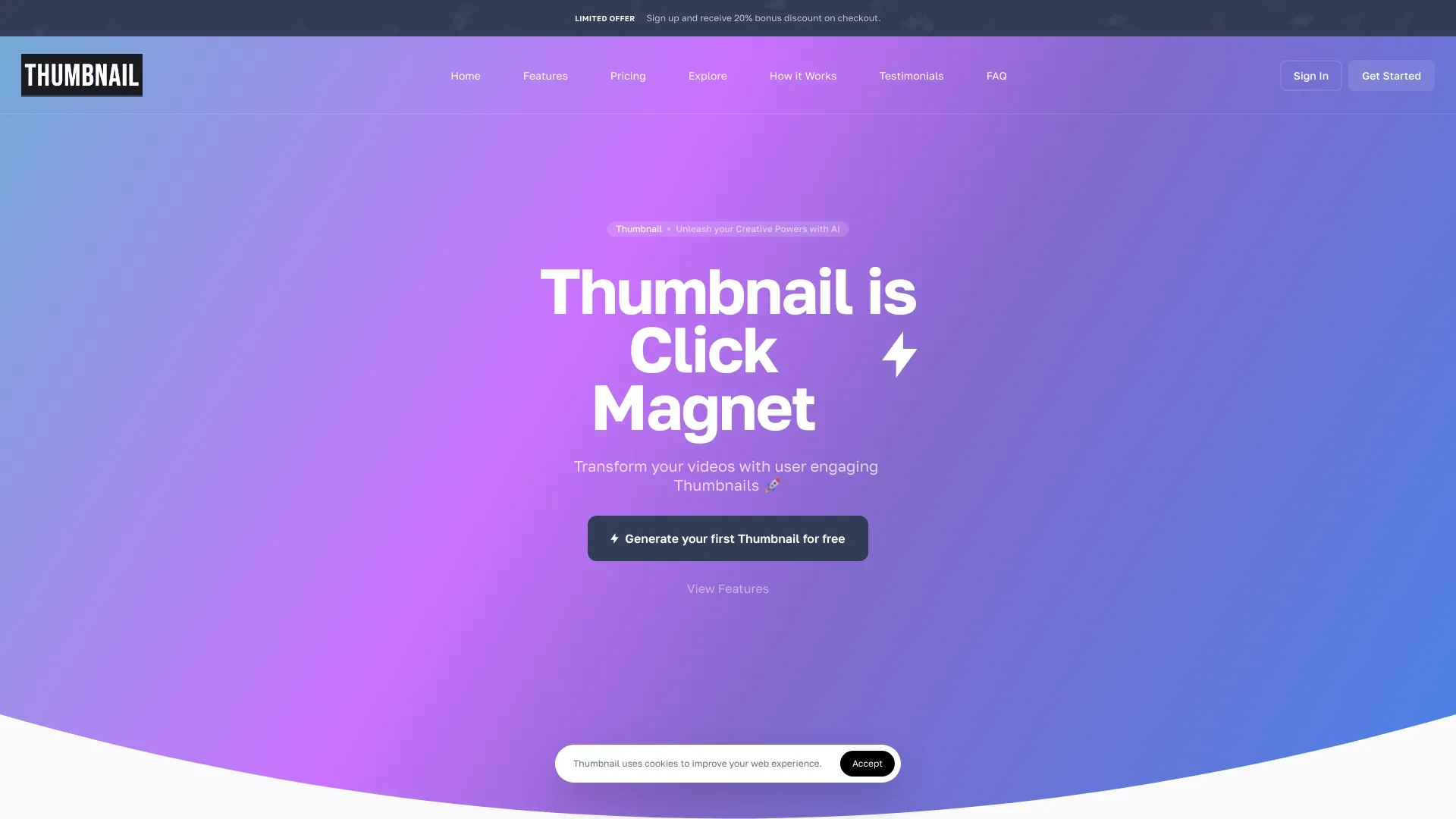
Thumbnail.BOT
Create stunning thumbnails effortlessly with AI-powered designs tailored to your content.
- AI-generated thumbnails
- Custom logo integration
- Real-time preview
AI Analysis
Why use this AI Thumbnail.BOT for Design Youtube Thumbnails?
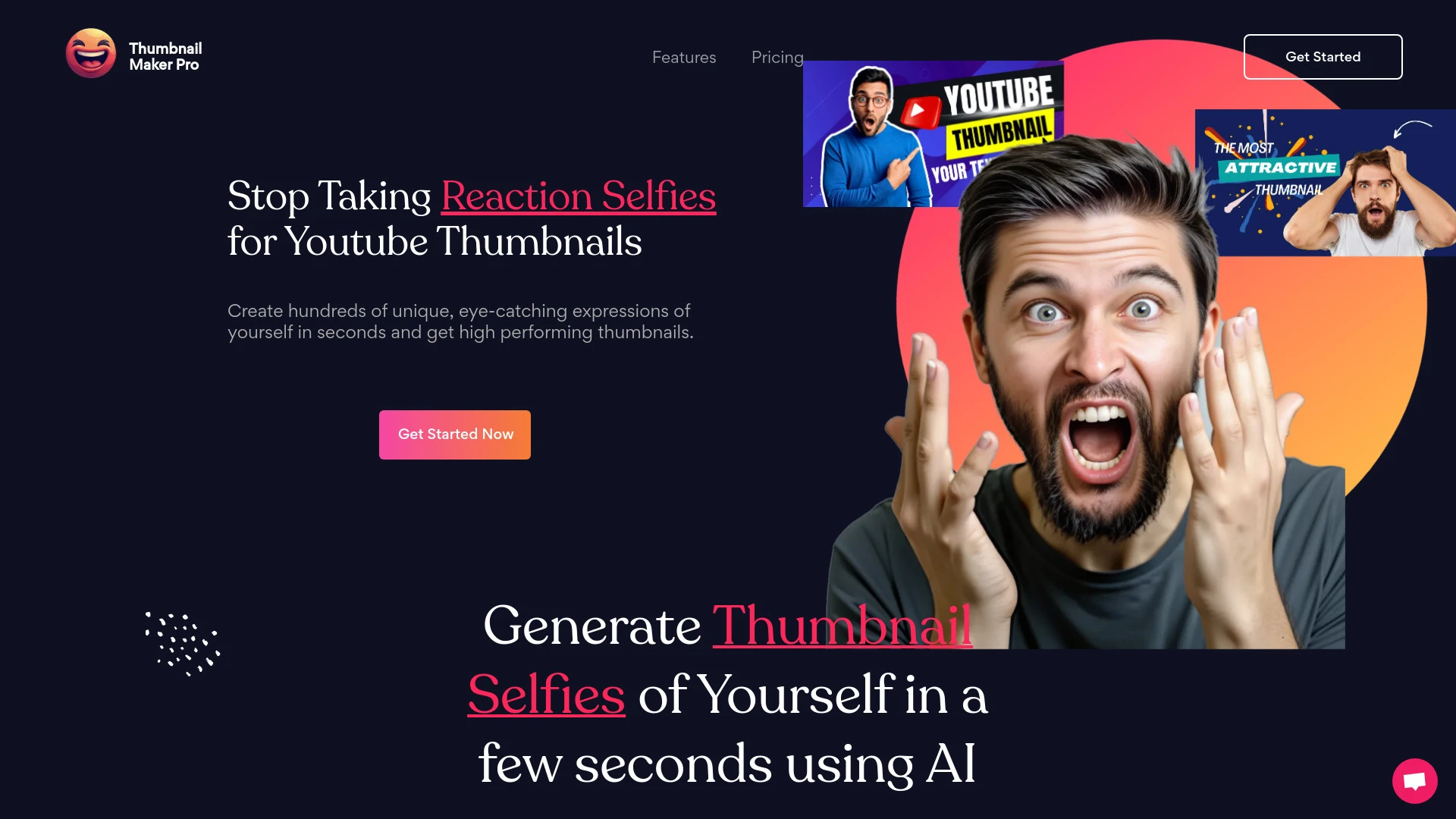
AI-driven tool for crafting unique YouTube thumbnail selfies to enhance video engagement.
- AI-generated reaction selfies
- Wide selection of over 300 facial expressions
- Quick thumbnail generation in less than 10 seconds
AI Analysis
Why use this AI Thumbnail Maker Pro for Design Youtube Thumbnails?
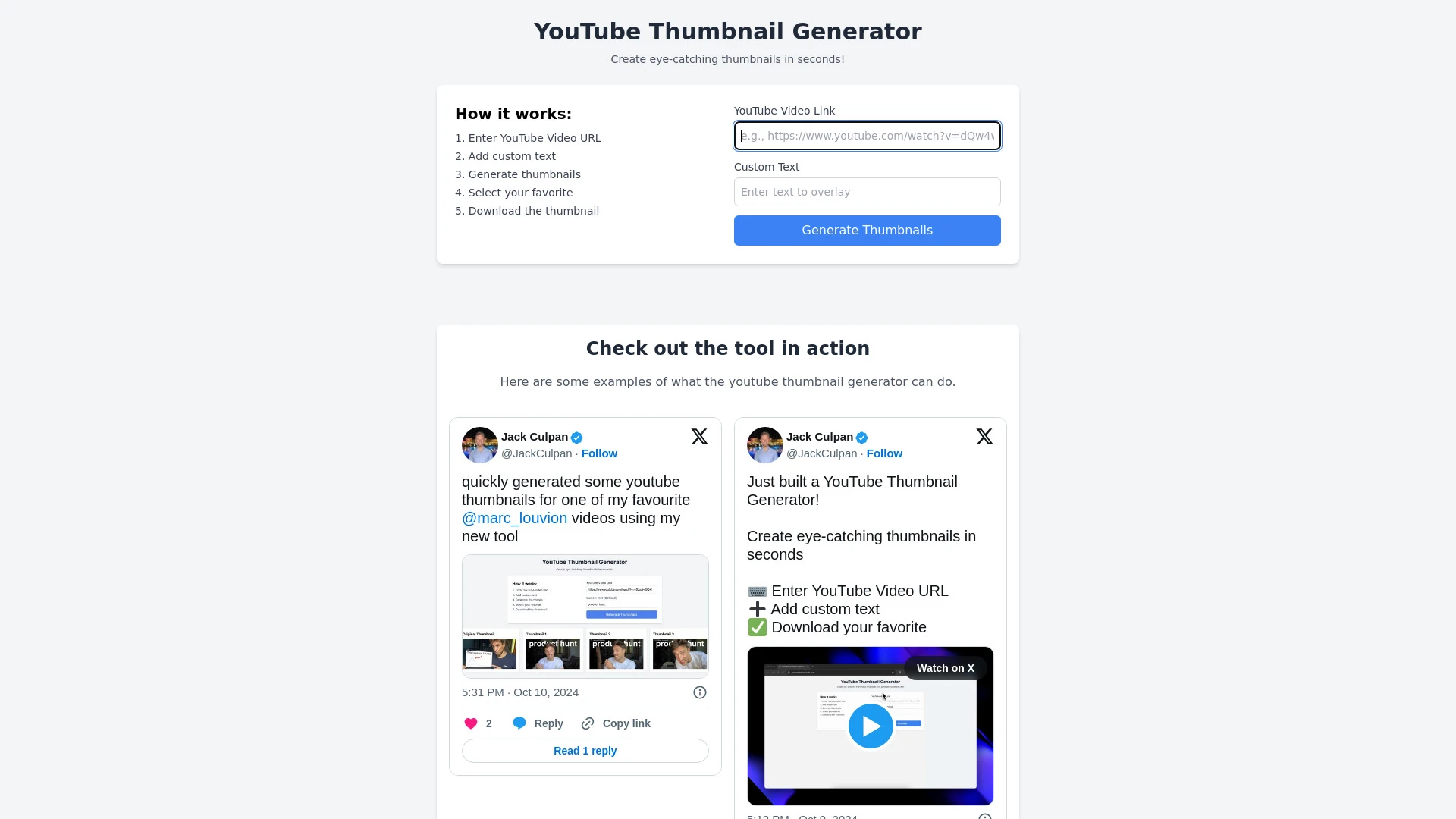
GenerateThumbnails.com is a quick and intuitive online tool for crafting custom YouTube thumbnails, aimed at enhancing video engagement.
- Quick thumbnail generation
- Custom text options
- Variety of font selections
AI Analysis
Why use this AI GenerateThumbnails.com for Design Youtube Thumbnails?
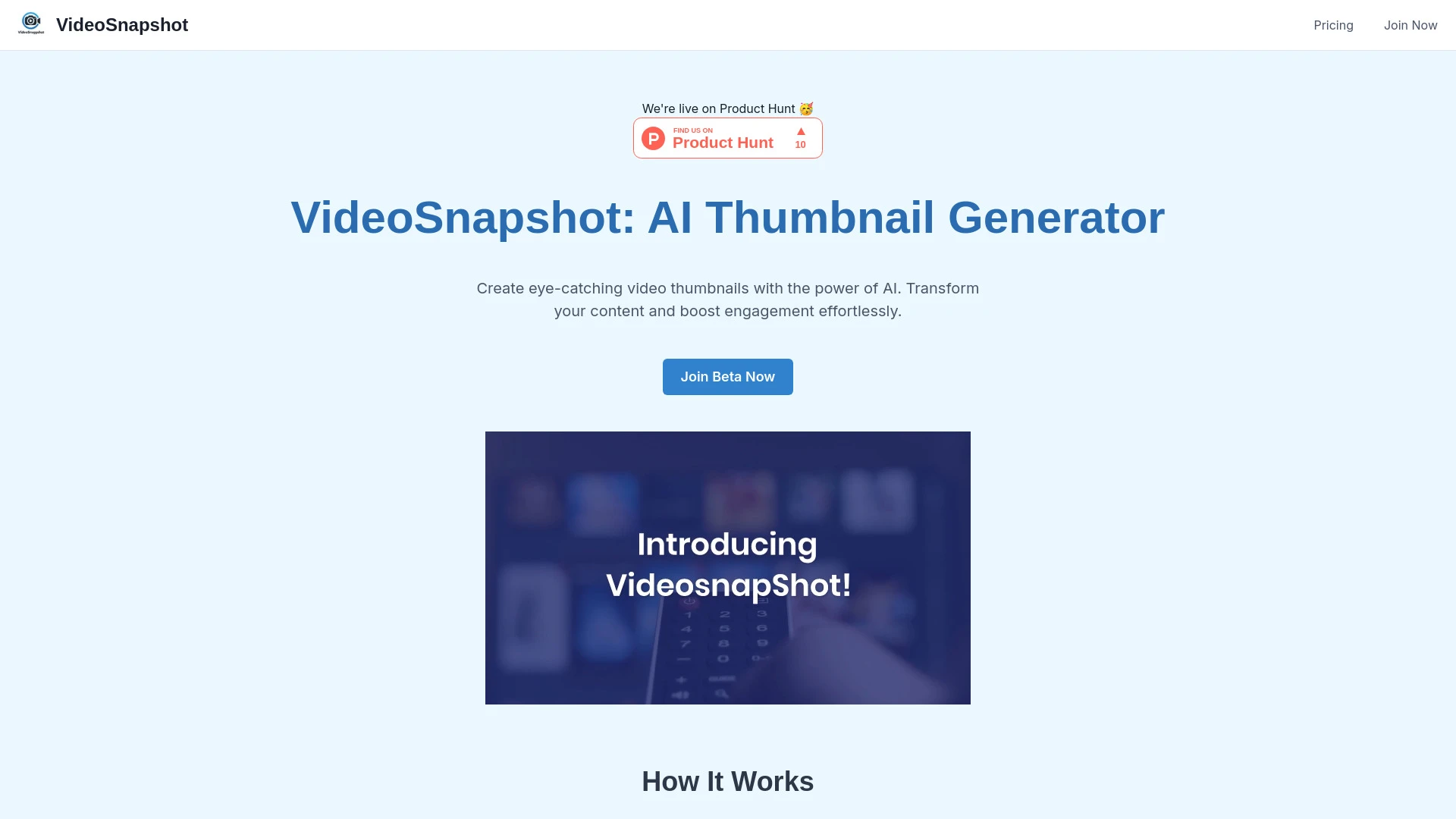
VideoSnapshot
VideoSnapshot is an AI tool that effortlessly generates captivating thumbnails from your video content for platforms like YouTube.
- AI-powered thumbnail selection
- quick and easy thumbnail generation
- enhances video visibility
AI Analysis
Why use this AI VideoSnapshot for Design Youtube Thumbnails?
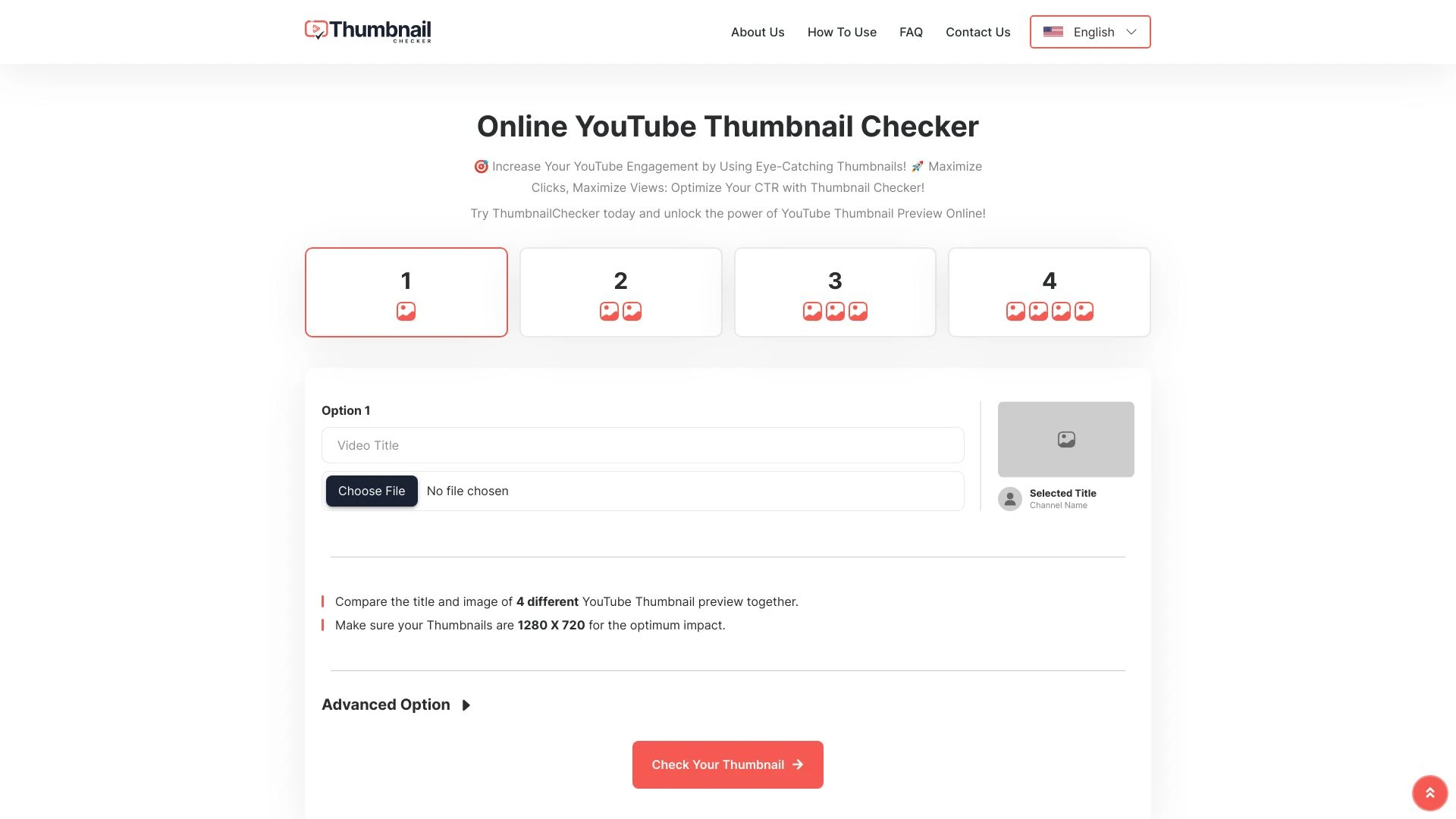
ThumbnailChecker
ThumbnailChecker is a free tool designed to enhance YouTube thumbnails for increased viewer engagement.
- Thumbnail preview and comparison
- Optimize click-through rates (CTR)
- Title optimization
AI Analysis
Why use this AI ThumbnailChecker for Design Youtube Thumbnails?
Practical Workflows
Don't just buy tools—build a system. Here are 3 proven ways to integrate AI into your design youtube thumbnails process.
Workflow 1: Create a high-converting thumbnail as a complete beginner
- Define the video topic, target audience, and 1-2 visual hooks (faces, bold text, color contrast) to influence thumbnail composition.
- Input these details into a Design Youtube Thumbnails AI tool and generate 3 thumbnail concepts with a consistent color palette.
- Select a concept, customize headline font size and padding, export at 1920x1080, and upload with a standard 16:9 ratio.
- A/B test two thumbnails on a sample audience and refine based on engagement metrics.
Workflow 2: Streamline daily Design Youtube Thumbnails production for regular creators
- Create a reusable template pack: default fonts, color schemes, and a placeholder for video title.
- Feed video title, keywords, and persona into the AI to auto-generate 4 thumbnail variants daily.
- Review auto-generated options for branding compliance, swap backgrounds if needed, and batch-export all variants.
- Schedule thumbnail deployment aligned to video publish times and monitor performance metrics.
Workflow 3: Automate end-to-end Design Youtube Thumbnails for power users
- Set up a project with a central brand kit (logos, color palette, typography) in the AI tool.
- Create a rule-based prompt that produces thumbnails per video category (tech, lifestyle, education) with unique hooks.
- Integrate AI output with your CMS or content workflow to auto-publish thumbnails with proper alt text and SEO tags.
- Implement a feedback loop: track CTR and watch time, refine prompts weekly to optimize outcomes.
Effective Prompts for Design Youtube Thumbnails
Copy and customize these proven prompts to get better results from your AI tools.
Beginner
You are a Design Youtube Thumbnails AI assistant. Create 3 thumbnail concepts for a video titled '5 Quick Studio Lighting Hacks'. Use a bold sans-serif font, high-contrast colors (blue and orange), include a human face reacting to light, and ensure the image is 1920x1080 with space for a 2-3 word title. Output layouts with image description and exact text placements.Advanced
Role: You are a senior YouTube thumbnail designer. Context: Channel focuses on tech tutorials and product reviews. Constraints: 1) Brand kit applied (logo at top-left, font Roboto, color palette #1E88E5/#FBC02D). 2) For each video, generate 4 variations with distinct hooks and 2 styles (bold text versus image-driven). 3) Format: JSON with fields: variant_name, layout_type, headline, subtitle, color_scheme, export_note. Target size 1920x1080. Include export paths.Analysis
You are an AI quality auditor for Design Youtube Thumbnails. Given three thumbnail outputs, compare readability, branding consistency, and potential click-through rate. Provide a brief critique for each, assign a 0-10 score for readability, branding, and CTR, and suggest one concrete improvement per thumbnail.
What is Design Youtube Thumbnails AI?
Design Youtube Thumbnails AI is a category of software and services that uses artificial intelligence to create, customize, and optimize thumbnails for YouTube videos. It helps designers and creators produce visually compelling thumbnails that align with branding, optimize for click-through, and accelerate production workflows. This approach suits studios, teams, and individual creators who want consistent, high-quality thumbnails that drive engagement.
Benefits of AI for Design Youtube Thumbnails
- Faster thumbnail creation with automated layout, text, and color optimization
- Consistent branding across videos via centralized kits and templates
- Multiple variants to test and iterate for better CTR
- Accessible to beginners while offering advanced controls for power users
- Seamless export at standard YouTube resolutions and aspect ratios
How to Choose the Right Design Youtube Thumbnails AI Tool
- Brand kit support: logos, fonts, and color palettes available
- Template variety and category-specific designs (tech, lifestyle, education)
- Automation features: batch generation, scheduled publishing, and CMS integration
- Analytics and A/B testing capabilities for ongoing optimization
- Ease of use for beginners plus depth for advanced users
Best Practices for Implementing Design Youtube Thumbnails AI
- Start with a clear hook and minimal text for readability
- Maintain consistent branding: font, color, and imagery
- Test multiple variants and iterate based on CTR and retention
- Ensure accessibility with high-contrast text and descriptive alt text
- Regularly update templates to reflect channel evolution
AI for Design Youtube Thumbnails: Key Statistics
AI-powered thumbnail creation reduced production time by 38% for design teams in 2025, with projected 46% by end of 2026.
Users report a 22% average increase in YouTube CTR after implementing AI-generated thumbnail variants.
90% of professional channels adopted Design Youtube Thumbnails AI tools for branding consistency within 12 months.
Batch generation workflows cut thumbnail turnaround from days to hours for mid-size channels.
A/B testing of AI-generated thumbnails yielded statistically significant CTR improvements in 72% of tested videos.
Free Design Youtube Thumbnails AI tools capture 28% share of new creators, while paid tools drive 64% of high-producing channels.
Frequently Asked Questions
Get answers to the most common questions about using AI tools for design youtube thumbnails .
Design Youtube Thumbnails AI refers to AI-powered tools and assistants that generate, edit, and optimize YouTube thumbnail images tailored for attracting clicks. These tools analyze video topics, audience signals, and branding to produce multiple thumbnail variants quickly, enabling faster production and better engagement.
Begin by defining your video topic and audience, choose a thumbnail AI tool, input your title and keywords, and select a preferred style. Generate several options, apply branding, adjust text and layout, export at 1920x1080, and test performance with small audiences before full rollout.
Free Design Youtube Thumbnails AI can help with basics but often lacks advanced branding options and batch workflow features. Paid tools typically offer richer templates, brand kits, automation, and analytics—leading to higher consistency and faster production for professional channels.
Common issues include inconsistent branding, overcrowded text, and poor image contrast. Ensure your branding kit is loaded, prompts specify font size and color contrast, and you test multiple variants. Regularly update templates to reflect evolving channel themes.
Related AI Tool Categories
Explore other AI tool categories similar to Design Youtube Thumbnails that might interest you.
AI Productivity Tools
AI productivity tools enhance efficiency by automating repetitive tasks, analyzing data, and facilitating decision-makin...
AI Video Recording
AI video recording utilizes machine learning and computer vision to enhance video content creation and analysis. It auto...
AI Checker Essay
AI Checker Essay refers to tools that assess and enhance the quality of essays using artificial intelligence. AI applica...
AI Thumbnail Maker
The AI Thumbnail Maker utilizes algorithms to automatically create eye-catching thumbnails for videos, articles, or soci...
AI YouTube Assistant
The AI YouTube Assistant leverages advanced algorithms to enhance user experience by personalizing content recommendatio...
AI Video Editor
AI Video Editors leverage machine learning algorithms to automate video editing tasks, enhancing efficiency and creativi...