Recommended AI Tools
5We've analyzed the market. These tools offer specific features for transcribe meetings automatically.
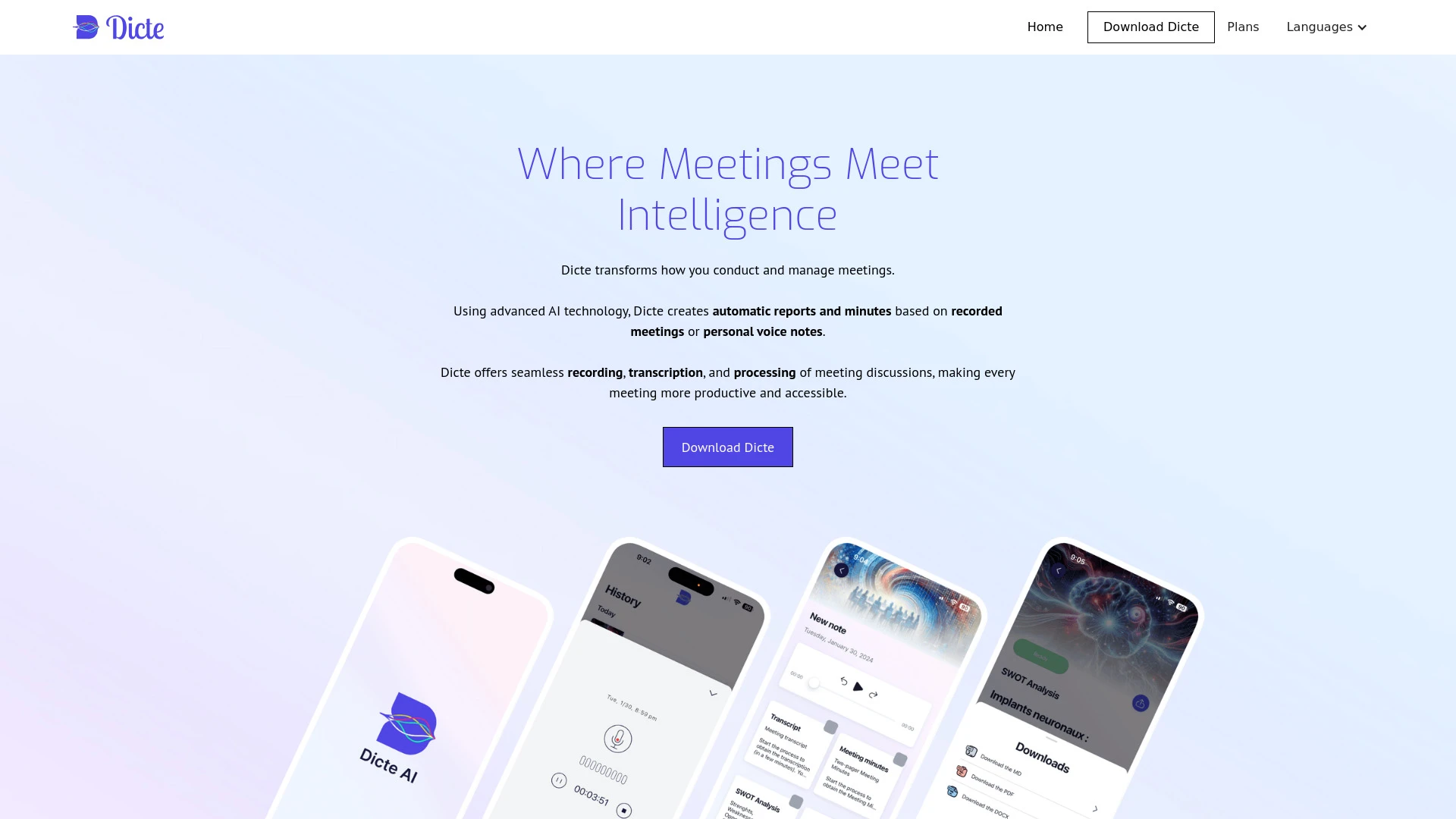
Dicte.ai
Dicte.ai is an AI tool that records, transcribes, and analyzes meetings, producing professional documents and summaries effortlessly.
- AI transcription with speaker identification
- professional meeting minutes generation
- SWOT analysis creation
AI Analysis
Why use this AI Dicte.ai for Transcribe Meetings Automatically?
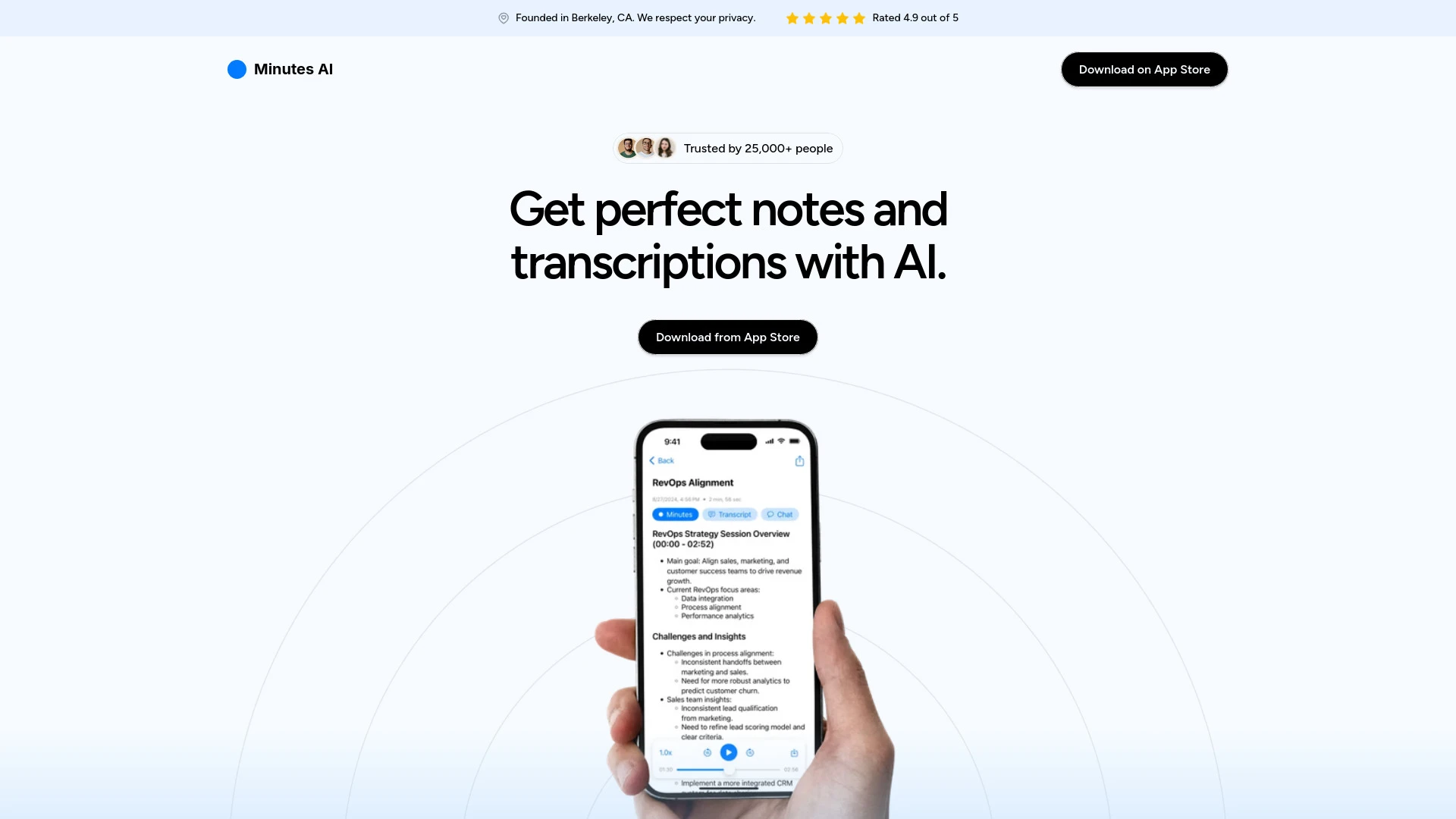
Minutes AI
Minutes AI is an AI-driven tool that automates the creation of meeting minutes and transcriptions from audio sources, enhancing productivity and colla...
- Automatic audio transcription
- Chat functionality for insight extraction
- Formatted notes and action item listing
AI Analysis
Why use this AI Minutes AI for Transcribe Meetings Automatically?
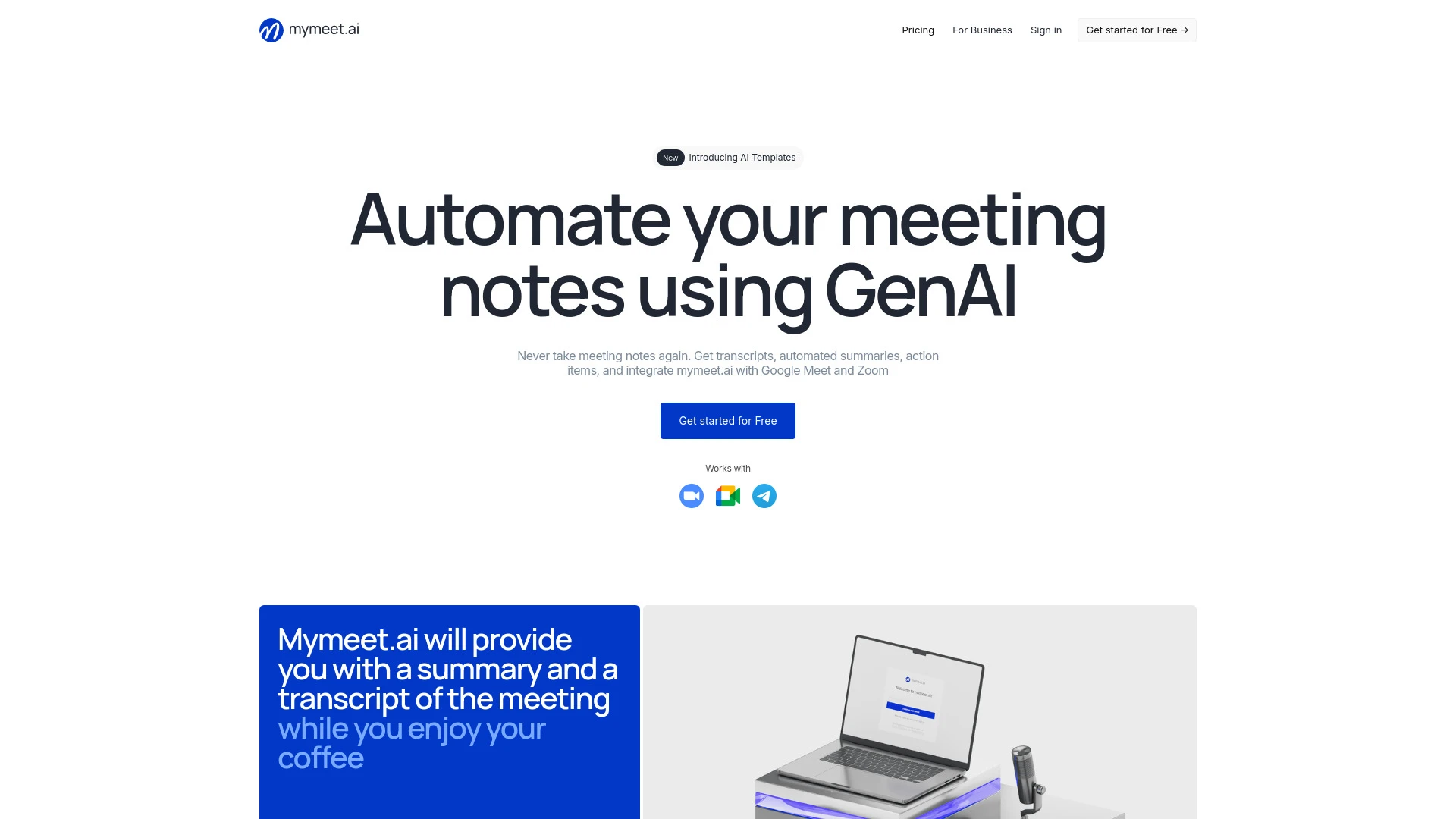
mymeet.ai
mymeet.ai is an AI-powered assistant that automatically generates meeting notes, transcripts, and summaries in over 100 languages.
- Automated transcription in 100+ languages
- Integration with Google Meet and Zoom
- Quick post-meeting summaries
AI Analysis
Why use this AI mymeet.ai for Transcribe Meetings Automatically?
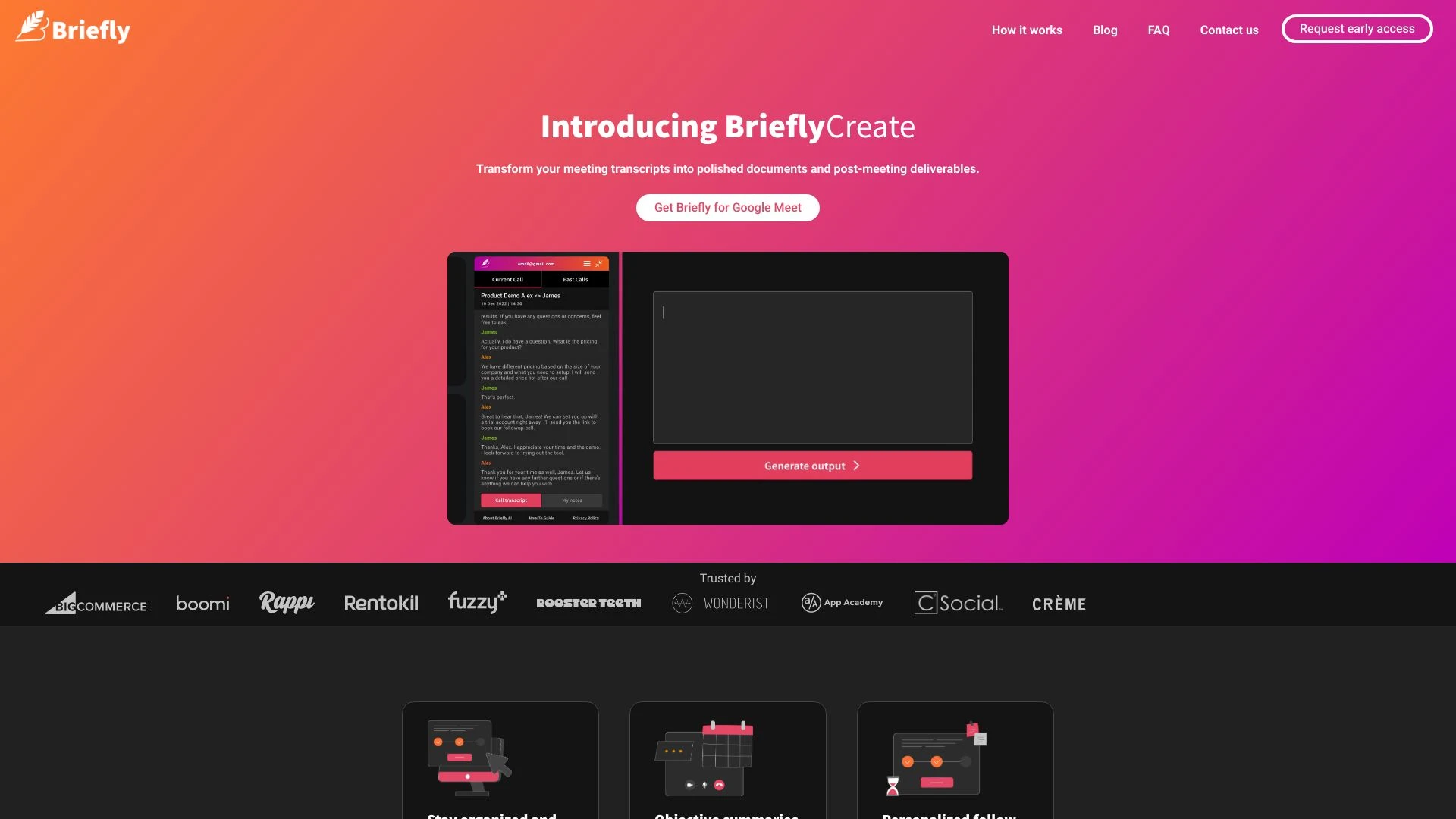
BrieflyAI
BrieflyAI enhances meeting productivity with AI-driven note-taking, automatic summaries, and follow-up emails.
- Automated meeting transcriptions
- Objective summaries and takeaways
- Personalized follow-up emails
AI Analysis
Why use this AI BrieflyAI for Transcribe Meetings Automatically?
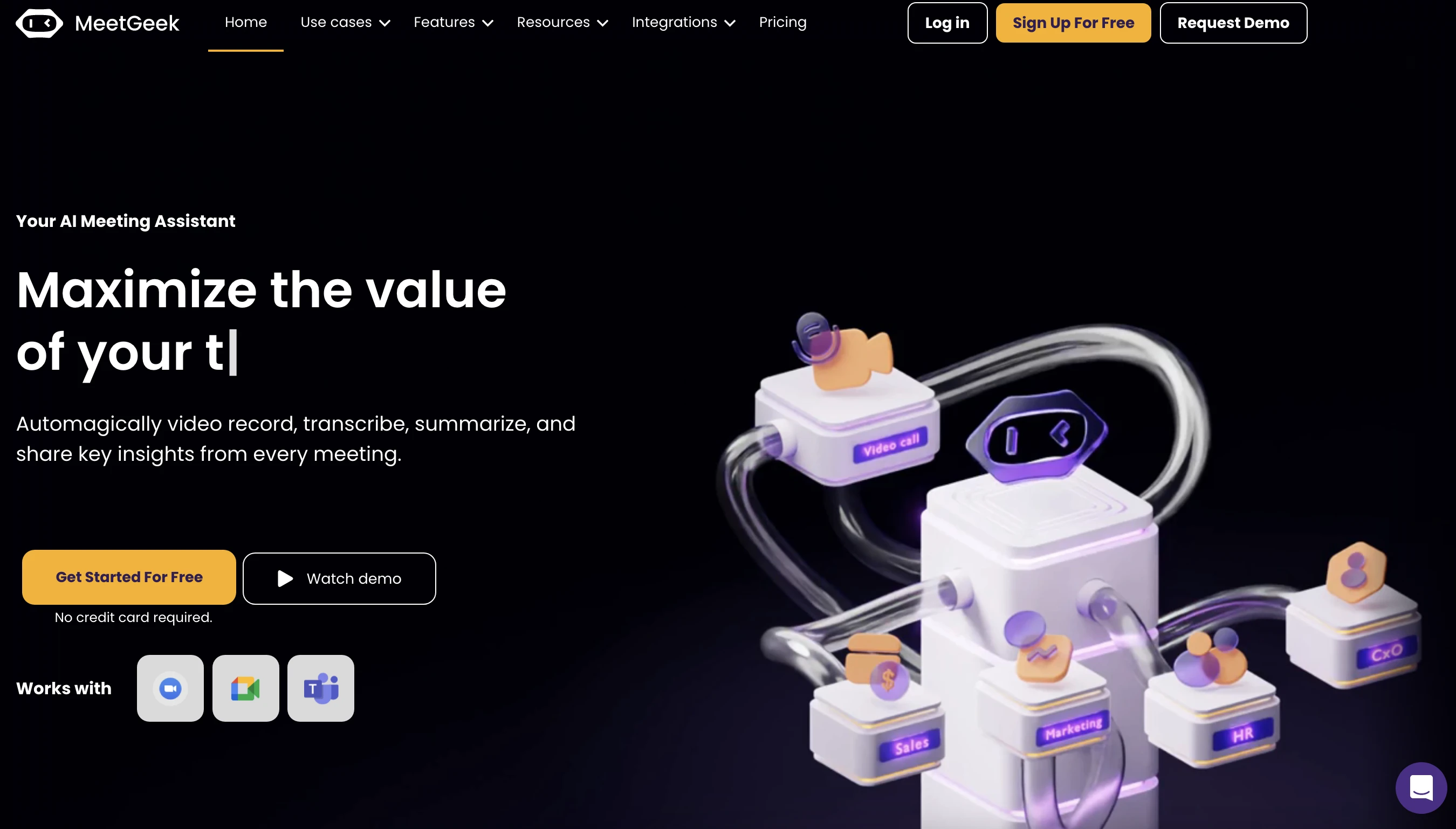
MeetGeek
MeetGeek is an advanced AI meeting assistant that automates recording, transcribing, and summarizing meetings to provide comprehensive insights.
- Auto-recording and transcription
- Automatic summaries
- Highlights and keyword detection
AI Analysis
Why use this AI MeetGeek for Transcribe Meetings Automatically?
Practical Workflows
Don't just buy tools—build a system. Here are 3 proven ways to integrate AI into your transcribe meetings automatically process.
Workflow 1: Complete beginner achieves first successful Transcribe Meetings Automatically task
- Choose a beginner-friendly Transcribe Meetings Automatically AI tool and set up a single meeting to test upload or live transcription.
- Select your language, microphone quality, and speaker labels to ensure initial accuracy.
- Review the first transcript, correct obvious errors, and save a labeled transcript for future reference.
Workflow 2: Regular user optimizes daily Transcribe Meetings Automatically work
- Create a standard meeting template with agenda and keywords to improve recognition for recurring topics.
- Enable automatic speaker diarization and time-stamped notes for quick skimming.
- Set up automated workflows: export to your note app, share a summary in Slack, and archive transcripts with metadata.
Workflow 3: Power user automates end-to-end Transcribe Meetings Automatically
- Integrate the Transcribe Meetings Automatically AI tool with your calendar and CRM for seamless capture.
- Configure rules for naming conventions, keywords, and sentiment flags across all transcripts.
- Create a batch process: daily transcripts → indexed search database → analytics dashboard with meeting outcomes.
Effective Prompts for Transcribe Meetings Automatically
Copy and customize these proven prompts to get better results from your AI tools.
Beginner: Quick transcription task
Transcribe the following meeting audio into a clean, readable transcript with speaker labels and timestamps. Output as a readable document and include a brief summary of action items.Advanced: Role-based transcription with constraints
As the meeting transcription assistant, transcribe the session with speaker labels, timestamps, and domain-specific terminology. Highlight decisions, assign action owners, and provide a structured minutes format in JSON with sections: attendees, agenda, decisions, actions, and next steps.Analysis: Evaluate and optimize transcripts
Compare two transcripts from similar meetings produced by Transcribe Meetings Automatically AI. Identify discrepancies in speaker labels, missing actions, and potential improvements in language model prompts. Provide recommendations to optimize accuracy and consistency.
What is Transcribe Meetings Automatically AI
Transcribe Meetings Automatically AI refers to software that uses speech recognition and natural language processing to convert spoken content from meetings into written transcripts. It’s designed for professionals who need searchable records, speaker identification, and integrated workflows. This solution suits teams, managers, sales, consultants, and project leads who want fast, reliable meeting records.
Benefits of Transcribe Meetings Automatically AI
- Faster note-taking: turn meetings into text in real time or near-real time.
- Improved accuracy with diarization and punctuation improvements.
- Searchable archives: quick retrieval of decisions and action items.
- Actionable insights: extract key topics, deadlines, and owners.
- Integrations: export to CRM, project management, or knowledge bases.
How to Choose the Right Transcribe Meetings Automatically AI Tool
- Accuracy and diarization quality for your team’s language and accents.
- Language support and domain-specific vocabularies.
- Speaker labeling, timestamps, and punctuation capabilities.
- Ease of integration with calendars, video platforms, and note apps.
- Pricing, data security, and compliance.
Best Practices for Implementing Transcribe Meetings Automatically AI
- Invest in high-quality microphones and quiet meeting rooms to improve accuracy.
- Enable speaker diarization and consistent naming for participants.
- Run calibrations with sample meetings and review outputs before large-scale use.
- Establish standard export formats and auto-forward rules to your teams.
AI for Transcribe Meetings Automatically: Key Statistics
Global adoption of Transcribe Meetings Automatically AI tools grew 45% year-over-year in 2024-2025, with 62% of surveyed teams adopting by 2025.
Average time saved per meeting when using Transcribe Meetings Automatically AI: 22–35 minutes, depending on meeting length and complexity.
Top industries increasing usage: professional services (28%), tech product teams (21%), sales (17%), education (9%).
Average annual cost range for small teams: $120–$600, with tiered pricing for scale and features like diarization and integrations.
User satisfaction: 84% report improved meeting follow-through and quicker information retrieval after adopting Transcribe Meetings Automatically AI.
Common ROI drivers: faster note capture, reduced manual transcription hours, and better knowledge retention across teams.
Frequently Asked Questions
Get answers to the most common questions about using AI tools for transcribe meetings automatically .
Transcribe Meetings Automatically AI software 2026 refers to AI-powered solutions that convert spoken content from meetings into accurate, searchable transcripts with features like speaker labeling, timestamps, and integrations, designed for professional use.
To get started, pick a suitable Transcribe Meetings Automatically AI tool, connect your calendar and audio source, choose language and diarization settings, run a test meeting, review the transcript, and set up automated exports to your note or project apps.
Cloud-based Transcribe Meetings Automatically AI tools offer rapid setup and automatic updates, while on-premises options provide data control and lower latency for sensitive content. Choose based on security needs, budget, and required latency.
Common causes include poor audio quality, multiple speakers overlapping, heavy accents, background noise, or missing diarization and language settings. Improve by using a high-quality mic, enabling noise suppression, and refining speaker labels.
Related AI Tool Categories
Explore other AI tool categories similar to Transcribe Meetings Automatically that might interest you.
AI Repurpose Assistant
The AI Repurpose Assistant employs advanced algorithms to transform content across formats, enhancing creativity and eff...
AI Email Assistant
An AI Email Assistant automates email management, enhancing productivity and communication. It uses natural language pro...
AI Interview Assistant
The AI Interview Assistant streamlines recruitment by automating candidate screening and conducting initial interviews u...
AI Productivity Tools
AI productivity tools enhance efficiency by automating repetitive tasks, analyzing data, and facilitating decision-makin...
AI Reply Assistant
The AI Reply Assistant leverages natural language processing to enhance communication efficiency. It automates responses...
AI Video Recording
AI video recording utilizes machine learning and computer vision to enhance video content creation and analysis. It auto...