Sponsored by BrandGhost BrandGhost is a social media automation tool that helps content creators efficiently manage and schedule their social media... Visit now

AI Music Maker (MusicMakerApp) versus MusicGen.app

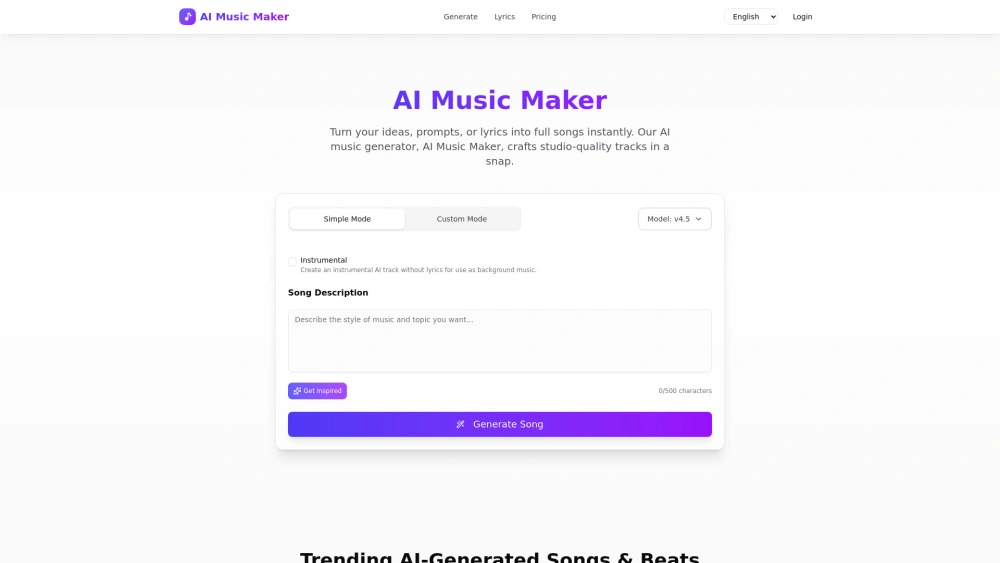
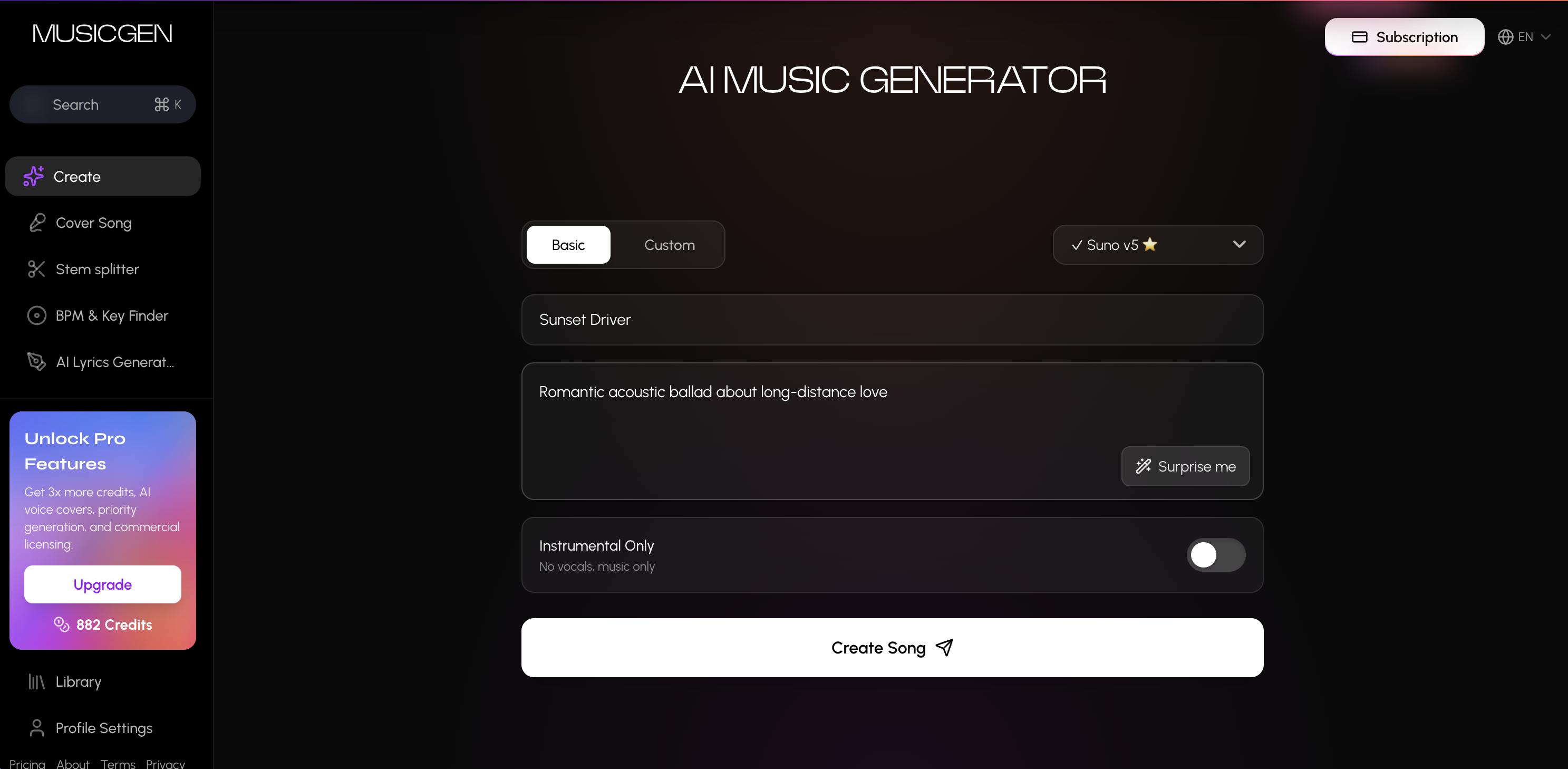
AI Music Maker and MusicGen.app are AI powered music generators for creators who need royalty free tracks. AI Music Maker focuses on speed and simple prompts with commercial licenses on paid plans, while MusicGen.app emphasizes custom lyrics, multiple AI voices, and a wide genre palette delivered via web and a Chrome extension.

AI Music Maker (MusicMakerApp) vs MusicGen.app Overview

Last updated: May 2026

Ideal For

    Drafting royalty-free background music for YouTube videos and streams

    Generating theme songs for podcasts

    Creating game or film soundtracks

    Producing backing tracks for indie artists

Key Strengths

    Instant studio-quality music

    Royalty-free music for content

    No musical skills required

Core Features

    Text-to-Song Generation: Turns prompts or lyrics into full songs with melody and vocals

    Lyrics-to-Song Generation: Converts lyrics into complete tracks with harmonies

    Style/Genre/Mood Customization: Aligns music to brand or scene

    Copyright-Safe Music: Provides royalty-free music for content

    One-click Download: Export MP3/M4A for projects

MusicGen.app

0

Ideal For

    YouTube creators needing background music Podcasters creating intro/outro music Musicians exploring new creative directions Content creators needing royalty-free tracks Marketers producing branded audio content Educators creating music for presentations Hobbyists experimenting with music creation Social media creators needing custom soundtracks Game developers requiring background music Video editors needing quick music tracks Streamers creating custom channel music Brands producing jingles and promotional audio

Key Strengths

    Free tier available - start creating without payment No sign-up required - generate music immediately Professional studio-quality audio output 60-90 second generation time Royalty-free music for commercial use Multiple AI models (Suno & Minimax) for best results Chrome extension available for browser access Custom lyrics support - full creative control 20+ genres and moods to choose from High-quality MP3 downloads ready to use

Core Features

    AI music generation with custom lyrics Basic and Custom mode options Genre selection (Pop, Hip-Hop, Rock, EDM, Lo-fi, etc.) Mood customization (Happy, Sad, Energetic, Calm) Voice selection from multiple AI voices Instrumental-only option Real-time generation progress tracking MP3 download with album cover generation Chrome extension for quick access Local storage for generation history Rate limiting (10 free songs) Gradient album cover generation

Popularity

Very Low Unknown number of visitors
Growing popularity
Very Low Unknown number of visitors
Growing popularity

At a Glance

If speed and licensing simplicity are the priority, Tool A is the better fit for quick background music in content workflows. If you need creative control, custom lyrics, and a wide range of voices and genres, Tool B is the stronger option. A blended approach can work well: use Tool A for fast tracks and supplement with Tool B when you need bespoke lyrics or branded audio elements.

Pricing and Subscription Plans

AI Music Maker offers a freemium entry with 0.00 price and annual billing under a subscription. MusicGen.app provides a freemium tier starting at 9.99 with monthly billing and a subscription model, plus free credits and no sign up required to start. Both services provide royalty free usage, with licensing terms varying by plan emphasis. The choice hinges on whether you prioritize immediate access and simplicity or deeper customization and branded capabilities.

Performance Metrics

AI Music Maker claims seconds to generate prompts into songs, highlighting rapid production. MusicGen.app cites generation times of 60-90 seconds. No additional quantitative metrics are provided, so real world performance depends on server load and model complexity.

User Experience

AI Music Maker is described as beginner friendly with a straightforward web interface and no direct integrations, plus a one click download workflow. MusicGen.app supports no sign up required entry with free credits and a Chrome extension for quick browser access, along with real time generation progress tracking. Quick onboarding favors AI Music Maker for speed, while MusicGen.app offers deeper controls like custom lyrics and multiple AI voices for more creative exploration.

Integrations and Compatibility

Tool A reports no direct integrations. Tool B includes a Chrome extension in addition to the web app enabling browser based workflows.

Limitations and Drawbacks

Tool A currently lacks direct integrations which may constrain multi tool workflows. Tool B free tier imposes rate limits with 10 free songs and relies on credits and extensions, which may require management for larger projects.

Frequently Asked Questions

What is the main difference between AI Music Maker (MusicMakerApp) and MusicGen.app?
The key difference between AI Music Maker (MusicMakerApp) and MusicGen.app lies in their core use cases, pricing models, and feature depth. AI Music Maker (MusicMakerApp) typically focuses on specific workflows, while MusicGen.app offers broader capabilities suitable for different teams and scenarios.
Which is better for teams: AI Music Maker (MusicMakerApp) or MusicGen.app?
MusicGen.app is often a better fit for growing teams that need collaboration, governance, and integrations, while AI Music Maker (MusicMakerApp) can be ideal for individuals or smaller teams who want a simpler, more focused solution.
Is AI Music Maker (MusicMakerApp) more affordable than MusicGen.app?
Pricing depends on your usage and plan tiers. AI Music Maker (MusicMakerApp) may offer a lower entry price, while MusicGen.app can provide more value at scale with advanced features included in higher-tier plans.
Can I use both AI Music Maker (MusicMakerApp) and MusicGen.app together?
Yes, many teams combine both tools in their workflows to cover different use cases. Always review integrations and overlapping features to avoid paying twice for similar functionality.

Related Comparisons