Herramientas de IA recomendadas
5Hemos analizado el mercado. Estas herramientas ofrecen características específicas para automatizar procesamiento de facturas.
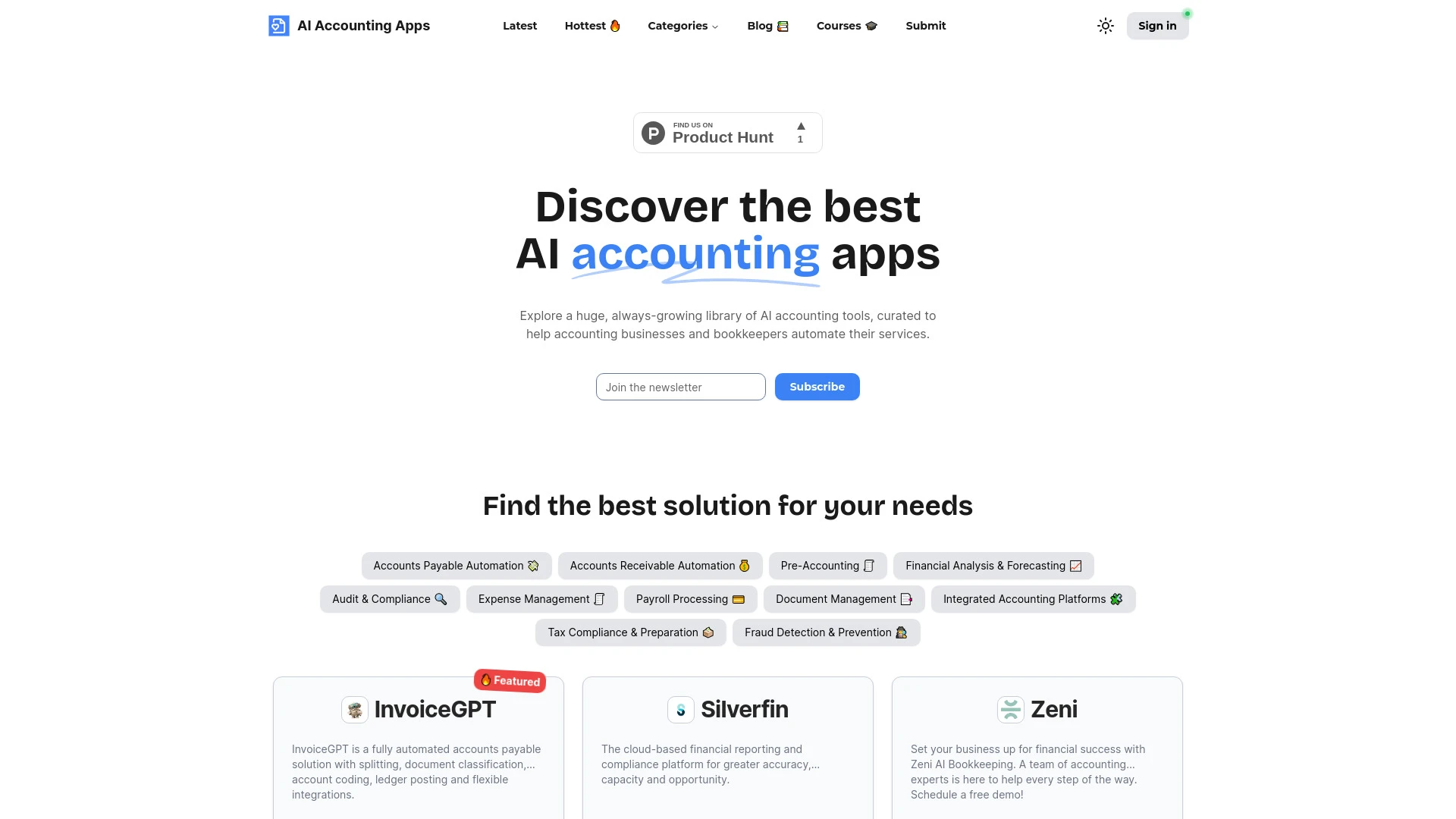
Aplicaciones de Contabilidad AI es una amplia biblioteca de herramientas impulsadas por IA diseñadas para automatizar y mejorar los procesos contables...
- Soluciones de cuentas por pagar impulsadas por IA
- Herramientas de gestión financiera automatizadas
- Contabilidad y teneduría de libros basadas en la nube
Análisis de IA
Por qué usar esta IA AI Accounting Apps para Automatizar procesamiento de facturas?
TurboDoc
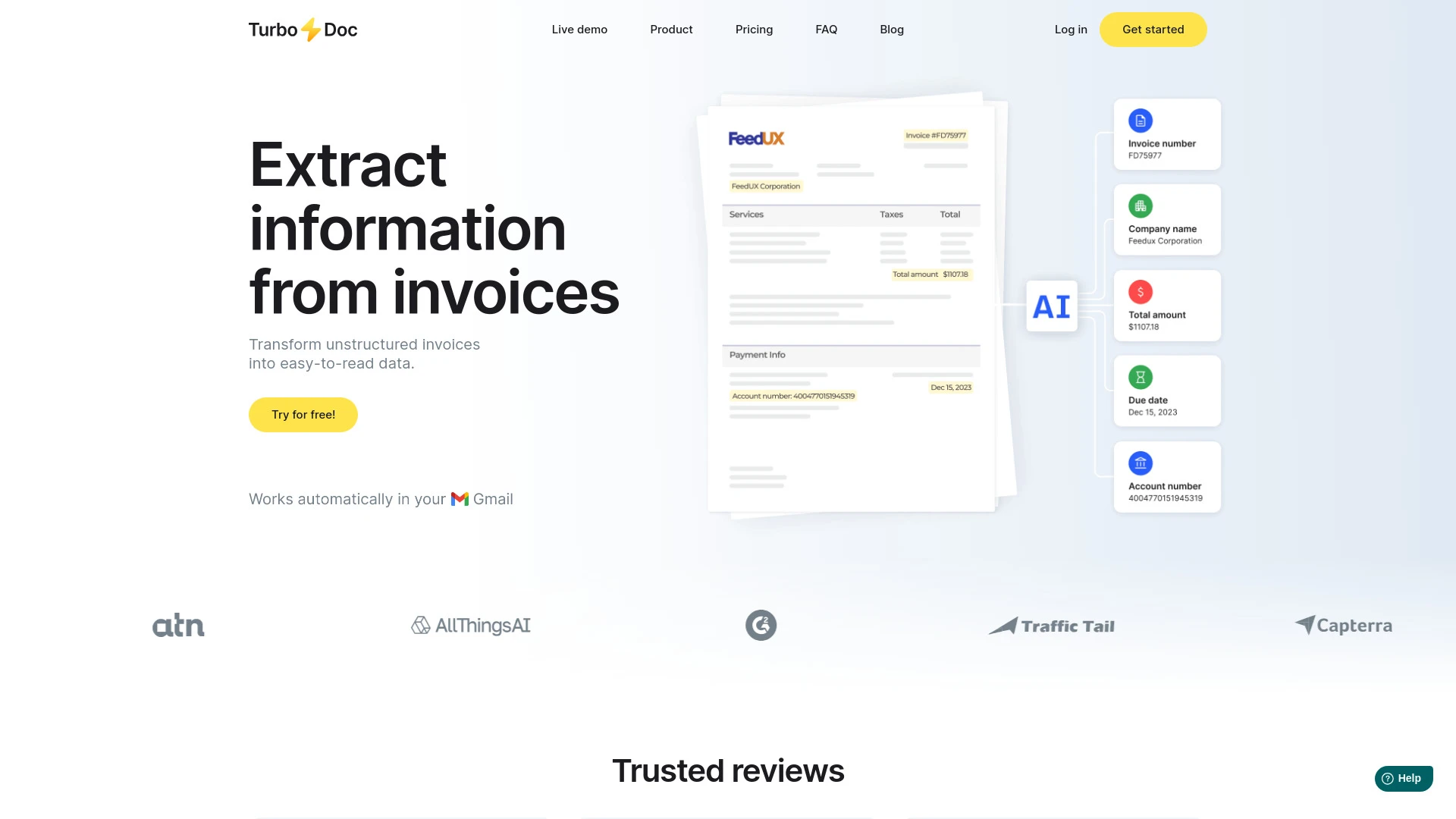
TurboDoc es una herramienta de IA que automatiza y optimiza el procesamiento de facturas utilizando tecnología OCR para minimizar errores manuales.
- OCR impulsado por IA para extracción precisa de facturas
- Procesamiento automático desde Gmail
- Interfaz amigable para organización eficiente de datos
Análisis de IA
Por qué usar esta IA TurboDoc para Automatizar procesamiento de facturas?
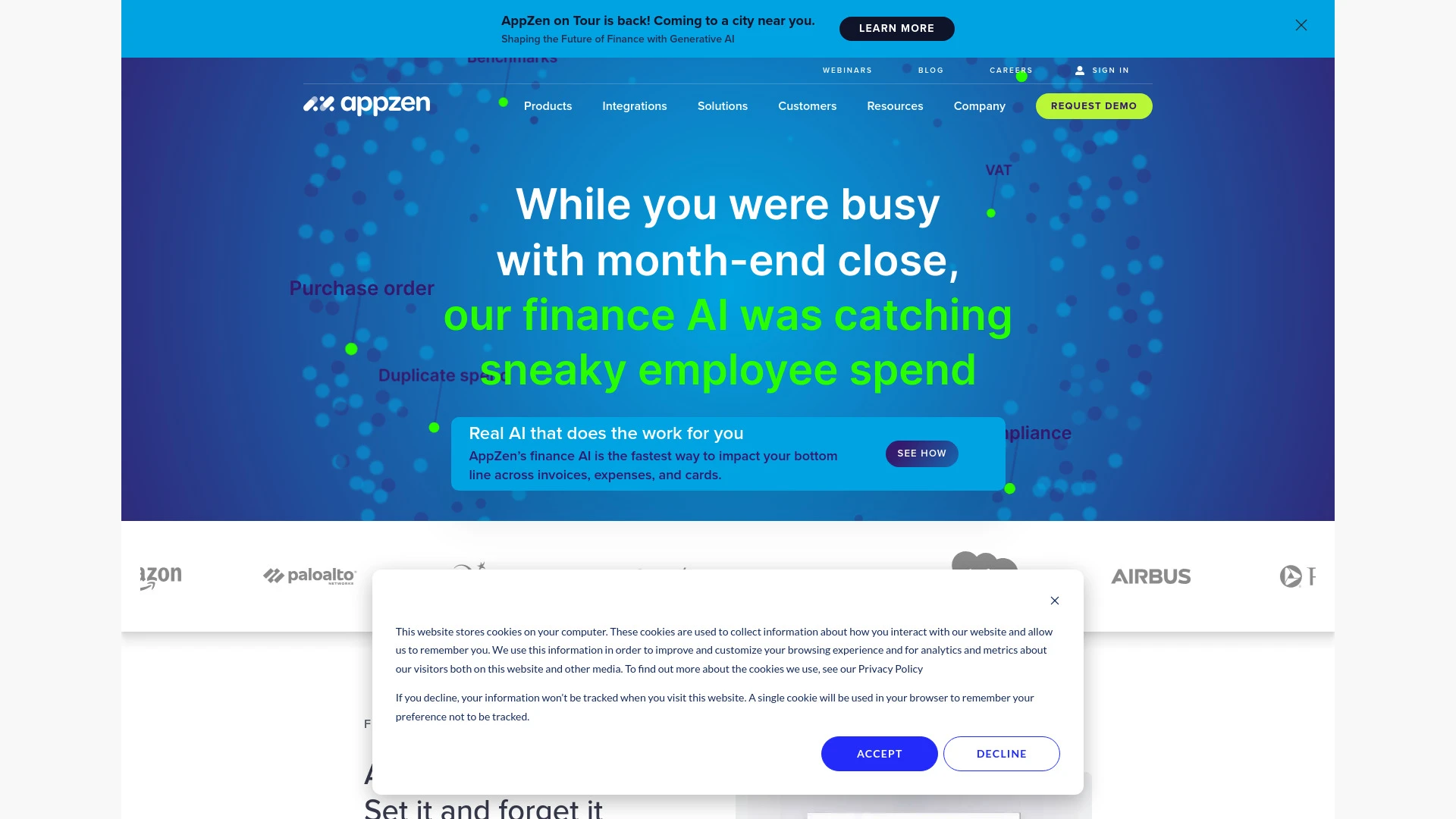
AppZen AI transforma las operaciones financieras a través de la automatización, mejorando la eficiencia y el cumplimiento.
- AP autónomo para el procesamiento eficiente de facturas
- Auditoría de gastos para mejorar el cumplimiento del gasto T&E
- Auditoría de tarjetas para el monitoreo de cumplimiento en tiempo real
Análisis de IA
Por qué usar esta IA AppZen AI for Modern Finance Teams para Automatizar procesamiento de facturas?
dodocs AI
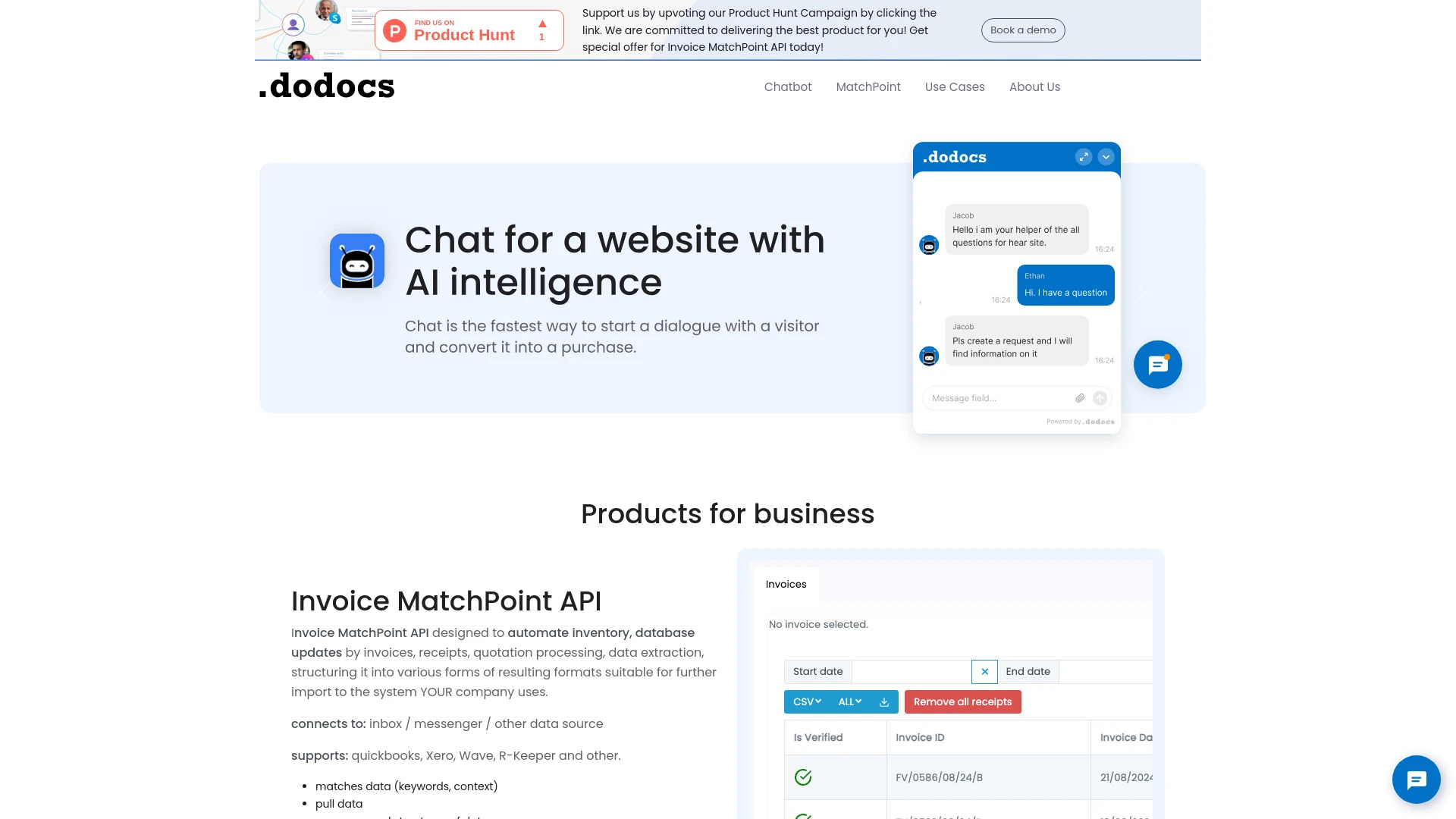
dodocs AI automatiza el procesamiento de facturas y recibos, simplificando la contabilidad y la gestión de documentos para las empresas.
- Procesamiento automatizado de facturas y recibos
- Extracción y estructuración de datos
- Integración con varios sistemas contables
Análisis de IA
Por qué usar esta IA dodocs AI para Automatizar procesamiento de facturas?
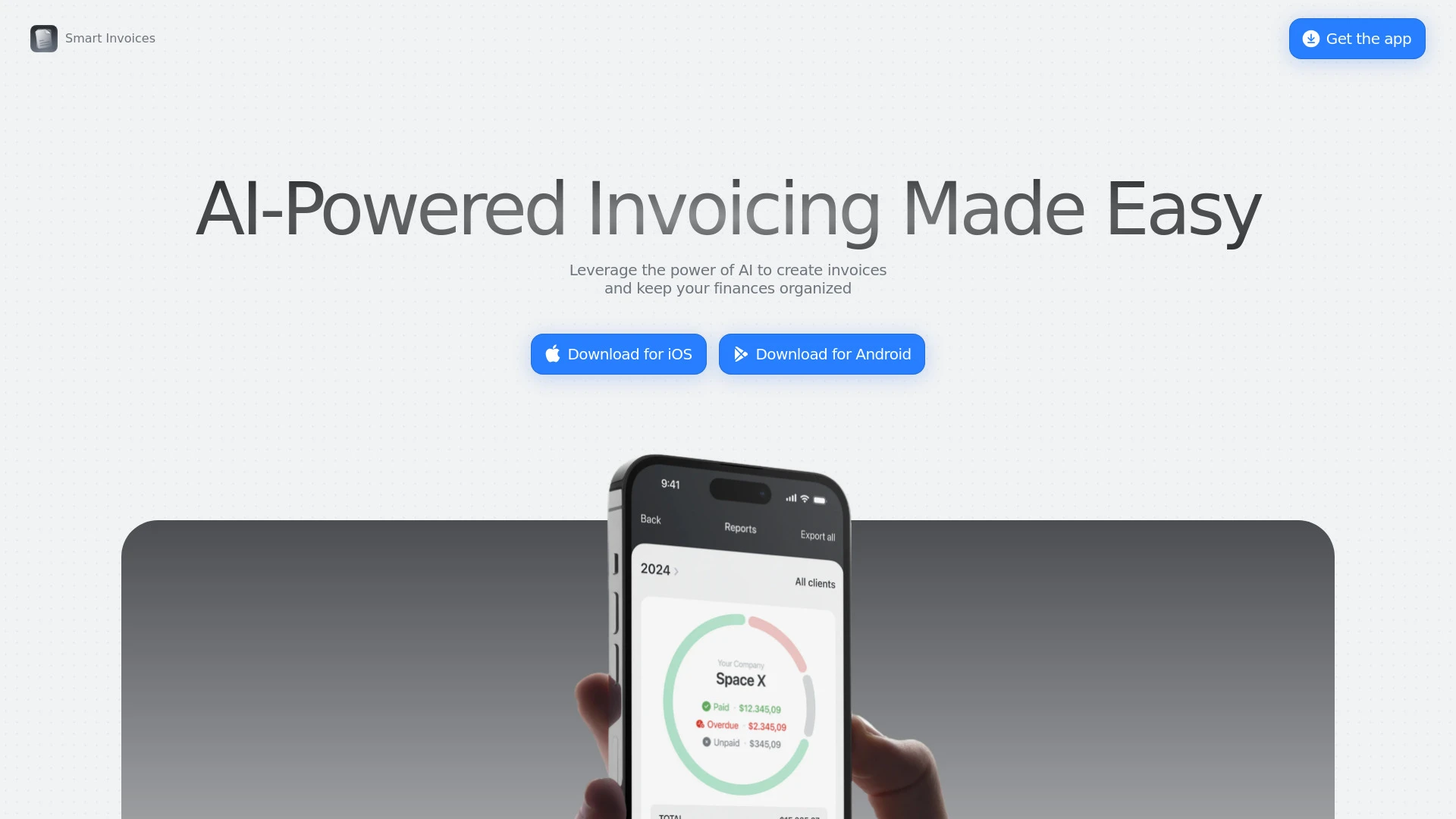
Smart Invoices
Smart Invoices es un asistente de facturación impulsado por IA que ayuda a las empresas y freelancers a crear facturas profesionales de manera rápida...
- Facturación impulsada por IA
- Cálculos automáticos de impuestos y descuentos
- Integración de base de datos de clientes
Análisis de IA
Por qué usar esta IA Smart Invoices para Automatizar procesamiento de facturas?
Flujos de trabajo prácticos
No solo compres herramientas—construye un sistema. Aquí están 3 maneras probadas de integrar la IA en tu automatizar procesamiento de facturas proceso.
Workflow 1: From manual entry to automated first invoice task (Beginner)
- Connect your small sample of 5–10 supplier invoices to the Automate Invoice Processing tool and map key fields (vendor, date, amount, tax) to your ERP.
- Configure an OCR template to capture line-item details and set rules for acceptance vs. flagging for review.
- Run a test batch, review flagged items, and export to your accounting system to confirm end-to-end task completion.
Workflow 2: Daily batching for Regular users to streamline processing
- Create a daily scheduled batch that pulls new PDFs and emails, applies auto-approve confidence thresholds, and routes exceptions to the AP queue.
- Set up automated vendor master validation and duplicate-detection checks before posting to the GL.
- Generate daily reconciliation report comparing extracted totals to ERP entries and resolve mismatches with one-click corrections.
Workflow 3: Full automation for Power users seeking end-to-end automation
- Implement end-to-end API integrations between the Automate Invoice Processing AI tool, your ERP, and your P2P workflow to enable touchless posting for high-confidence invoices.
- Develop a ruleset for multi-branch tax treatment, currency handling, and coding templates that auto-assign GL accounts.
- Set continuous monitoring dashboards and auto-escalation for low-confidence invoices, with an audit trail for compliance and SLA tracking.
Prompts efectivas for Automatizar procesamiento de facturas
Copiar y personalizar estos prompts probados para obtener mejores resultados de tus herramientas de IA
Principiante
Eres un asistente de IA que me ayuda a automatizar el procesamiento de facturas. Por favor extrae vendedor, fecha, fecha de vencimiento, monto total, conceptos (cantidad, descripcion, precio unitario, total por linea), impuesto, moneda y numero de pedido de la factura adjunta. Genera un JSON estructurado con campos: vendedor, invoice_number, invoice_date, due_date, currency, total_amount, line_items[]. Cada concepto tiene description, quantity, unit_price, line_total. Si falta algun campo, devuelve null.Avanzado
Rol: Arquitecto de Automatización de Cuentas por Pagar. Contexto: Usamos ERP X y queremos automatización de extremo a extremo para facturas de proveedores de alto volumen. Restricciones: 1) publicar automáticamente solo cuando el total de la línea coincida con el total de la línea de la orden de compra con tolerancia +/- 1.5%. 2) Enrutar excepciones a la cola de AP con códigos de motivo. 3) Incluir registro de auditoría con usuario y marca de tiempo. Salida: fragmento de configuración YAML que define plantillas, reglas de validación y flujo de trabajo de publicación.Análisis
Dado tres resultados de procesamiento de facturas de diferentes herramientas de IA, evalúe precisión, tiempo de procesamiento y tasa de excepciones. Compare al menos 5 métricas de rendimiento, proporcione una puntuación clasificada y recomiende la mejor herramienta para escalar a 100k facturas/año con revisión manual mínima
¿Qué es Automatizar el Procesamiento de Facturas IA?
beneficios de usar IA para automatizar el procesamiento de facturas
- Mayor precisión a través de la extracción y validación de datos impulsada por IA
- Procesamiento de facturas más rápido con intervención manual mínima
- Emparejamiento automático con órdenes de compra y datos maestros del proveedor
- Mejor flujo de efectivo con pagos oportunos y captura de descuento por pronto
- Mejores rastros de auditoría y cumplimiento mediante registro automatizado
Cómo elegir software de IA para automatizar el procesamiento de facturas
- Integraciones ERP y contabilidad: asegurar publicación sin interrupciones y correspondencia de órdenes de compra
- Precisión de OCR y adaptación de diseño: manejar formatos de proveedores variados
- Ambito de automatización: publicación sin supervisión para facturas de alta confianza frente a manejo de excepciones
- Seguridad y cumplimiento: privacidad de datos, controles de acceso y trazabilidad
- Modelo de costo: por factura frente a suscripción con capacidad escalable
Mejores prácticas para implementar Automatizar procesamiento de facturas IA
- Comienza con un piloto utilizando tipos de facturas representativas para ajustar las plantillas
- Precarga maestros de proveedores precisos y garantiza la integridad de los datos de las órdenes de compra
- Define un manejo claro de excepciones y objetivos de SLA
- Reentrena regularmente los modelos con nuevos formatos de facturas
- Monitorea métricas: tiempo de procesamiento, precisión, tasa de excepciones y latencia de postings
IA para Automatizar procesamiento de facturas: Clave Estadísticas
La adopción global de IA para procesar facturas automáticamente creció del 38% en 2024 al 66% en 2026 entre medianas y grandes empresas.
Los clientes reportan una reducción del 34–52% en el tiempo de procesamiento de facturas tras implementar automatización impulsada por IA
Los errores manuales de entrada de datos promediados disminuyeron un 60% cuando la extracción asistida por IA se combina con reglas de validación
72% de equipos AP de alto volumen lograron publicaciones sin supervisión para más del 70% de las facturas para fines de 2025
ROI de Automatización de Procesamiento de Facturas AI promedió 2.3x en 12 meses entre las organizaciones encuestadas
Período medio de recuperación para proyectos de automatización de facturas con IA: 9–12 meses.
Preguntas Frecuentes
Obtén respuestas a las preguntas más comunes sobre el uso de herramientas de IA para automatizar procesamiento de facturas .
Automatizar Procesamiento de Facturas AI se refiere a software que utiliza IA y OCR para extraer datos de facturas de proveedores, validarlos frente a registros internos y enrutar o registrar los datos en sistemas contables, reduciendo la entrada manual y acelerando las cuentas por pagar.
Comienza seleccionando una herramienta con alta precisión de OCR e integraciones ERP, carga un conjunto de facturas representativo, mapea campos (proveedor, fecha, total, líneas), configura reglas de validación, ejecuta un lote piloto, revisa excepciones y expande progresivamente el alcance hacia la automatización completa
Las herramientas de procesamiento de facturas impulsadas por IA suelen superar al OCR tradicional al combinar extracción con validación, reglas de negocio e integraciones ERP, lo que resulta en mayor precisión, procesamiento más rápido y mejor manejo de excepciones; sin embargo, la adecuación depende de su volumen, complejidad y necesidades de integración.
Las causas comunes incluyen mala calidad de la imagen, diseños de facturas inusuales, campos faltantes en plantillas, asignaciones de proveedores mal configuradas o datos de entrenamiento insuficientes; mejore agregando plantillas representativas, actualizando reglas de validación y validando los datos maestros del proveedor.
Categorías de herramientas de IA relacionadas
Explora otras categorías de herramientas de IA similares a Automatizar procesamiento de facturas eso podría interesarte
Chatbot de IA
AI chatbots leverage advanced natural language processing to understand and respond to user queries in real-time. Applic...
Generador de Ideas de Negocio de IA
The AI Business Ideas Generator harnesses machine learning algorithms to analyze market trends, consumer behavior, and e...
Asistente de Contabilidad de IA
The AI Accounting Assistant leverages artificial intelligence to automate financial tasks like bookkeeping, invoicing, a...
Asistente CRM de IA
AI CRM Assistants leverage artificial intelligence to enhance customer relationship management by automating tasks, pers...
Asistente de Correo Electrónico AI
An AI Email Assistant automates email management, enhancing productivity and communication. It uses natural language pro...
Directorio de Herramientas de IA
The AI Tools Directory serves as a comprehensive resource showcasing various artificial intelligence applications across...