Recommended AI Tools
5We've analyzed the market. These tools offer specific features for automate user feedback loops.
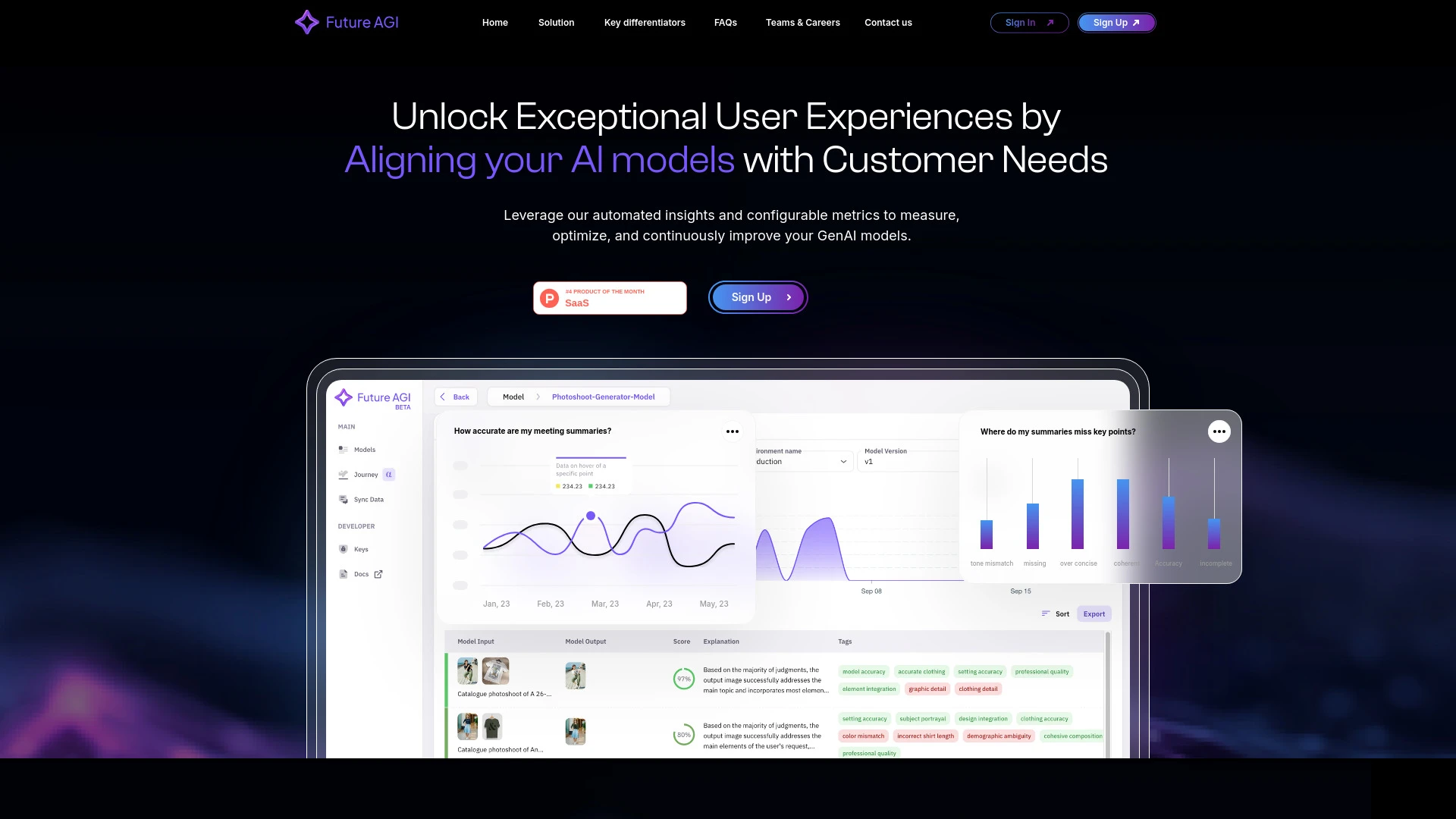
Future AGI
Future AGI automates error detection and enhances AI model performance with customizable performance metrics.
- Automated error detection for AI models
- Customizable metrics tailored to specific needs
- Enhanced collaboration tools for cross-disciplinary teams
AI Analysis
Why use this AI Future AGI for Automate User Feedback Loops?
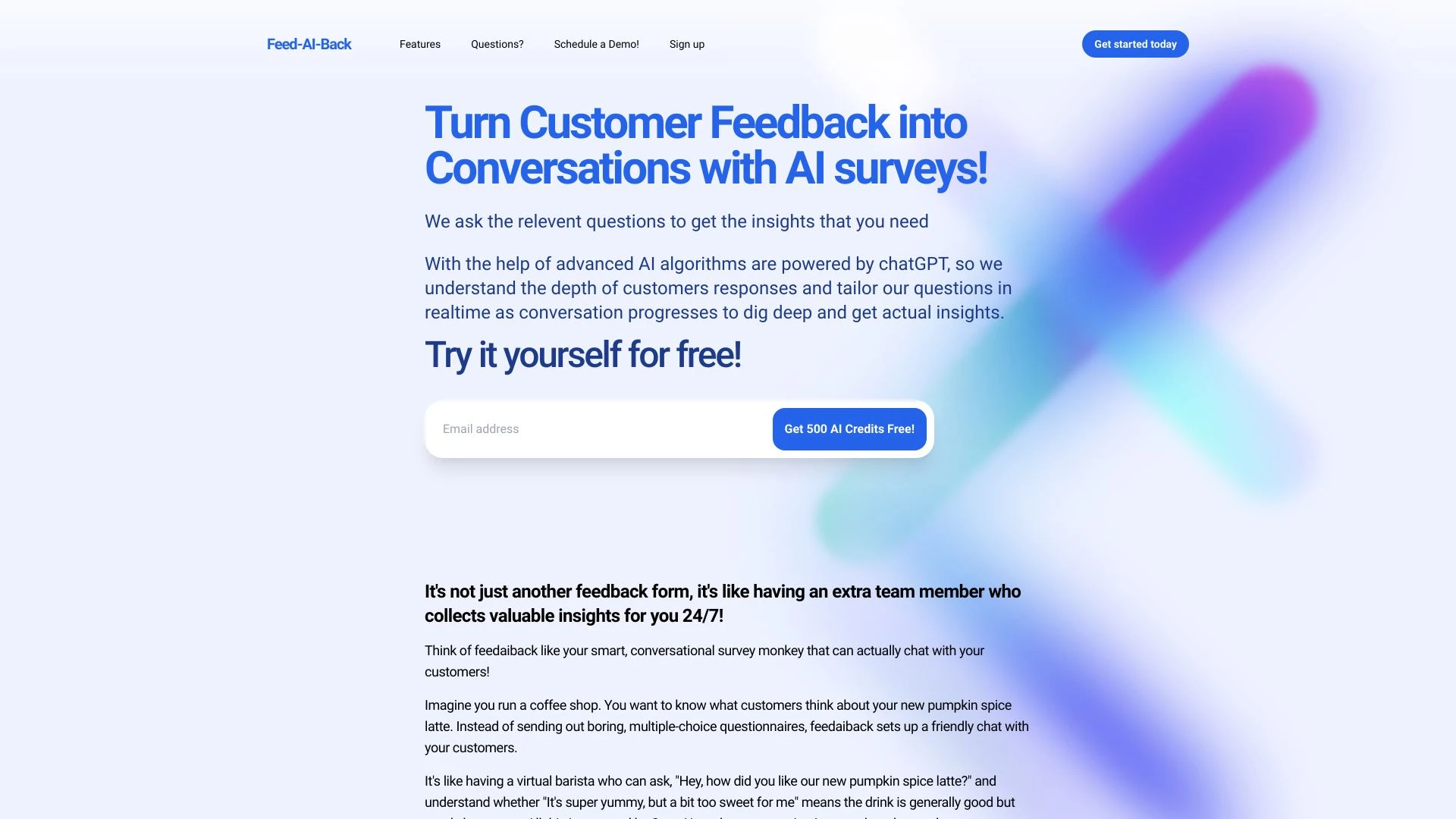
FeedAIback
Transform customer feedback into engaging conversations with AI-powered surveys.
- AI-driven feedback forms
- real-time responses
- tailored questions
AI Analysis
Why use this AI FeedAIback for Automate User Feedback Loops?
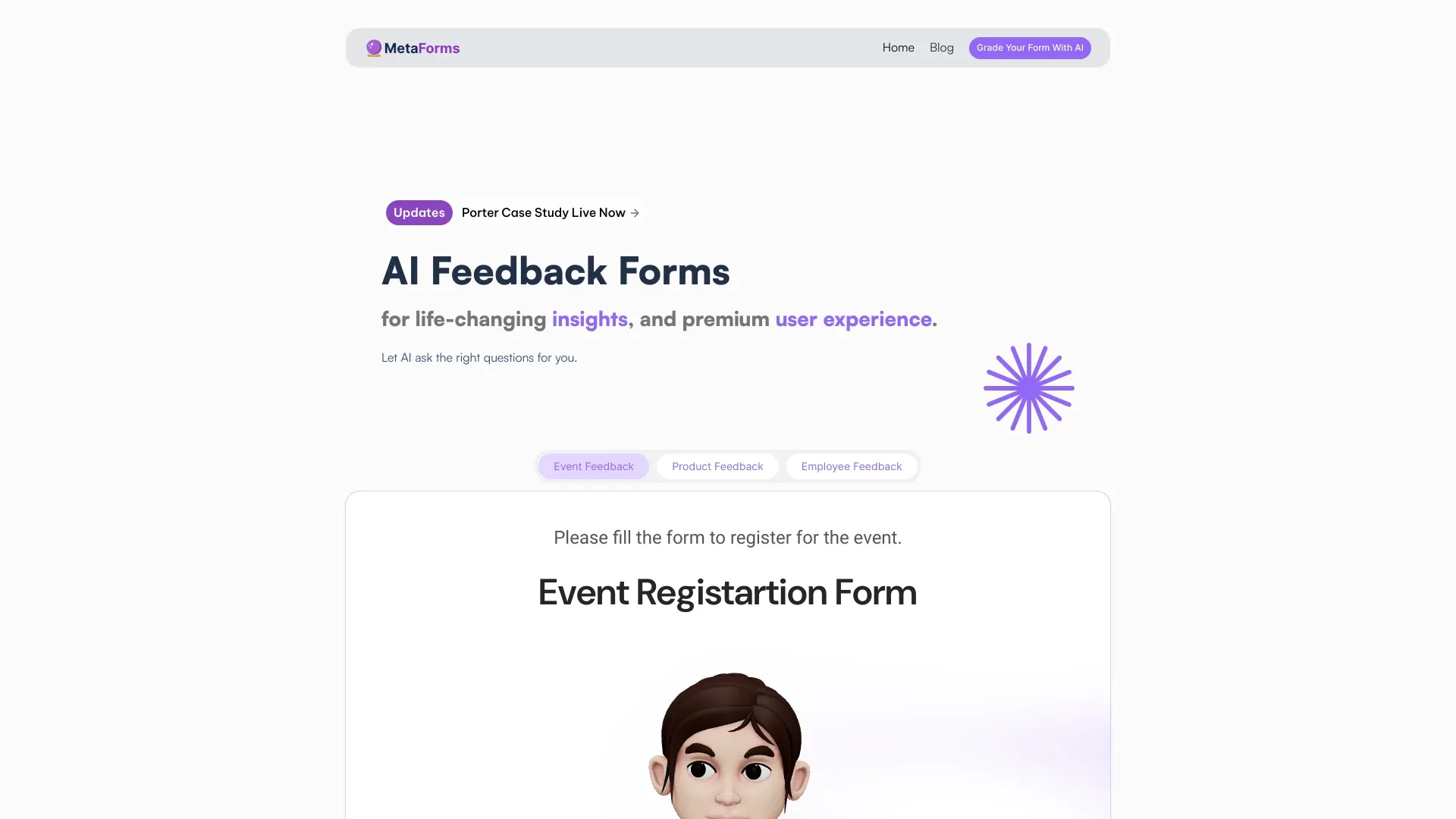
MetaForms
MetaForms is an innovative tool for creating AI-driven forms to gather user feedback and insights effortlessly.
- AI-powered form generation
- Dynamic questions based on user responses
- Real-time AI-generated follow-ups
AI Analysis
Why use this AI MetaForms for Automate User Feedback Loops?
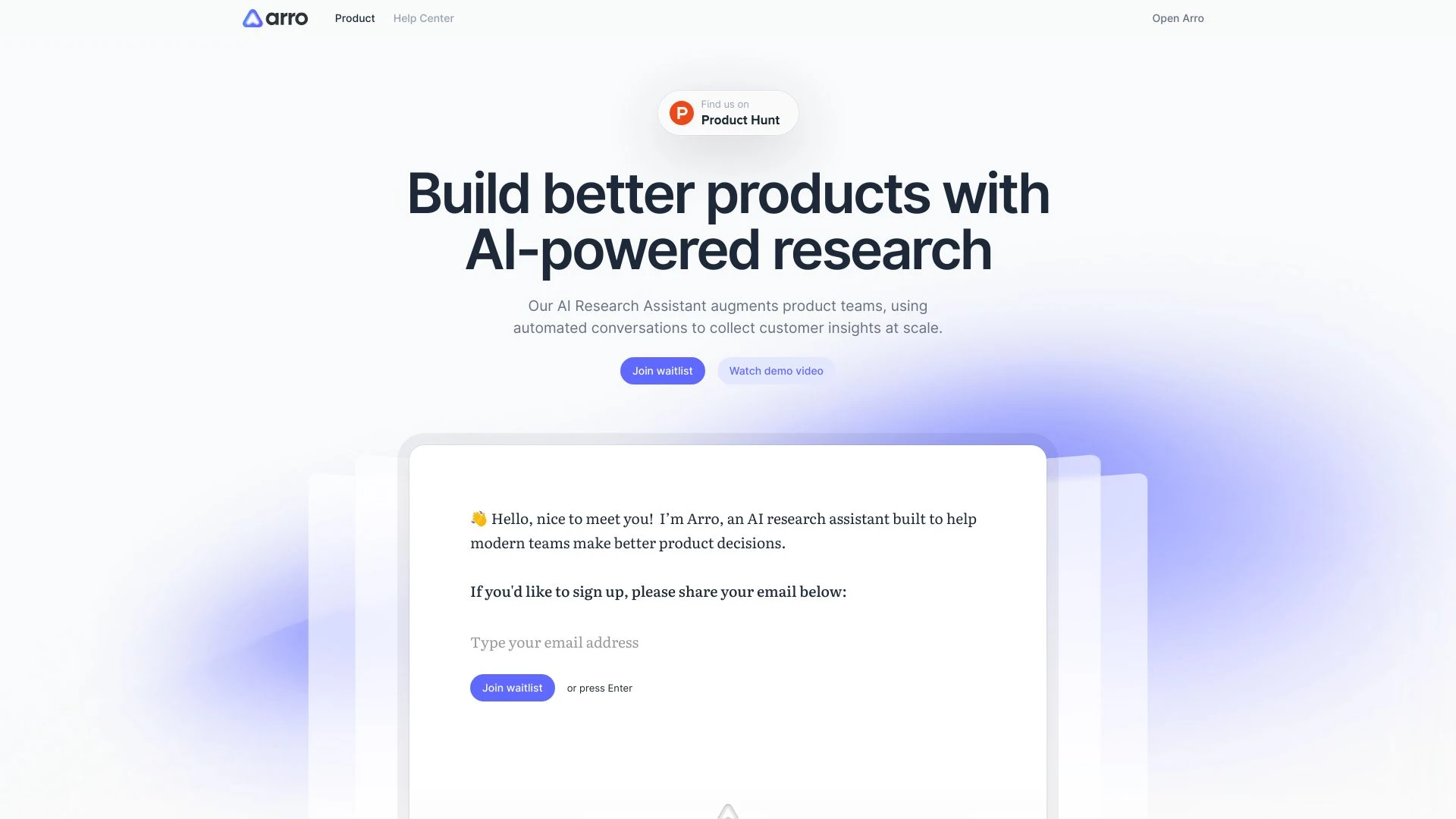
Arro
Arro is an AI-driven research assistant designed for product teams to gather customer insights efficiently through automated conversations.
- Automated customer conversations
- Scalable customer insights collection
- AI-enhanced feedback analysis
AI Analysis
Why use this AI Arro for Automate User Feedback Loops?
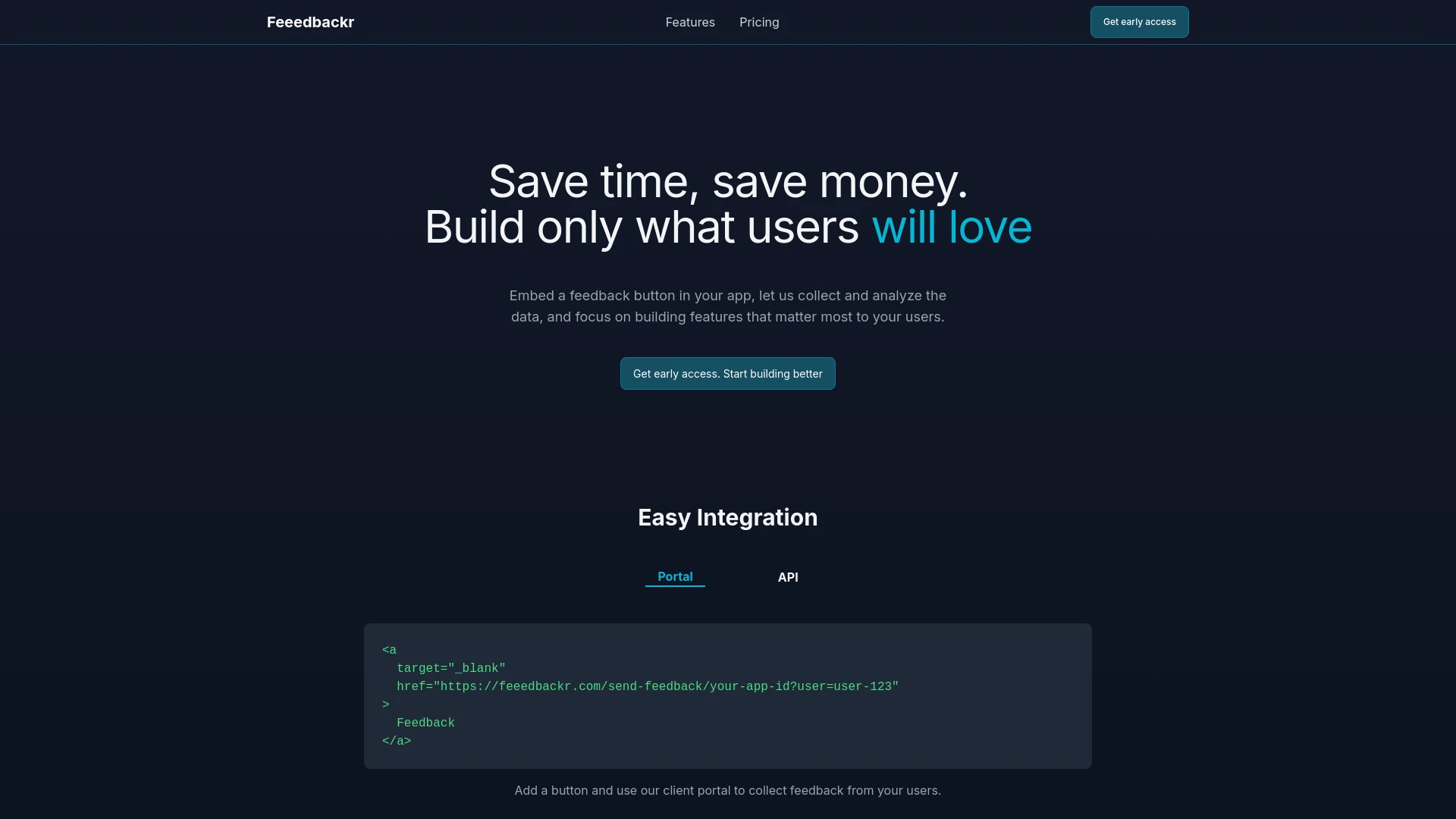
Feeedbackr
Feeedbackr is an AI platform that helps businesses gather and analyze customer feedback to gain actionable insights for product enhancement.
- Feedback collection via hosted portal or API
- AI-driven feedback analysis and intelligent tagging
- Real-time webhook integration
AI Analysis
Why use this AI Feeedbackr for Automate User Feedback Loops?
Practical Workflows
Don't just buy tools—build a system. Here are 3 proven ways to integrate AI into your automate user feedback loops process.
Workflow 1: Quick win for complete beginner—kick off your first Automate User Feedback Loop
- Identify a single user touchpoint (e.g., onboarding) and define the smallest feedback unit (rating + one comment).
- Configure an automated trigger to collect feedback after the touchpoint using a form integrated with your chosen AI tool.
- Set up an initial automated summary digest (key themes, sentiment) and route it to a shared team Slack/Email thread.
- Create a simple action: assign one owner to address the top issue within 48 hours and close the loop with a follow-up message to the user.
Workflow 2: Daily optimization for regular users—streamline routine Automate User Feedback Loops
- Aggregate daily feedback across channels (in-app, email, support chats) into a centralized AI-enabled dashboard.
- Apply sentiment and topic modeling to categorize feedback (usability, performance, content, pricing).
- Generate a 3-item daily action list for product, UX, and support teams with owners and due times.
- Automate status updates to users who provided feedback with ETA on updates and any changes implemented.
Workflow 3: Full automation for power users—end-to-end Automate User Feedback Loops
- Implement bidirectional feedback channels (in-app surveys, NPS, micro-surveys) with real-time routing to product backlog.
- Configure AI to triage feedback by impact score, link to user segments, and auto-create backlog items with acceptance criteria.
- Set up continuous A/B testing prompts and automatic result summaries to inform iteration cycles.
- Enable automated post-implementation user follow-ups to measure sentiment change and document ROI.
Effective Prompts for Automate User Feedback Loops
Copy and customize these proven prompts to get better results from your AI tools.
Beginner
You are an AI assistant. Your task: after a user completes onboarding in an app, collect a 5-second rating and one sentence comment. Summarize results, identify the top 2 themes, and propose one concrete product action with owner and due date.Advanced
Role: Product Manager. Context: Multi-channel feedback across in-app, email, and chat. Constraints: maintain user privacy, prioritize issues by impact, output a weekly report with: theme, sentiment score, affected user segment, proposed backlog item, and owner. Format: bullet list with sections.Analysis
Given a week's worth of Automate User Feedback Loops outputs, compare sentiment before and after a UI change, identify which feature most influenced rating changes, and recommend the next optimization with predicted ROI and expected timeline.
What is Automate User Feedback Loops AI?
Automate User Feedback Loops AI refers to applying artificial intelligence to continuously collect, interpret, and act on user feedback. It enables organizations to close the loop quickly by routing insights to the right teams, automating responses, and validating impact. This approach suits product teams, customer success, and UX researchers seeking faster iteration cycles and higher user satisfaction.
Why use AI for Automate User Feedback Loops
- Faster insight generation from multi-channel feedback
- Automatic routing to the right owners with priority tagging
- Consistent follow-ups that close the loop with users
- Quantified impact via sentiment change and feature adoption metrics
- Scalable feedback analysis as user bases grow
How to choose AI tools for Automate User Feedback Loops
- Channel coverage: ensure the tool integrates with in-app, web, chat, and email feedback
- Automation depth: look for auto-triage, backlog creation, and follow-up messaging
- Analytics quality: check sentiment accuracy, topic modeling, and actionable insights
- Security and privacy: verify data handling, compliance, and access controls
- Cost and scalability: start with a clear ROI plan and incremental upgrades
Best practices for implementing Automate User Feedback Loops
- Do define concrete feedback goals and success metrics before implementation
- Do pilot with a single touchpoint and iterate quickly
- Do place owners for each feedback category to ensure accountability
- Don't overwhelm users with feedback requests or irrelevant prompts
- Don't neglect closing the loop—inform users of the changes driven by their input
AI for Automate User Feedback Loops: Key Statistics
In 2026, 68% of mid-sized SaaS teams use AI to automate user feedback loops, up from 45% in 2024.
Companies report a 32% faster issue resolution cycle after implementing Automate User Feedback Loops AI.
50% of surveyed teams see a measurable lift in NPS within 6 weeks of deployment.
Avg reduction in manual triage time: 42% within the first quarter.
95% of respondents credit automated follow-ups with improved user engagement rates.
Top benefit cited: faster product iterations driven by closed-loop feedback.
Frequently Asked Questions
Get answers to the most common questions about using AI tools for automate user feedback loops .
Automate User Feedback Loops in AI refers to using AI-powered tools to continuously collect, process, and act on user feedback, creating a closed loop where insights trigger changes, and users are informed of outcomes.
Begin by selecting a key user touchpoint, choose a tool that can collect feedback across channels, set up automated sentiment and theme analysis, assign owners for follow-up, and establish metrics to measure impact.
For startups, a blended approach often works: start with a free or low-cost option to validate concepts, then adopt best AI tools for Automate User Feedback Loops AI that scale with your user base and provide robust analytics and automation features.
Common issues include misaligned triggers, poor data quality, lack of clear ownership, or inadequate follow-up. Review data pipelines, ensure feedback is actionable, assign owners, and refine based on measurable results.
Related AI Tool Categories
Explore other AI tool categories similar to Automate User Feedback Loops that might interest you.
AI Repurpose Assistant
The AI Repurpose Assistant employs advanced algorithms to transform content across formats, enhancing creativity and eff...
AI Email Assistant
An AI Email Assistant automates email management, enhancing productivity and communication. It uses natural language pro...
AI Girlfriend
The 'AI Girlfriend' leverages advanced algorithms and natural language processing to create virtual companions that enga...
AI Productivity Tools
AI productivity tools enhance efficiency by automating repetitive tasks, analyzing data, and facilitating decision-makin...
AI Forms & Surveys
AI Forms & Surveys leverage machine learning to optimize data collection and analysis. By automating responses, personal...
AI Chatbot
AI chatbots leverage advanced natural language processing to understand and respond to user queries in real-time. Applic...