Recommended AI Tools
5We've analyzed the market. These tools offer specific features for create product demos.
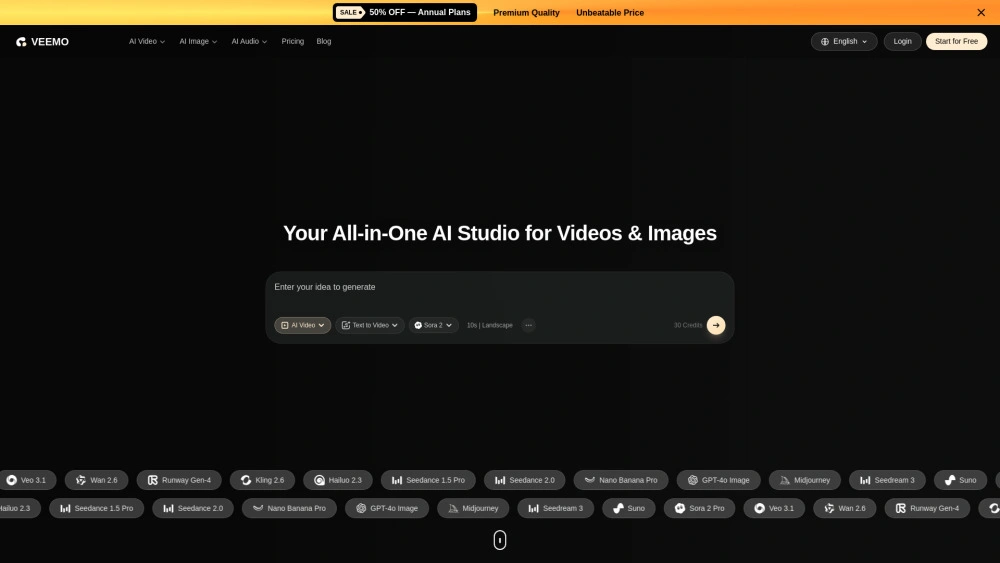
Veemo AI
Veemo AI is an AI-powered content creator unifying 20+ models for video and image production.
- Multi-model integration: Access 20+ AI models in one interface
- High-definition outputs: Produce cinema-quality videos and images
- Text-to-video and image-to-video: Turn prompts into visuals
AI Analysis
Why use this AI Veemo AI for Create Product Demos?
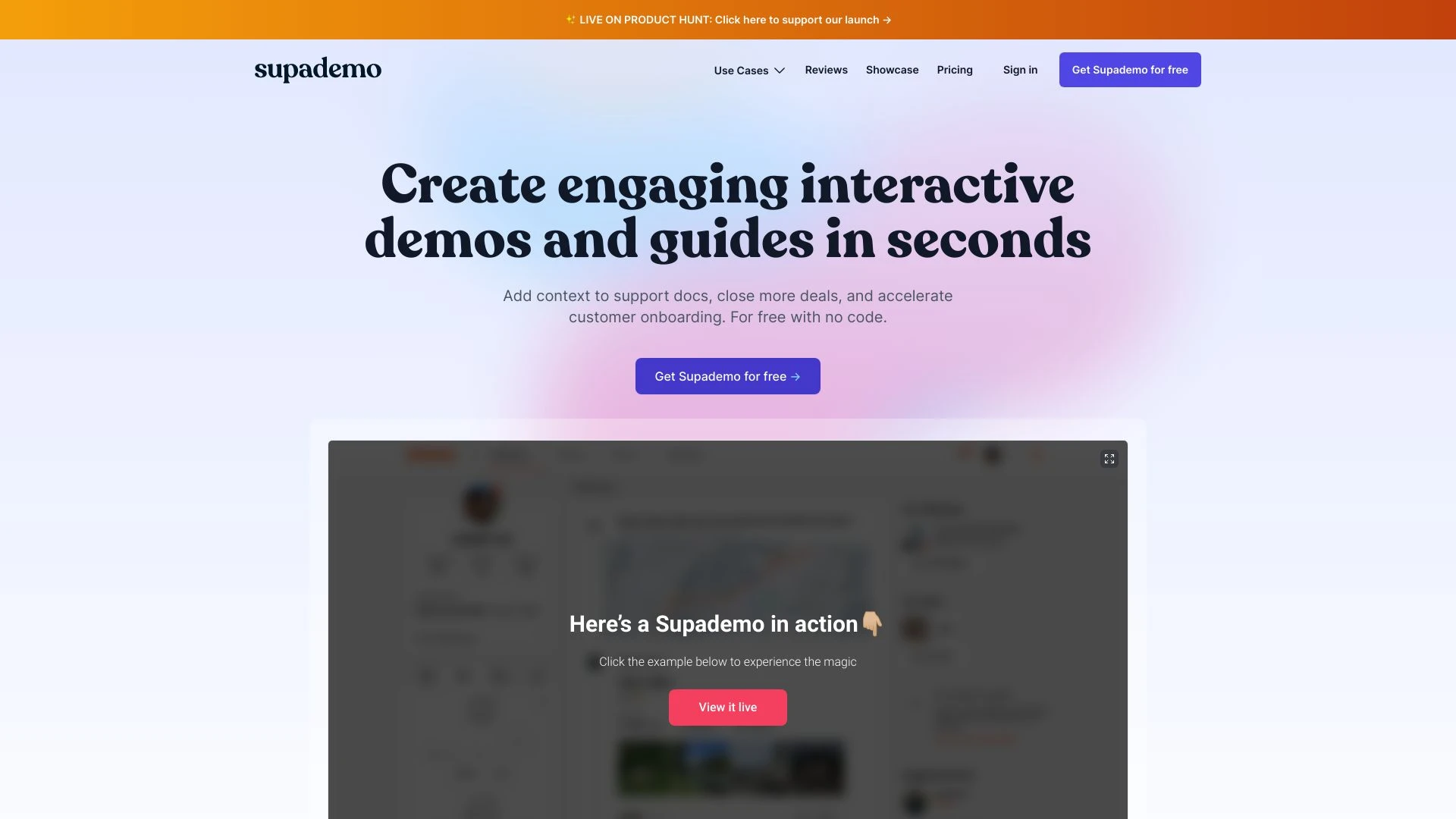
Supademo
Supademo enables effective product communication through AI-generated interactive demos.
- AI Translations
- Keyboard Shortcuts
- Generative AI Text
AI Analysis
Why use this AI Supademo for Create Product Demos?
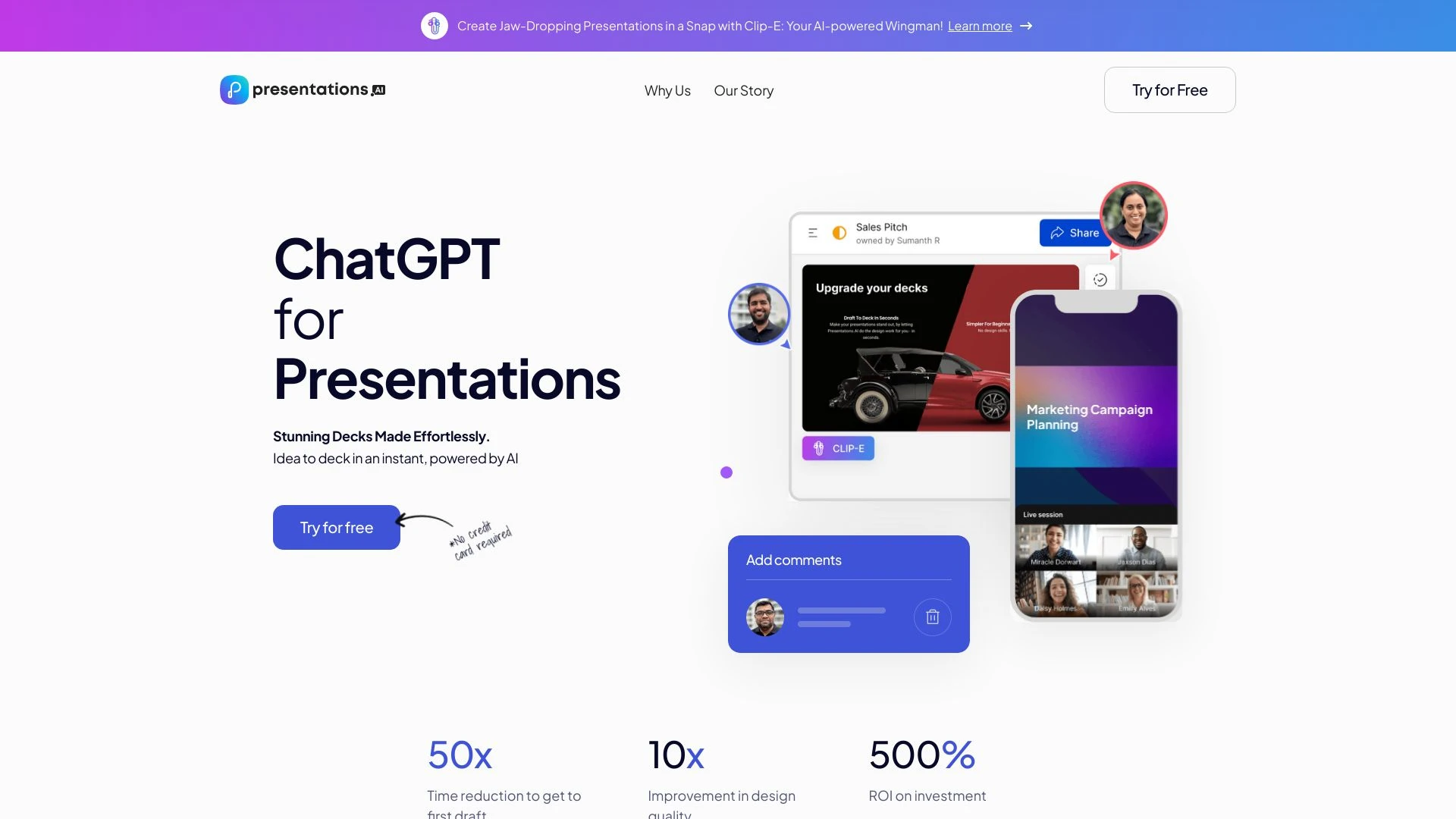
Presentations.AI
Presentations.AI is an AI-driven tool that simplifies and enhances the creation of presentations, enabling users to generate beautiful decks within se...
- Quick presentation generation
- Customizable designs
- Real-time collaboration
AI Analysis
Why use this AI Presentations.AI for Create Product Demos?
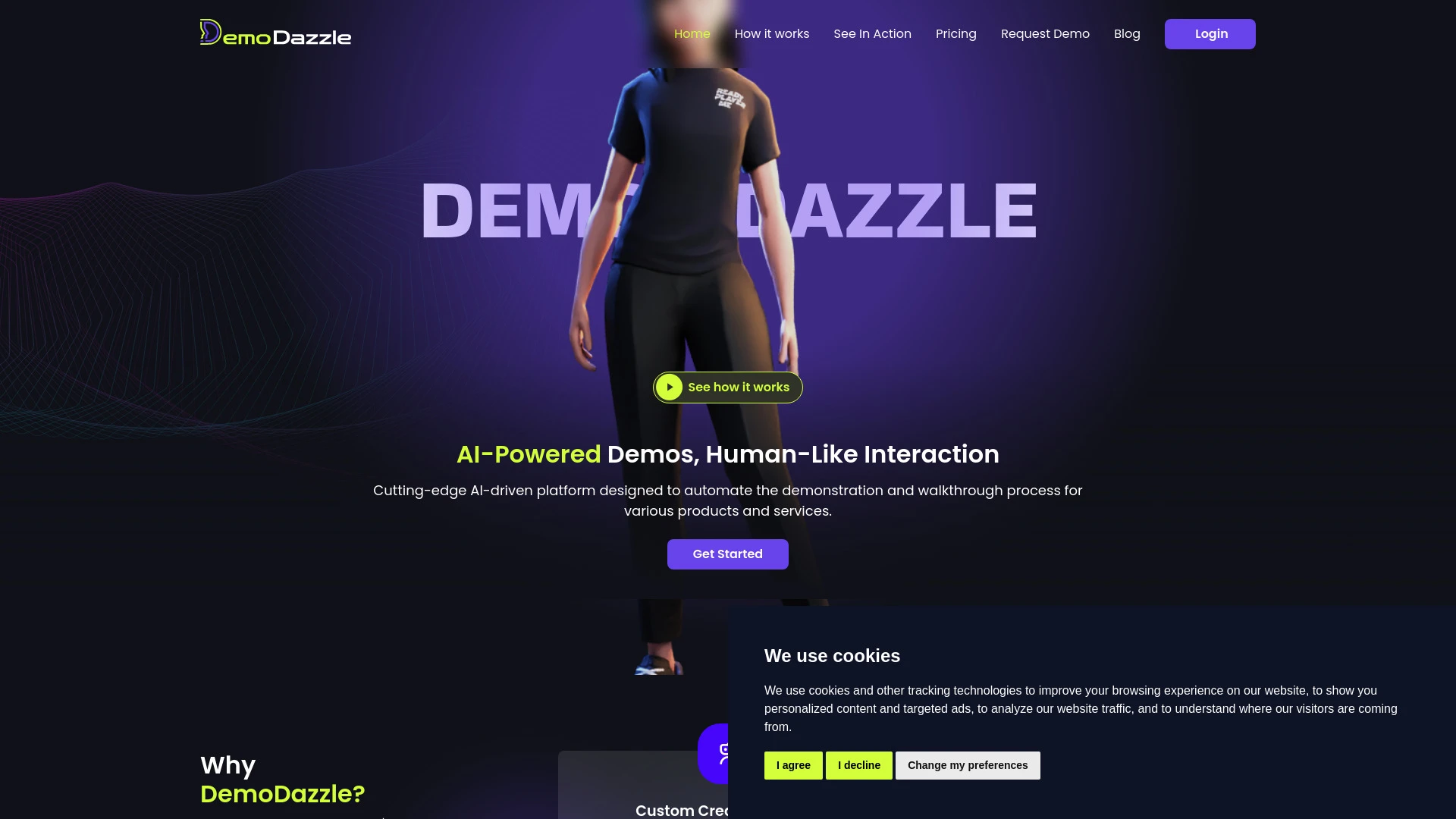
DemoDazzle
DemoDazzle revolutionizes product demonstrations using AI avatars for interactive and engaging user experiences.
- AI Avatars
- Interactive Sessions
- Real-time Customer Engagement
AI Analysis
Why use this AI DemoDazzle for Create Product Demos?
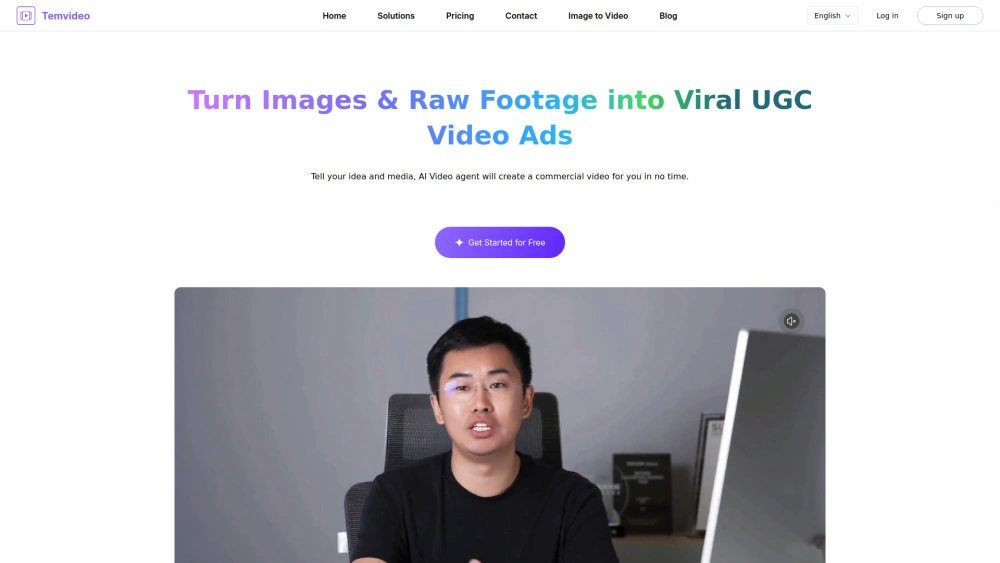
TemVideo - AI Viral Product Video Maker
AI-powered video creator turning product images into viral 9:16 ads for marketers.
- AI-Powered Video Creation: Turn images and clips into ready-to-publish ads
- Viral Hooks Library: Access high-converting text hooks and narration
- Dropshipping Ready: Fast testing without studios
AI Analysis
Why use this AI TemVideo - AI Viral Product Video Maker for Create Product Demos?
Practical Workflows
Don't just buy tools—build a system. Here are 3 proven ways to integrate AI into your create product demos process.
Workflow 1: From concept to first demo for Complete beginner
- Outline the product's core value proposition and 3 key use cases for the demo.
- Generate a script and storyboard for a 2-minute product demo using AI prompts tailored to Create Product Demos.
- Create a basic screen recording or AI-generated screen flow with captions, then test for clarity and pacing.
Workflow 2: Daily optimization for Regular user
- Set a daily 90-minute sprint to update demos with latest features using a change-log feed.
- Use AI to auto-summarize feature updates and regenerate visuals, voiceover, and call-to-action sections.
- A/B test two demo variants on a small audience and iterate based on engagement metrics.
Workflow 3: End-to-end automation for Power user
- Create a modular demo template: intro, feature section, comparison, and payoff.
- Configure an automation pipeline to ingest product data, generate script, visuals, and voiceover, then assemble into a publish-ready video.
- Publish to multiple channels and set up analytics to trigger automatic refreshes when product data changes.
Effective Prompts for Create Product Demos
Copy and customize these proven prompts to get better results from your AI tools.
Beginner
Create a 60-second product demo script for a new software feature. Include a problem statement, the proposed solution, 2 main benefits, and a clear CTA. Use simple language and a friendly tone suitable for a beginner audience.Advanced
Act as a product marketing lead. For a SaaS platform, generate a 3-minute demo outline with an intro hook, 4 feature segments, a side-by-side comparison with competitor gaps, objections handling, and a CTA. Provide a slide-by-slide storyboard and suggested visuals, voiceover tone, and timing constraints.Analysis
Evaluate three generated Create Product Demos outputs for clarity, pacing, and conversion potential. Provide a 1-page report with metrics to improve: script coherence, visual alignment, and CTA strength; recommend which to publish first and why.
What Create Product Demos AI Is and Who It Helps
Create Product Demos AI combines script generation, screen-flow design, and automated video assembly to produce persuasive product demonstrations. It helps product teams, marketing, and sales professionals who need consistent, high-quality demos at scale. Ideal for startups, SaaS vendors, and teams that regularly update features.
Benefits of Using AI for Create Product Demos
- Faster demo production with scalable templates and prompts
- Consistent storytelling across channels and personas
- Data-driven improvements through analytics and A/B testing
- Personalized demos tailored to buyer roles and pain points
- Lower production costs and quicker feature updates
How to Choose the Right Create Product Demos AI Tool
- Feature coverage: scripting, visuals, voiceover, and publishing
- Data integration: feed product catalogs, changelogs, and screenshots
- Output formats: video, interactive demos, or slide decks
- Automation capabilities: scheduling, templates, and multi-channel distribution
- Ease of use and learning curve for your team
Best Practices for Implementing Create Product Demos AI
- Define 2–3 audience personas and tailor prompts accordingly
- Keep demos concise (2–3 minutes) with clear value props
- Regularly update data feeds to reflect current features
- Test demos with real users and iterate on feedback
- Maintain brand voice and accessibility across all demos
AI for Create Product Demos: Key Statistics
Global AI for Create Product Demos adoption grew 48% in 2025 and is expected to rise 62% by end of 2026.
85% of product teams report faster time-to-demo after adopting AI-enabled workflows.
Average demo production time decreased from 8 hours to 2.5 hours with AI automation.
62% of teams run at least 2 A/B tests monthly on AI-generated demos.
71% of buyers watch demos to completion when they align the narrative to their role.
Free Create Product Demos AI tools constitute 18% of the market share in 2026.
Frequently Asked Questions
Get answers to the most common questions about using AI tools for create product demos .
Create Product Demos AI refers to artificial intelligence tools and workflows designed to generate, personalize, and automate product demonstration videos and interactive demos. These tools assist with scripting, screen flows, visuals, voiceover, and publishing, enabling faster creation of compelling product demos for sales, onboarding, and support.
Start by defining your target demo audience and the 2–3 core value messages. Choose an AI tool that offers script generation, screen-flow creation, and video assembly. Provide product data, features, and examples, then iterate with small tests to refine pacing, visuals, and voiceover until the demo clearly conveys value.
Templates deliver consistency and speed, ideal for scalable demos. Custom prompts offer maximal personalization for different buyer personas. The best approach blends both: start with solid templates and tailor prompts for each audience segment to maximize relevance and conversion.
Common issues include misaligned product data, overloading with features, and mismatched pacing. Fix by validating inputs (feature list, data feeds), constraining prompts to core messages, testing with real users, and iterating on visuals and voiceover length to improve clarity and impact.
Related AI Tool Categories
Explore other AI tool categories similar to Create Product Demos that might interest you.
AI Video Generator
AI Video Generators utilize algorithms to create videos from text, images, or audio, enhancing content creation. Applica...
AI Personalized Video Generator
The AI Personalized Video Generator leverages AI algorithms to create tailored video content for users, analyzing prefer...
AI User-Generated Content Video Generator
The AI User-Generated Content Video Generator leverages artificial intelligence to automate video creation from user inp...
AI Music Video Generator
AI Music Video Generators leverage machine learning to create visuals that sync with music, enhancing creativity and acc...
AI Repurpose Assistant
The AI Repurpose Assistant employs advanced algorithms to transform content across formats, enhancing creativity and eff...
AI Ad Creative Assistant
The AI Ad Creative Assistant leverages machine learning to generate tailored ad content, optimizing messaging for target...