Recommended AI Tools
5We've analyzed the market. These tools offer specific features for design architectural renders.
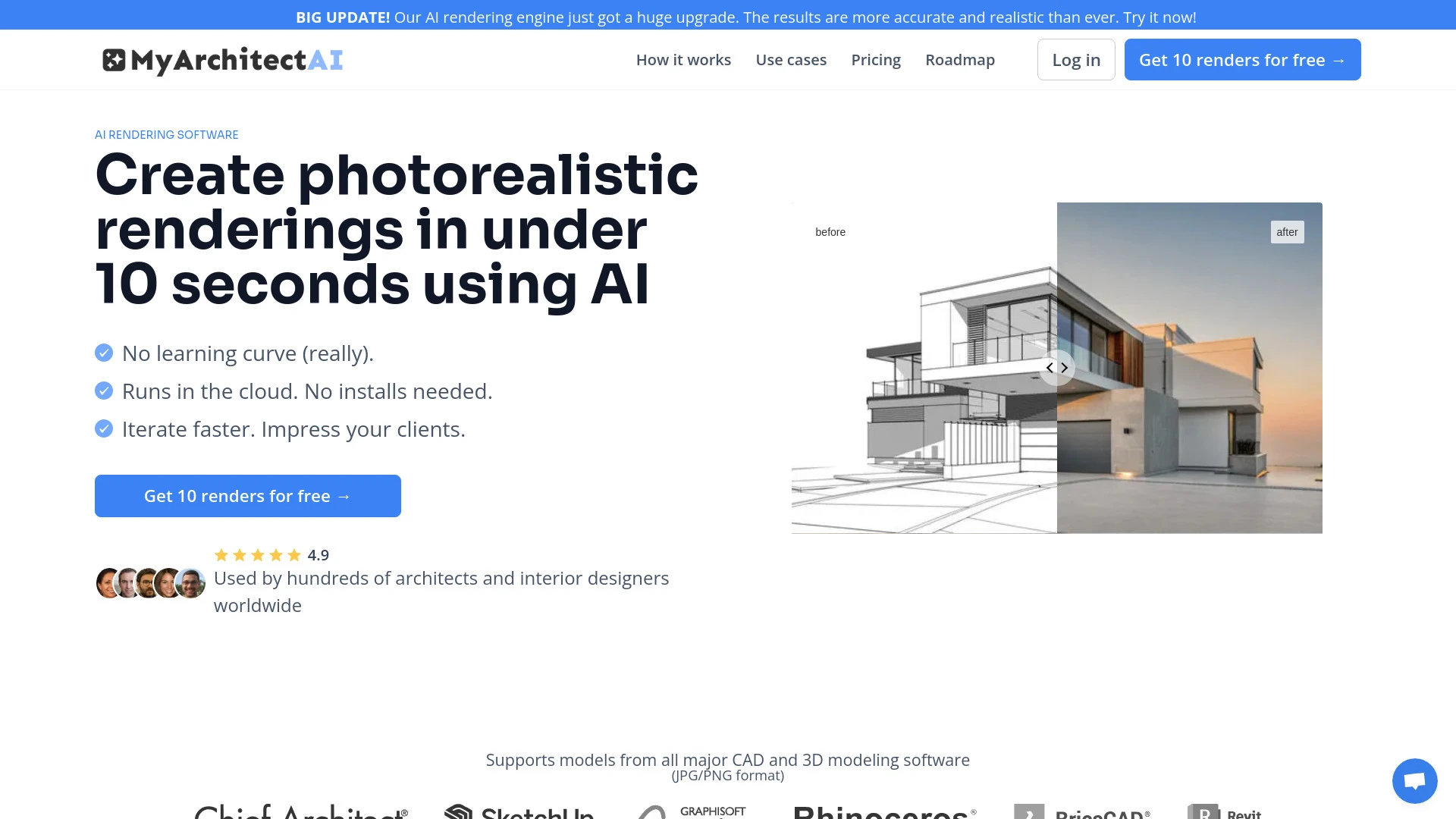
MyArchitectAI
MyArchitectAI is a cutting-edge AI rendering software that generates photorealistic architectural renders in under 10 seconds.
- Instant generation of photorealistic renders
- compatibility with major CAD and 3D modeling software
- customizable rendering styles
AI Analysis
Why use this AI MyArchitectAI for Design Architectural Renders?
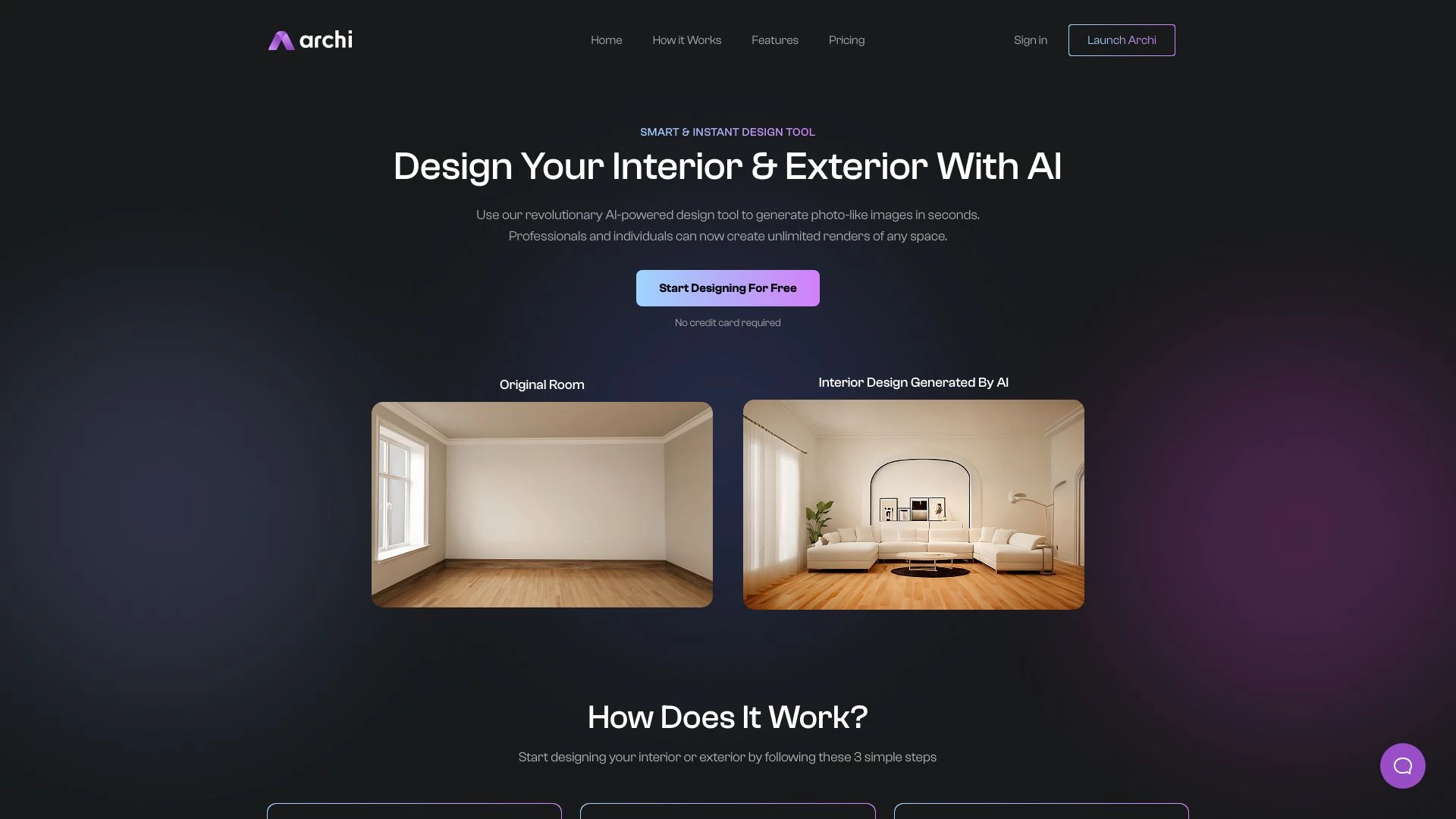
Archi
Archi is an innovative AI interior and exterior design tool that creates stunning photo-like images of your space in seconds.
- AI-driven design generation
- Unlimited customizable renders
- Photorealistic imagery
AI Analysis
Why use this AI Archi for Design Architectural Renders?

Rendair
Rendair is a comprehensive architectural rendering tool designed for producing premium visualizations swiftly and efficiently.
- AI-powered instant rendering
- 3D hyper-realistic render ordering
- Collaborative project refining
AI Analysis
Why use this AI Rendair for Design Architectural Renders?
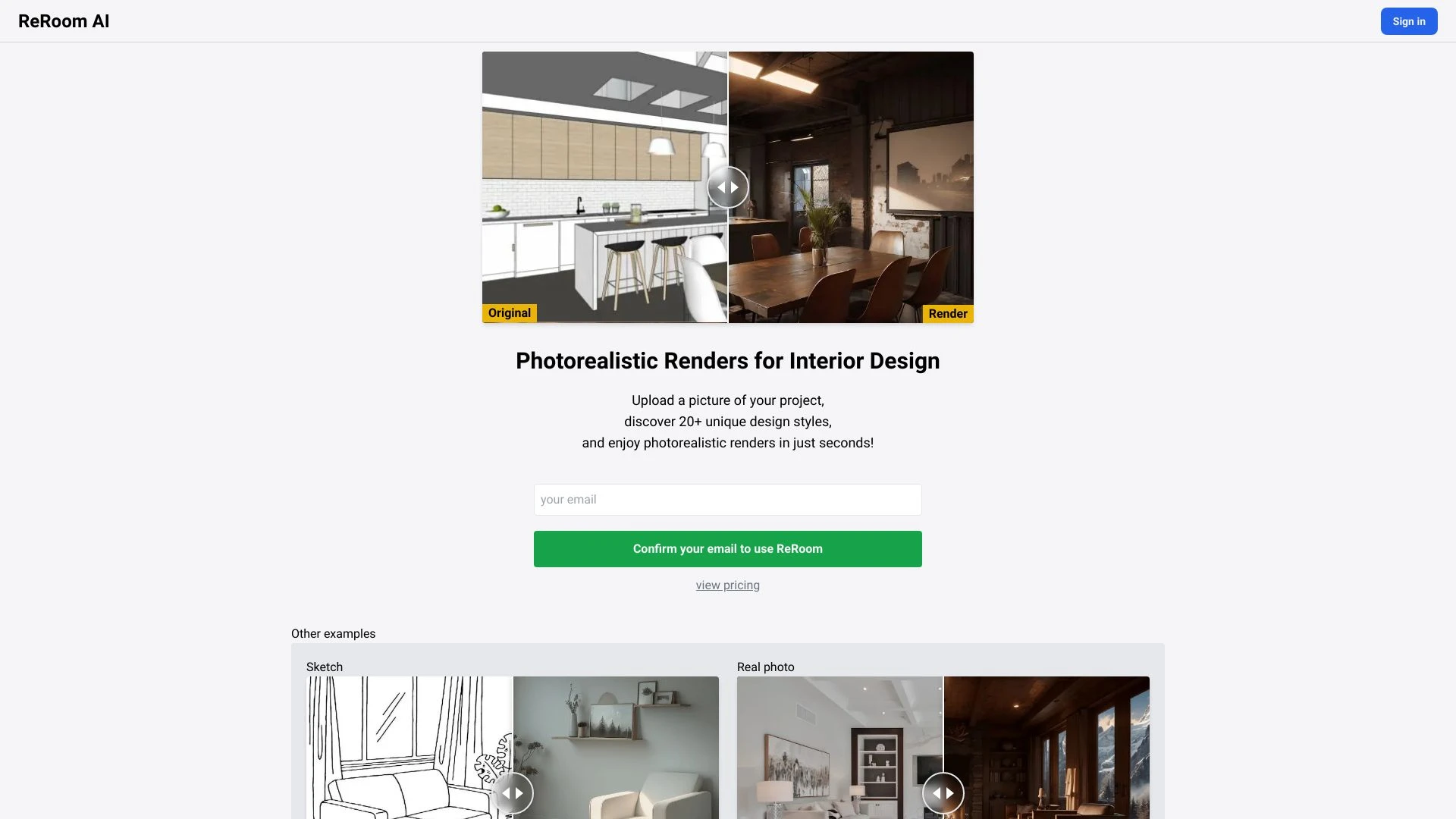
ReRoom AI offers a cutting-edge platform for generating photorealistic renders tailored for interior design projects using SketchUp.
- Photorealistic rendering
- Extensive design style selection
- Quick rendering times
AI Analysis
Why use this AI ReRoom AI - Photorealistic Renders for Interior Design for Design Architectural Renders?

AiHouse
AiHouse is an innovative AI platform designed for rapid 3D interior design and rendering, making home design accessible and efficient.
- AI design automation
- 3D visualization and rendering
- Extensive model library
AI Analysis
Why use this AI AiHouse for Design Architectural Renders?
Practical Workflows
Don't just buy tools—build a system. Here are 3 proven ways to integrate AI into your design architectural renders process.
Workflow 1: From concept to first render for Complete beginner
- Define the architectural concept and target mood in 2–3 sentences, then upload the floor plan and reference images to the AI tool for Design Architectural Renders.
- Create a base material and lighting setup tailored to the project (sun position, interior lighting balance) using preset design templates.
- Iterate on 2–3 render passes focusing on camera angles and material realism, then export the first publish-ready Design Architectural Render for client review.
Workflow 2: Regular user optimizing daily Design Architectural Renders work
- Set up a reusable template library of materials, textures, and lighting rigs specific to project types (residential, commercial) for Design Architectural Renders.
- Batch-process scene variations (e.g., different times of day, materials) and compare renders side-by-side to select the best option.
- Automate post-processing steps (tone mapping, bloom, depth of field) to produce consistent publish-ready outputs for Design Architectural Renders clients.
Workflow 3: Power user achieving full Design Architectural Renders automation
- Implement a rule-based pipeline that converts 3D models into scene-ready inputs for AI Design Architectural Renders, including camera scripts and architectural annotations.
- Leverage AI to generate multiple design iterations from a single prompt, then curate top variants based on quantitative quality metrics (lighting balance, material realism).
- Integrate with project management tools to auto-archive renders, annotate revisions, and push final outputs to client portals for Design Architectural Renders projects.
Effective Prompts for Design Architectural Renders
Copy and customize these proven prompts to get better results from your AI tools.
Beginner
You are an AI assistant helping a beginner create a Design Architectural Renders scene. Use a simple interior living room with neutral materials, set camera to 28mm, 2m height, add natural daylight from a south-facing window, and output a single high-quality render suitable for client presentation.Advanced
Role: Senior Architect. Context: Design Architectural Renders for a modern office building. Constraints: simulate early-morning light, energy-efficient materials, accurate glass refractions, and furniture layout variations. Format: provide 3 high-fidelity renders with different color temperatures and a brief rationale for each.Analysis
You are evaluating three Design Architectural Renders outputs. Compare lighting accuracy, material realism, and composition. Recommend the best variant for the final presentation and propose 2 improvements to optimize realism and client impact.
What is Design Architectural Renders AI?
Design Architectural Renders AI blends artificial intelligence with architectural visualization to produce photorealistic renders from design models. It serves architects, designers, studios, and developers seeking faster iteration, consistent visuals, and scalable presentation assets for Design Architectural Renders projects.
Benefits of AI for Design Architectural Renders
- Speed: dramatically reduces iteration cycles for Design Architectural Renders.
- Consistency: uniform lighting, materials, and camera setups across scenes.
- Cost efficiency: fewer manual tweaks and faster client approvals for Design Architectural Renders.
- Scalability: rapidly generate variants for multiple design options in Design Architectural Renders workflows.
- Quality: advanced AI rendering improves realism in textures, reflections, and lighting for Design Architectural Renders.
How to Choose AI Tools for Design Architectural Renders
- Support for architectural formats (OBJ, FBX, DWG, Revit) and BIM compatibility for Design Architectural Renders.
- Material library depth and accurate physically-based rendering for Design Architectural Renders.
- Rendering speed vs. fidelity balance, including GPU acceleration for Design Architectural Renders.
- Workflow fit: integration with CAD/BIM workflows and project management for Design Architectural Renders.
- Pricing, trial availability, and learning resources tailored to Design Architectural Renders users.
Implementation Tips for Design Architectural Renders AI
- Do map design intents to AI prompts to ensure renders align with architectural vision in Design Architectural Renders.
- Do establish material and lighting baselines early for consistent Design Architectural Renders results.
- Do maintain organized libraries of scenes, camera angles, and presets for Design Architectural Renders future reuse.
- Don’t rely on AI to invent non-architectural elements that clash with design intent in Design Architectural Renders.
AI for Design Architectural Renders: Key Statistics
AI adoption in Design Architectural Renders grew 38% year-over-year in 2025, with 52% of firms using AI for at least one project.
Average time to produce a publish-ready Design Architectural Render decreased from 6 hours to 2.5 hours using AI workflows.
70% of Design Architectural Renders professionals report improved client engagement after AI-assisted visuals.
Material library coverage for Design Architectural Renders increased by 42% in 2025 across leading AI tools.
GPU-accelerated offline renders in Design Architectural Renders saw a 3.2x speedup over traditional pipelines.
Small studios adopting AI for Design Architectural Renders report 24% higher bid win rates compared to non-AI processes.
Frequently Asked Questions
Get answers to the most common questions about using AI tools for design architectural renders .
Design Architectural Renders AI refers to AI-powered software and workflows that generate, enhance, and automate photorealistic renderings of architectural designs. It targets architects, designers, and firms seeking faster visualization, material accuracy, lighting realism, and scalable presentation assets.
Begin by selecting beginner-friendly tools with guided prompts, upload your CAD/BIM model, choose a rendering preset for Design Architectural Renders, and iterate on camera angles and lighting. Use tutorials to learn material libraries and basic post-processing to produce publish-ready visuals.
Real-time tools excel in interactive exploration and fast feedback during design development, while offline tools typically deliver higher fidelity for client presentations. For Design Architectural Renders in 2026, a hybrid approach often works best: real-time previews during design, with offline AI renders for final client deliverables.
Common issues include inappropriate material scale, incorrect lighting settings, or insufficient model detail. Ensure materials have proper UV maps, set accurate light temperatures, and calibrate camera exposure. Use test renders at lower resolutions to iterate efficiently before high-fidelity outputs.
Related AI Tool Categories
Explore other AI tool categories similar to Design Architectural Renders that might interest you.
AI Interior & Room Design
AI Interior & Room Design utilizes algorithms to create optimized living spaces tailored to user preferences. Tools like...
AI Repurpose Assistant
The AI Repurpose Assistant employs advanced algorithms to transform content across formats, enhancing creativity and eff...
AI Photo Enhancer
AI Photo Enhancers utilize machine learning algorithms to automatically improve image quality, clarity, and aesthetics....
AI 3D Model Generator
The AI 3D Model Generator uses machine learning to create realistic 3D models from 2D images or sketches, streamlining d...
AI Art Generator
AI Art Generators utilize deep learning algorithms to create visuals based on user input or existing art styles. Tools l...
AI Graphic Design
AI graphic design leverages algorithms to assist in creating visuals, automating tasks like layout generation and color...