Recommended AI Tools
5We've analyzed the market. These tools offer specific features for design room layouts.
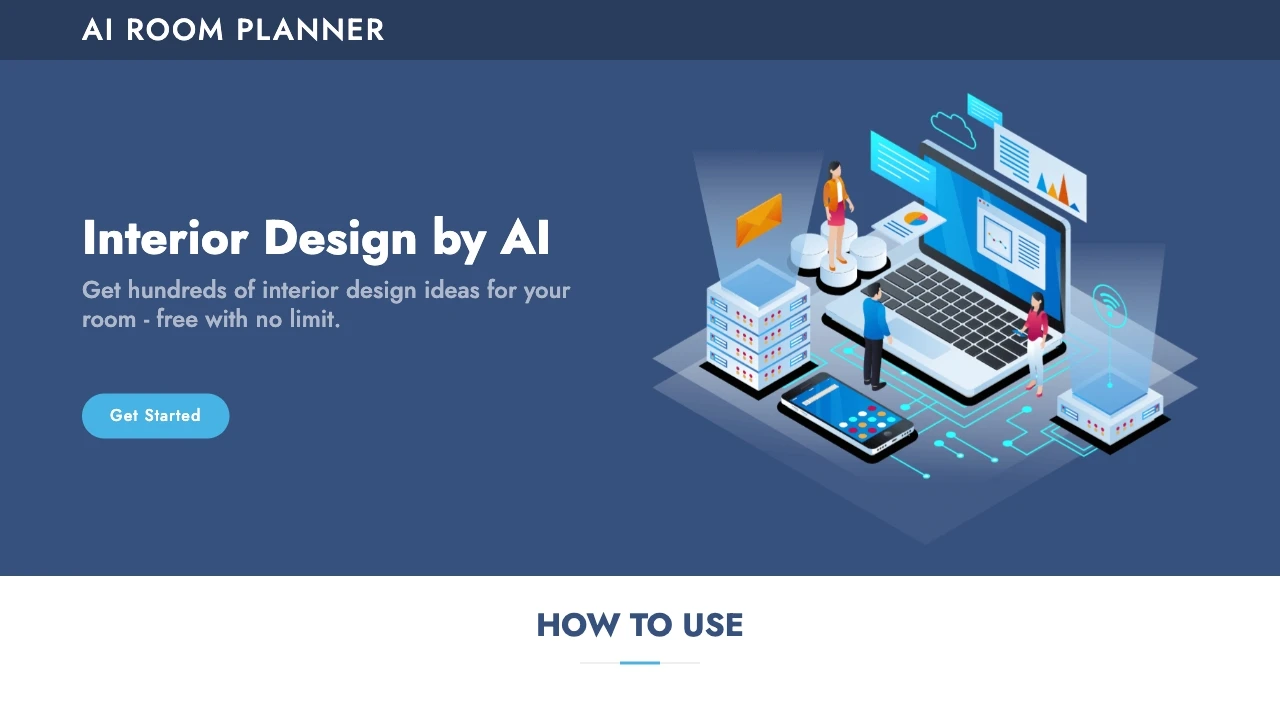
AI Room Planner
AI Room Planner is a free interior design tool that offers AI-powered design ideas for various rooms, enabling users to visualize new styles effortles...
- Hundreds of interior design ideas
- Various design styles
- Free usage
AI Analysis
Why use this AI AI Room Planner for Design Room Layouts?
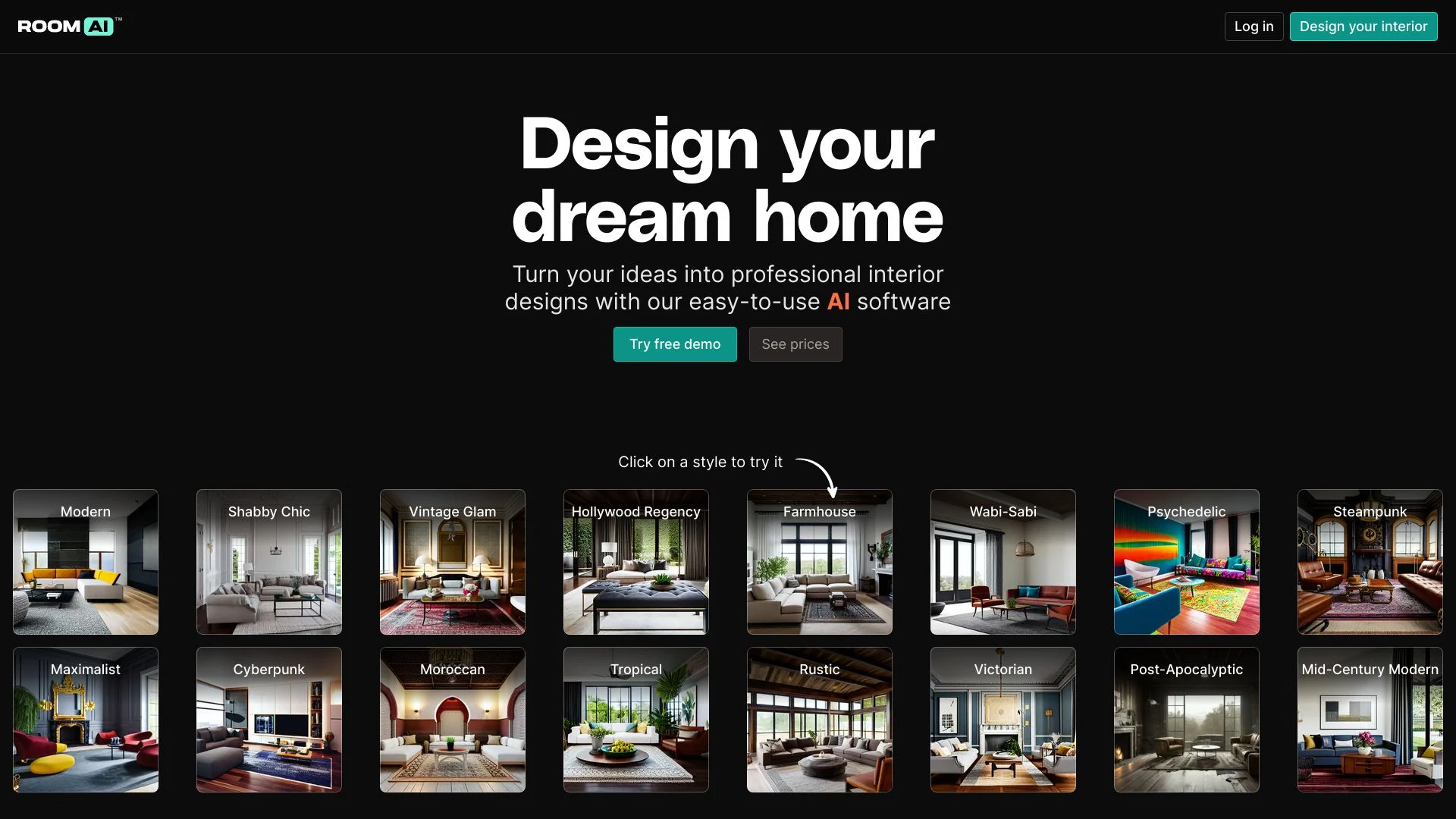
Room AI
Room AI is an intuitive AI-driven interior design tool that empowers users to effortlessly redesign their spaces and craft beautiful designs with mini...
- AI-powered interior design tool
- over 40 unique interior design styles
- ability to restyle existing rooms
AI Analysis
Why use this AI Room AI for Design Room Layouts?
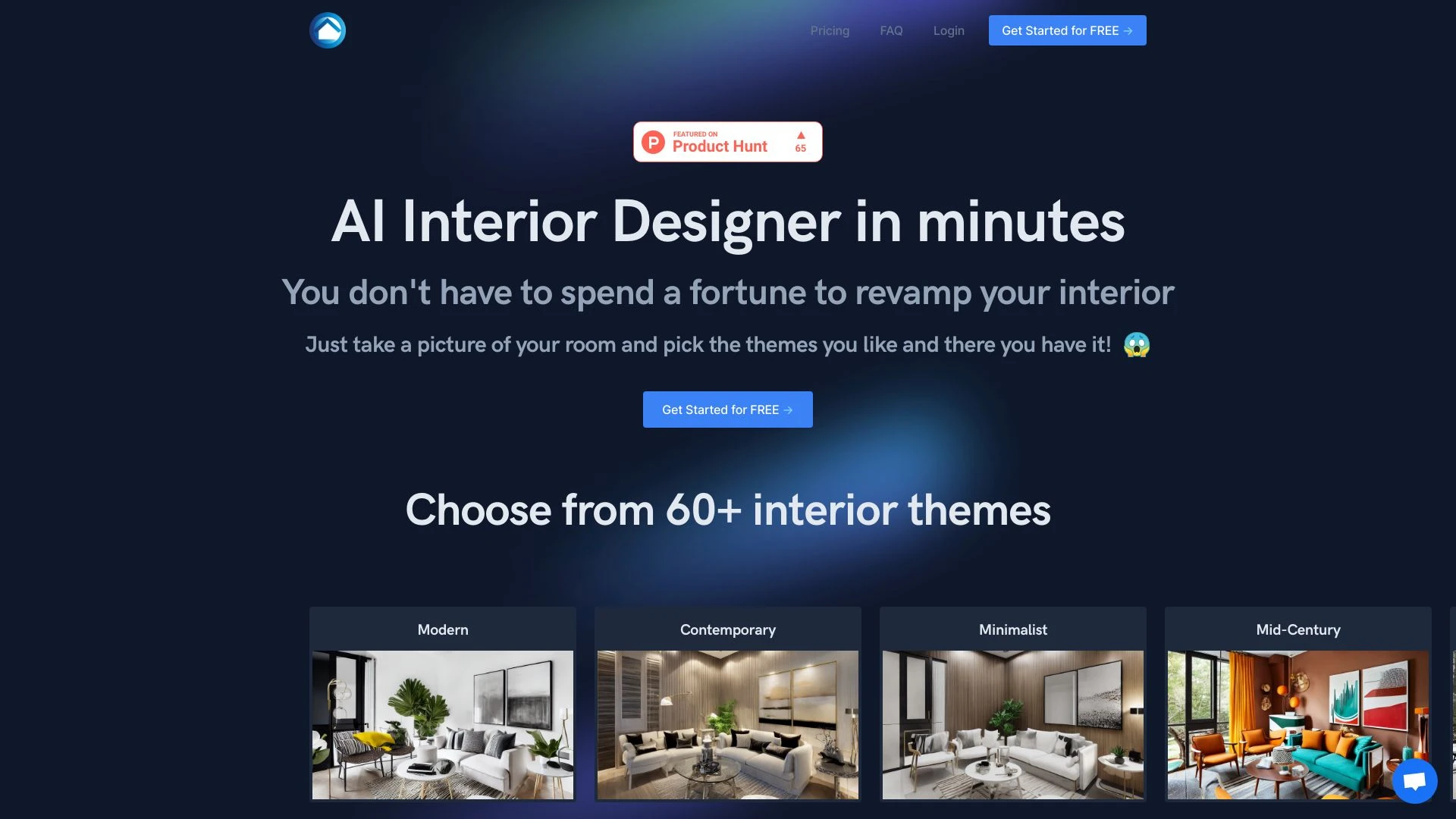
AI Interior Designer is an innovative tool that utilizes artificial intelligence to transform your living space with bespoke design suggestions based...
- AI-generated interior design suggestions
- Diverse library of over 60 themes
- Customizable design options
AI Analysis
Why use this AI AI Interior Designer for Design Room Layouts?
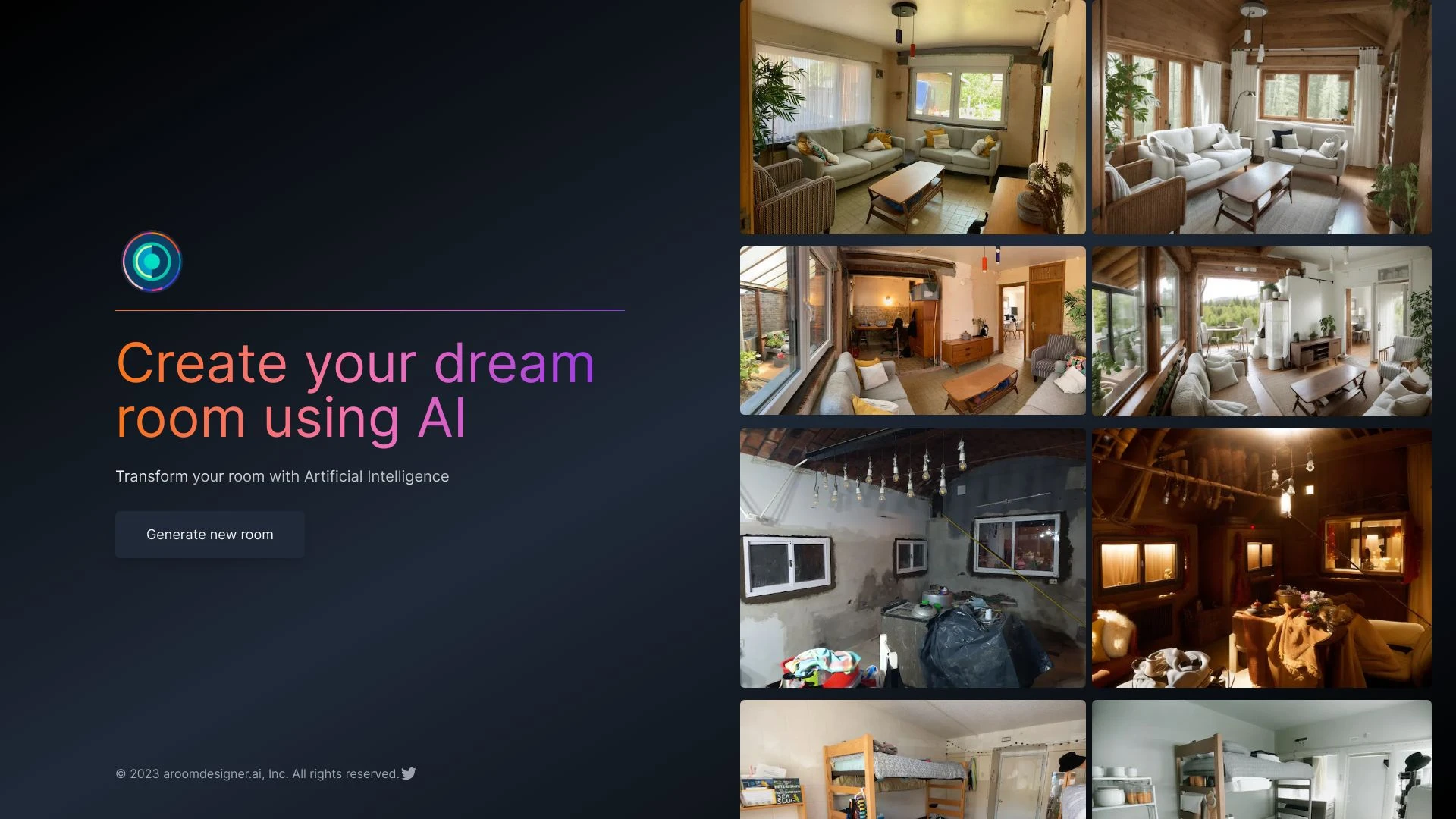
roomdesigner.ai
Roomdesigner.ai is an AI-driven platform designed for seamless and intuitive room design, making it easy to create beautiful spaces tailored to your s...
- AI-powered room design
- Instant visualization of changes
- Cloud storage for easy access
AI Analysis
Why use this AI roomdesigner.ai for Design Room Layouts?
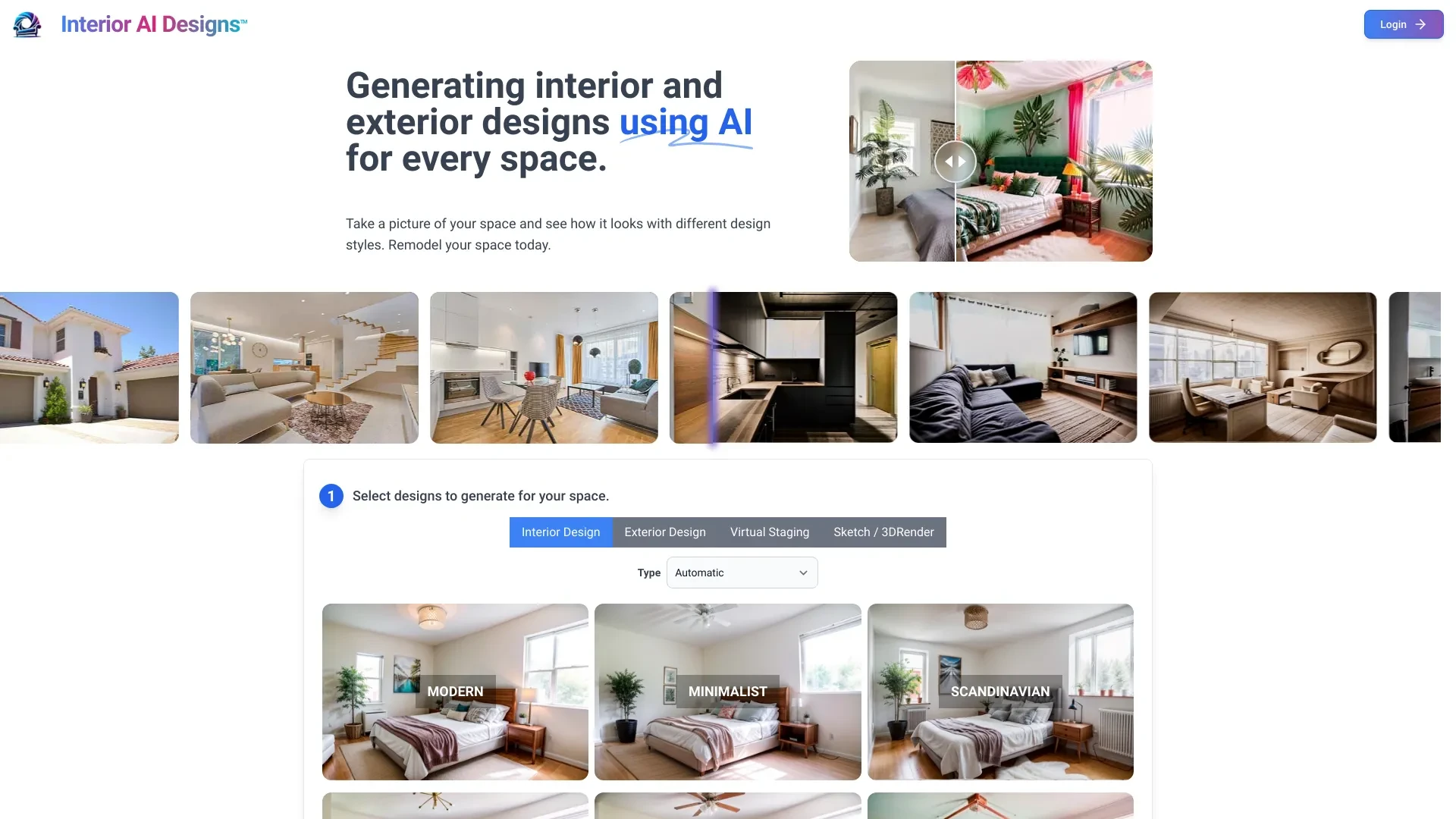
Reimagine your living spaces with Interior AI Designs, an innovative tool that allows you to visualize and redesign your rooms in various styles using...
- Realistic room visualizations
- Theme-based redesign options
- Easy shopping integration
AI Analysis
Why use this AI Interior AI Designs for Design Room Layouts?
Practical Workflows
Don't just buy tools—build a system. Here are 3 proven ways to integrate AI into your design room layouts process.
Workflow 1: From concept to first successful layout for complete beginners
- Define room constraints (dimensions, doors, windows) and target functions (work zones, circulation paths) in the AI tool.
- Generate 3 initial layout options focused on traffic flow and daylight access for Design Room Layouts.
- Select one layout; adjust furniture scale and placement using drag-and-drop inputs; export a baseline floor plan.
- Validate with a quick in-tool checklist (clearances, safety zones) and share for stakeholder feedback.
Workflow 2: Regular users optimizing daily Design Room Layouts work
- Create a reusable template for typical rooms (conference, design studio, showroom) with standard furniture kits.
- Run automated scenario analyses (furniture shifts, variable lighting, acoustics) and compare KPIs.
- Annotate layout changes and generate client-ready visualizations (3D views, isometric sketches).
- Schedule recurring reviews and push updated layouts to project dashboards for teammates.
Workflow 3: Power users enabling full Design Room Layouts automation
- Set up an automation rule: when room type and size change, auto-select a preferred layout variant and trigger stakeholder notifications.
- Integrate with BIM/CAD exports to maintain data integrity between software ecosystems.
- Run batch optimizations across multiple rooms; generate standardized documentation packs (dimensions, materials, paths).
- Create a dashboard to monitor automated outputs, human edits, and time savings across projects.
Effective Prompts for Design Room Layouts
Copy and customize these proven prompts to get better results from your AI tools.
Beginner Prompt for Design Room Layouts
You are an assistant helping with a small office redesign. Given a room of 20x15 feet with two doors and a window, propose three layout options for a design studio that maximize natural light and clear work zones. Include a simple 2D floor plan and a brief rationale for each option.Advanced Prompt for Design Room Layouts
Role: Senior Interior Design Lead. Context: Office showroom redesign with 3000 sq ft, 40% open workspace, 60% product display. Constraints: ADA-compliant circulation, 4 meeting spaces, SKU storage. Constraints: maintain brand colors and lighting levels. Output: 2D plan + 3D scene, annotated with zones, furniture list, and recommended AI-driven alternates in a JSON schema.Analysis Prompt for Design Room Layouts
Compare Layout A and Layout B for a 25x18 ft conference room, focusing on traffic flow, acoustics, and accessibility. Provide a side-by-side table of metrics, highlight trade-offs, and suggest one optimized hybrid layout with rationale.
What is Design Room Layouts AI?
Design Room Layouts AI refers to software that automatically generates spatial layouts for rooms. It analyzes room dimensions, traffic flow, furniture, lighting, and acoustics to propose optimized arrangements. It’s designed for designers, architects, retailers, and facilities teams aiming to save time and improve space efficiency in Design Room Layouts projects.
Benefits of Using AI for Design Room Layouts
- Faster concept generation for Design Room Layouts compared to manual drafting.
- Data-driven decisions for better circulation, accessibility, and aesthetics in Design Room Layouts.
- Easy exploration of multiple layouts and quick client visualizations.
- Consistency across projects through templates and automation in Design Room Layouts.
- Seamless integration with BIM/CAD to maintain accuracy in Design Room Layouts documentation.
How to Choose the Right AI for Design Room Layouts
- Compatibility: Ensure it exports to your CAD/BIM formats and supports your furniture kits for Design Room Layouts.
- Ease of use: Look for guided templates and clear 2D/3D visualization in Design Room Layouts.
- Collaboration: Check if it supports stakeholder sharing and comments within the Design Room Layouts workflow.
- Customization: Confirm you can define constraints, circulation paths, and zoning for Design Room Layouts.
- Support & training: Prioritize vendors offering tutorials focused on Design Room Layouts and beginners.
Best Practices for Implementing AI in Design Room Layouts
- Start with accurate room data: input precise dimensions and constraints for Design Room Layouts.
- Define success metrics (throughput, time-to-layout) to measure impact of AI outputs in Design Room Layouts.
- Use templates to standardize recurring room types in Design Room Layouts.
- Keep a human-in-the-loop: review AI suggestions for feasibility and brand alignment in Design Room Layouts.
- Iterate: gradually introduce more advanced AI features as teams gain confidence in Design Room Layouts.
AI for Design Room Layouts: Key Statistics
Global adoption of Design Room Layouts AI tools grew 48% from 2024 to 2025, with 64% of firms reporting faster iterations.
In 2026, 72% of design teams using AI for Design Room Layouts report a 26% reduction in project time-to-layout milestones.
Average time to generate three viable Design Room Layouts drops from 4 hours to 75 minutes with AI-assisted workflows.
70% of Design Room Layouts AI users leverage 3D visualizations to improve client approvals in fewer rounds.
Free Design Room Layouts AI tools account for 28% of new adopters, while paid tools show higher enterprise retention in Design Room Layouts.
85% of professionals expect AI to automate repetitive layout variants, accelerating creativity in Design Room Layouts.
Frequently Asked Questions
Get answers to the most common questions about using AI tools for design room layouts .
Design Room Layouts AI software uses algorithms to generate, test, and optimize spatial configurations for rooms. It helps designers arrange furniture, traffic paths, and functionalities efficiently, often with 2D/3D visualizations and exportable plans; ideal for professionals optimizing studios, showrooms, or offices.
Begin by sourcing a beginner-friendly Design Room Layouts AI tool, input standard room dimensions, and select a few baseline layout goals (e.g., maximize throughput, minimize steps). Use guided templates, then iteratively adjust furniture and constraints while reviewing generated variations to learn how inputs affect outcomes.
Both matter: 2D plans ensure precise measurements and compliance, while AI-generated 3D visualizations improve spatial understanding and client communication. A strong AI tool offers seamless switching between 2D and 3D views and supports exporting consistent visuals for presentations.
Common issues include inaccurate room data, conflicting constraints, or overly strict design rules. Double-check inputs (dimensions, door swing, clearance), relax constraints where feasible, and ensure the AI model has access to correct furniture kits and style preferences. If problems persist, run a diagnostic with a smaller, controlled scenario.
Related AI Tool Categories
Explore other AI tool categories similar to Design Room Layouts that might interest you.
AI Interior & Room Design
AI Interior & Room Design utilizes algorithms to create optimized living spaces tailored to user preferences. Tools like...
AI Repurpose Assistant
The AI Repurpose Assistant employs advanced algorithms to transform content across formats, enhancing creativity and eff...
AI Ad Creative Assistant
The AI Ad Creative Assistant leverages machine learning to generate tailored ad content, optimizing messaging for target...
AI Website Designer
AI Website Designers leverage machine learning and algorithms to automate web development, enabling users to create webs...
AI Art Generator
AI Art Generators utilize deep learning algorithms to create visuals based on user input or existing art styles. Tools l...
AI Business Ideas Generator
The AI Business Ideas Generator harnesses machine learning algorithms to analyze market trends, consumer behavior, and e...