Recommended AI Tools
5We've analyzed the market. These tools offer specific features for design system libraries.
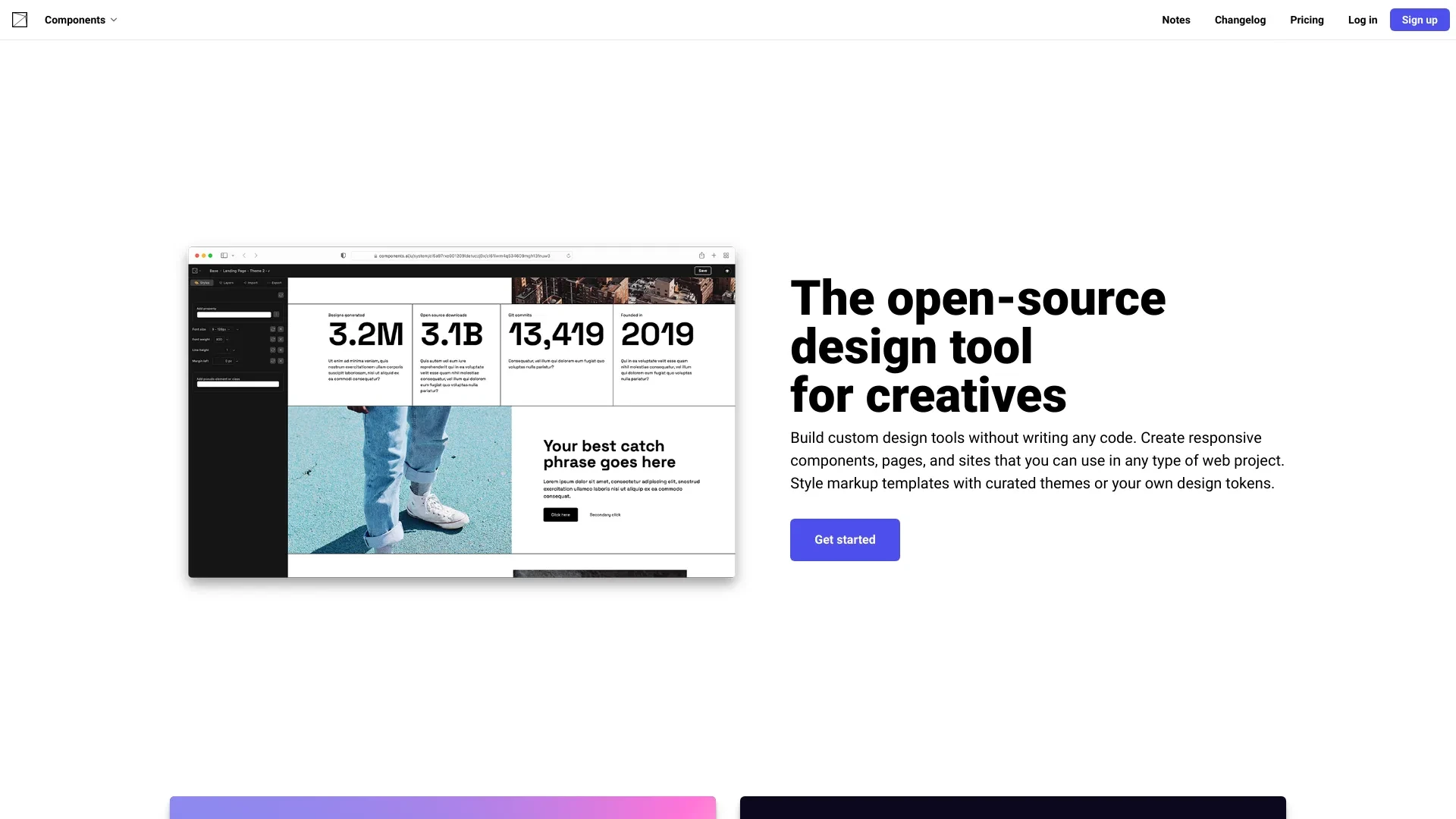
Components AI
Components AI is a no-code tool that simplifies the creation of generative design systems, allowing users to build custom design tools effortlessly.
- Custom design tool creation
- responsive components and pages
- integration of design tokens
AI Analysis
Why use this AI Components AI for Design System Libraries?
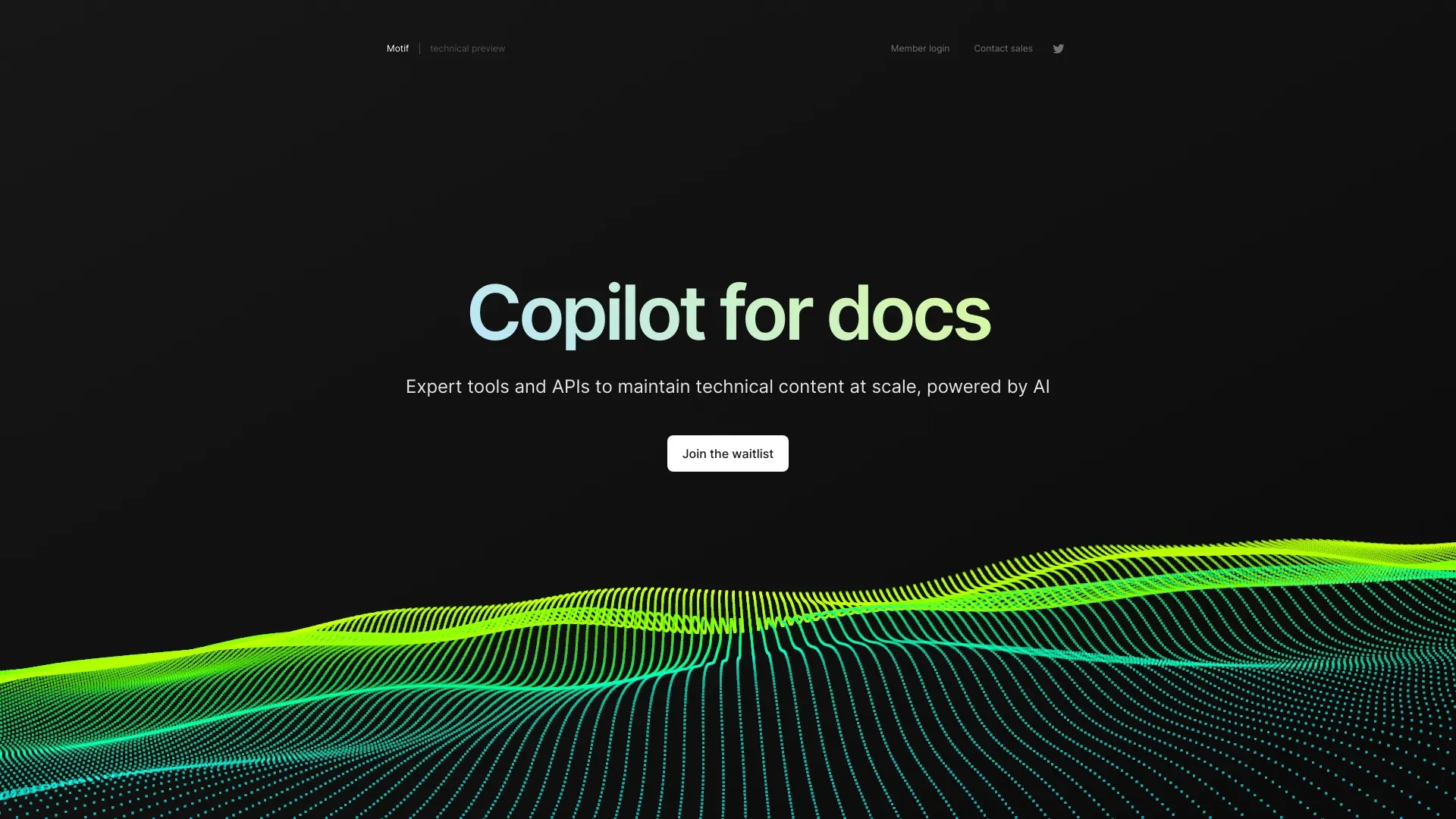
AI-driven tool for efficient technical content management at scale.
- AI-powered content updating
- Tools and APIs for seamless content management
- Real-time collaboration features
AI Analysis
Why use this AI Motif · Copilot for Docs for Design System Libraries?
Design In The Browser
AI-powered visual frontend editor for developers to edit UIs in-browser via natural language.
- Point & Click Editing: Instantly apply UI changes with natural language prompts
- Code Editor Integration: Jump directly to source code
- Multi-Edit Queuing: Manage multiple changes in sequence
AI Analysis
Why use this AI Design In The Browser for Design System Libraries?
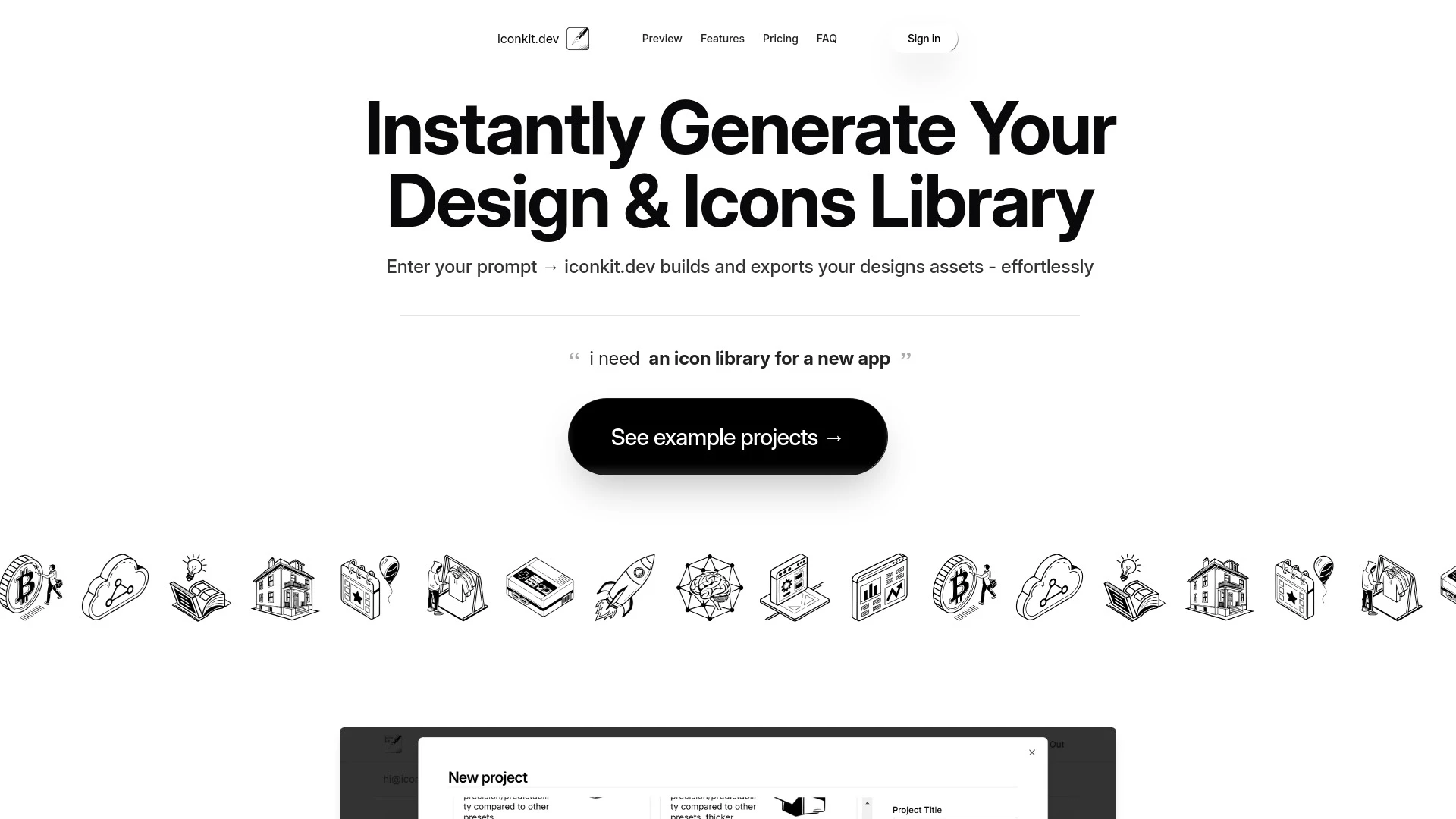
iconkit.dev
Iconkit.dev is an AI-driven tool that swiftly creates customizable icon libraries and design assets for various applications.
- Instant generation of design assets
- Support for SVG and PNG formats
- Version control for design libraries
AI Analysis
Why use this AI iconkit.dev for Design System Libraries?
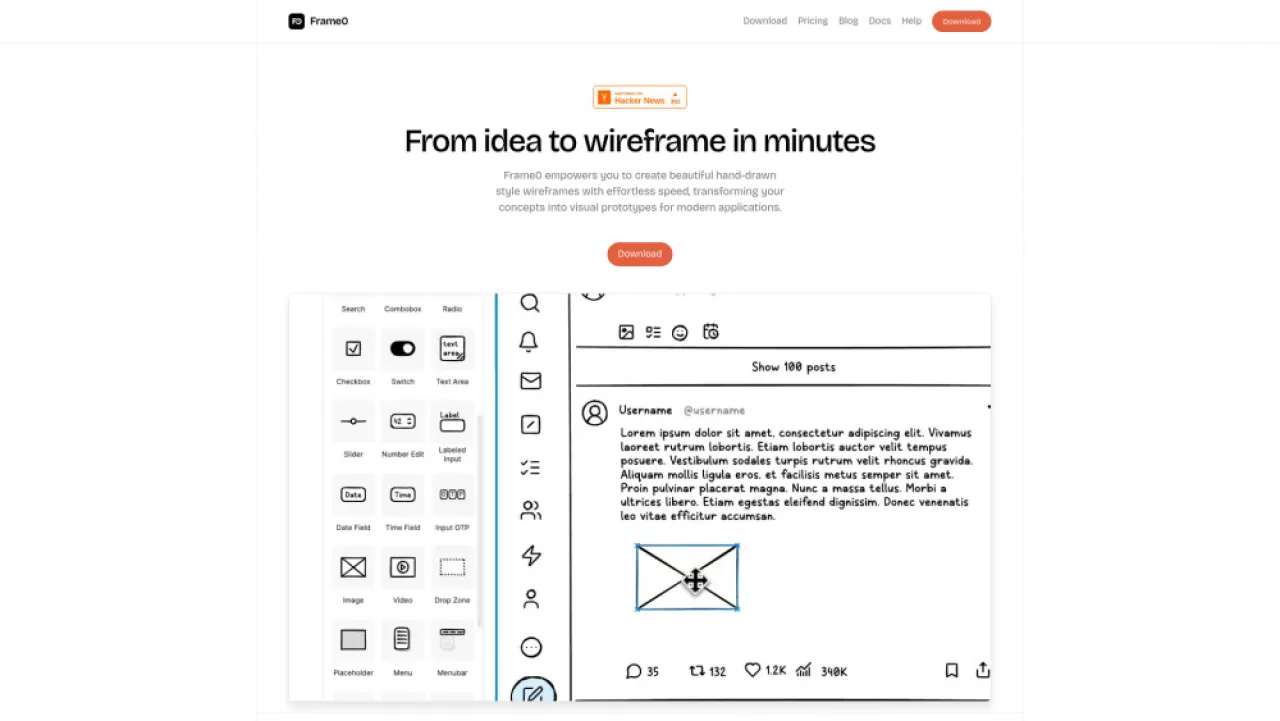
Frame0
AI-powered sketch app for quick wireframes and prototypes, ideal for designers.
- Hand-drawn style wireframes: quick ideation
- Interactive prototypes: seamless user flows
- Rich UI components: reusable design elements
AI Analysis
Why use this AI Frame0 for Design System Libraries?
Practical Workflows
Don't just buy tools—build a system. Here are 3 proven ways to integrate AI into your design system libraries process.
Workflow 1: From concept to first task complete for Complete beginner
- Identify a simple Design System Libraries task (e.g., generate a token dictionary for color, spacing, and typography).
- Provide existing design tokens and component usage patterns to the AI tool for alignment.
- Instruct the AI to produce a starter token map and a basic component catalog suitable for your design system.
Workflow 2: Daily optimization for Regular user
- Import latest design tokens and component states into the AI platform.
- Ask the AI to detect token gaps, naming inconsistencies, and accessibility issues across the library.
- Generate a prioritized roadmap of updates and auto-scripts to sync tokens with codebase.
Workflow 3: Full automation for Power user
- Define governance rules for Design System Libraries (versioning, deprecations, and contribution checks).
- Configure AI to auto-generate and update tokens, components, and documentation from design files and code repos.
- Set up CI/CD triggers so any design-token change rebuilds library documentation and component previews automatically.
Effective Prompts for Design System Libraries
Copy and customize these proven prompts to get better results from your AI tools.
Beginner
You are an AI assistant specialized in Design System Libraries. Task: Generate a starter color token map (primary, secondary, neutrals) with accessible contrast notes. Output as a JSON token dictionary with names, hex values, and usage notes.Advanced
Role: Design System Libraries Architect. Context: Company-wide tokens + components in Figma and React. Constraints: naming conventions, theming rules, accessibility AA. Format: YAML with tokens, component variants, and a changelog draft.Analysis
Evaluate two Design System Libraries outputs: token mappings and component catalog. Compare token naming consistency, coverage, and accessibility conformance. Provide a recommended consolidated version and a justification.
What is Design System Libraries AI?
Design System Libraries AI combines AI-assisted tooling with your centralized library of tokens, components, and guidelines. It targets Design System Libraries by automating token generation, ensuring component consistency, producing developer-ready documentation, and enabling governance over versioning and updates. This approach is ideal for teams building scalable, accessible, and visually coherent Design System Libraries.
Benefits of AI for Design System Libraries
- Consistent design tokens across platforms, reducing visual drift.
- Faster token creation, naming, and color/typography governance.
- Automated component catalog updates with usage states and variants.
- Auto-generated, developer-friendly documentation and usage guidelines.
- Improved accessibility checks baked into token and component workflows.
How to Choose AI Tools for Design System Libraries
- Governance support: versioning, approval workflows, deprecation rules.
- Integration depth: connects to Figma/Sketch, code repos, and CI/CD pipelines.
- Token and component coverage: supports tokens, spacing, typography, color, and component states.
- Quality controls: validation, accessibility checks, and audit trails.
- Scalability: handles large token sets without performance loss.
Implementation Do's and Don'ts for AI in Design System Libraries
- Do establish a clear token naming convention before introducing AI.
- Do implement automated validation before publishing library updates.
- Don't rely on AI for governance decisions without human oversight.
- Don't neglect accessibility checks when auto-generating tokens and components.
AI for Design System Libraries: Key Statistics
In 2025, 62% of mid-to-large teams adopted AI-assisted Design System Libraries tooling, up from 37% in 2023.
Average time to publish a token update with AI assistance reduced by 48% compared to manual processes.
Design System Libraries AI tooling accuracy in token naming and color contrasts reached 92% after onboarding and governance rules.
70% of teams report improved design-token consistency across products within 6 months of adopting AI tools.
AI-driven documentation generation reduces manual doc-writing effort by an estimated 54% per release cycle.
By 2026, 81% of Design System Libraries projects include automated token validation and accessibility checks powered by AI.
Frequently Asked Questions
Get answers to the most common questions about using AI tools for design system libraries .
Design System Libraries AI refers to AI-powered tools and workflows that manage, generate, and maintain centralized design tokens, components, and documentation within a design system library. It helps teams keep visuals consistent, accessible, and scalable across products.
Begin by cataloging your tokens and components, then enable an AI assistant to generate token maps, update components, and produce documentation. Start with small tasks like token naming or color palettes, and progressively automate token syncing with code and design files.
For most teams, a hybrid approach works best: AI-assisted workflows to draft tokens, docs, and components, with human review for governance and quality. Fully autonomous pipelines can be risky without governance, versioning, and testing in place.
Inconsistency can stem from ambiguous token naming, incomplete design tokens, or mismatches between design files and code. Resolve this by standardizing naming conventions, feeding complete token sets to the AI, and establishing validation checks before deployment.
Related AI Tool Categories
Explore other AI tool categories similar to Design System Libraries that might interest you.
AI Developer Documentation
AI Developer Documentation provides essential guidelines for creating, integrating, and maintaining AI systems. It enhan...
AI Ad Creative Assistant
The AI Ad Creative Assistant leverages machine learning to generate tailored ad content, optimizing messaging for target...
AI Website Designer
AI Website Designers leverage machine learning and algorithms to automate web development, enabling users to create webs...
AI Developer Tools
AI Developer Tools empower developers to create intelligent applications by providing libraries, APIs, and frameworks. F...
AI Logo Generator
AI Logo Generators utilize machine learning algorithms to create unique logos based on user input and design trends. The...
AI Productivity Tools
AI productivity tools enhance efficiency by automating repetitive tasks, analyzing data, and facilitating decision-makin...