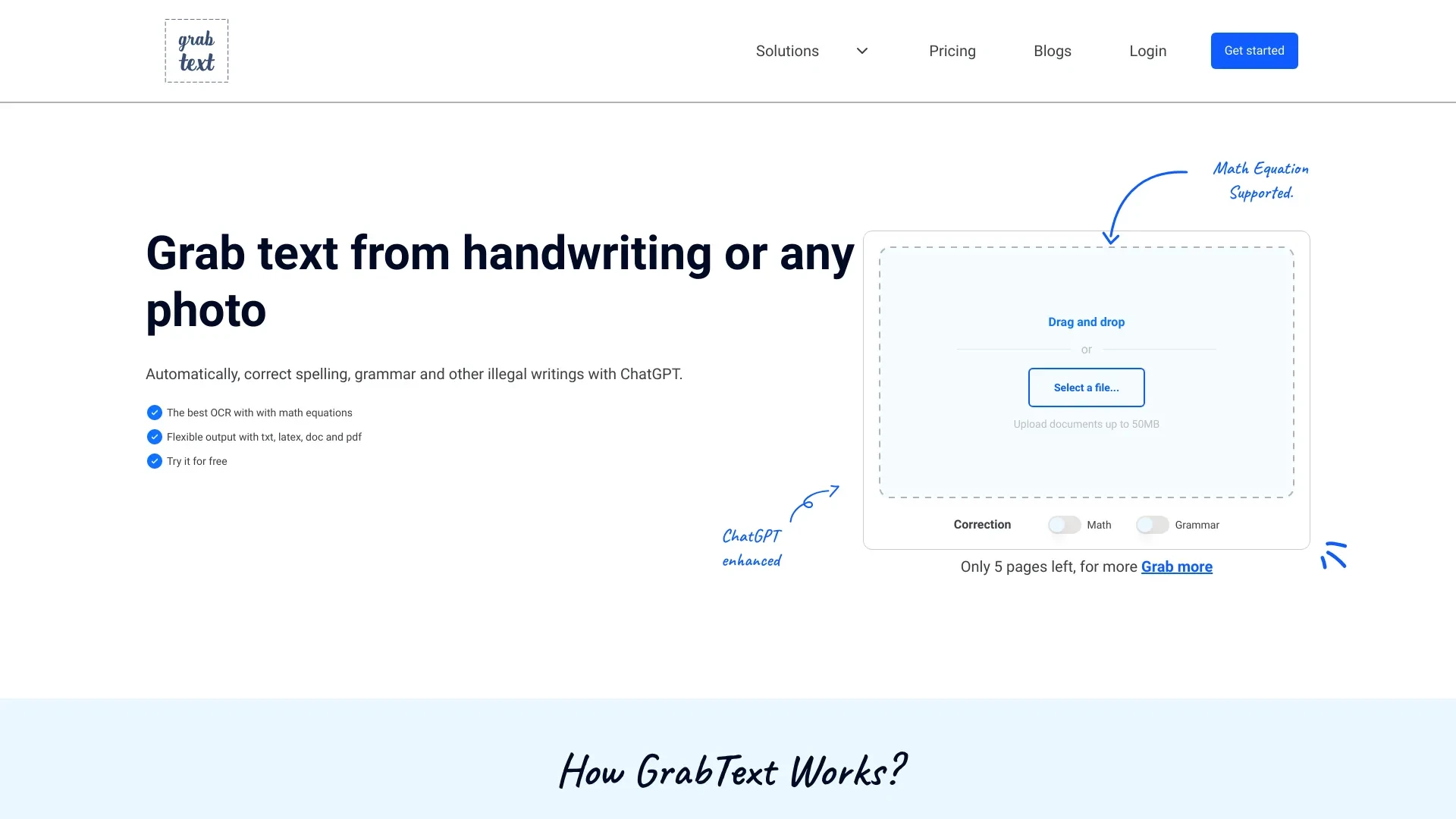
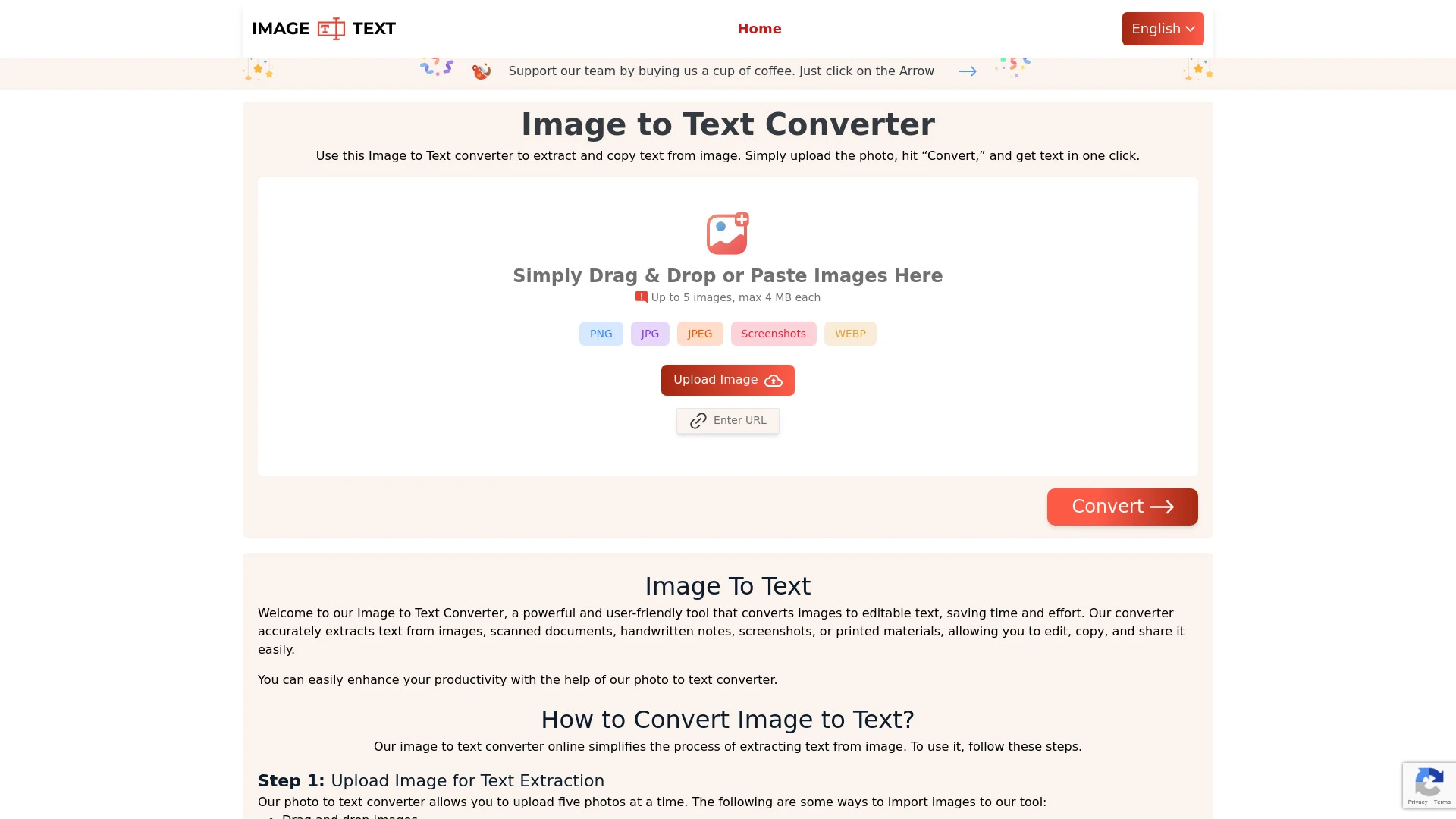
Both tools convert images into editable text, serving students, researchers, and professionals who digitize content. Tool A excels at broad image to text extraction with multi language support and batch uploads, while Tool B emphasizes handwritten notes and academic workflows with LaTeX conversion and automatic error correction. They cover everyday digitization and scholarly needs.
Convert handwritten notes into digital format
Capture printed text from images
Automate document archiving and cataloging
Facilitate transcription for academic research
Simplifies text digitization
Saves time on manual typing
Supports multiple file export formats
Optical character recognition for handwritten and printed text
Conversion of LaTeX equations
Automatic error correction
Export options to multiple file formats
User-friendly interface
Education: Convert study material into editable text
Research and Data Collection: Extract text from images for analysis
Data Entry: Easily convert physical documents into digital formats
Accessibility: Assist visually impaired individuals in accessing written content
High accuracy in text recognition
Quick processing times for conversions
Free to use with essential features
Accurate text extraction from various image sources
User-friendly interface for easy navigation
Free access for all users
Multi-language support for diverse applications
Support for multiple file formats for downloads
Tool A is the better generalist for fast, cost effective digitization and batch processing across diverse image sources. Tool B shines in academic contexts that require LaTeX output and automatic error correction. If your workflow mixes everyday digitization with scientific notation, using both tools can maximize productivity.
Tool A offers a freemium model with free access to essential features and uses a one time billing approach under a consumption payment model for advanced use. Tool B remains freemium with a monthly subscription, aligning with ongoing access to OCR enhancements and export options. Both prioritize accessibility while delivering different value levers: broad image to text versus academic oriented features such as LaTeX support.
Explicit speed or reliability metrics are not provided. Core features indicate fast text capture and support for multiple images or formats, with Tool A enabling simultaneous uploads and Tool B offering automatic error correction. The implementations appear rooted in established OCR workflows, prioritizing accuracy and practical throughput rather than published benchmarks.
Both tools are web based and designed for ease of use. Tool A provides a straightforward workflow with image cropping, multiple image uploads, and support for many formats, making it approachable for newcomers. Tool B highlights a clean interface focused on quickly turning handwritten or printed text into editable results, with LaTeX conversion as a standout feature. Onboarding tends to be quick for both.
Both tools are web based with export options to multiple formats. Tool B explicitly supports exporting to several file formats; Tool A notes multiple file formats for downloads; No enterprise integrations are listed.
Tool A focuses on general text extraction and does not list LaTeX support, whereas Tool B includes LaTeX conversion; both rely on OCR whose accuracy hinges on image quality.