Recommended AI Tools
5We've analyzed the market. These tools offer specific features for automate customer support chatbots.
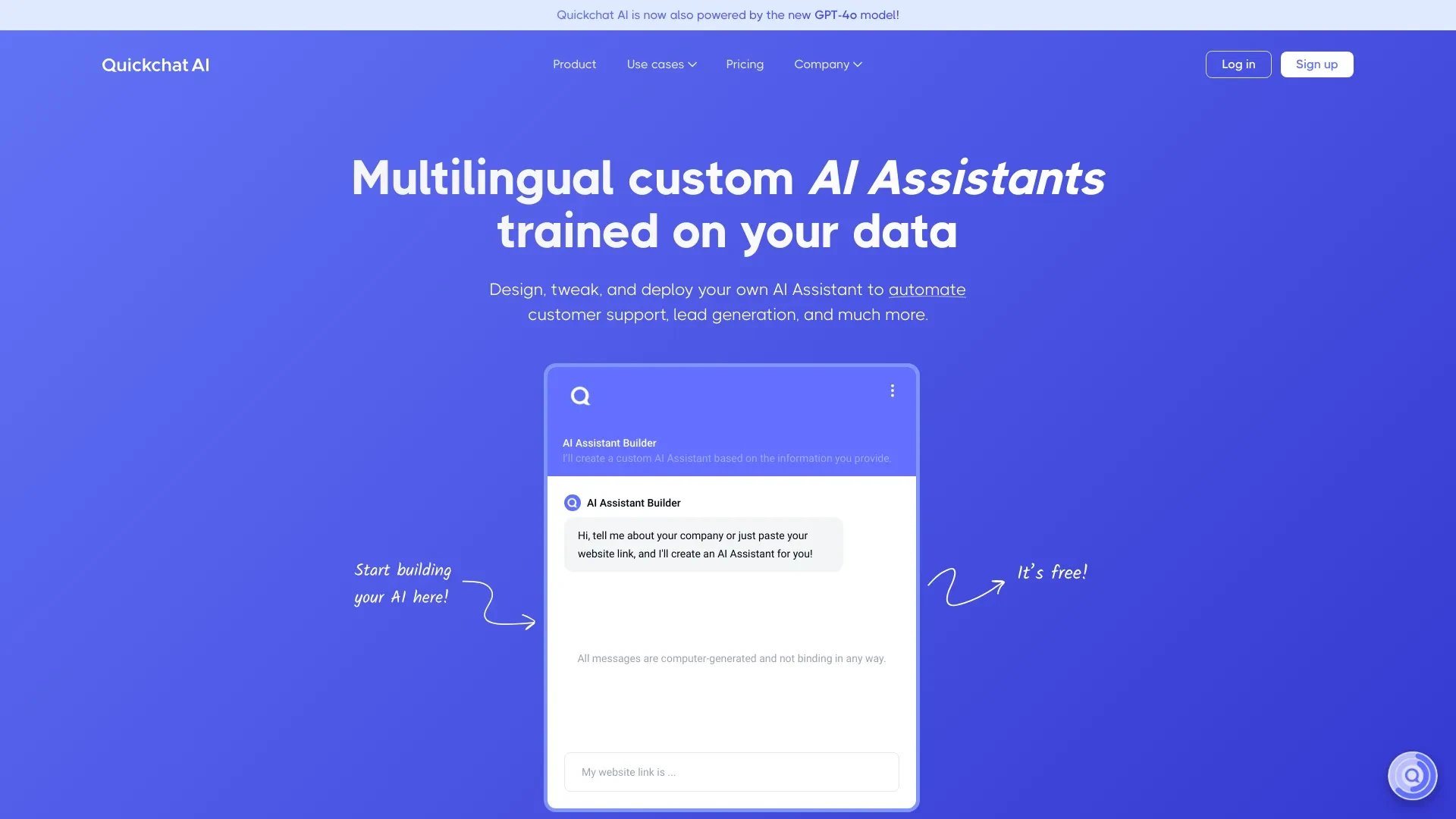
Quickchat AI
Quickchat AI is a versatile platform that enables businesses to construct customized AI Assistants, ensuring tailored responses and efficient customer...
- Custom AI Assistant Design
- Rich Response Customization Options
- Message Source Citing
AI Analysis
Why use this AI Quickchat AI for Automate Customer Support Chatbots?
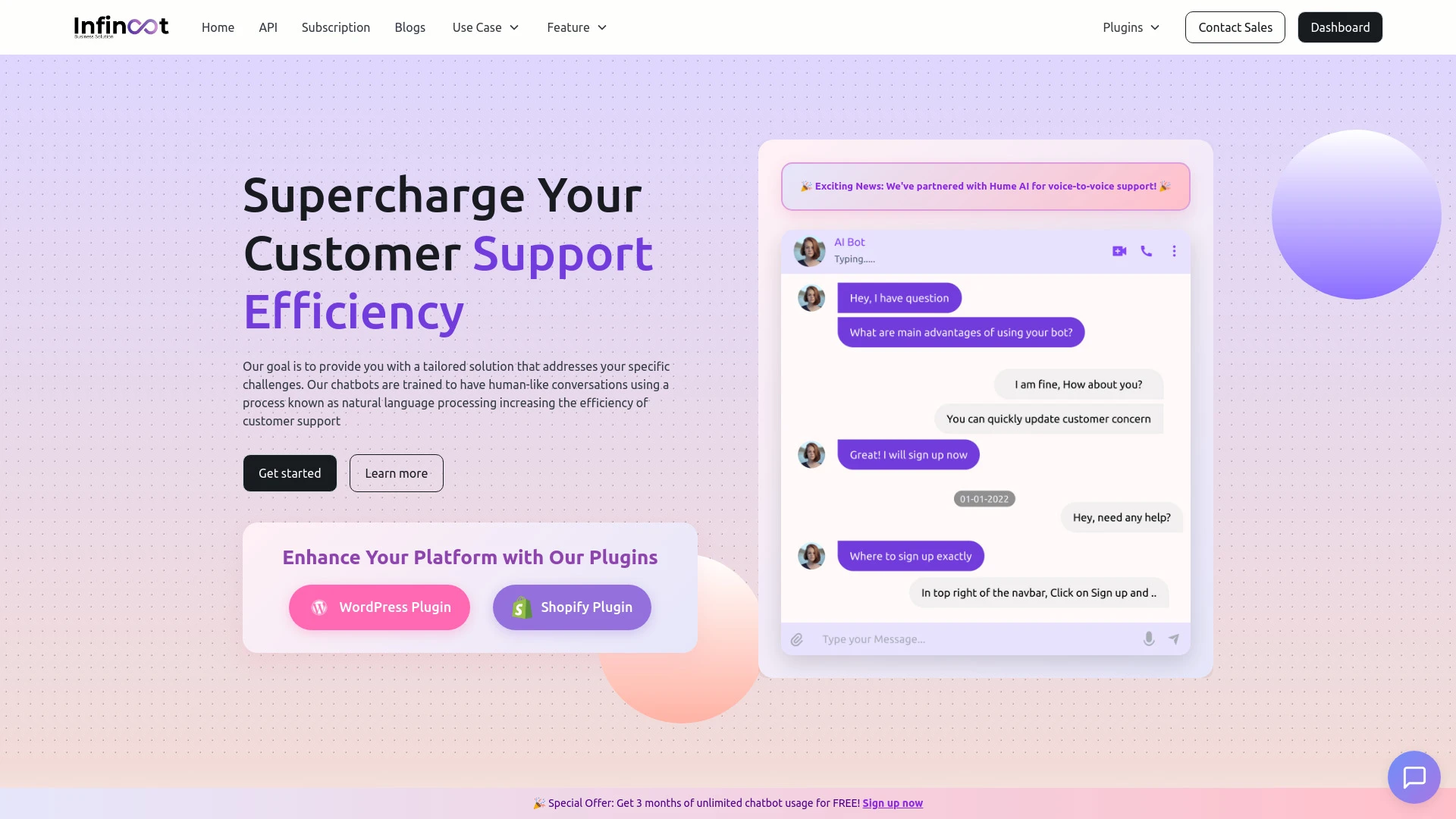
Ai-Chatbot
Ai-Chatbot: An AI-driven platform enhancing customer support for seamless interactions.
- Bot-to-Human seamless transition
- AI-Powered Search
- Analytics for performance tracking
AI Analysis
Why use this AI Ai-Chatbot for Automate Customer Support Chatbots?
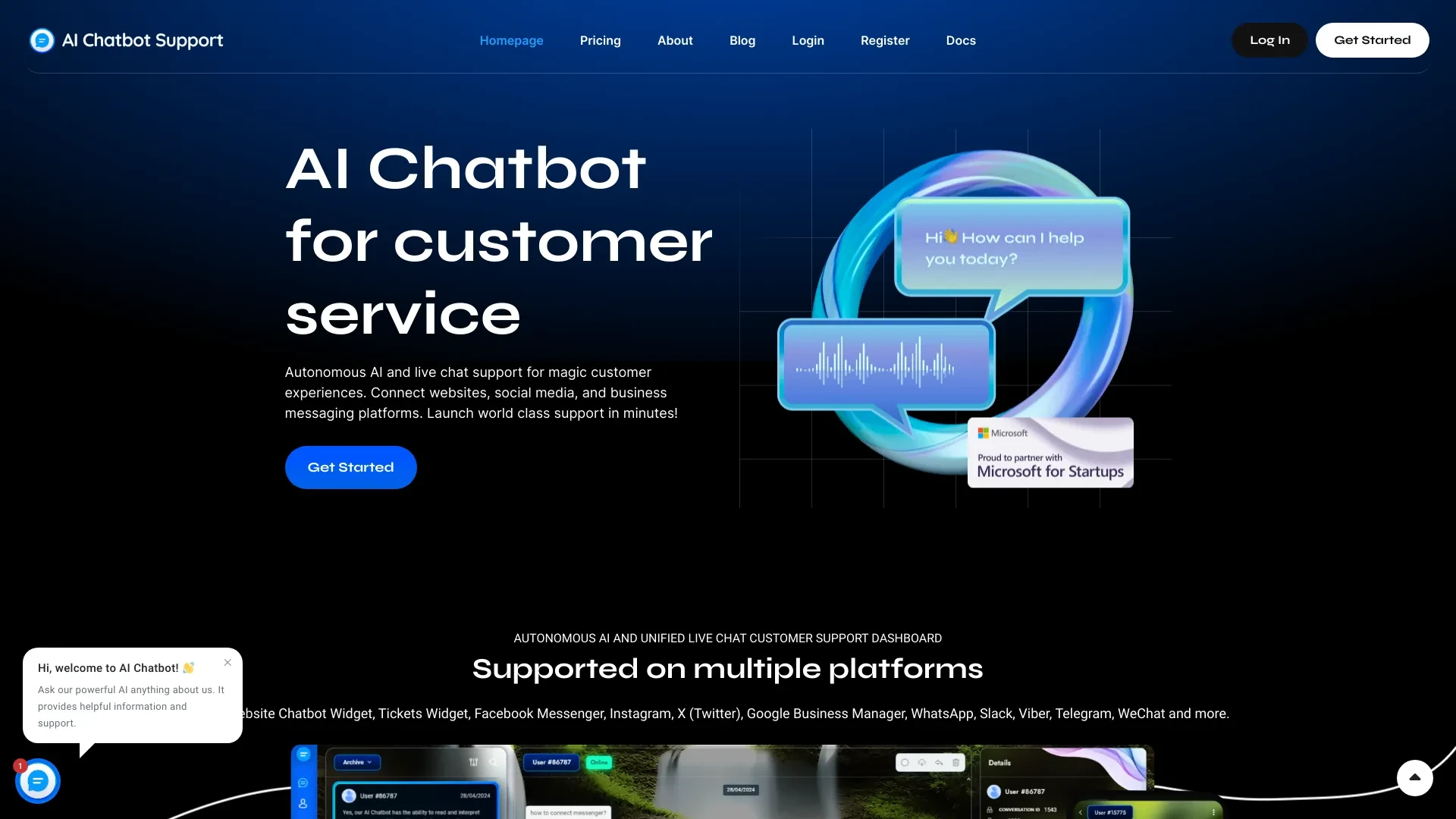
AI Chatbot Support offers an autonomous AI and live chat solution for instant customer assistance across various platforms.
- Automatic Translation
- Marketing Features
- Learns on Your Website
AI Analysis
Why use this AI AI Chatbot Support for Automate Customer Support Chatbots?
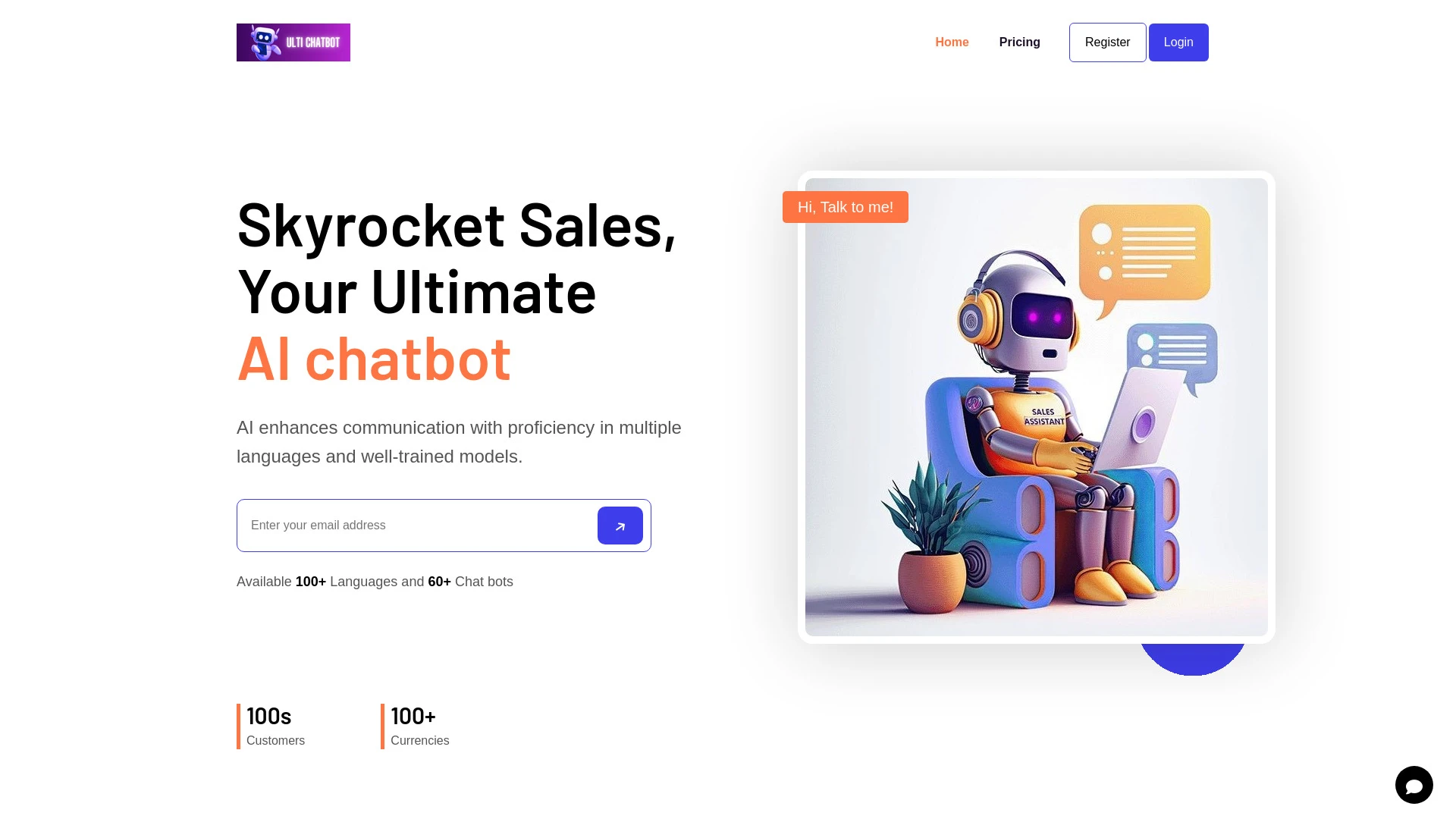
AI Chat Bot
AI Chat Bot is a business-oriented AI-powered chatbot that enhances customer interaction, featuring multilingual support and scalable development.
- Multilingual support
- Well-trained models
- Scalable chatbot development
AI Analysis
Why use this AI AI Chat Bot for Automate Customer Support Chatbots?
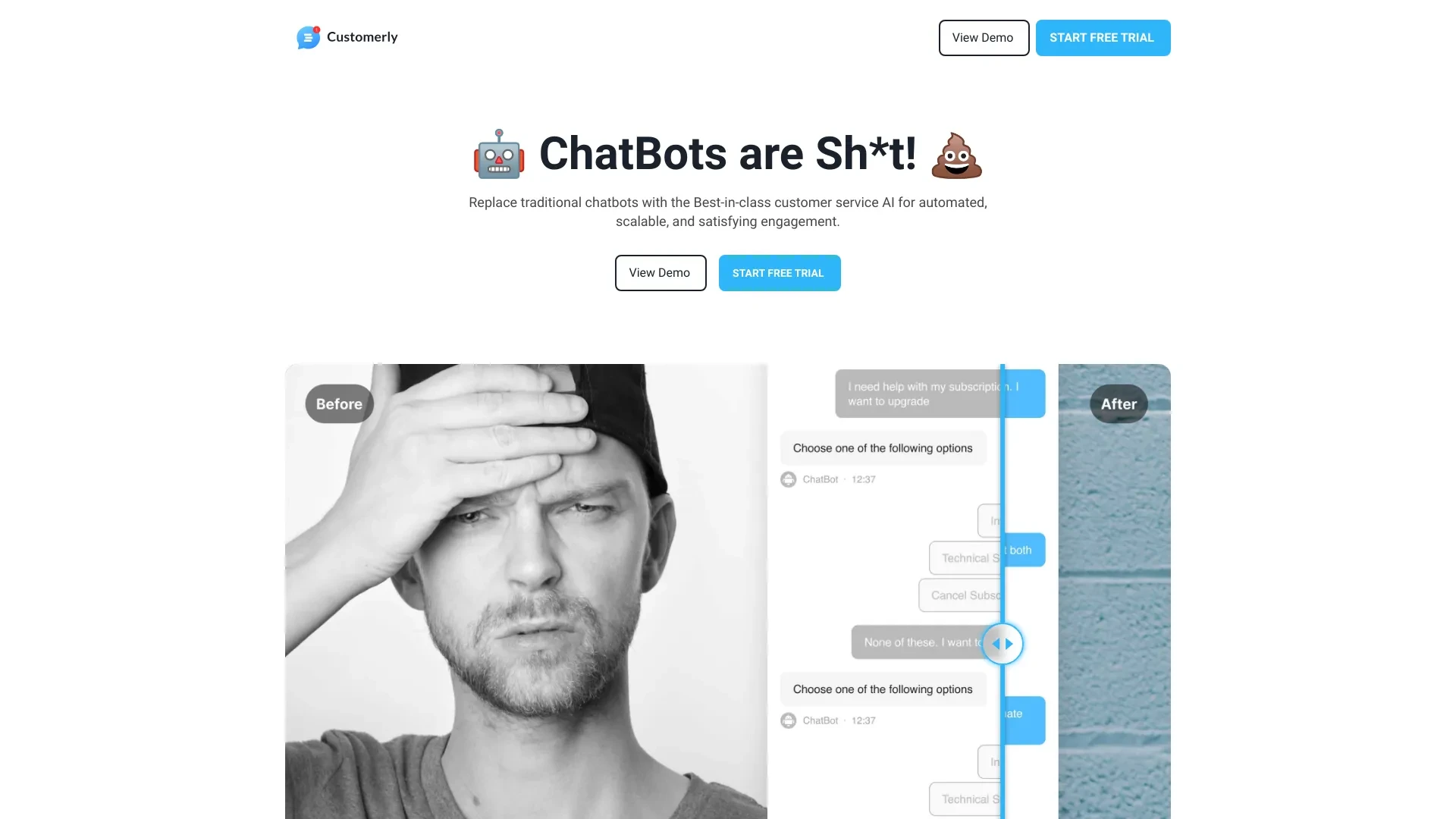
Customerly Ai
Customerly Ai is a powerful AI assistant designed to enhance customer support teams by delivering rapid and precise assistance in various languages.
- Fast and accurate support
- Continuous learning
- Smart escalation
AI Analysis
Why use this AI Customerly Ai for Automate Customer Support Chatbots?
Practical Workflows
Don't just buy tools—build a system. Here are 3 proven ways to integrate AI into your automate customer support chatbots process.
Workflow 1: First successful Automate Customer Support Chatbots task for Complete beginner
- Identify a common support query set (e.g., order status, return policy) and map to intents.
- Configure a basic chatbot flow with a welcome message, fallback, and escalation to human agent when needed.
- Test with 5 real customer questions, refine intents and responses, and publish to a staging channel for user feedback.
Workflow 2: Optimize daily Automate Customer Support Chatbots work for Regular user
- Audit recent conversations to identify drop-off points and repetitive intents.
- Implement dynamic FAQ retrieval and suggested responses to agents during handoff.
- Set up dashboards to monitor SLA adherence, average handling time, and CSAT per bot interaction.
Workflow 3: Full Automate Customer Support Chatbots automation for Power user
- Create multi-channel bot orchestration (web, mobile, messaging) with centralized intent taxonomy.
- Automate escalation rules, including live agent queue routing based on sentiment and priority.
- Train continuous learning loops: weekly data refresh, A/B test prompts, and performance benchmarking.
Effective Prompts for Automate Customer Support Chatbots
Copy and customize these proven prompts to get better results from your AI tools.
Beginner
Create a simple Automate Customer Support Chatbots task: a bot that answers order status inquiries using the latest order data, with a fallback to human support when the status is unavailable. Output a friendly response and a support ticket link if needed.Advanced
Role: Support Bot, Context: E-commerce company with order management, Constraints: 1) Use customer name from CRM, 2) If the user asks for returns, guide to the returns policy, 3) Respond in under 150 words, 4) Output in JSON with fields: intent, answer, escalation, confidence. Format: JSON.Analysis
Evaluate three Automate Customer Support Chatbots outputs for accuracy, tone, and escalation necessity. Provide a 0-100 score for accuracy, a tone score, and recommended prompt adjustments to improve containment rate within 2 days.
What is Automate Customer Support Chatbots AI?
Automate Customer Support Chatbots AI refers to intelligent assistants that understand customer queries, provide relevant answers, perform tasks (like order tracking or returns), and hand off complex issues to humans when needed. It’s designed for teams seeking faster response times and scalable support across channels.
Benefits of Automate Customer Support Chatbots AI
- 24/7 availability to handle after-hours inquiries
- Faster response times and consistent messaging
- Reduced agent workload and operational costs
- Improved CSAT with accurate, contextual replies
- Seamless escalation when needed and better analytics
How to Choose the Right Automate Customer Support Chatbots AI Tools
- Define clear use cases and required integrations (CRM, help center, ticketing)
- Evaluate NLP accuracy, language support, and training data needs
- Assess scalability, multi-channel support, and SLAs
- Check pricing models, ease of use, and vendor support
- Look for AI tools with built-in analytics and experimentation features
Best Practices for Implementing Automate Customer Support Chatbots AI
- Start with high-volume, low-complexity tasks to build confidence
- Maintain an always-available handoff to human agents
- Regularly update knowledge bases and training data
- Test with real user questions and monitor KPIs
- Ensure compliance and data privacy across channels
AI for Automate Customer Support Chatbots: Key Statistics
In 2026, 78% of customer interactions are expected to be handled by AI-powered chatbots, up from 62% in 2024.
Companies report a 35-50% reduction in average handling time after implementing Automate Customer Support Chatbots AI tools.
First-contact resolution improves by an average of 25% with AI-assisted chatbots integrated into knowledge bases.
Multi-channel chatbot adoption grew 40% year-over-year, with 65% of teams using web and mobile channels.
Free Automate Customer Support Chatbots AI options are used by 54% of small-to-midsize teams as a starting point.
By 2026, 42% of organizations plan to expand AI chatbot capabilities to include proactive assistance and sentiment-aware routing.
Frequently Asked Questions
Get answers to the most common questions about using AI tools for automate customer support chatbots .
Automate Customer Support Chatbots AI refers to AI-powered systems designed to handle common customer inquiries, perform tasks, and route complex issues to human agents. It’s ideal for support teams seeking faster response times, 24/7 availability, and scalable handling of high-volume inquiries.
Start by inventorying frequent questions, define clear intents, choose a chatbot platform, connect it to your knowledge base, create guided flows, and gradually publish to a subset of users.Iterate with analytics on containment rate, escalation rate, and user satisfaction.
AI-driven chatbots excel with natural language understanding and handling diverse queries, while rule-based bots offer predictability for fixed tasks. A hybrid approach often yields the best results, using AI for open-ended questions and rules for precise actions.
Common causes include gaps in intents, stale knowledge bases, mismatched training data, or integration issues. Review intents, refresh training data with recent queries, ensure integrations are healthy, and test end-to-end flows regularly.
Related AI Tool Categories
Explore other AI tool categories similar to Automate Customer Support Chatbots that might interest you.
AI Email Assistant
An AI Email Assistant automates email management, enhancing productivity and communication. It uses natural language pro...
AI Reply Assistant
The AI Reply Assistant leverages natural language processing to enhance communication efficiency. It automates responses...
AI Trading Bot Assistant
The AI Trading Bot Assistant harnesses artificial intelligence to analyze market data, execute trades, and optimize port...
AI Voice Chat Generator
AI Voice Chat Generators utilize advanced natural language processing and speech synthesis to create human-like conversa...
AI Chatbot
AI chatbots leverage advanced natural language processing to understand and respond to user queries in real-time. Applic...
AI Email Marketing
AI Email Marketing leverages artificial intelligence to optimize campaigns by analyzing user behavior, segmenting audien...