Recommended AI Tools
5We've analyzed the market. These tools offer specific features for draft board meeting decks.
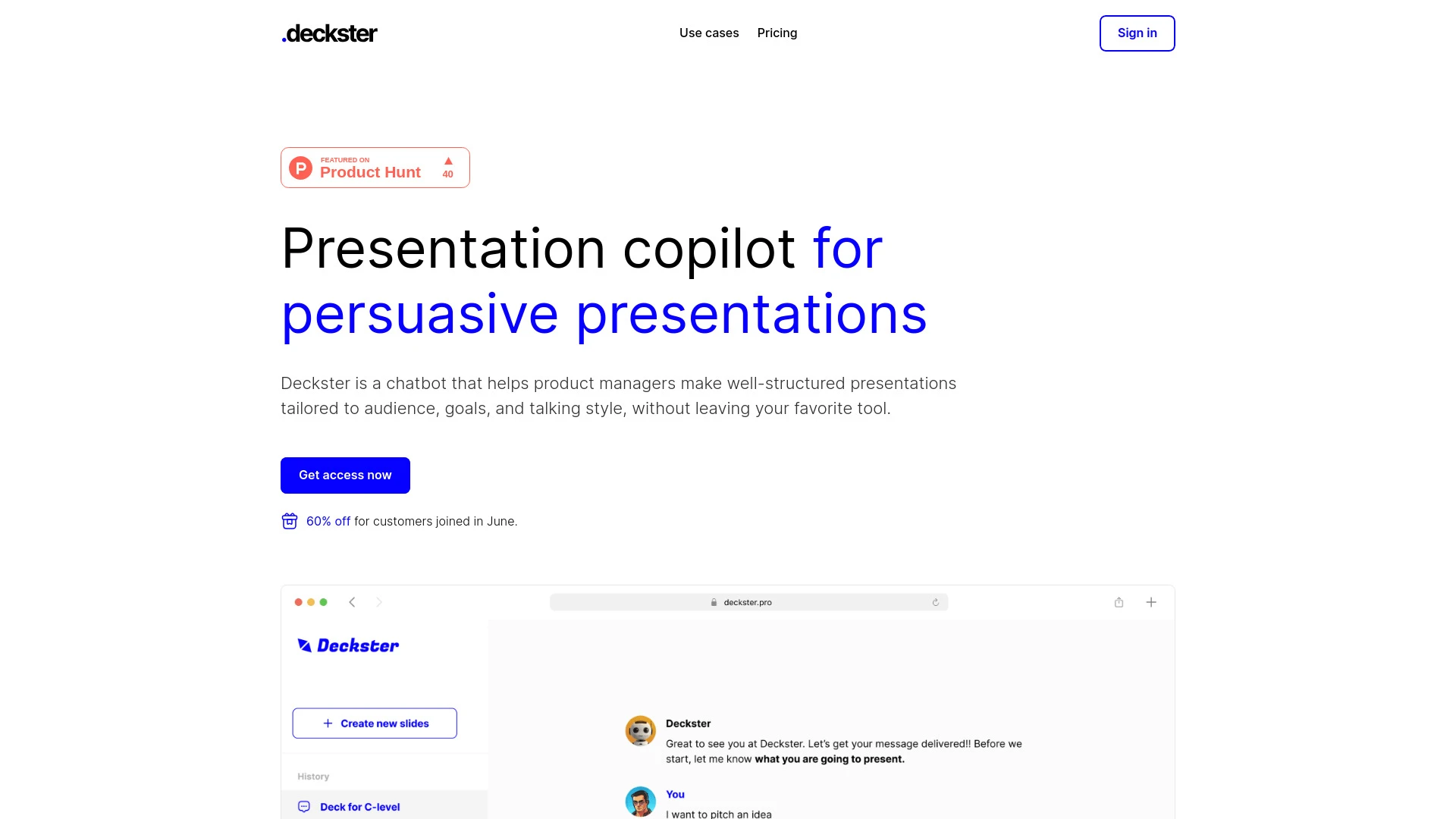
Deckster
Deckster is an AI chatbot tool designed to create personalized presentations efficiently and intuitively.
- AI-driven presentation creation
- Personalized audience targeting
- Seamless integration with popular tools
AI Analysis
Why use this AI Deckster for Draft Board Meeting Decks?
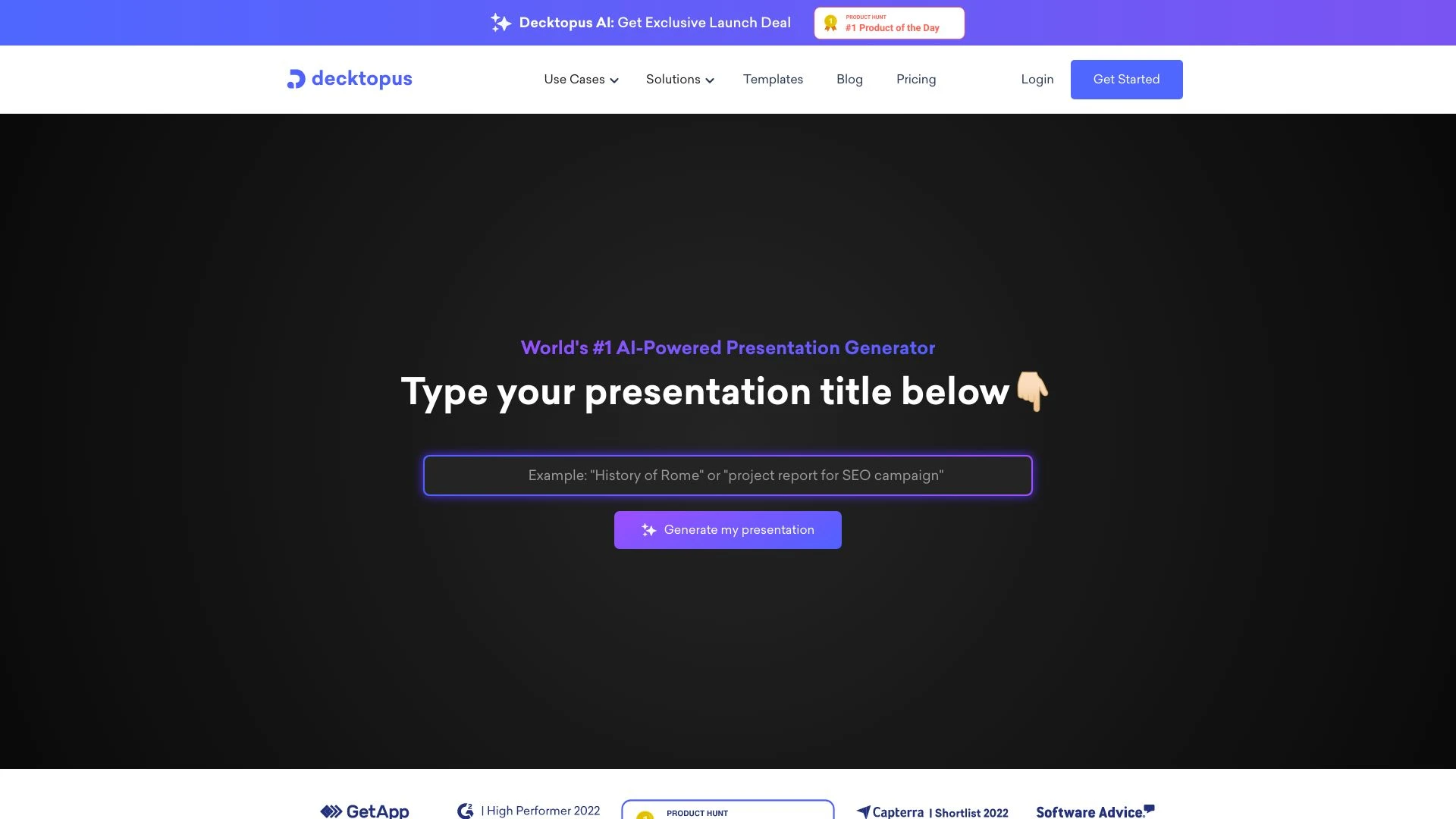
Decktopus AI
Decktopus AI is an AI-driven tool that enables users to quickly create stunning presentations by simply inputting their desired title.
- AI-powered presentation generation
- auto-adjusted slide layouts
- one-click design options
AI Analysis
Why use this AI Decktopus AI for Draft Board Meeting Decks?
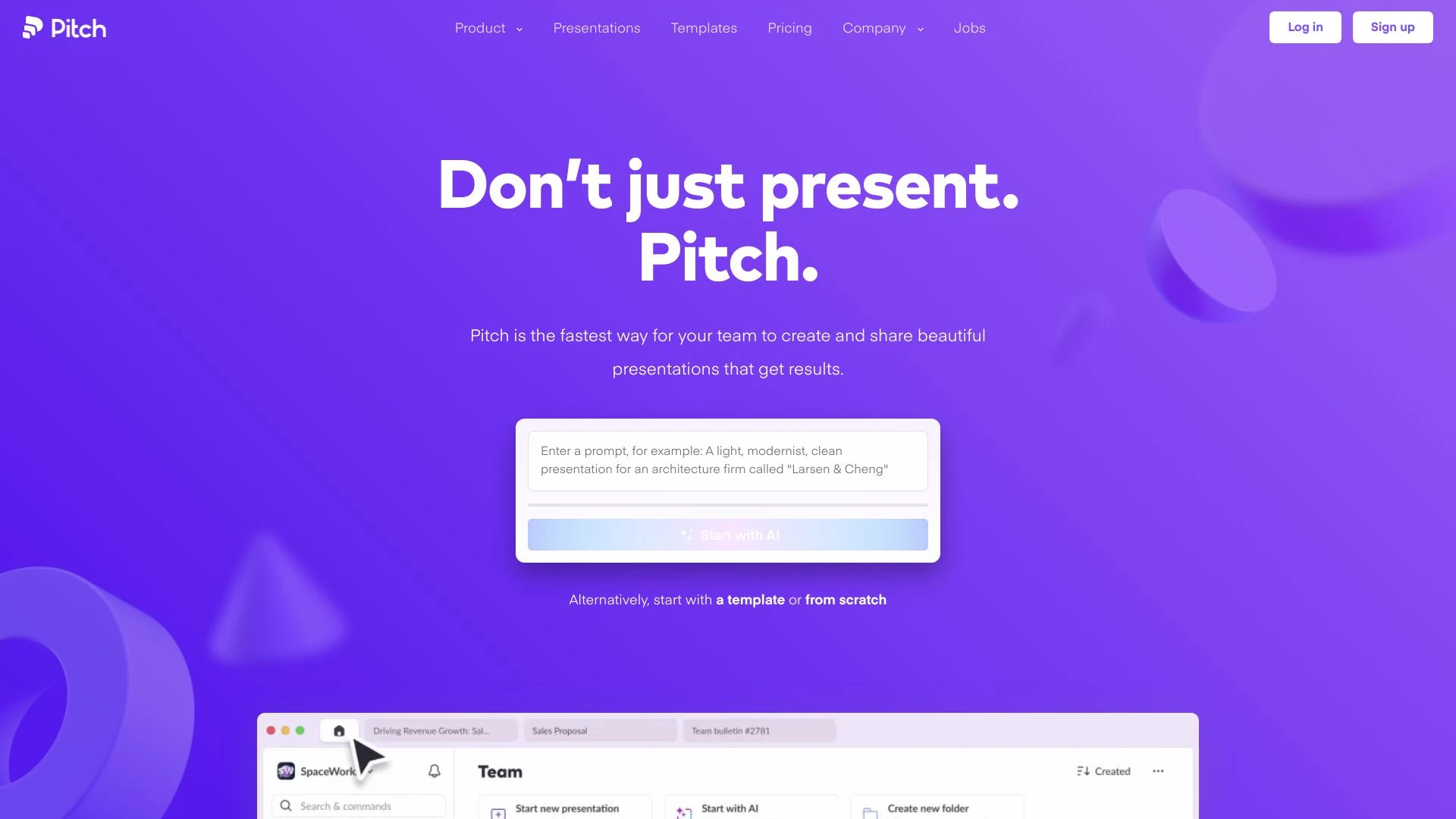
Pitch
Pitch is an intuitive presentation software that helps teams formulate compelling decks efficiently.
- AI-generated drafts
- customizable slide templates
- smart editing tools
AI Analysis
Why use this AI Pitch for Draft Board Meeting Decks?
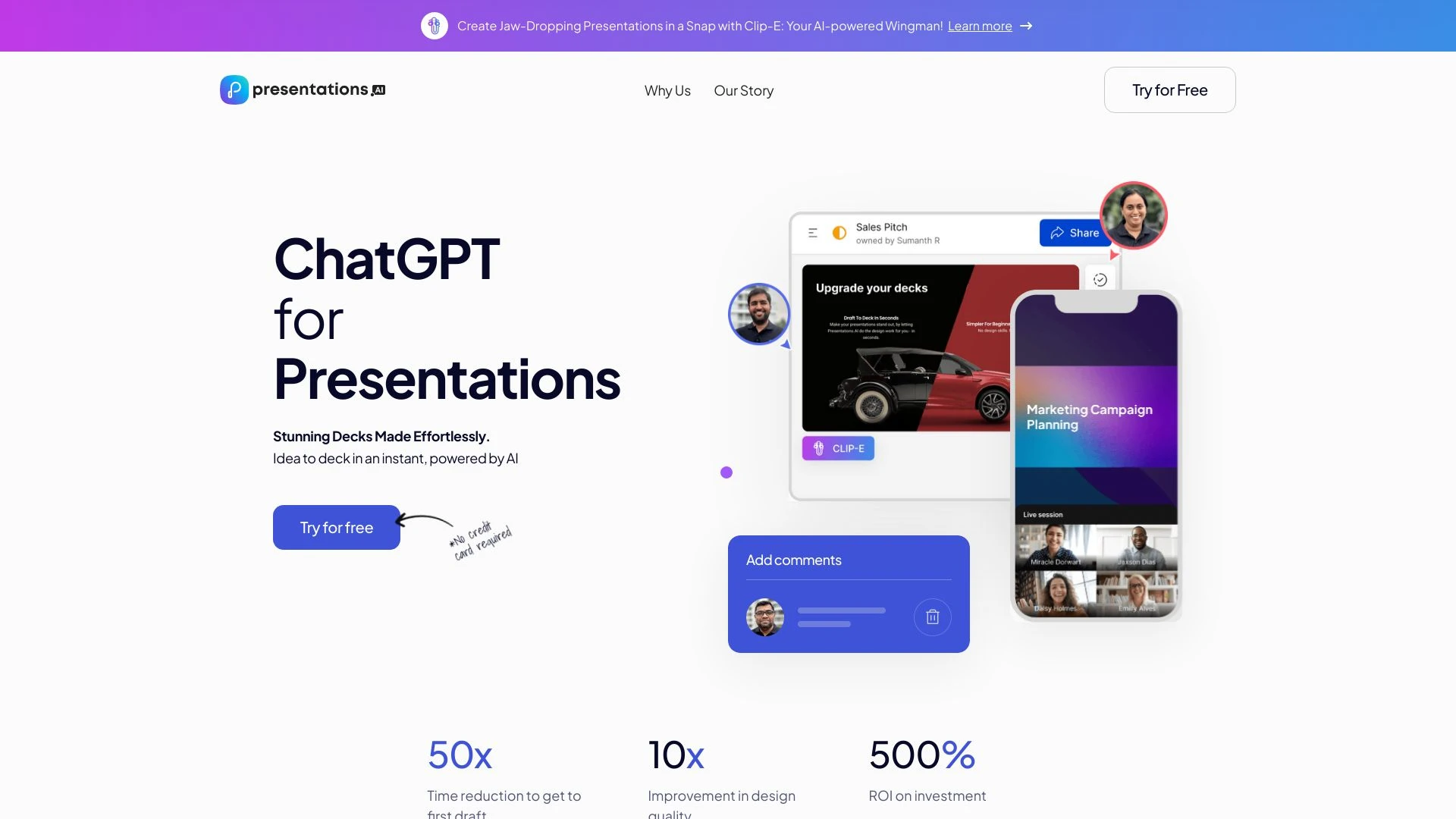
Presentations.AI
Presentations.AI is an AI-driven tool that simplifies and enhances the creation of presentations, enabling users to generate beautiful decks within se...
- Quick presentation generation
- Customizable designs
- Real-time collaboration
AI Analysis
Why use this AI Presentations.AI for Draft Board Meeting Decks?
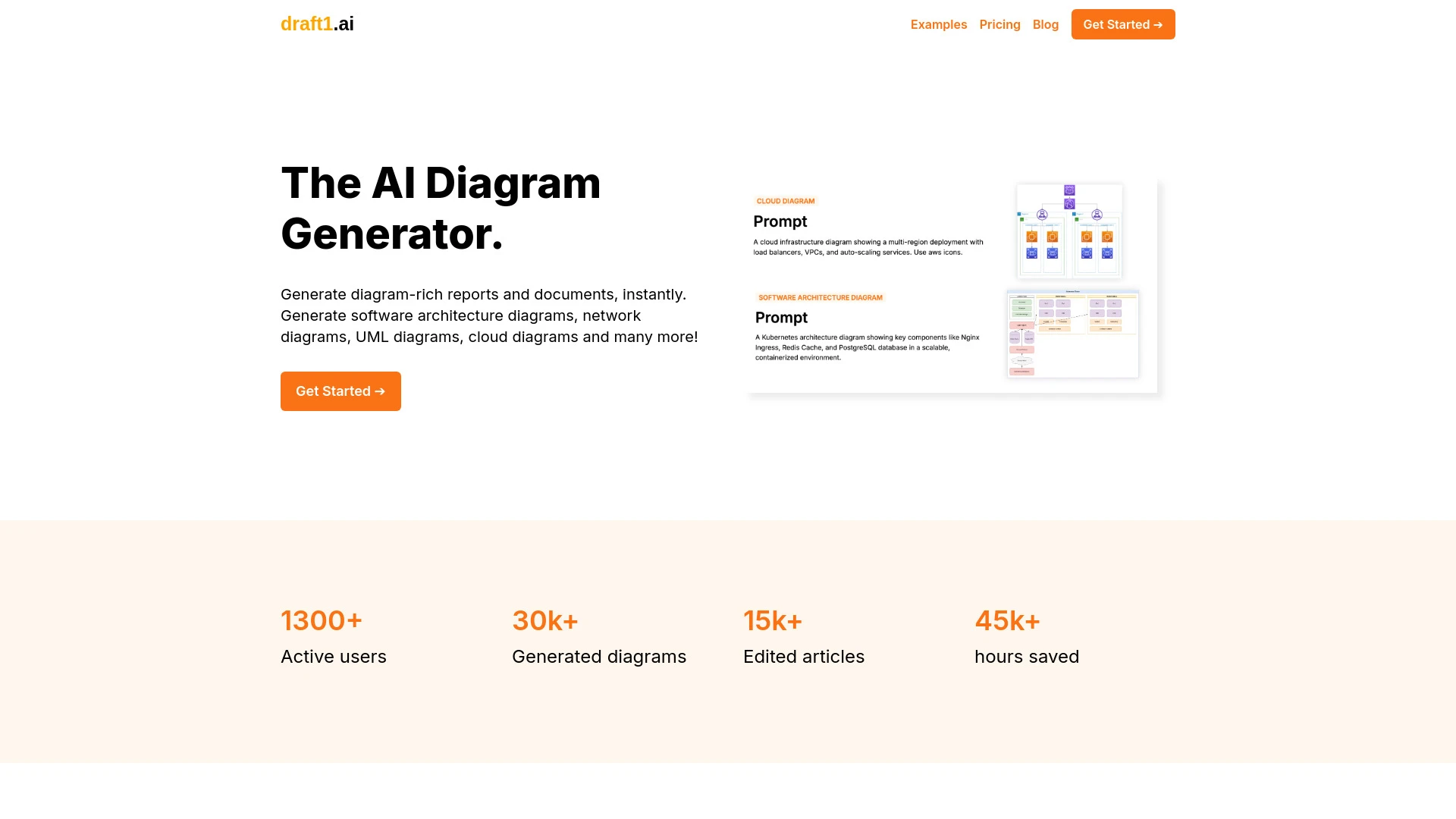
draft1.ai
draft1.ai is a powerful platform designed to transform rough ideas into polished, diagram-rich documents and reports swiftly.
- Text to diagrams
- Editable drawio-compatible diagrams
- Document generation
AI Analysis
Why use this AI draft1.ai for Draft Board Meeting Decks?
Practical Workflows
Don't just buy tools—build a system. Here are 3 proven ways to integrate AI into your draft board meeting decks process.
Workflow 1: Create a first Draft Board Meeting Deck from a data brief
- Import the project data sheet and meeting objective into the AI tool configured for Draft Board Meeting Decks.
- Instruct the AI to extract 5 key metrics, 3 risks, and 2 opportunities relevant to the board agenda.
- Generate a 10-12 slide draft with executive summary, data visuals, and a clear recommendations slide; review for accuracy.
Workflow 2: Streamline daily Draft Board Meeting Decks workflow for regular users
- Set up a reusable deck template tailored to your board’s branding and preferred slide structure.
- Automate data refresh from connected sources (CRM, finance, KPIs) on a daily basis.
- Produce a weekly briefing deck with updated metrics and talking points, then run a quick quality check for consistency.
Workflow 3: Automate end-to-end Draft Board Meeting Decks for power users
- Create a governance prompt library (objectives, audience, tone) and link to data sources.
- Schedule end-to-end deck generation: outline, content drafting, visuals, and slide notes, with one-click approval workflow.
- Publish to shared drive or board portal and generate a companion executive summary PDF for stakeholders.
Effective Prompts for Draft Board Meeting Decks
Copy and customize these proven prompts to get better results from your AI tools.
Beginner: Generate a crisp 6-slide Draft Board Meeting Deck
Draft a 6-slide board deck focused on Q4 performance. Include: executive summary, 3 key metrics with visuals, top 2 risks, 2 opportunities, and a concise recommendation. Use our branding and provide speaker notes.Advanced: Create a governance-ready deck with role-based outputs
Act as an Investment Committee analyst. For a quarterly board meeting, produce a 12-slide deck with data from Finance and Ops sources, role-specific notes for the chair, CEO, and risk committee, exact chart types, and audit-ready data tables in the appendix.Analysis: Compare two AI outputs for consistency and clarity
Take two draft deck exports for the same meeting. Compare data points, visuals, and executive summaries. Highlight discrepancies, suggest harmonized visuals, and provide a unified speaker note set.
What is Draft Board Meeting Decks AI
Draft Board Meeting Decks AI defines specialized AI capabilities that create, format, and refine board-ready decks. It targets governance-focused content, ensuring data accuracy, executive-friendly visuals, and concise narratives. This solution suits finance teams, strategy desks, and operations leaders preparing board materials.
Benefits of AI for Draft Board Meeting Decks
- Faster deck generation with consistent branding
- Automated data aggregation and live data visuals
- Improved narrative flow and risk/opportunity framing
- Error reduction in figures and summaries
- Scalability for recurring board cycles
How to Choose Draft Board Meeting Decks AI Tools
- Data source compatibility and connectors
- Template customization and branding control
- Security, permissions, and board-access controls
- Automation capabilities and scheduling options
- Support for executive summaries and speaker notes
Best Practices for Implementing Draft Board Meeting Decks AI
- Define a standard deck structure and terminology
- Set up data validation rules to ensure accuracy
- Maintain an approval gate before final export
- Run periodic reviews of visuals for accessibility
- Document prompts and data mappings for continuity
AI for Draft Board Meeting Decks: Key Statistics
In 2026, 68% of mid-market companies report using AI to draft board decks, up from 32% in 2023.
Average time to produce a Draft Board Meeting Deck drops from 6 hours to 90 minutes with AI automation.
78% of boards prefer AI-generated visuals that auto-update with source data.
Security-conscious organizations adopt role-based access with single-sign-on for Draft Board Meeting Decks AI tools, increasing compliance by 42%.
AI-assisted deck editing reduces formatting errors by 54% in governance materials.
40% of users run weekly automated deck refreshes to cover latest metrics and risks.
Frequently Asked Questions
Get answers to the most common questions about using AI tools for draft board meeting decks .
Draft Board Meeting Decks AI refers to AI tools and workflows designed to build, format, and optimize presentation decks specifically for board meetings, including data extraction, narrative framing, visuals, and speaker notes.
Begin by identifying a simple deck template, connect your data sources, use a guided prompt to generate slides, and iteratively adjust tone, fonts, and visuals until the output aligns with your board’s expectations.
Both can be effective; cloud AI tools offer collaboration and automatic updates, while desktop AI software can be faster offline. Choose based on data security, team workflows, and integration needs.
Common causes include misconfigured data mappings, outdated datasets, or incompatible chart templates. Recheck data connectors, update the data dictionary, and align visuals with the board’s preferred chart types.
Related AI Tool Categories
Explore other AI tool categories similar to Draft Board Meeting Decks that might interest you.
AI Repurpose Assistant
The AI Repurpose Assistant employs advanced algorithms to transform content across formats, enhancing creativity and eff...
AI Ad Creative Assistant
The AI Ad Creative Assistant leverages machine learning to generate tailored ad content, optimizing messaging for target...
AI Art Generator
AI Art Generators utilize deep learning algorithms to create visuals based on user input or existing art styles. Tools l...
AI Productivity Tools
AI productivity tools enhance efficiency by automating repetitive tasks, analyzing data, and facilitating decision-makin...
AI Presentation Generator
The AI Presentation Generator utilizes artificial intelligence to create visually appealing and structured presentations...
AI Landscape Generator
The AI Landscape Generator utilizes algorithms to create complex, realistic environments for various applications, such...