Ferramentas de IA Recomendadas
5Analizamos o mercado. Estas ferramentas oferecem recursos específicos para projeto micro-interações.
Design In The Browser
Editor visual frontend alimentado por IA para desenvolvedores editarem UIs no navegador via linguagem natural
- Edição Point & Click: Aplique alterações de UI instantaneamente com prompts em linguagem natural
- Integração de Editor de Código: Salte diretamente para o código-fonte
- Fila de Multi-Edição: Gerencie várias alterações em sequência
Análise de IA
Por que usar esta IA Design In The Browser para Projeto Micro-Interações?
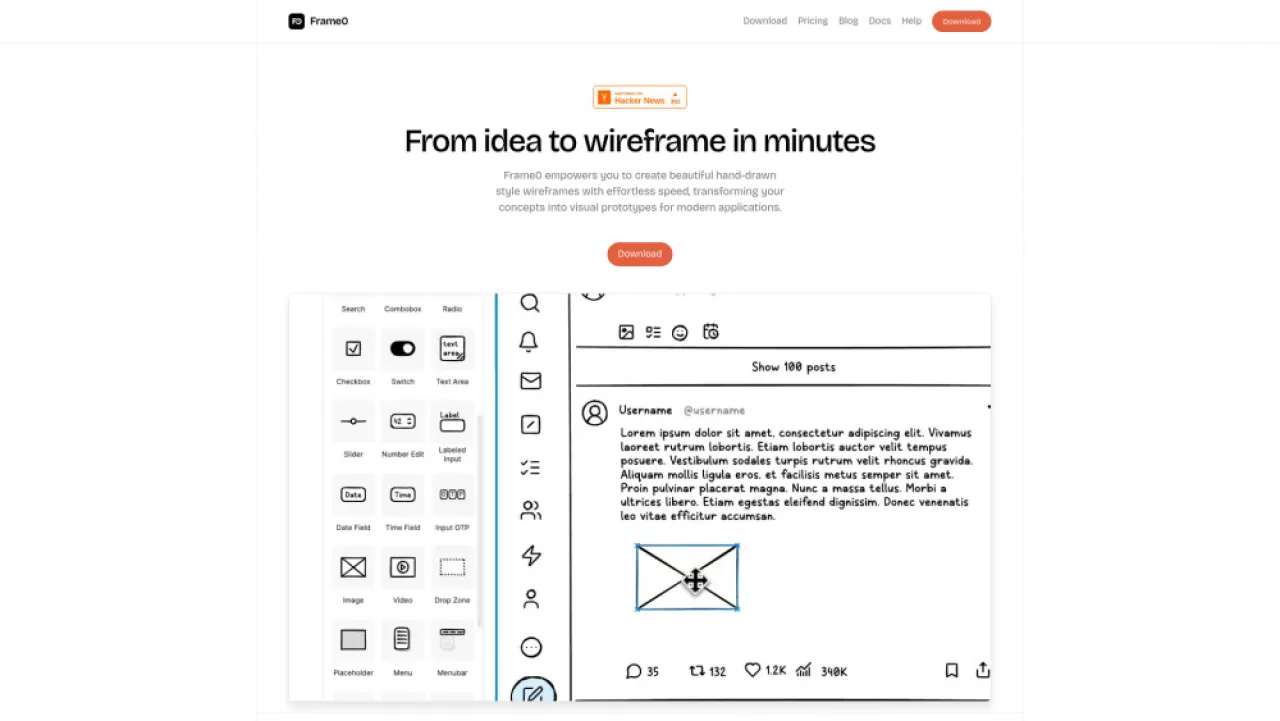
Frame0
Aplicativo de esboço com inteligência artificial para wireframes e protótipos rápidos, ideal para designers
- Wireframes estilo desenhado à mão: ideação rápida
- Protótipos interativos: fluxos de usuário perfeitos
- Componentes de UI ricos: elementos de design reutilizáveis
Análise de IA
Por que usar esta IA Frame0 para Projeto Micro-Interações?
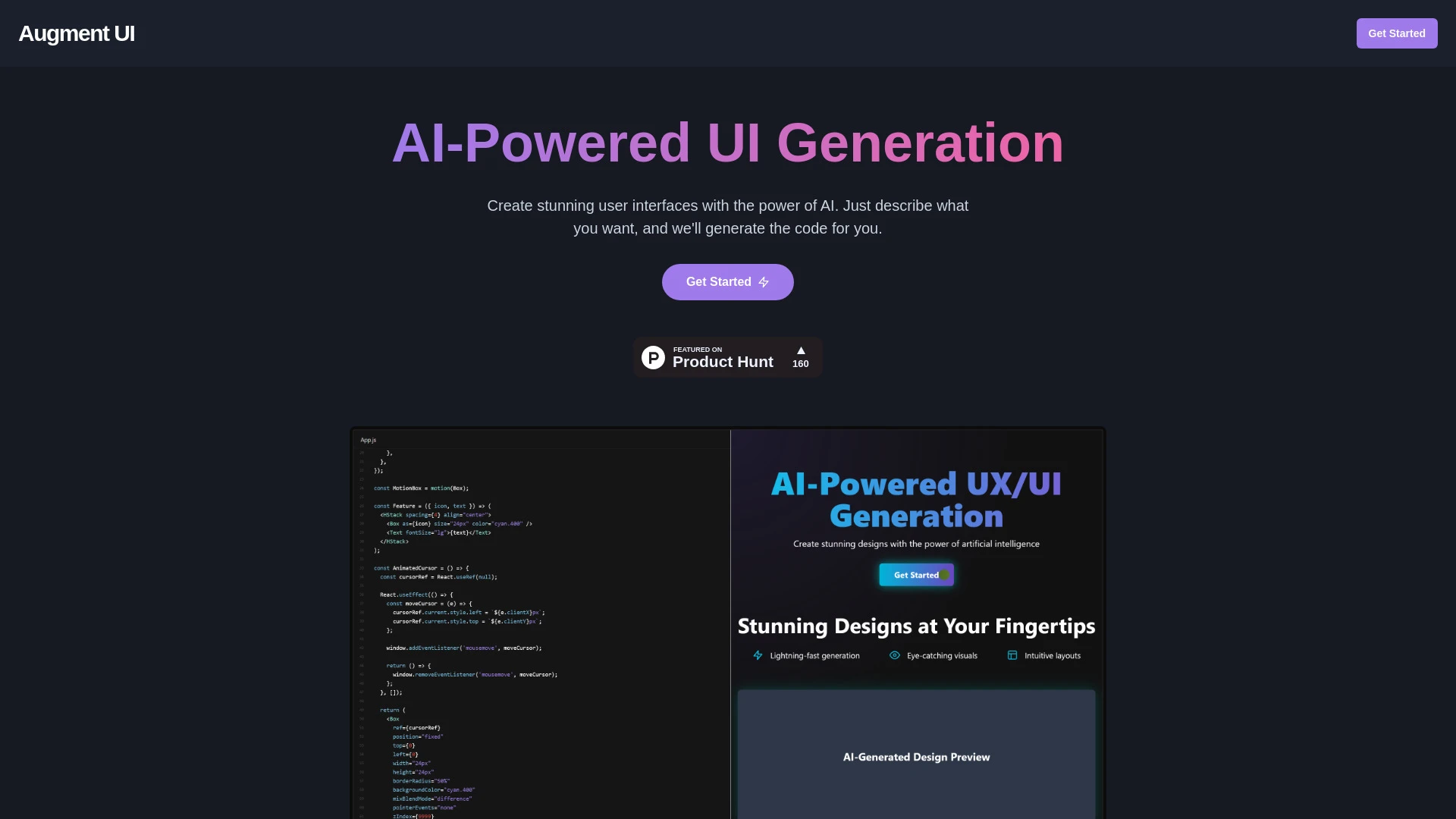
Augment UI
Augment UI é uma plataforma de IA projetada para prototipagem rápida de design de frontend, permitindo que os usuários criem e compartilhem interfaces...
- Geração de código UI impulsionada por IA
- edição direta no navegador
- capacidades de prototipagem rápida
Análise de IA
Por que usar esta IA Augment UI para Projeto Micro-Interações?

Designly AI
Designly AI é um gerador de ideias de design de sites inteligente que simplifica a criação de designs de sites exclusivos.
- Criação de design de website impulsionada por IA
- Modelos de design personalizáveis
- Geração sem esforço de conceitos únicos
Análise de IA
Por que usar esta IA Designly AI para Projeto Micro-Interações?
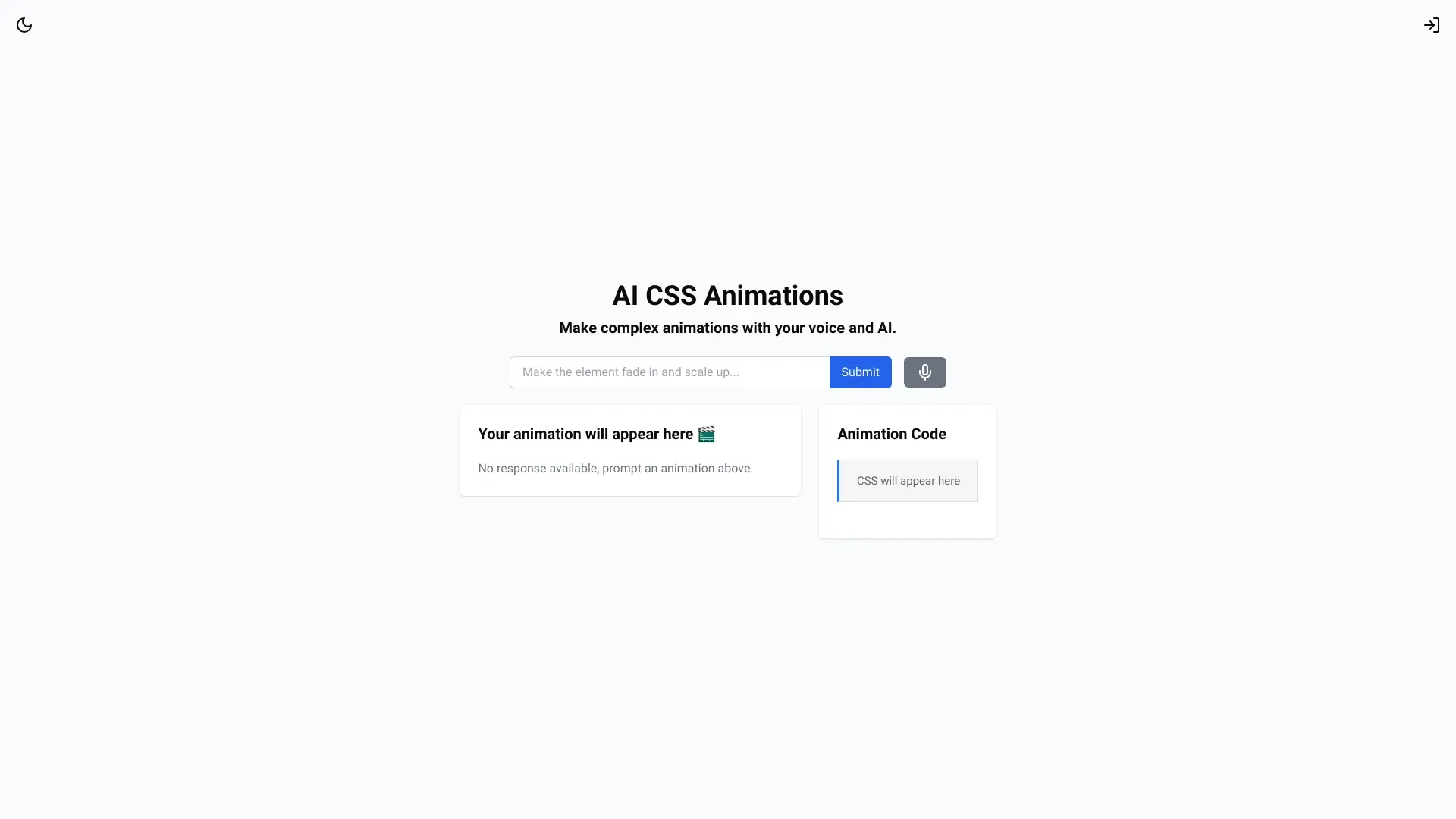
AI CSS Animations capacita usuários a criar animações CSS cativantes com facilidade usando inteligência artificial
- Animações geradas por IA
- Visualização em tempo real
- Interface amigável
Análise de IA
Por que usar esta IA AI CSS Animations para Projeto Micro-Interações?
Fluxos de Trabalho Práticos
Não compre apenas ferramentas—construa um sistema. Aqui estão 3 maneiras comprovadas de integrar IA no seu projeto micro-interações processo.
Workflow 1: Create a first polished hover micro-interaction for a button (Beginner)
- Import your button design into the AI tool and set target states (idle, hover, active) with labeled layers.
- Use AI-assisted timing presets to generate a smooth 120ms hover transition and easing curve that feels tactile.
- Preview in a responsive canvas, tweak color transitions for accessibility, and export as ready-to-implement code or animation specs.
Workflow 2: Optimize daily micro-interaction library for forms (Regular user)
- Create a library of micro-interactions for input fields (focus, error, success) with consistent duration and easing across components.
- Leverage AI to batch-test variations (durations 80–180ms, different easing) and collect UX signals like perceived latency.
- Tag and document the best-performing variants, auto-sync them to your design system tokens for reuse.
Workflow 3: Automate end-to-end micro-interactions across a prototype (Power user)
- Model user flows with embedded micro-interactions (buttons, menus, modals) in the design tool.
- Configure AI-driven animation pipelines to generate state machines and motion paths from the flow diagram.
- Validate accessibility and performance, then generate an output package (CSS/JS, Lottie, or After Effects) for handoff.
Prompts Eficazes Projeto Micro-Interações
Copie e personalize estes prompts comprovados para obter melhores resultados com suas ferramentas de IA
Iniciante
Você é um assistente de IA de microinterações de design. Dado um botão de login em tema escuro, crie um estado de hover que cresce suavemente em 6px, com um ease-out de 120ms e uma mudança de cor sutil de #1e1e1e para #2a2a2a. Output CSS classes e uma breve explicação do movimentoAvançado
Role: Arquiteto de Movimentaçao. Contexto: Projetar um sistema de microinteraçao para a parte inferior de navegaçao de um app móvel. Restriçoes: manter orçamento total de movimento abaixo de 500ms por tela, garantir consistência com tokens existentes, fornecer código em CSS, SVG e formatos de token de movimento JSON. Saída: um objeto JSON com nomes de estados, durações, easing e exportações de amostra CSS/JS.Análise
Avaliar três interações de hover propostas para um cartão: (A) escala, (B) sombra de elevação, (C) mudança de cor. Comparar com base na percepção de responsividade, acessibilidade e impacto de desempenho. Entregar um resumo classificado e ajustes recomendados com justificativa.
O que é IA de Micro-Interações de Design
Design Micro-Interações IA abrange recursos assistidos por IA que ajudam a criar animações sutis e intencionais em interfaces de usuário. Ela visa momentos de movimento minúsculos que melhoram o feedback, a orientação e o desempenho percebido. Esta IA é para designers e equipes que constroem sistemas de movimento consistentes e escaláveis em produtos.
Benefícios de IA para Microinterações de Design
- Iteração mais rápida: gere várias opções de movimento em minutos.
- Consistência: sincronização de tempo, easing e durações entre componentes.
- Acessibilidade: verificações automatizadas de contraste, sensibilidade ao movimento e preferências de movimento reduzido.
- Colaboração: tokens do design system sincronizam automaticamente com o desenvolvimento.
- Ativos prontos para exportação: trechos de código ou arquivos de movimento prontos para implementação.
Como Escolher Ferramentas de IA para Microinterações de Design
- Integração com sua pilha de design: plugins Figma/Sketch ou ferramentas de motion independentes.
- Variabilidade de presets e personalização: encontre um equilíbrio entre padrões prontos e motion sob medida.
- Formatos de exportação: CSS/JS, Lottie ou compatibilidade com After Effects.
- Orientação de desempenho e acessibilidade: verificações e orçamentos embutidos.
- Colaboração em equipe: sincronização baseada em token com seu sistema de design.
Melhores Práticas para Implementar Microinterações de Design IA
- Defina primeiro uma linguagem de movimento estabelecendo durações base (por exemplo 120ms) e curvas de easing para consistência.
- Teste com usuários reais e considere preferências por movimento reduzido; forneça opções acessíveis.
- Documente tokens e especificações de movimento no sistema de design para desenvolvedores.
- Itere usando dados: compare conversões conclusão de tarefas e perceptível responsividade.
- Mantenha um ciclo de reforço: atualize regularmente microinterações conforme o produto evolui.
IA para Projeto Micro-Interações: Principais Estatísticas
Em 2026, 68% das equipes de produtos de porte médio usam ferramentas alimentadas por IA para projetar microinterações semanalmente
Tempo médio para produzir o primeiro microinteração polida reduzido em 42% ao usar ferramentas de movimento assistidas por IA
78% de micro-interações com IA passam em verificações de acessibilidade fora da caixa em grandes sistemas de design.
Lottie e exports CSS/JS de Design Micro-Interactions IA reduzem o tempo de passagem para o desenvolvedor em 35%
Adoção global de ferramentas de IA Design Micro-Interactions cresceu 55% ano a ano até 2025–2026
Equipes com maior UX velocity percebida após integrar tokens de movimento impulsionados por IA no sistema de design subiram para 61%
Perguntas Frequentes
Obtenha respostas para as perguntas mais comuns sobre o uso de ferramentas de IA para projeto micro-interações .
Design Micro-Interações IA refere-se a ferramentas e recursos alimentados por IA que ajudam designers a criar pequenas animações e transições com propósito—como estados de hover de botões, feedback de formulário e microanimações—propondo timing, easing e caminhos de movimento, e às vezes gerando automaticamente código ou ativos. Ajuda equipes a entregar interações consistentes e polidas em escala.
Comece escolhendo uma ferramenta de design com recursos de IA motion integrados, defina um conjunto pequeno de microinterações-alvo (por exemplo, passar o mouse, foco, erro), importe componentes do seu sistema de design, e use presets de IA para gerar animações iniciais. Itere com visualizações em tempo real, teste para acessibilidade e exporte especificações para desenvolvimento.
Modelos oferecem inicialização rápida com consistência, enquanto movimento gerado por IA pode ajustar tempo e trajetórias ao comportamento do usuário do seu produto. Para a maioria das equipes, uma abordagem híbrida—modelos mais refinamentos guiados por IA—produz iterações mais rápidas com sensação sob medida.
Problemas comuns incluem tokens incompatíveis entre design e desenvolvimento, exportações específicas de plataforma ausentes ou movimento excessivamente complexo não alinhado com orçamentos de desempenho. Verifique o mapeamento de tokens, assegure que o alvo de exportação corresponda à sua stack de tecnologia (CSS, SVG, Lottie ou JS) e simplifique curvas de easing para permanecer dentro das restrições de desempenho.
Categorias de ferramenta de IA relacionadas
Explorar outras categorias de ferramentas de IA semelhantes a Projeto Micro-Interações isso pode te interessar
Gerador de Ilustrações com IA
The AI Illustration Generator creates visuals from text prompts, transforming ideas into images using neural networks. A...
Gerador de GIFs de IA
AI GIF Generators leverage machine learning algorithms to create animated GIFs from images, videos, or text. They automa...
Designer de Sites de IA
AI Website Designers leverage machine learning and algorithms to automate web development, enabling users to create webs...
Gerador de Diagrama de IA
The AI Diagram Generator leverages algorithms to create visual representations from textual data or complex concepts. By...
Gerador de Design de IA
The AI Design Generator leverages advanced algorithms to automate and optimize design processes. By analyzing vast datas...
Construtor de Sites de IA
AI Website Builders leverage artificial intelligence to automate website creation, design, and optimization. By utilizin...