Recommended AI Tools
5We've analyzed the market. These tools offer specific features for design prototype flows.
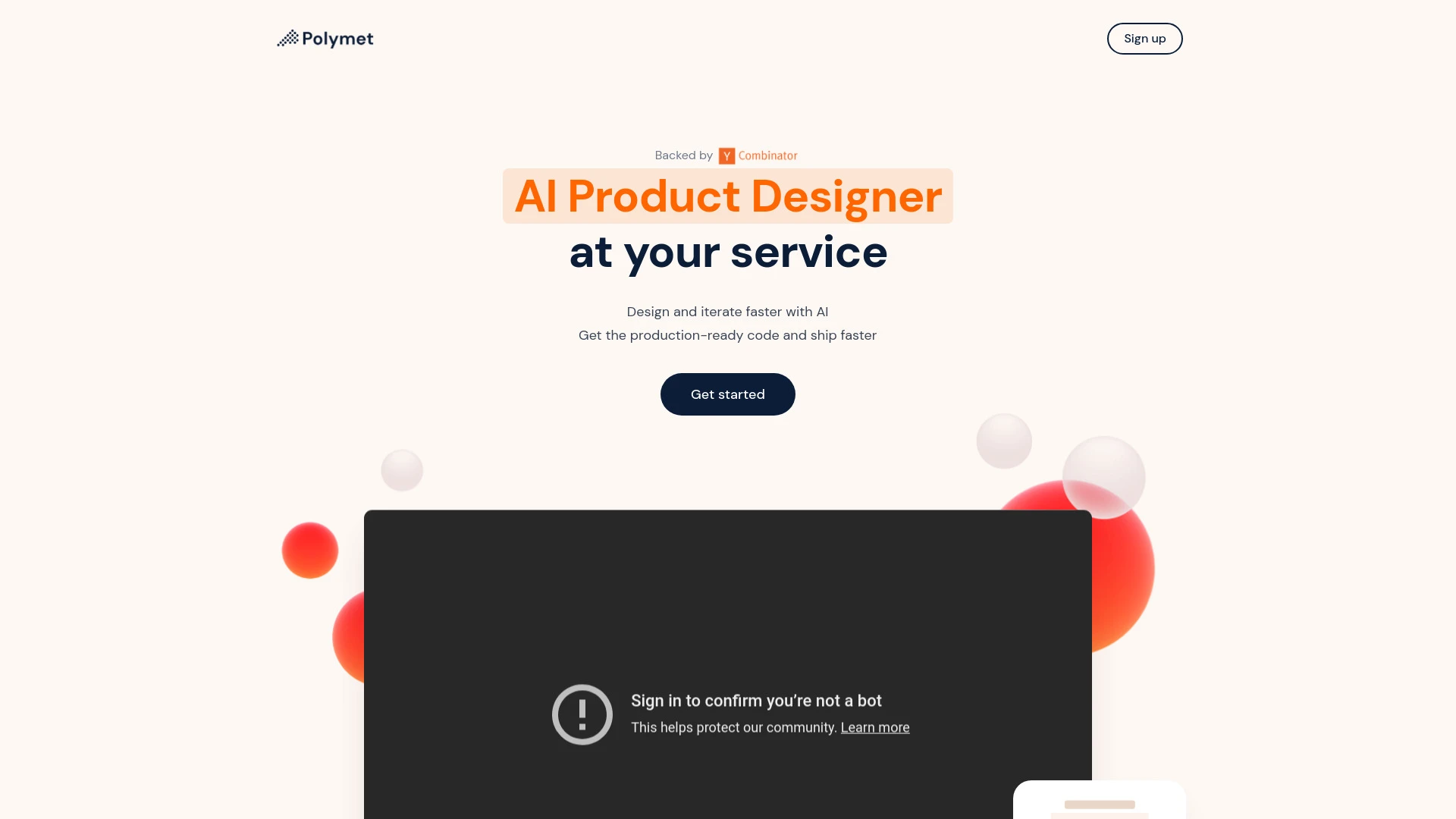
Polymet
Polymet is an AI tool designed for rapid product design and prototyping, offering seamless integration and production-ready code to accelerate develop...
- AI-driven design automation
- Production-ready code generation
- Figma integration
AI Analysis
Why use this AI Polymet for Design Prototype Flows?
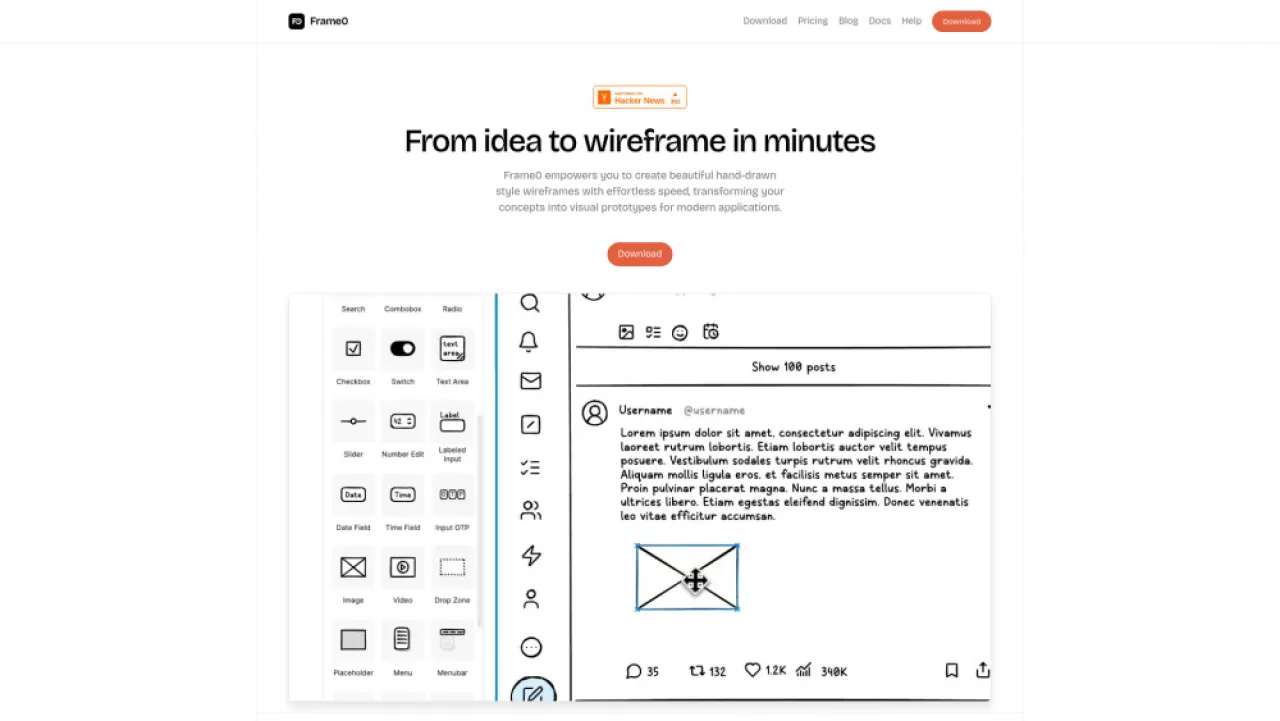
Frame0
AI-powered sketch app for quick wireframes and prototypes, ideal for designers.
- Hand-drawn style wireframes: quick ideation
- Interactive prototypes: seamless user flows
- Rich UI components: reusable design elements
AI Analysis
Why use this AI Frame0 for Design Prototype Flows?

Designly AI
Designly AI is an intelligent web design idea generator that streamlines the creation of unique website designs.
- AI-driven website design creation
- Customizable design templates
- Effortless generation of unique concepts
AI Analysis
Why use this AI Designly AI for Design Prototype Flows?
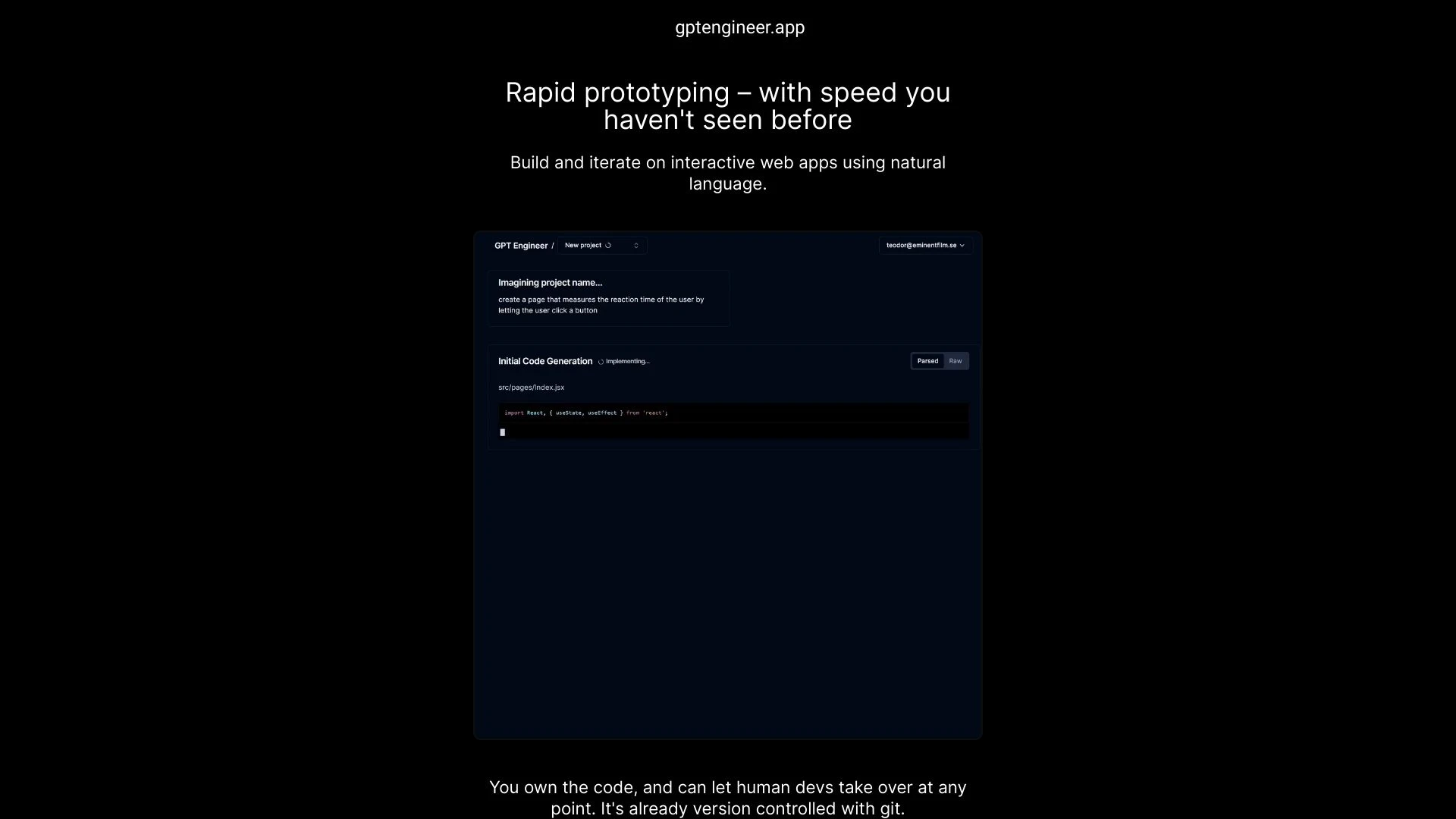
gptengineer.app
Rapidly prototype web applications using plain English with gptengineer.app.
- Natural language web app creation
- Git version control
- Human developer involvement option
AI Analysis
Why use this AI gptengineer.app for Design Prototype Flows?
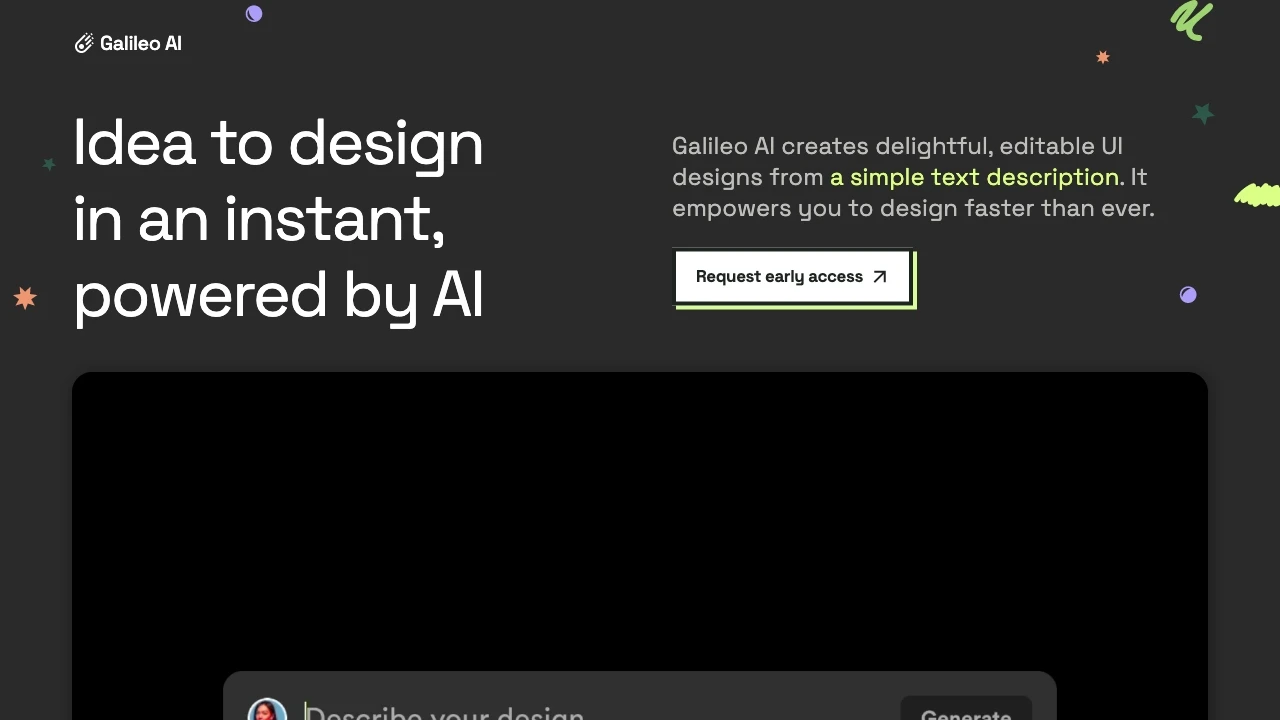
Galileo AI
Galileo AI is an AI-driven tool that swiftly generates UI designs based on text prompts, helping designers enhance productivity and streamline their w...
- Instant design generation from text
- Seamless Figma integration
- Extensive learning from top UI designs
AI Analysis
Why use this AI Galileo AI for Design Prototype Flows?
Practical Workflows
Don't just buy tools—build a system. Here are 3 proven ways to integrate AI into your design prototype flows process.
Workflow 1: Create a First Design Prototype Flow from Wireframes
- Import registered wireframes and annotate interaction hotspots using the AI design assistant.
- Auto-generate a basic interaction map (click, hover, transitions) and export a working prototype flow in the preferred format (Figma/React/HTML).
- Validate transitions with AI-driven heuristic checks and produce a prototype export with a shareable link for stakeholder review.
Workflow 2: Optimize Daily Design Prototype Flows for Consistency
- Run a design system check to align components, spacing, and typography across the current prototype flow.
- Auto-suggest micro-interactions and motion presets tailored to your product's UX goals.
- Generate a weekly report highlighting bottlenecks, version differences, and suggested improvements for the design team.
Workflow 3: Automate Full Design Prototype Flows for Advanced Teams
- Create a reusable design-flow template with pre-defined states, transitions, and validation rules.
- Connect data sources (user journeys, personas, and edge cases) to auto-populate scenarios within the prototype.
- Execute end-to-end automation to produce stakeholder-ready prototypes with change logs and version control.
Effective Prompts for Design Prototype Flows
Copy and customize these proven prompts to get better results from your AI tools.
Beginner: Create a simple Design Prototype Flow map
You are an AI assistant helping a beginner map a Design Prototype Flow. Given a set of wireframes for a mobile onboarding screen sequence, produce a Flow Diagram with states (Onboard_Start, Email_Verified, Create_Profile, Onboard_Complete) and transitions (tap_next, swipe_left). Include recommended design tokens and export format as JSON ready for Figma import.Advanced: Role-based Design Prototype Flows optimization
You are a Design Prototype Flows Expert. Role: UX Lead. Context: SaaS onboarding for multiple plans. Constraints: maintain accessibility, ensure consistency with the design system, optimize for a 2-second interaction target, deliver in a reusable template format. Output: a structured YAML with states, transitions, validations, and suggested micro-interactions.Analysis: Evaluate/compare Design Prototype Flows outputs
You are a QA AI for Design Prototype Flows. Input: two prototype flow exports from different AI tools. Compare based on: completeness of state coverage, accuracy of transitions, alignment with design tokens, and export readiness. Provide a concise scorecard and actionable optimization steps.
What is Design Prototype Flows AI?
Design Prototype Flows AI blends artificial intelligence with interactive design prototyping to map user journeys, define states, and automate transitions. It’s ideal for design teams seeking faster iteration cycles, consistent interactions, and scalable prototypes across products. This approach suits designers, product managers, and developers who collaborate on complex flows.
Benefits of AI for Design Prototype Flows
- Faster iteration: auto-generate flow maps from wireframes and user stories.
- Consistency: enforce design system rules across all prototype steps.
- Scalability: reuse flow templates for multiple features and products.
- Collaboration: AI-generated documentation and export formats simplify reviews.
- Quality insights: AI-based validation flags usability gaps and edge cases.
How to Choose Design Prototype Flows AI Tools
- Integration: ensure compatibility with your design tools (Figma, XD, Sketch) and project management systems.
- Template library: look for reusable flow templates tailored to your domain.
- Automation depth: assess whether AI handles only mapping or end-to-end prototype generation.
- Collaboration features: check commenting, versioning, and stakeholder sharing capabilities.
- Security & governance: ensure data protection and design token management.
Best Practices for Implementing Design Prototype Flows AI
- Define clear goals and success metrics before enabling AI features.
- Start with a pilot project to calibrate AI suggestions against your design system.
- Document flow decisions and rationale generated by AI for future reference.
- Involve designers, PMs, and developers early to align expectations.
- Continuously monitor accessibility, performance, and usability within automated flows.
AI for Design Prototype Flows: Key Statistics
In 2026, 68% of design teams use AI-assisted Design Prototype Flows tools at least weekly.
Prototype iteration cycles shorten by an average of 42% when using AI-driven flow automation.
70% of AI-augmented flows report improved stakeholder approval rate on first pitches.
Design system consistency improves by 33% with AI-enforced tokens and constraints in flows.
Time to generate a complete prototype flow decreases from days to hours with AI templates.
Small-to-mid teams adopting Design Prototype Flows AI see a 28% reduction in design-review cycles.
Frequently Asked Questions
Get answers to the most common questions about using AI tools for design prototype flows .
Design Prototype Flows AI refers to AI-enabled tools and features that map user journeys, interactions, and transitions within design prototypes. It helps teams rapidly generate, validate, and iterate prototype flows, ensuring coherence across screens and states for better UX decisions.
Begin by identifying your prototype goals, connect your design files, then use AI-assisted flow mapping to define states and transitions. Leverage templates for common flows, perform automated validations, and export shareable prototypes for team feedback.
For many teams, an all-in-one suite with integrated Design Prototype Flows AI features offers smoother collaboration and version control. However, specialized AI tools can provide deeper flow validation or advanced analytics. Compare based on workflow needs, integration with your design stack, and team scale.
Common issues include misconfigured goals, insufficient data for AI models, and missing design system constraints. Ensure clear objectives, provide representative design data, and define guardrails like design tokens, interaction guidelines, and accessibility rules to improve outcomes.
Related AI Tool Categories
Explore other AI tool categories similar to Design Prototype Flows that might interest you.
AI Website Designer
AI Website Designers leverage machine learning and algorithms to automate web development, enabling users to create webs...
AI Logo Generator
AI Logo Generators utilize machine learning algorithms to create unique logos based on user input and design trends. The...
AI Productivity Tools
AI productivity tools enhance efficiency by automating repetitive tasks, analyzing data, and facilitating decision-makin...
AI Diagram Generator
The AI Diagram Generator leverages algorithms to create visual representations from textual data or complex concepts. By...
AI App Builder
The 'AI App Builder' streamlines app development using AI tools, automating coding, design, and testing. Examples includ...
AI Graphic Design
AI graphic design leverages algorithms to assist in creating visuals, automating tasks like layout generation and color...