Recommended AI Tools
5We've analyzed the market. These tools offer specific features for automate bug reporting.
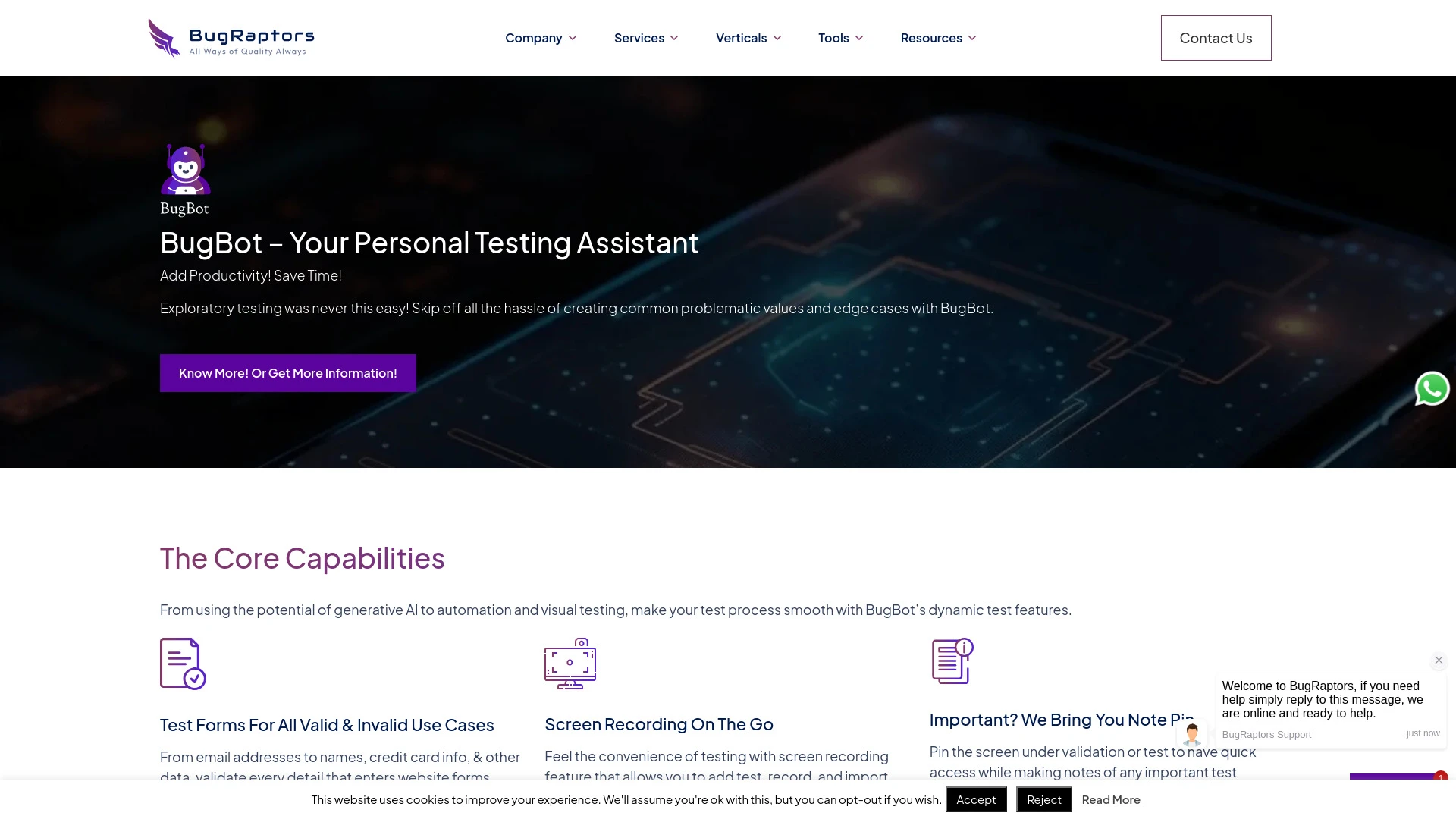
BugBot is an AI-driven automation testing tool designed to efficiently identify and report software issues.
- Automated issue detection and reporting
- Support for functional and regression testing
- Integration with development environments
AI Analysis
Why use this AI BugBot - An AI-based Intelligent Automation Testing Tool for Automate Bug Reporting?
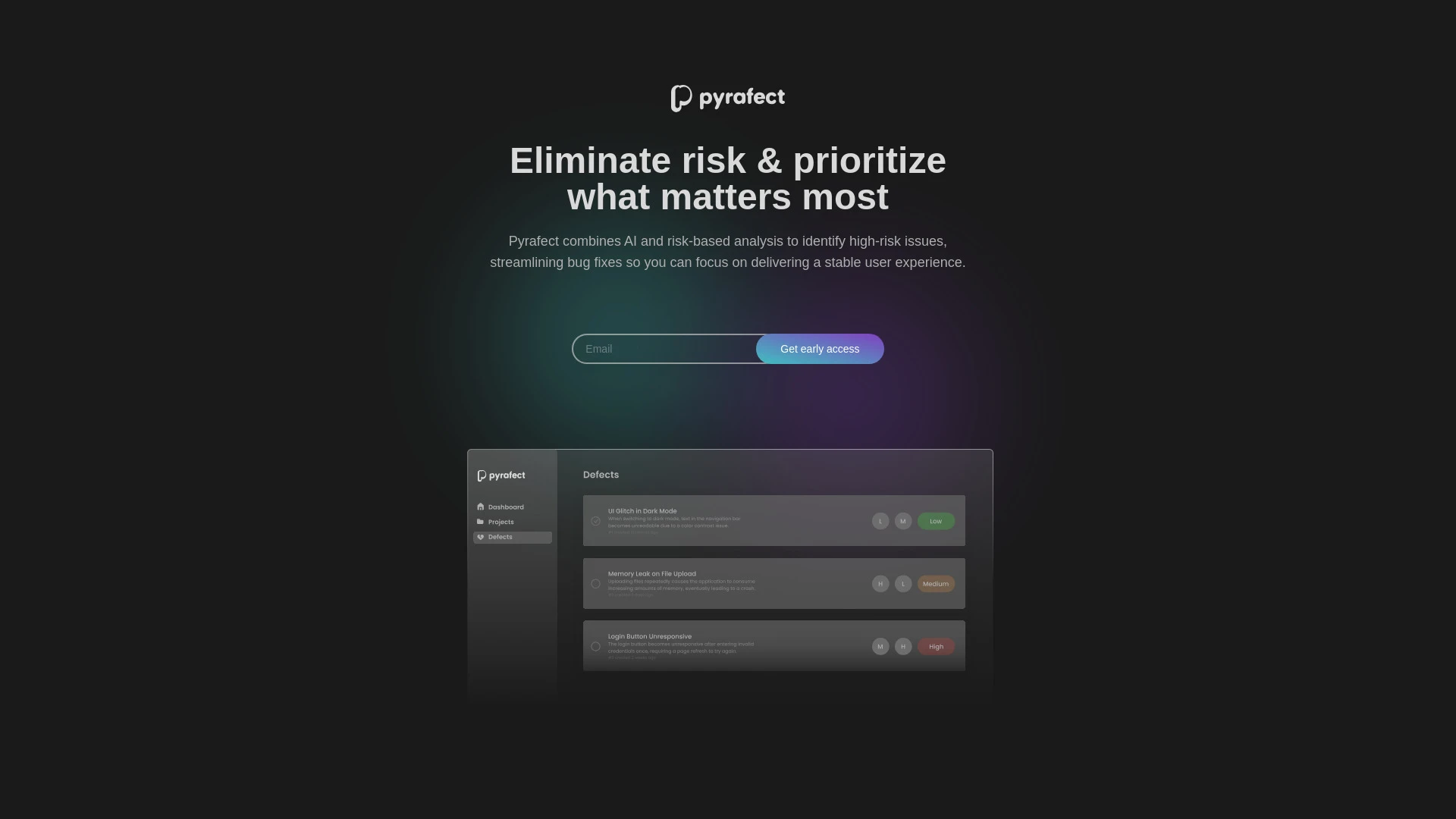
Pyrafect
Pyrafect leverages AI for risk-based bug fixing, aimed at improving software stability and user experience.
- AI risk analysis for identifying critical bugs
- automated resolution of high-risk issues
- enhanced user experience through systematic bug fixing
AI Analysis
Why use this AI Pyrafect for Automate Bug Reporting?
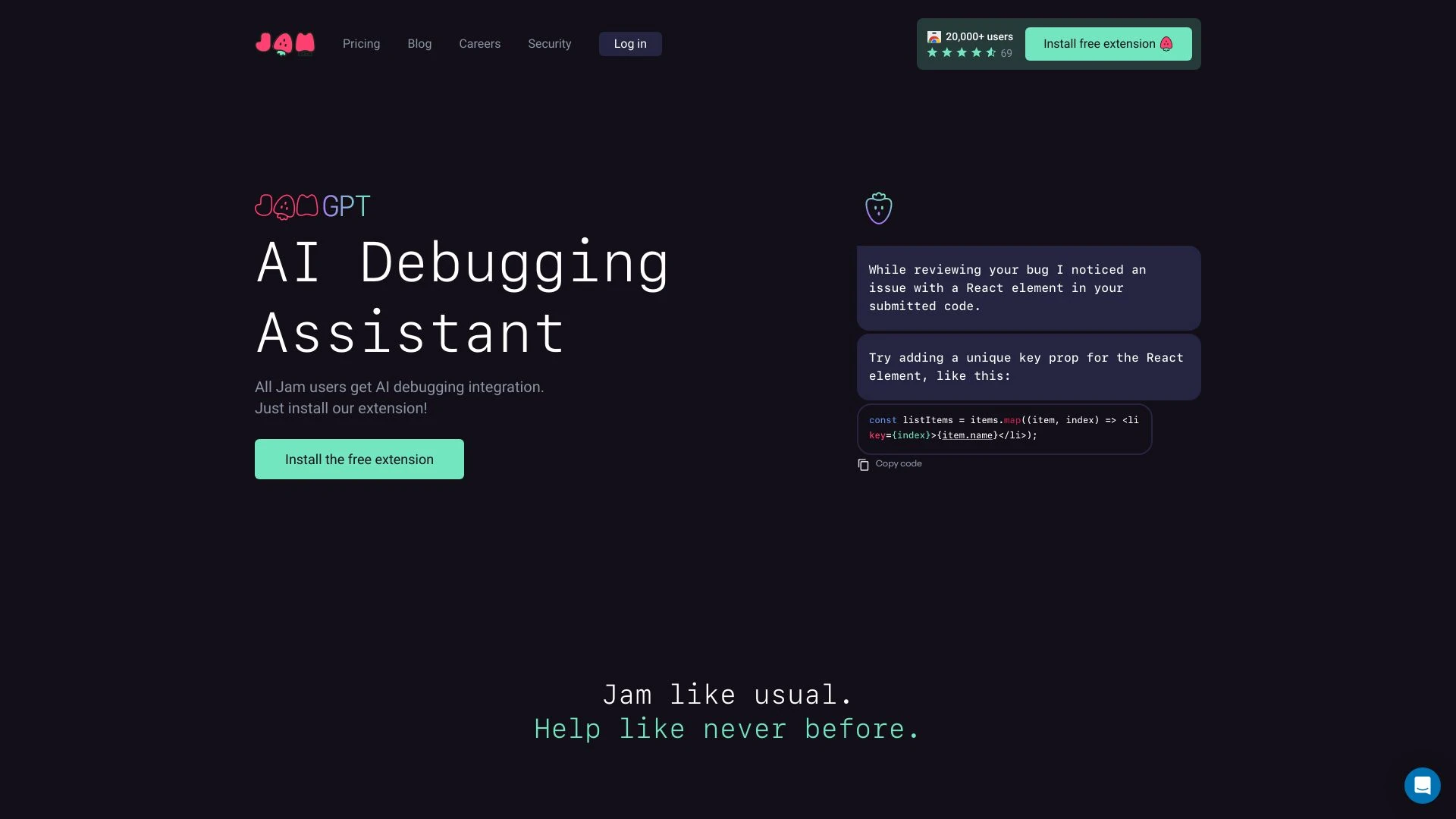
Jam
Jam is an intuitive bug reporting tool designed to simplify the process of reporting software bugs by automating report creation from screenshots or r...
- Automated bug report generation
- Integration with leading issue trackers
- Easy sharing of bug reports
AI Analysis
Why use this AI Jam for Automate Bug Reporting?
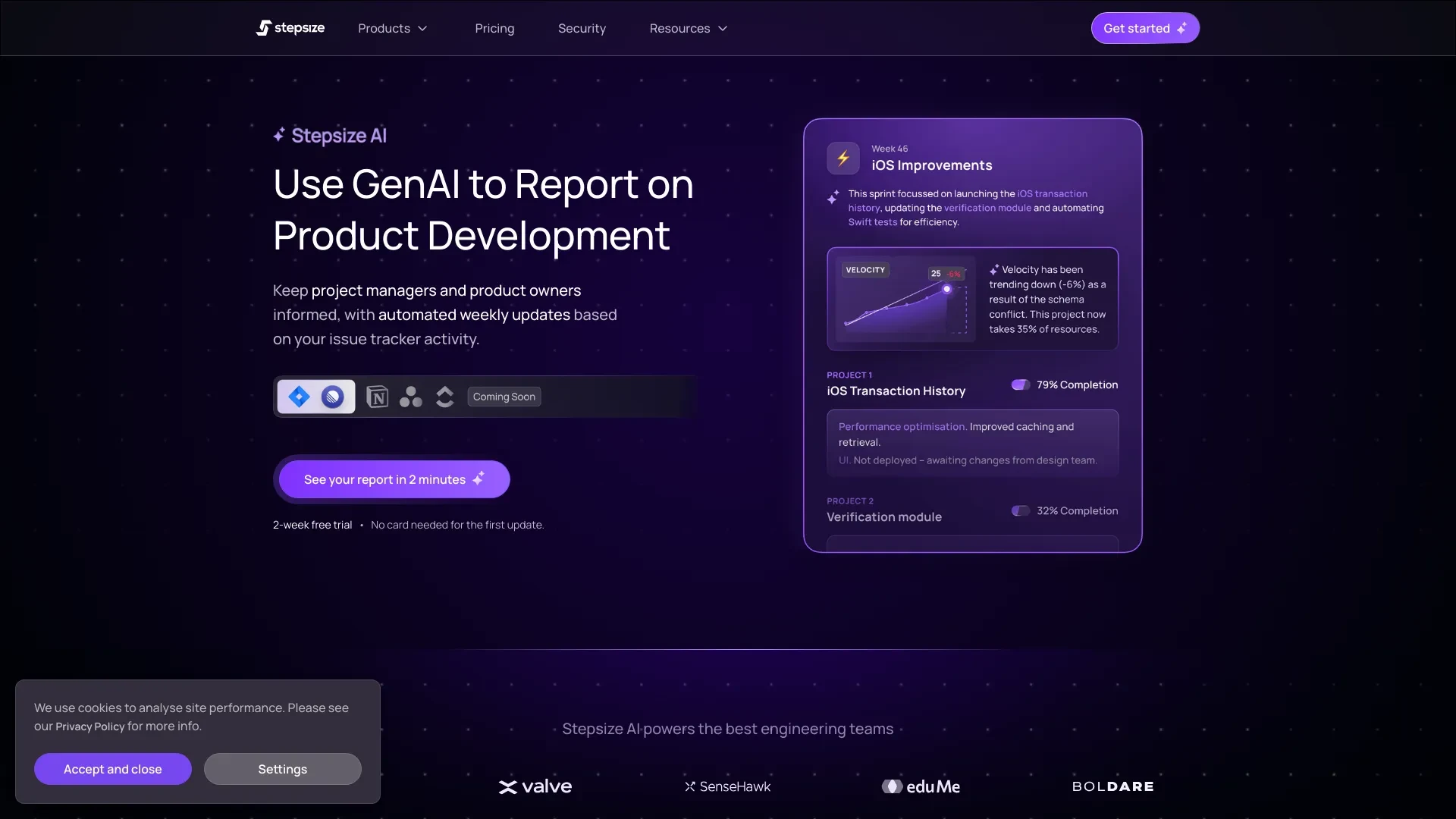
Stepsize AI
Stepsize AI automates report generation for product development using data from Jira boards or Linear teams.
- Automated reporting
- Actionable metrics and charts
- Accurate AI-generated commentary
AI Analysis
Why use this AI Stepsize AI for Automate Bug Reporting?
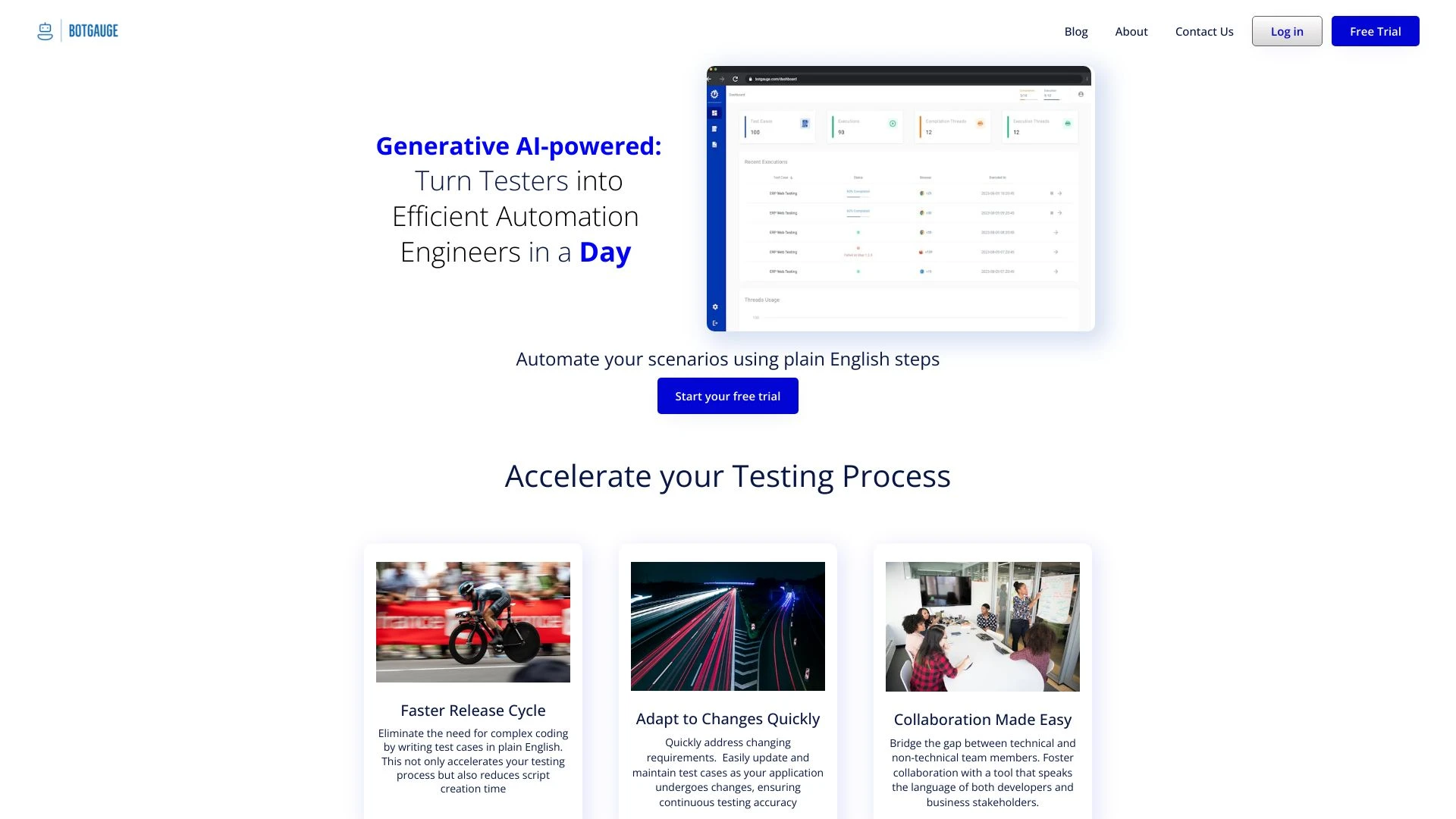
BotGauge
BotGauge is an AI-driven low-code platform designed to streamline automation engineering processes, enhancing testing efficiency and collaboration.
- Low-code automation
- Rapid task execution
- User-friendly scenario setup
AI Analysis
Why use this AI BotGauge for Automate Bug Reporting?
Practical Workflows
Don't just buy tools—build a system. Here are 3 proven ways to integrate AI into your automate bug reporting process.
Workflow 1: Set up a beginner-friendly automated bug report creation from user feedback
- Integrate a bug-reporting widget on your app to capture user symptoms, environment, and reproduction steps.
- Configure an AI assistant to parse submissions and auto-fill a structured bug ticket with priority hints.
- Create a reusable template for common defect classes (UI, performance, security) and route to the right triage queue.
- Validate the first batch of reports by a tester to confirm fields map correctly to your bug-tracking system.
Workflow 2: Streamline daily bug reporting to optimize workload and SLAs
- Ingest automatic logs and error traces from your production environment into the bug system.
- Set AI rules to classify issues by severity, reproducibility, and user impact.
- Auto-assign to developers with suggested reproduction steps and affected components.
- Generate daily summary dashboards highlighting open bugs, aging tickets, and bottlenecks.
Workflow 3: Full automation for bug reporting from code repos to release readiness
- Hook CI/CD events to trigger automatic bug report creation when test failures occur.
- AI analyzes failures, attaches relevant stack traces, test IDs, and environment data to each ticket.
- Auto-close non-reproducible or duplicate reports with confidence notes and reference IDs.
- Publish weekly audit of automation accuracy, including false positives and improvement actions.
Effective Prompts for Automate Bug Reporting
Copy and customize these proven prompts to get better results from your AI tools.
Beginner
You are an AI assistant that converts user bug reports into a well-structured bug ticket. Given user text: 'App crashes when opening settings on Android 12', output a ticket with: title, environment, steps to reproduce, expected result, actual result, severity, components, and attachments.Advanced
Role: BugAutomationBot. Context: Team uses Jira and GitHub Actions. Constraints: auto-detect environment (OS, app version), attach logs, create reproduction steps, and assign to the right owner. Output: JSON with fields: summary, description, steps, environment, severity, labels, assignee, and links to related PRs.Analysis
Compare the quality of two automatically generated bug reports for the same issue. Evaluate clarity of reproduction steps, completeness of environment data, and suggested actions. Return a score (1-10) and a brief justification with improvement recommendations.
What Automate Bug Reporting AI Is and Who It Fits
Automate Bug Reporting AI uses machine learning to capture and structure bug data from user reports, logs, and CI events. It’s ideal for product teams, QA, and development pipelines that want faster issue intake, consistent ticket formats, and smarter routing to the right experts.
Benefits of AI-Powered Automate Bug Reporting
- Faster issue capture from multiple sources (apps, logs, user feedback).
- Consistent bug tickets with structured fields for reproducibility.
- Smarter triage and automatic assignment based on severity, component, and history.
- Improved SLA adherence and release velocity through automation dashboards.
How to Choose Automate Bug Reporting AI Tools
- Integration: Ensure compatibility with your bug tracker and CI/CD tools.
- Accuracy: Look for models trained on bug-relevant data and strong NLP for reproduction steps.
- Control: Clear rules for escalation, assignment, and data privacy.
- Cost and Scaling: Evaluate pricing for user volume and data retention practicality.
Best Practices for Implementing Automate Bug Reporting AI
- Define structured input fields for all bug tickets to improve AI parsing.
- Start with a pilot project and iterate on classification rules.
- Maintain human-in-the-loop for edge cases and model monitoring.
- Regularly audit automation metrics and user feedback to refine workflows.
AI for Automate Bug Reporting: Key Statistics
Global adoption of Automate Bug Reporting AI rose from 18% in 2023 to 64% in 2026 among mid-to-large teams.
Median time-to-first-ticket after a bug event dropped by 42% when using Automate Bug Reporting AI in production pipelines.
72% of organizations report improved bug triage accuracy after implementing AI-assisted reporting.
Average reduction in mean time to resolve (MTTR) for critical bugs exceeded 28% in teams using automated reporting.
79% of teams using Automate Bug Reporting AI saw higher release velocity with fewer reopens.
Free or trial Automate Bug Reporting AI options increased initial adoption by 33% among beginner users.
Frequently Asked Questions
Get answers to the most common questions about using AI tools for automate bug reporting .
Automate Bug Reporting AI refers to AI-powered systems that automatically capture, classify, triage, and route bug reports from applications, logs, user feedback, and CI/CD pipelines, accelerating issue resolution and improving software quality.
Start by integrating a bug-reporting interface or log collector, choose an AI tool with natural language understanding for tickets, connect it to your bug-tracking system, define escalation rules, and run a pilot with a small set of project issues.
Integrated tools within your existing bug-tracking and CI/CD ecosystems typically deliver faster ROI, reduced context-switching, and better data consistency than separate standalone systems.
Common causes include misconfigured classification rules, insufficient data for model training, missing environment details in reports, and poor integration with your issue tracker. Tuning data inputs and workflows usually fixes it.
Related AI Tool Categories
Explore other AI tool categories similar to Automate Bug Reporting that might interest you.
AI Developer Tools
AI Developer Tools empower developers to create intelligent applications by providing libraries, APIs, and frameworks. F...
AI Productivity Tools
AI productivity tools enhance efficiency by automating repetitive tasks, analyzing data, and facilitating decision-makin...
AI Trading Bot Assistant
The AI Trading Bot Assistant harnesses artificial intelligence to analyze market data, execute trades, and optimize port...
AI Project Management
AI Project Management leverages AI tools to enhance efficiency and decision-making in managing projects. AI can analyze...
AI Monitor and Report Builder
The AI Monitor and Report Builder leverages artificial intelligence to automate data analysis and generate insights. By...
AI Team Collaboration
AI Team Collaboration enhances teamwork by automating tasks, analyzing data, and facilitating communication. Tools like...